

Capture the central argument
Identify the article thesis, major claims, and conclusion that should guide the presentation.
Turn article content into a focused, editable presentation
Drag & drop your file here or
Transform an article into a deck that preserves its central argument, evidence, and practical takeaways.
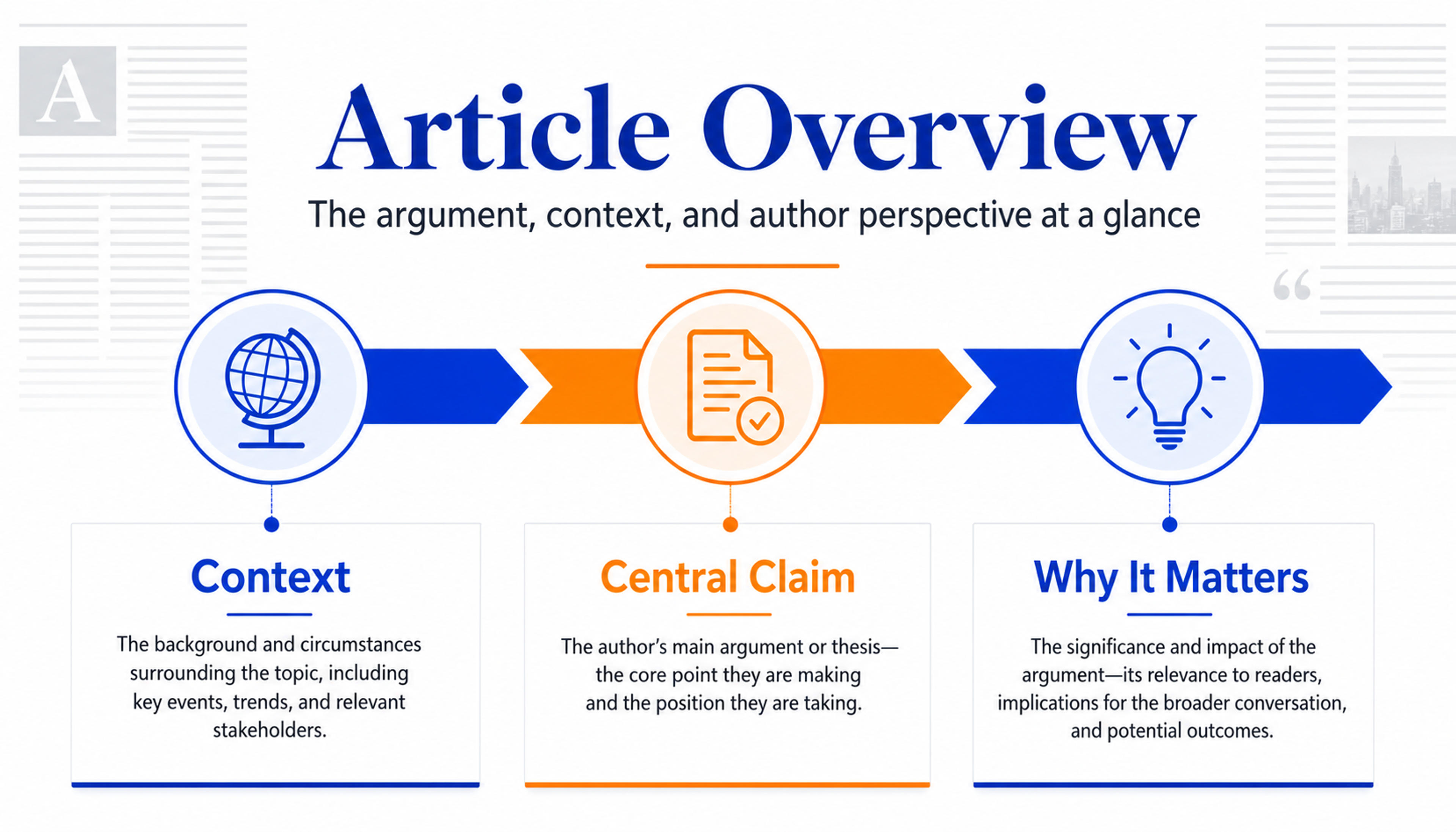
Introduce the topic, author perspective, and central argument before the audience sees the supporting detail.
Build slides around the article thesis, strongest evidence, useful examples, and implications instead of copying paragraphs into a deck.
Identify the article thesis, major claims, and conclusion that should guide the presentation.
Place statistics, cases, quotations, and supporting details where they strengthen each slide message.
Create a briefing, classroom discussion, research review, content recap, or thought-leadership deck.
Start with the complete article text or document so SlidesPilot can understand its argument, sections, and evidence.

Set the audience, slide count, tone, and desired outcome for a briefing, lesson, review, or discussion.

Prioritize the thesis, strongest supporting points, data, examples, quotations, and implications.

SlidesPilot turns the source into a clear opening, focused argument flow, evidence slides, and memorable takeaways.

Adjust wording, attribution, visuals, structure, and emphasis, then export an editable PowerPoint or continue in Google Slides.

SlidesPilot preserves the article's strongest thinking while giving it a structure designed for speaking and visual communication.

The central argument becomes the anchor for the entire presentation.

Article headings and idea groups become a logical deck structure.

Statistics, examples, quotations, and cases support the claims that matter most.

The same source can become an executive briefing, lesson, research review, or discussion deck.

Author, publication, dates, and attribution can stay connected to the presentation.

Refine every message, image, and layout before exporting the final deck.
Use article documents, pasted article text, research articles, news analysis, long-form essays, reports, and thought-leadership content.
SlidesPilot identifies the thesis, major claims, evidence, examples, and implications, then rebuilds them as a presentation narrative.
Yes. Direct AI toward specific claims, data, examples, quotations, or sections before generating the deck.
Yes. Set a learner audience and add discussion questions, concept explanations, examples, and a recap.
Yes. Include the author, publication, date, links, quotations, and other useful source context.
Yes. Customize the generated slides and export an editable PPTX or continue in Google Slides.
Choose the best workflow for article documents, live web pages, research papers, PDFs, Word files, or raw text.
Turn articles, reports, and other web pages into clear, editable PowerPoint presentations.
Paste a content-rich link and turn the online source into a clear, editable PowerPoint presentation.
Turn a research paper into a clear, editable PowerPoint covering the question, methods, results, limitations, and citations.
Turn reports, papers, and documents into clear, structured, editable PowerPoint presentations with AI.
Turn Word documents into clear, structured, editable PowerPoint presentations with AI.
Turn notes, paragraphs, and ideas into a clear, editable PowerPoint presentation.
Transform your work into a presentation, instantly. ⭐ #1 AI PowerPoint Generator | Trusted by 3 million users worldwide