

Create a defense-ready structure
Move from the research gap and question through methods, findings, limitations, contribution, and conclusion in a sequence the committee can follow.
Turn a thesis or dissertation into a focused, editable defense presentation built around your research contribution.
Drag & drop your thesis or dissertation here or
Turn a long thesis into slides that explain the question, argument, evidence, and contribution.
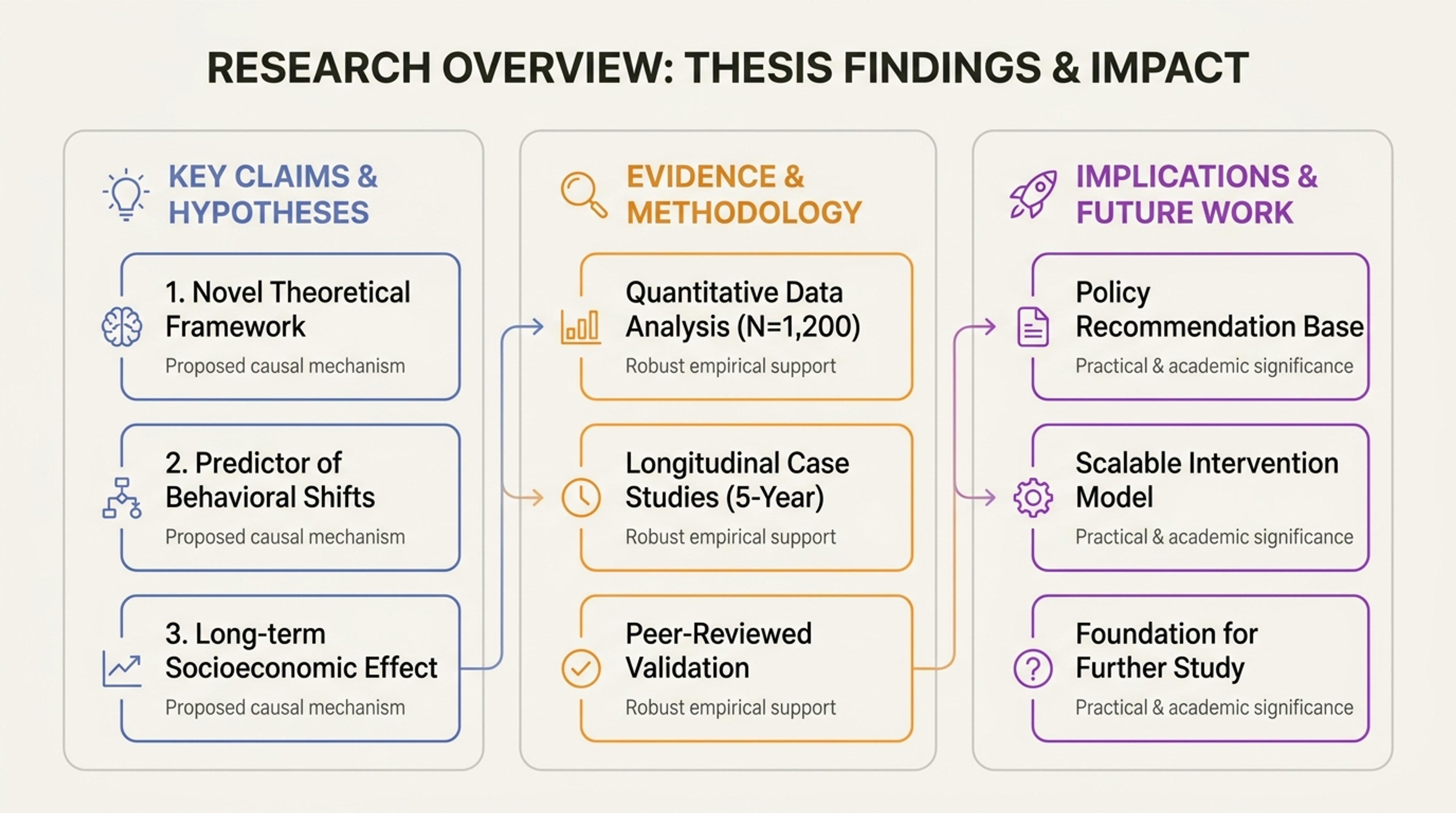
Summarize the thesis structure so the committee can follow the argument before the details.
Condense a long thesis into a presentation that fits the defense format without losing the research logic.
Move from the research gap and question through methods, findings, limitations, contribution, and conclusion in a sequence the committee can follow.
Set a target slide count and content density, then prioritize the evidence that supports your main contribution instead of summarizing every chapter equally.
Refine the argument, add the figures you want to defend, and download an editable PPTX for rehearsal and final presentation.
Set the speaking time, required sections, committee audience, and defense goal, then upload the thesis or dissertation as a PDF or Word document.

Tell the AI the research gap, central question, method, strongest finding, and original contribution the committee should remember after the defense.

Prioritize the figures, tables, and results needed to defend the contribution. Move secondary analyses, robustness checks, and technical detail into backup slides for questions.

Strengthen the flow from research problem to method, findings, contribution, discussion, and conclusion while giving statistics, formulas, terminology, citations, and key evidence a clear place in the deck.

Download an editable PPTX, rehearse against the real time limit, and use the backup slides to prepare concise answers for likely committee questions.

Create a focused, defense-ready presentation that brings the research question, strongest evidence, contribution, and conclusion to the front.

Organize the presentation around the research problem, methods, evidence, contribution, limitations, and conclusion.

Set the target length and density so the generated draft fits the speaking time you actually have.

Rewrite claims, reorder sections, replace visuals, and adjust detail before exporting the final deck.

Bring important numbers, charts, tables, equations, and technical terms into focused slides that support the research argument.

Keep author names, years, page references, quotations, and bibliography details connected to the ideas they support.

Download the presentation as an editable PowerPoint and continue refining it in your preferred workflow.
Upload the thesis as a PDF or Word document, set the committee audience and target length, generate a defense-focused deck, refine the academic story, and export an editable PPTX.
Most defenses need a clear research gap and question, concise background, methods, core findings, discussion, limitations, contribution, conclusion, and material for questions. Adapt the structure to your department's requirements.
Start with the speaking time and your institution's guidance, then choose a slide count you can explain comfortably. Prioritize the research question, methods, strongest evidence, limitations, and contribution rather than giving every chapter equal space.
Yes. SlidesPilot uses citation information from the thesis and keeps author names, years, page references, quotations, and bibliography details connected to the relevant slides.
Yes. SlidesPilot can organize figures, equations, tables, and technical evidence around the claims they support, and every slide remains fully editable for your preferred academic presentation style.
Yes. Edit the draft in SlidesPilot and download an editable PPTX for further work in PowerPoint.
SlidesPilot keeps generated presentations private by default, giving you control over when and how unpublished research and defense material are shared.
Yes. The AI thesis to PPT converter is free to use after signing up, with no credit card required.
Turn Word documents into clear, structured, editable PowerPoint presentations with AI.
Turn reports, papers, and documents into clear, structured, editable PowerPoint presentations with AI.
Turn notes, paragraphs, and ideas into a clear, editable PowerPoint presentation.
Transform YouTube videos into editable PowerPoint presentations
Paste a content-rich link and turn the online source into a clear, editable PowerPoint presentation.
Paste text, add a YouTube or webpage link, or upload a document to create a beautiful, structured summary connected to the source.
Upload your thesis, focus the argument, and export an editable PowerPoint.