

Capture the page's strongest content
AI identifies the main headings, claims, evidence, examples, and takeaways that deserve a place in the presentation.
Turn articles, reports, and other web pages into clear, editable PowerPoint presentations.
Turn a URL into a deck that captures the page's message, structure, evidence, and recommended follow-up.
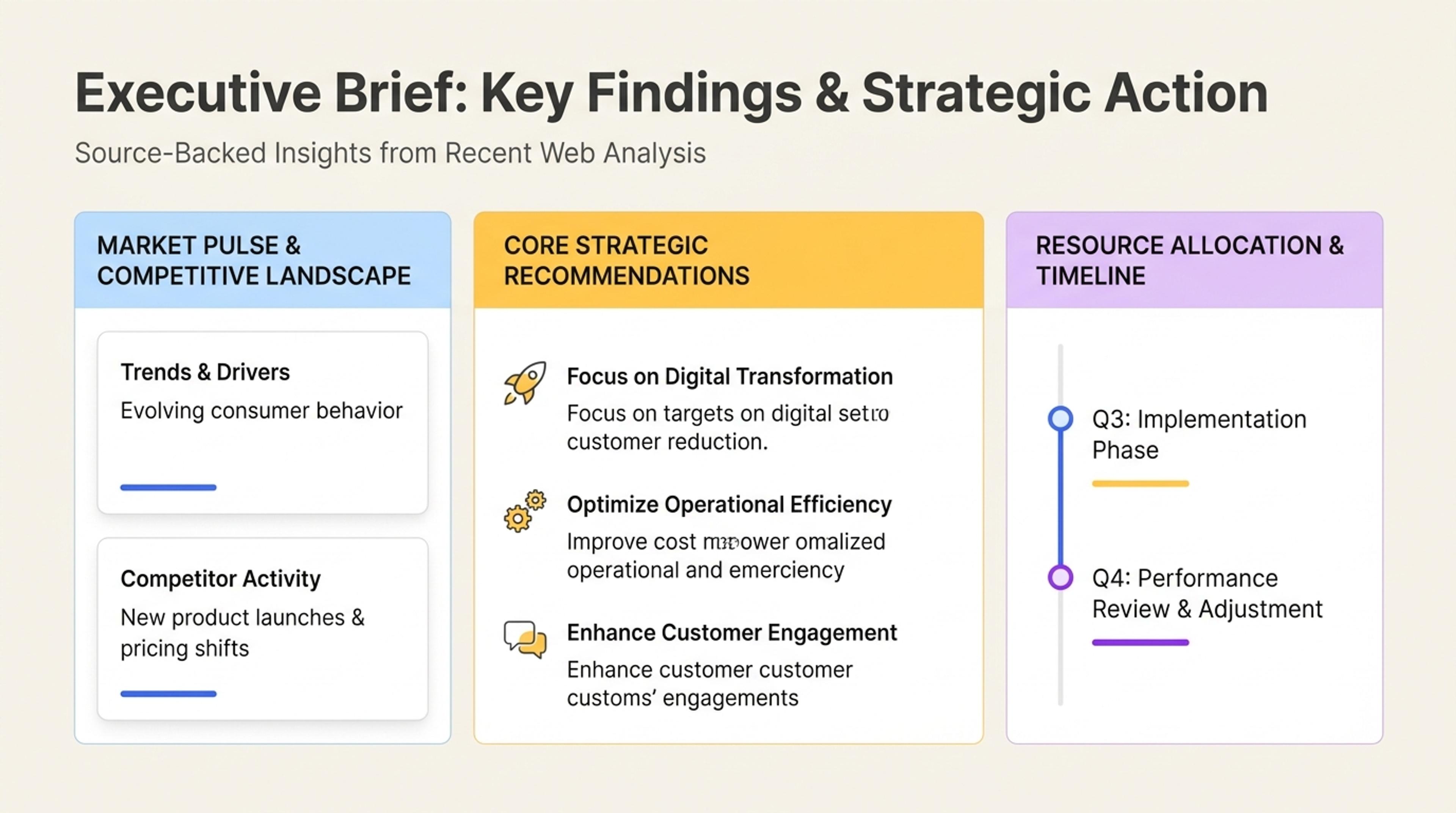
Extract the key claims and sections from a page so people can review the content quickly.
Transform the useful ideas, evidence, and visuals from an article, report, product page, or online resource into an editable slide deck.
AI identifies the main headings, claims, evidence, examples, and takeaways that deserve a place in the presentation.
Turn the same source into an executive briefing, lesson, research review, sales deck, or internal update.
SlidesPilot reorganizes online content into clear slide messages, supporting visuals, and a presentation flow built for sharing.
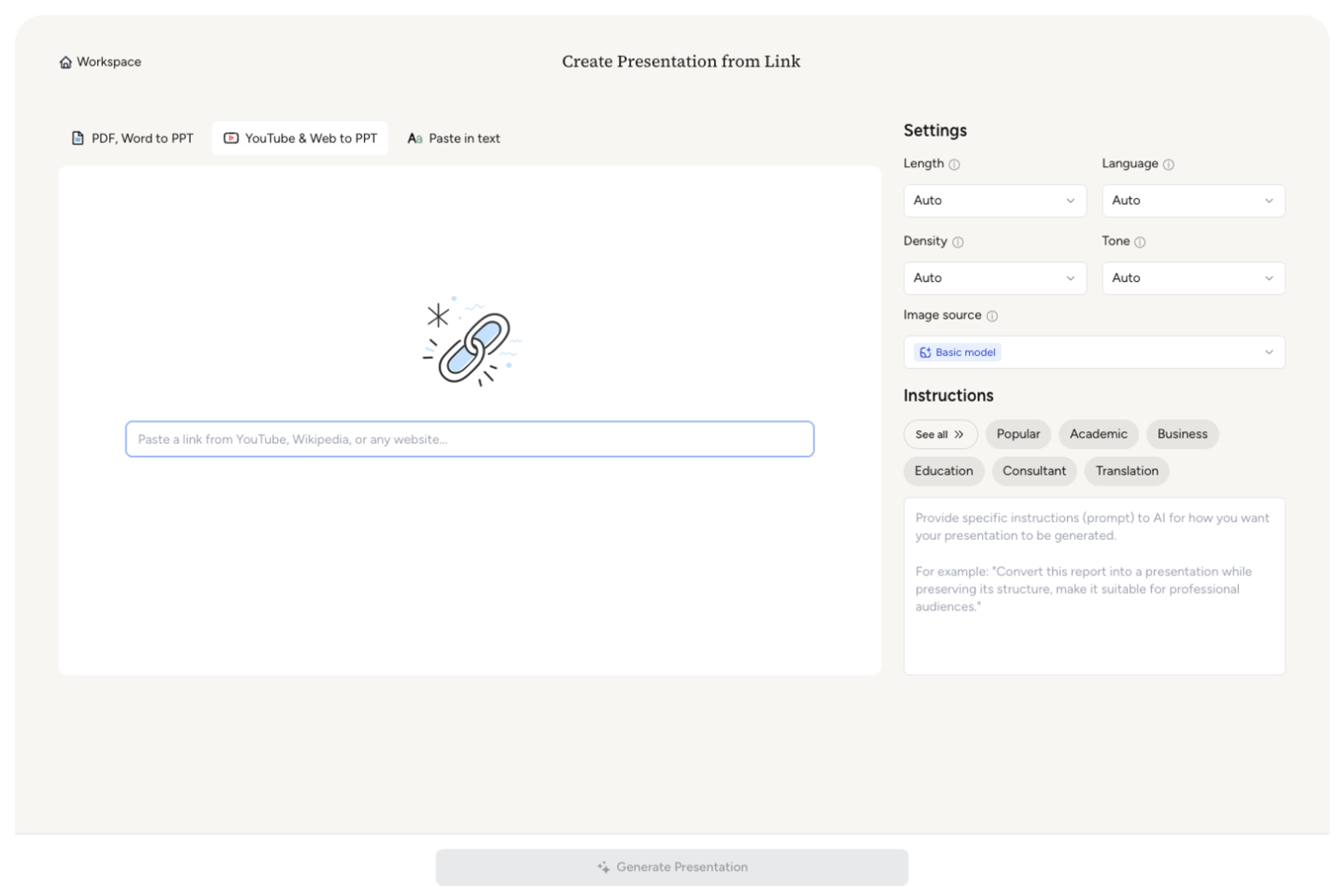
Start with the article, report, documentation page, research page, or product page containing the content you want to present.
Highlight the claims, data, examples, recommendations, or page sections that should shape the deck.
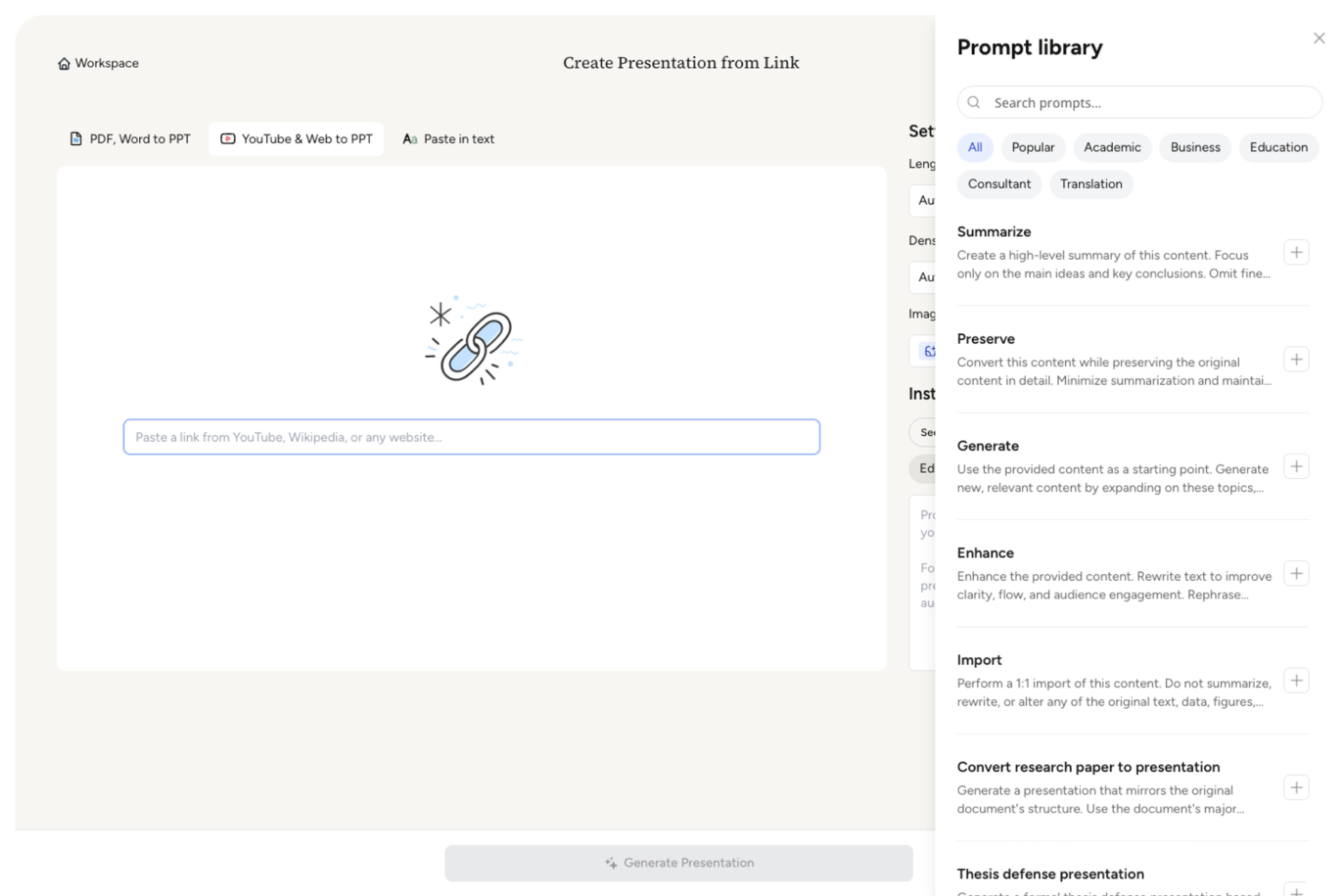
Choose the purpose, slide count, content density, tone, and level of detail for the people who will see the presentation.
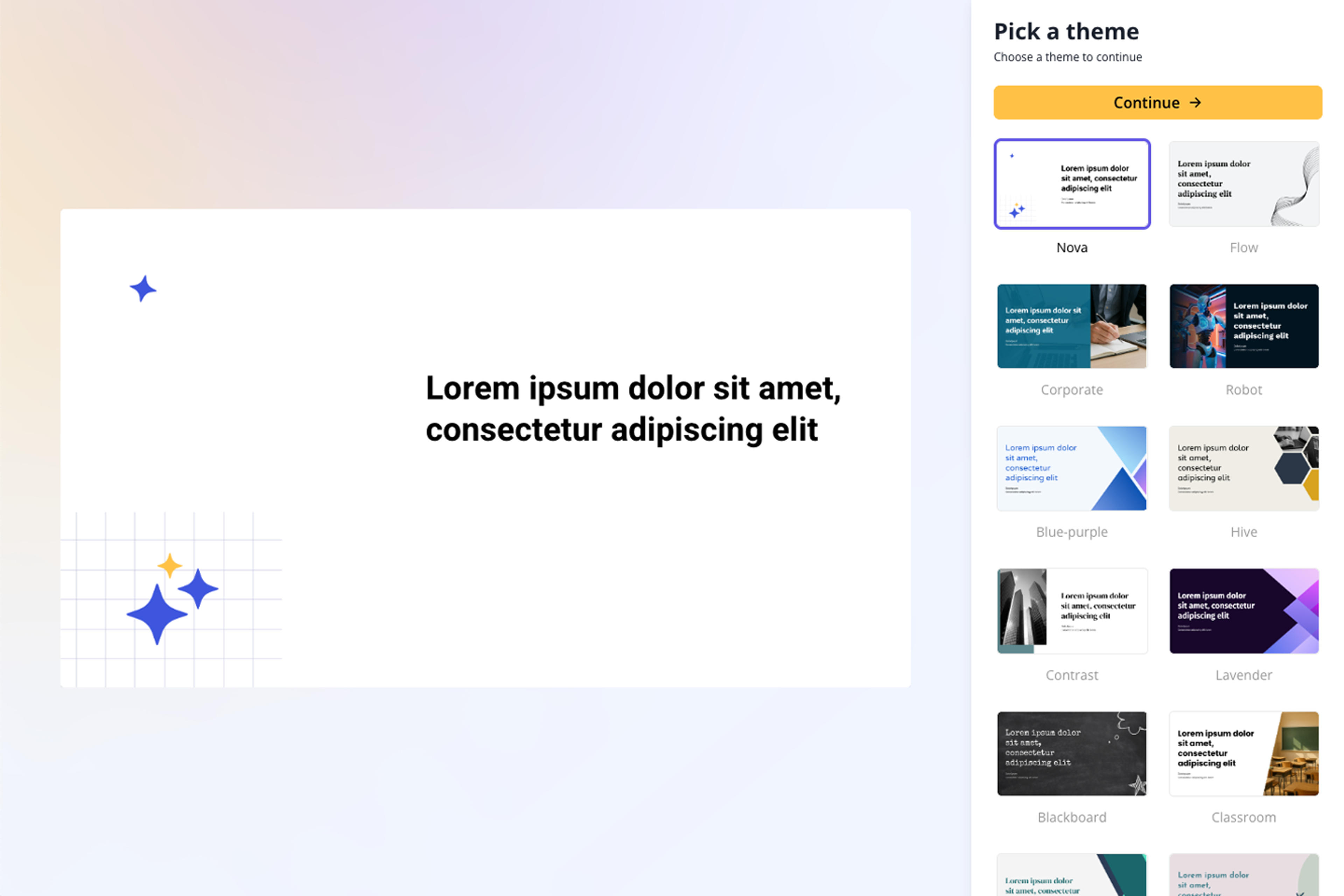
SlidesPilot turns the page hierarchy and strongest ideas into focused slide messages, supporting detail, and a coherent narrative.
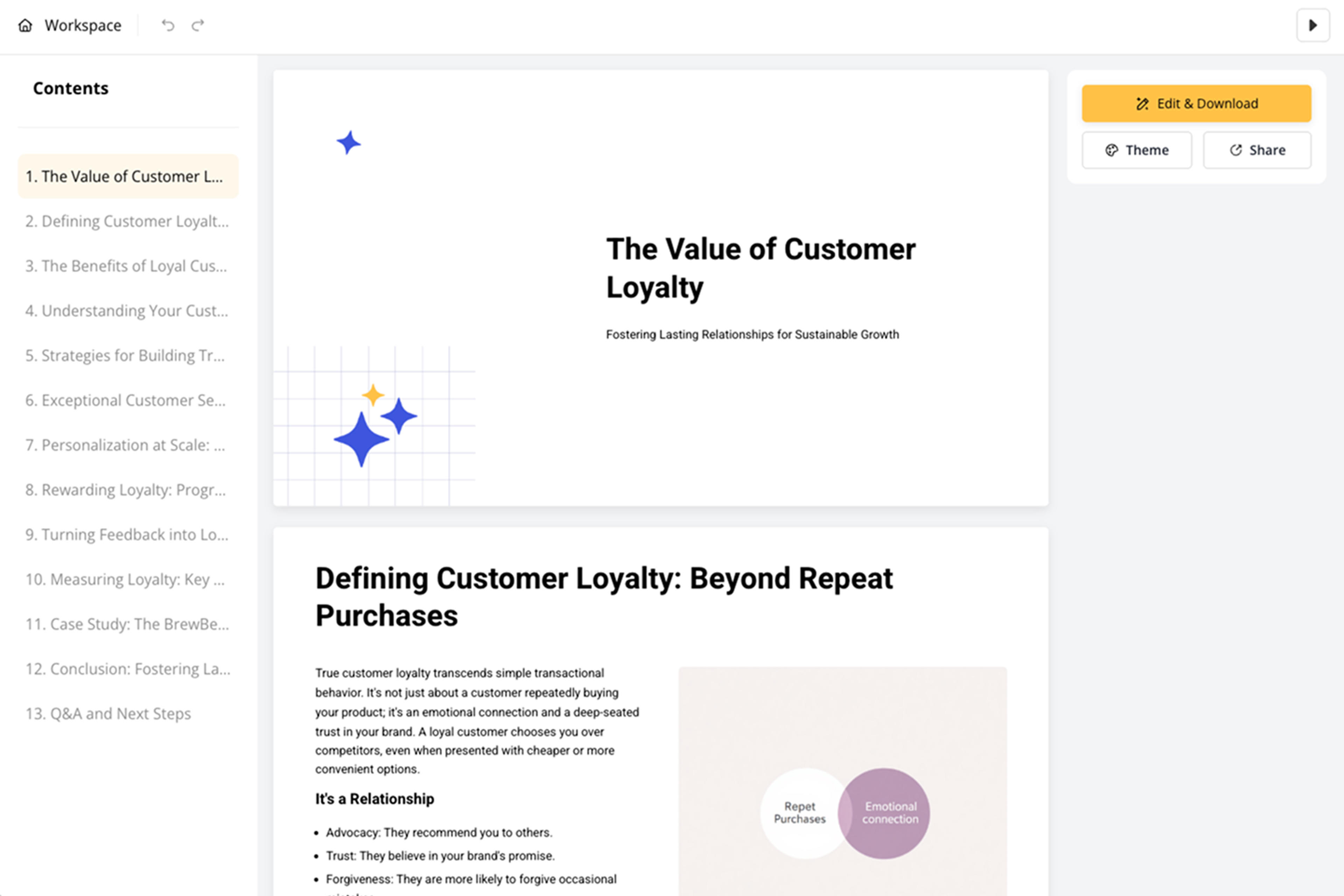
Refine dates, quotations, statistics, links, attribution, layouts, and visuals, then export the editable presentation.
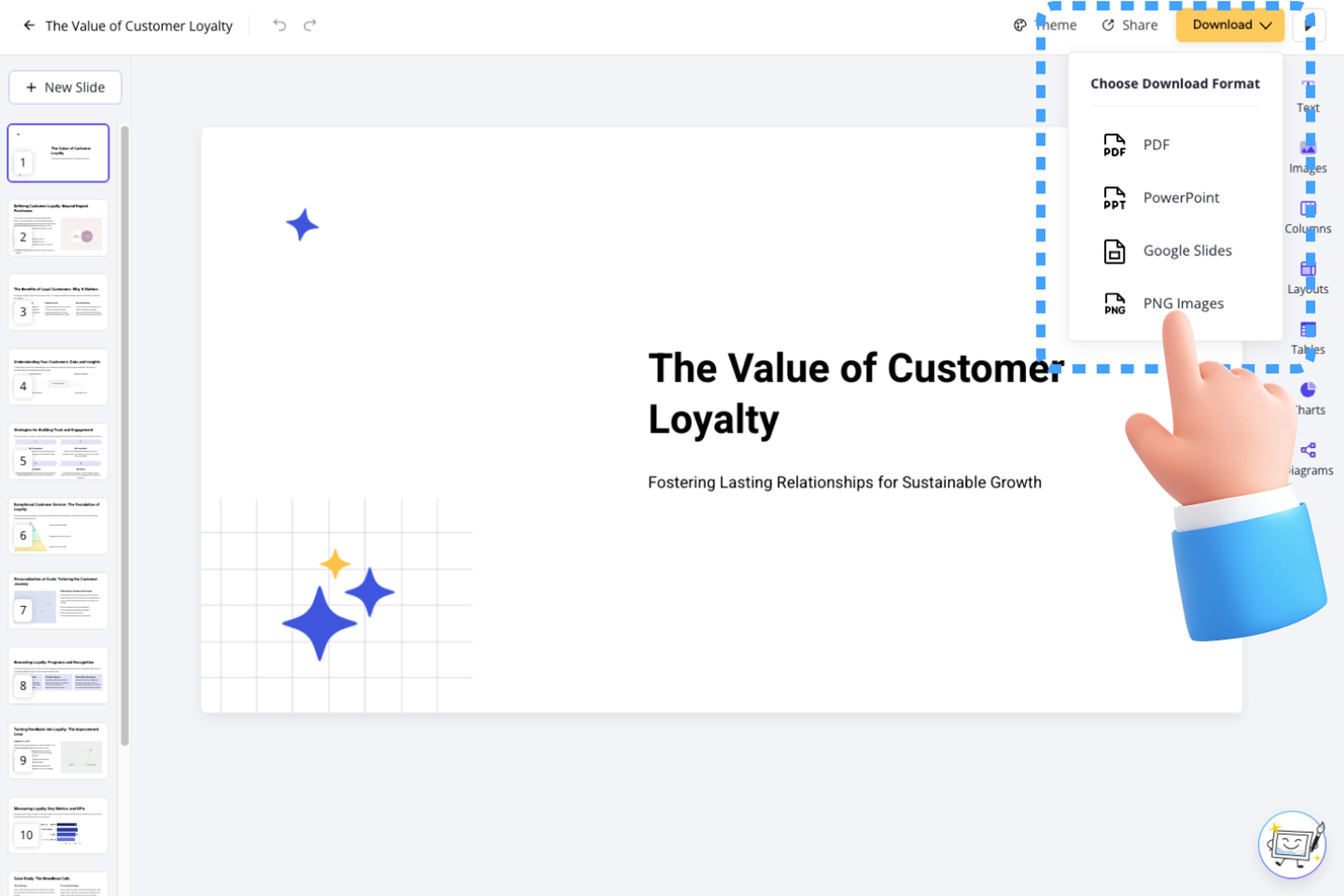
Move directly from a useful online source to a polished presentation without manually copying sections into slides.

AI recognizes the article, report, documentation, research, or product content that carries the page's core message.

The page hierarchy becomes a logical presentation structure with clear sections and slide-level takeaways.

Important facts, examples, quotations, statistics, and recommendations are positioned where they strengthen the story.

The deck emphasizes the information most useful for your briefing, lesson, review, proposal, or update.

Dates, links, attribution, and online references can stay connected to the presentation for confident sharing.

Adjust every message, visual, and layout before exporting to PPTX, Google Slides, PDF, or PNG.
Use articles, reports, documentation, research pages, product pages, press releases, knowledge bases, and other content-rich online sources.
AI follows the page hierarchy, identifies the strongest ideas and evidence, and rebuilds them as a clear presentation narrative.
Yes. Direct SlidesPilot toward specific headings, claims, data, recommendations, examples, or takeaways for the intended audience.
Web Page to PPT focuses on readable HTML page content. Link to PPT is the broader URL-first workflow for different kinds of accessible online sources.
Yes. Bring publication dates, quotations, statistics, links, and attribution into the deck to preserve useful source context.
Yes. Edit the generated slides in SlidesPilot and export an editable PPTX, continue in Google Slides, or download PDF and PNG versions.
Use Web Page to PPT for a specific online page, Link to PPT for a broader URL workflow, or choose a dedicated converter for documents, text, and video.
Paste a content-rich link and turn the online source into a clear, editable PowerPoint presentation.
Turn reports, papers, and documents into clear, structured, editable PowerPoint presentations with AI.
Turn Word documents into clear, structured, editable PowerPoint presentations with AI.
Turn notes, paragraphs, and ideas into a clear, editable PowerPoint presentation.
Transform YouTube videos into editable PowerPoint presentations
Paste text, add a YouTube or webpage link, or upload a document to create a beautiful, structured summary connected to the source.
Transform your work into a presentation, instantly. ⭐ #1 AI PowerPoint Generator | Trusted by 3 million users worldwide