

Find the Episode Story
SlidesPilot identifies the main theme, host framing, guest background, topic sequence, and strongest takeaways. The deck feels like a structured recap instead of an audio transcript.
Transform podcast episodes into PowerPoint presentations
Transform an episode into slides that capture its conversation, strongest ideas, examples, and conclusions.
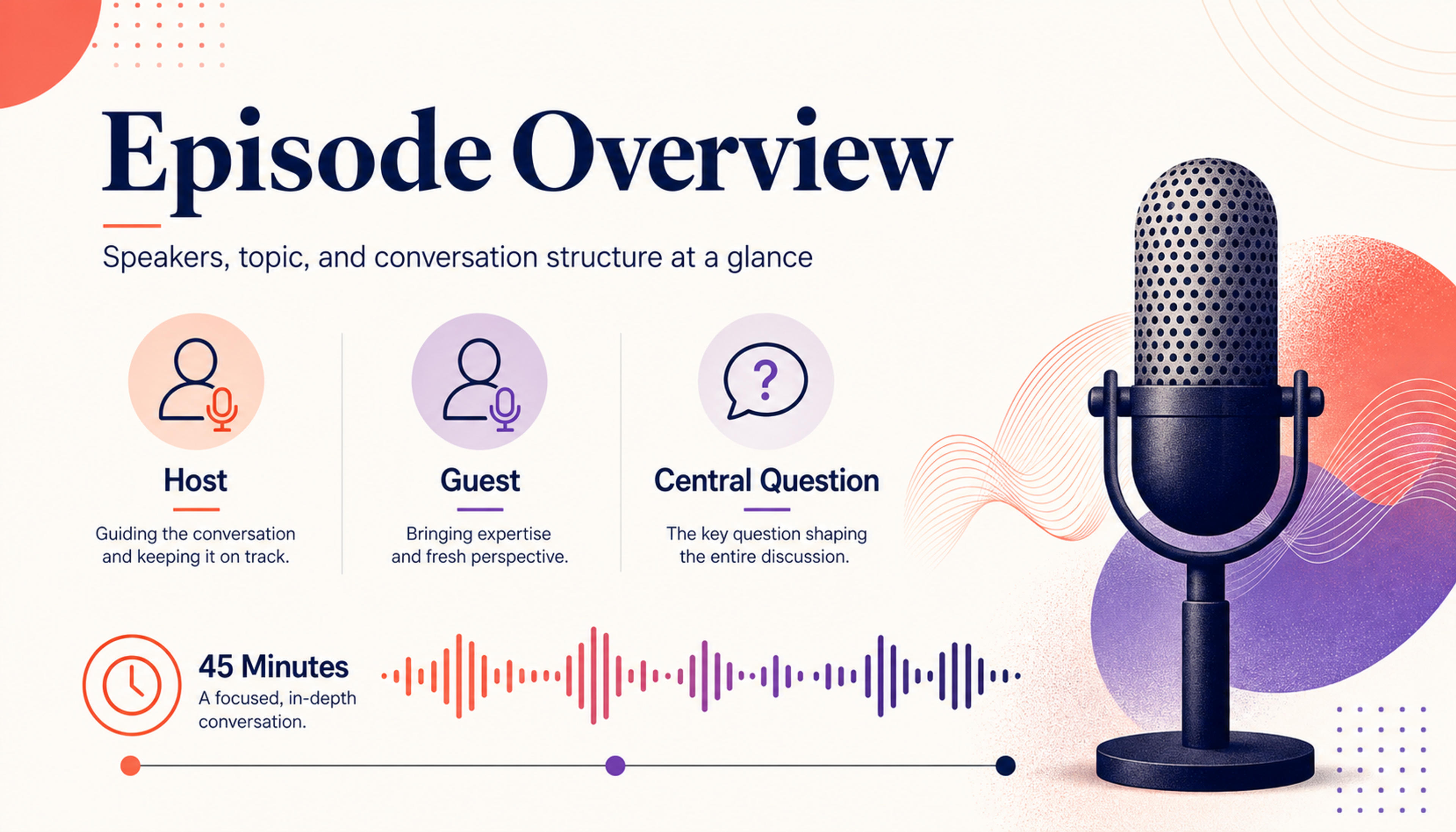
Introduce the speakers, topic, and structure so the audience can follow the episode's direction quickly.
Convert a podcast episode into a presentation with episode overview, topic chapters, guest insights, quote moments, stories, and audience takeaways.
SlidesPilot identifies the main theme, host framing, guest background, topic sequence, and strongest takeaways. The deck feels like a structured recap instead of an audio transcript.
Memorable lines, stories, examples, advice, and recurring topics can become slide anchors. This helps creators repurpose episodes for teaching, marketing, newsletters, and internal learning.
The presentation can support webinars, social clips, community recaps, training, and audience education. Teams can edit the slide order, quote selection, and CTA for each channel.
Add the podcast episode, show notes, transcript, guest notes, timestamps, or topic outline. Tell SlidesPilot whether the deck is for teaching, marketing, internal knowledge, community recap, or content repurposing.
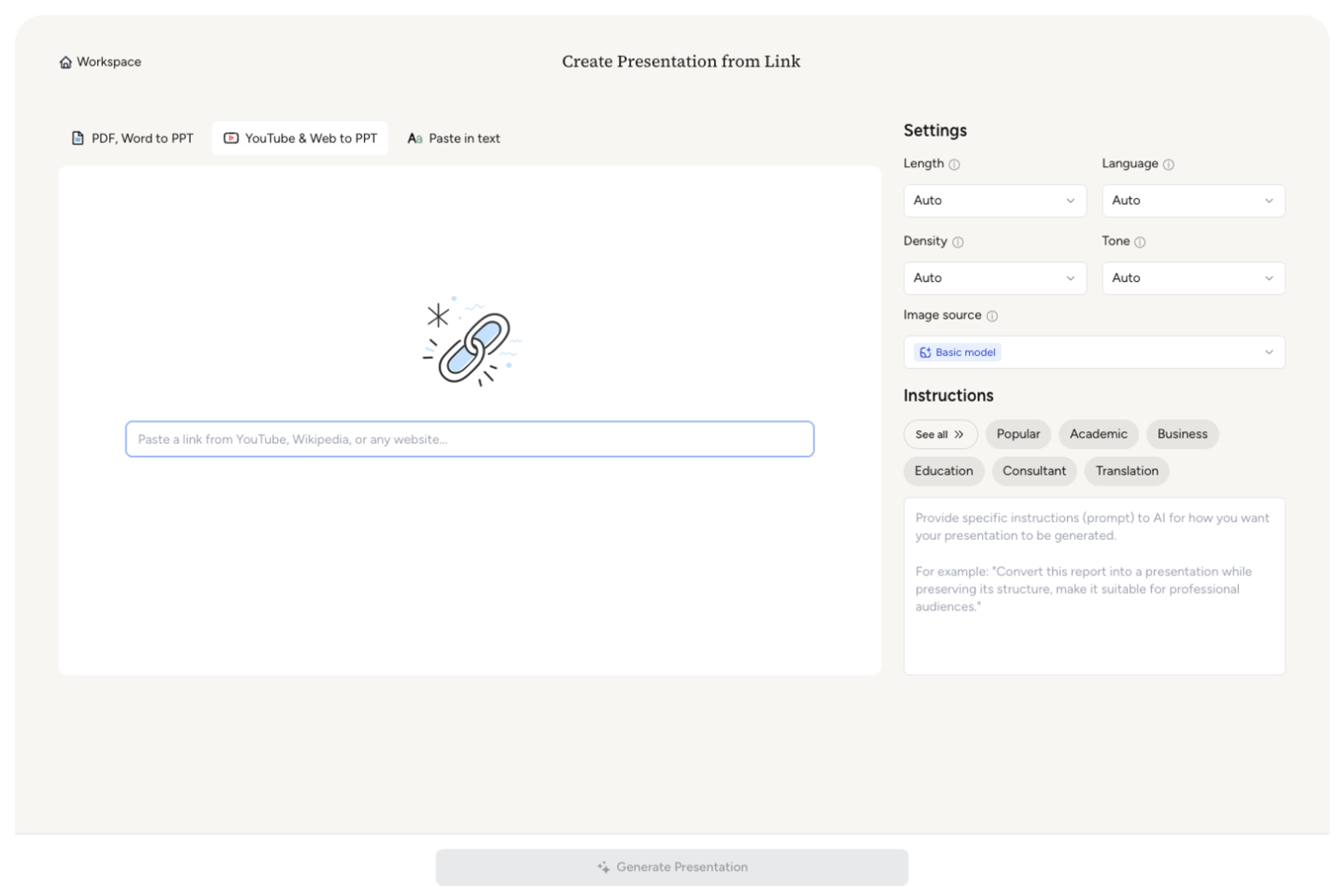
SlidesPilot identifies the episode theme, speaker roles, topic shifts, stories, quotes, examples, advice, and audience lessons. This creates a slide structure based on the value of the conversation.

Choose the presentation angle. A founder interview can become slides for origin story, market insight, growth lessons, standout quotes, tactical advice, and closing audience takeaways.

Generate a podcast presentation with episode overview, topic chapters, guest insights, quote slides, story moments, and recap takeaways. The deck is built for reuse across formats.
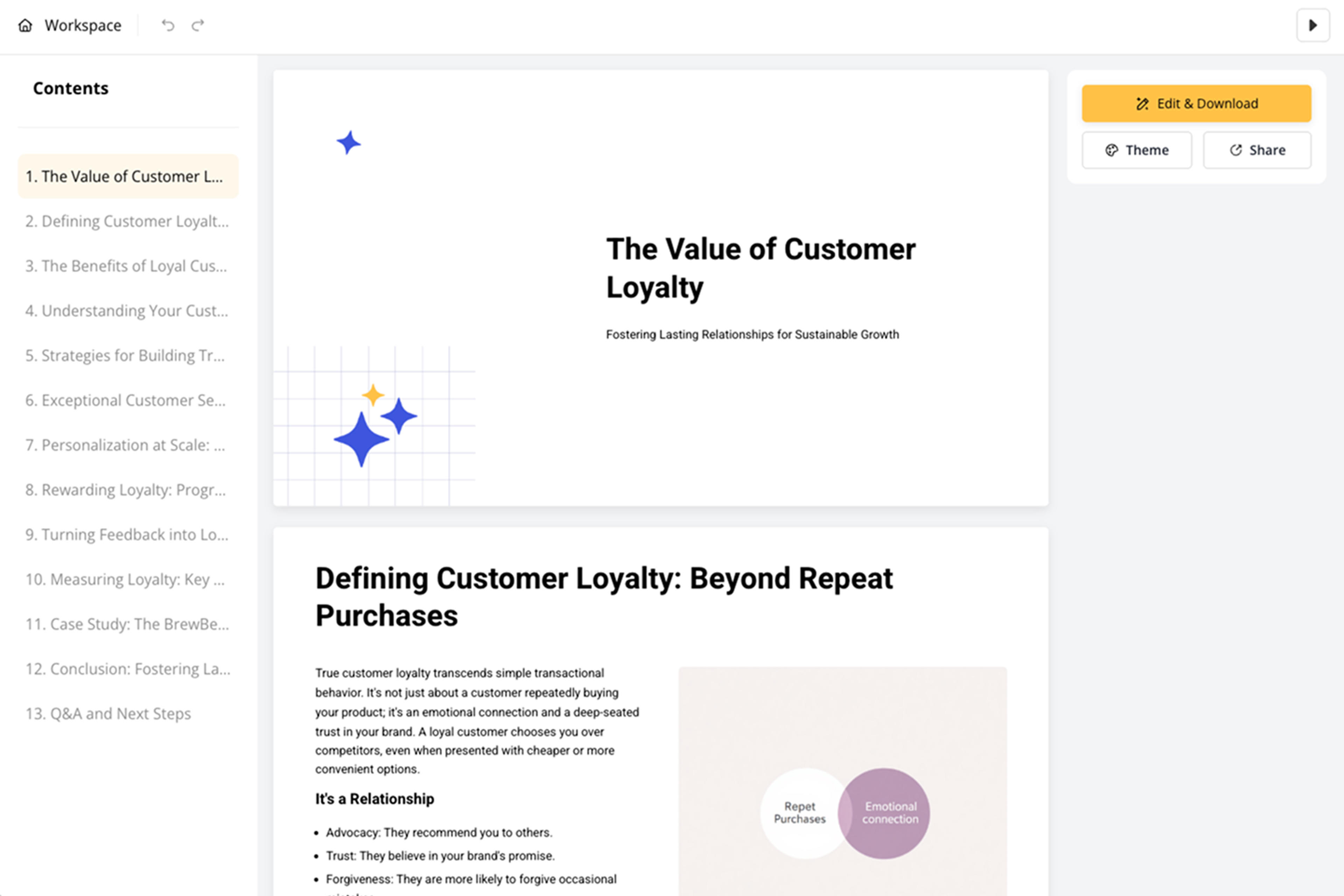
Refine quote selection, speaker labels, examples, visuals, and CTA before export. The same episode can become a webinar deck, newsletter companion, training resource, or internal knowledge brief.

Podcast to PPT turns audio conversations into reusable slide narratives. SlidesPilot focuses on topics, speakers, quotes, and takeaways.

Episode theme, host framing, guest insight, and topic sequence are organized into a presentation arc. The deck helps audiences understand the conversation quickly.

Stories, examples, quotes, and advice become slide anchors. This makes podcast content easier to teach, repurpose, and share.

Speaker roles and topic shifts can be preserved so the presentation keeps conversational context. This is valuable for interviews, panels, and expert discussions.

The editable deck supports marketing, education, community content, training, and internal knowledge sharing. Teams can adapt the episode for multiple audiences.
Yes. Add the podcast episode, transcript, show notes, or topic outline and SlidesPilot can create a presentation with episode overview, topic chapters, quotes, insights, and takeaways.
Use a transcript, show notes, guest bio, timestamps, topic list, quote selections, or episode summary. Add the audience so the deck fits teaching, marketing, or internal use.
Yes. Memorable quotes, stories, examples, and advice can become slide anchors. You can refine quote selection and speaker labels before exporting.
Yes. The presentation can become a webinar outline, lesson recap, community deck, training resource, or newsletter companion. SlidesPilot organizes the episode around reusable ideas.
Podcast to PPT focuses on broader episode repurposing from audio, show notes, or transcript context. Podcast Transcript to PPT starts from transcript text and focuses more on speaker turns and transcript structure.
Yes. You can adjust topic order, speaker labels, quote slides, examples, CTA, and visuals before exporting the editable PowerPoint.
Use Podcast to PPT for episode repurposing and audio-to-deck workflows. Choose podcast-transcript, video-transcript, webinar, or TED-talk workflows when the source structure or storytelling style is more specific.
Transform audio text into visual PowerPoint presentations
Transform YouTube videos into editable PowerPoint presentations
Transform lengthy video transcripts into editable PowerPoint presentations
Paste a content-rich link and turn the online source into a clear, editable PowerPoint presentation.
Turn your speech script into visual slides that strengthen every key moment
Use AI Presentation Generator when that workflow better matches your source or output.
Transform your work into a presentation, instantly. ⭐ #1 AI PowerPoint Generator | Trusted by 3 million users worldwide