
Match slides to speaking beats
Align the opening, key arguments, stories, evidence, transitions, and closing with the rhythm of the script.
Turn your speech script into visual slides that strengthen every key moment
Turn a script into visual support that follows the opening, main arguments, examples, and closing without duplicating every sentence.
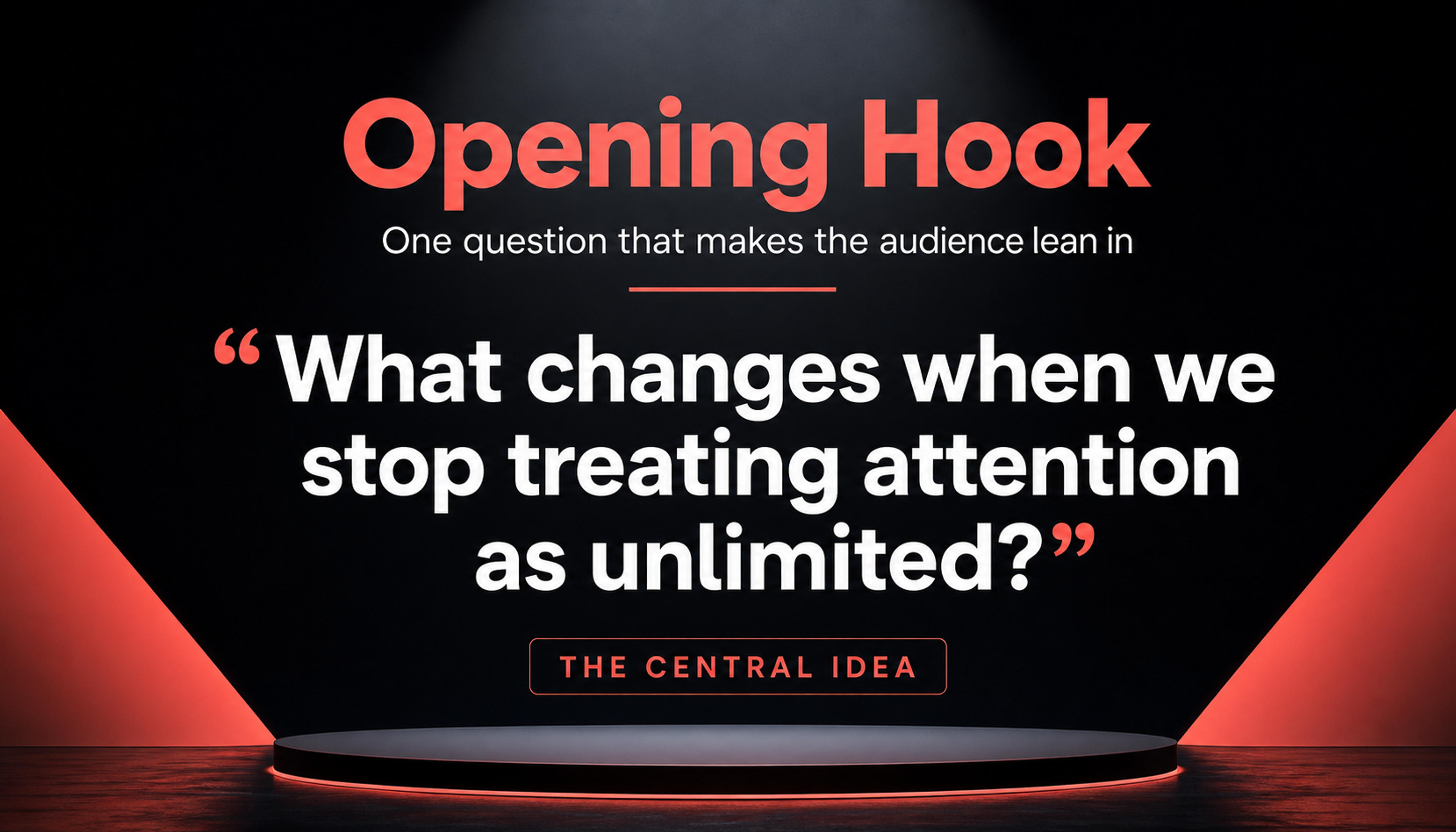
Create an opening slide that establishes the topic, audience relevance, and central idea of the speech.
Turn a spoken script into visual anchors, evidence, and transitions that strengthen delivery without competing with the speaker.
Align the opening, key arguments, stories, evidence, transitions, and closing with the rhythm of the script.
Turn statistics, comparisons, processes, quotations, and memorable lines into strong visual support.
Create concise slide messages and cues that reinforce delivery and audience attention.
Add the opening, speaking points, stories, evidence, transitions, and closing so SlidesPilot can follow the full delivery arc.
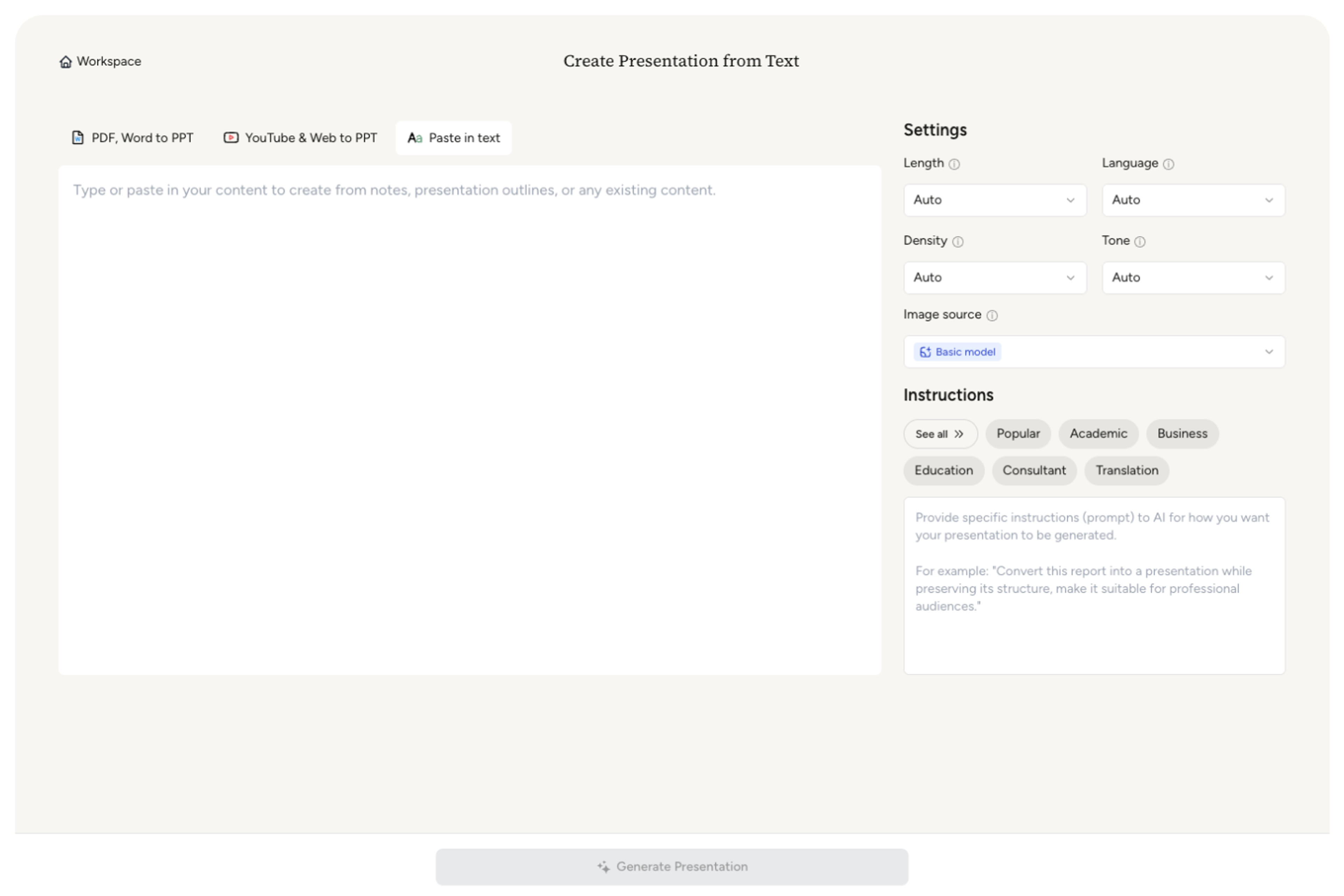
Choose the event, audience, tone, duration, and action you want listeners to take.

Prioritize statistics, quotations, comparisons, demonstrations, stories, and calls to action.

SlidesPilot maps the script to concise visual slides, section transitions, and a strong closing sequence.

Adjust slide timing, wording, visuals, and emphasis, then export the editable presentation for your talk.

SlidesPilot turns the script into visual support that follows the speaker's timing, argument, and most memorable moments.

The deck follows the opening, transitions, arguments, stories, and close of the script.

Each slide reinforces one clear spoken idea with focused on-screen content.

Data, quotations, comparisons, and stories receive the visual treatment they deserve.

Tone and density adapt to keynotes, pitches, lectures, webinars, and internal talks.

The first and final slides support attention, recall, and the intended call to action.

Refine the deck as the script and delivery evolve.
Use keynote scripts, speeches, webinar scripts, pitch scripts, lecture scripts, conference talks, and internal presentation notes.
SlidesPilot maps the script around speaking beats and visual moments, grouping related narration into focused slides.
Yes. Use the speaking time to guide slide count, pacing, and the amount of detail on screen.
Yes. Shape slide messages, transitions, prompts, and supporting content around the way you plan to deliver the talk.
Yes. Tell AI which moments should receive the strongest visual emphasis.
Yes. Refine the slides and export an editable PPTX or continue in Google Slides.
Build slides from raw text, outlines, documents, videos, and supporting source material.
Turn notes, paragraphs, and ideas into a clear, editable PowerPoint presentation.
Turn a structured outline into a clear, editable PowerPoint presentation with sections and slide flow already organized.
Turn Word documents into clear, structured, editable PowerPoint presentations with AI.
Convert PDF slides to editable PowerPoint online. Keep the original design and make text and slide elements editable. Free to use.
Transform YouTube videos into editable PowerPoint presentations
Paste a content-rich link and turn the online source into a clear, editable PowerPoint presentation.
Transform your work into a presentation, instantly. ⭐ #1 AI PowerPoint Generator | Trusted by 3 million users worldwide