
Preserve your content hierarchy
Headings, subheadings, and bullet levels guide the presentation structure from the opening slide through the conclusion.
Turn a structured outline into a clear, editable PowerPoint presentation with sections and slide flow already organized.
See how headings and bullet points can become an organized presentation rather than a collection of copied text.
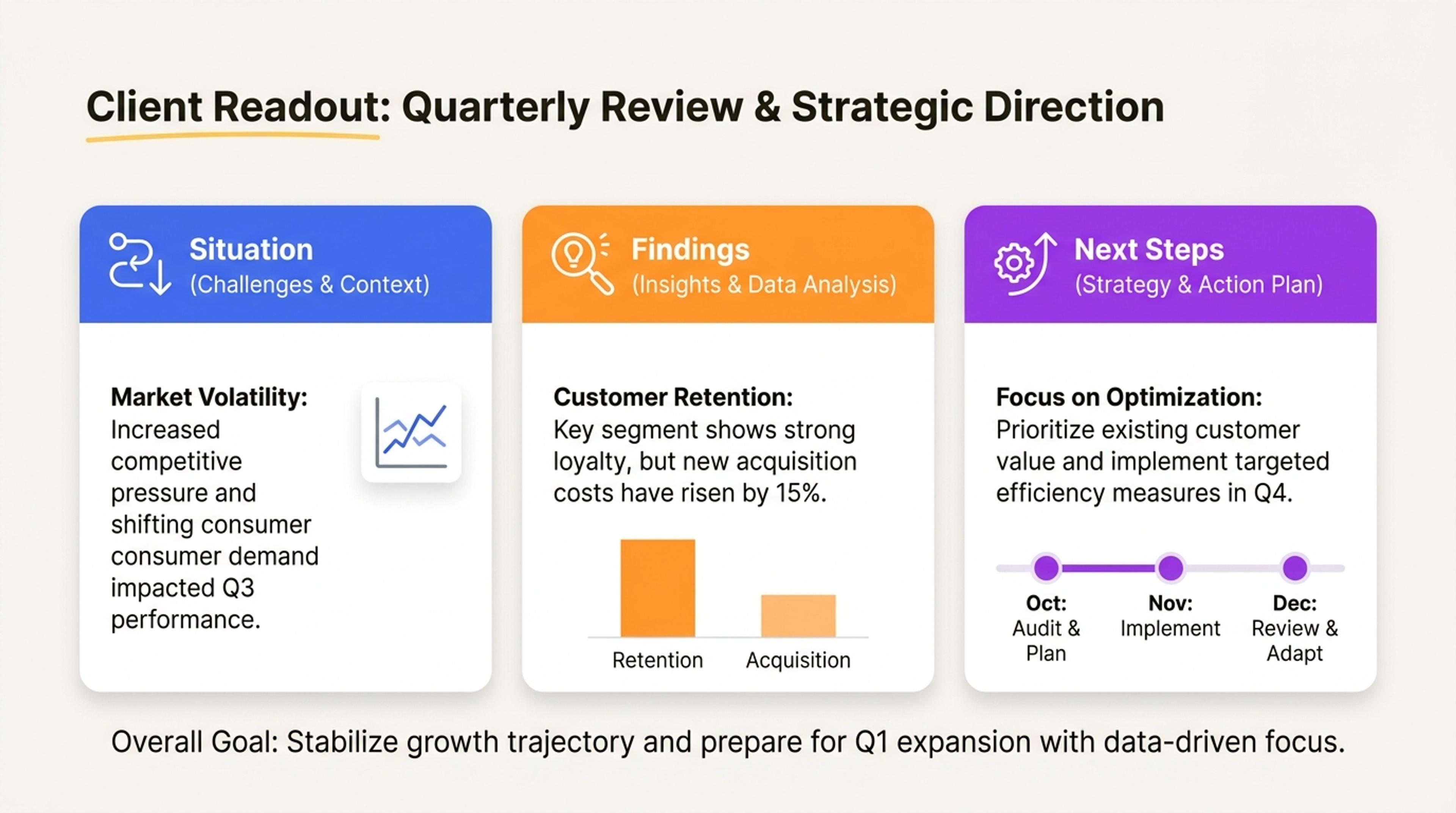
Outline input: situation, findings, recommendation, and next steps. Slide output: context, key findings, recommended action, timeline, and owners.
Keep the hierarchy you already planned while SlidesPilot develops each section into a polished, audience-ready deck.
Headings, subheadings, and bullet levels guide the presentation structure from the opening slide through the conclusion.
Choose which bullets stay concise and which should gain examples, evidence, explanations, or speaker-ready context.
AI groups related points, balances section depth, and adds transitions so the outline becomes a presentation people can follow.
Start with headings, nested bullets, numbered sections, or a structured plan. SlidesPilot recognizes the hierarchy and uses it as the foundation of the deck.
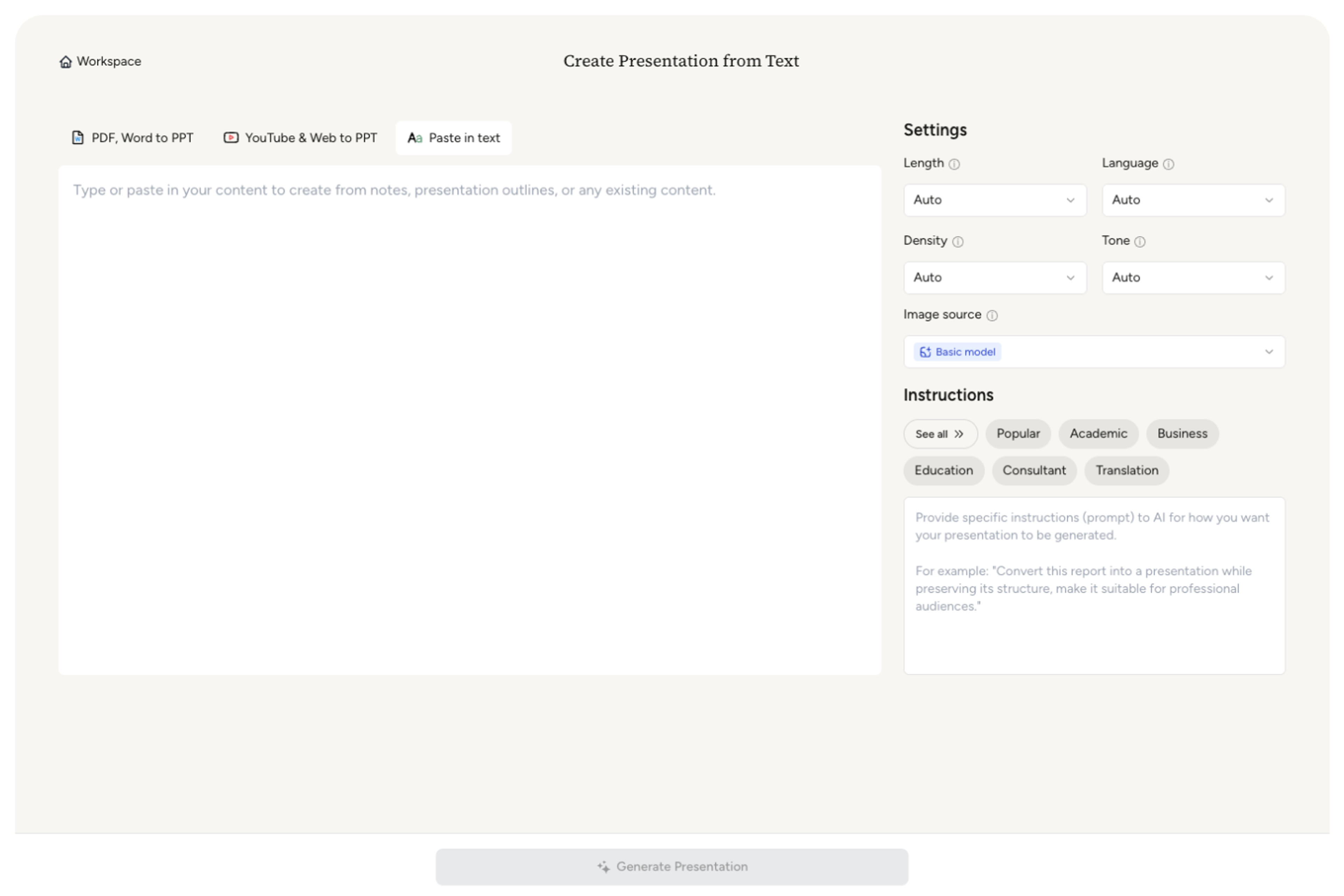
Describe who will see the presentation, what they should understand or decide, and how much time you have to present.

Keep concise points short or ask AI to enrich selected ideas with explanations, examples, evidence, and transitions.

SlidesPilot turns major headings into sections, groups supporting points into focused slides, and gives the strongest ideas the most space.

Adjust emphasis, wording, visuals, and pacing in the editable presentation, then export to PowerPoint, Google Slides, PDF, or PNG.

SlidesPilot builds on the structure already present in your outline and turns it into a cohesive visual story.

Heading levels and nested bullets become a clear presentation architecture with sections and slide-level messages.

Related bullets are combined into focused slides instead of being expanded mechanically one by one.

You decide where AI should stay concise and where it should add explanation, evidence, examples, or context.

Major ideas receive the space they deserve while supporting points remain crisp and easy to scan.

Opening context, section bridges, and a purposeful conclusion create a presentation that feels complete.

Every slide, message, layout, and visual remains editable before you export the finished presentation.
Use headings, numbered sections, nested bullets, meeting agendas, course plans, project structures, or any other clearly organized outline.
SlidesPilot turns major headings into sections and intelligently groups related bullets into focused slides based on your preferred length and density.
Yes. Choose whether to keep the wording concise or enrich selected bullets with explanations, examples, evidence, and presentation-ready context.
Outline to PPT follows an existing hierarchy. Text to PPT is designed for paragraphs, notes, and raw material that still need a structure and storyline.
Yes. Set the length, density, audience, purpose, and tone so the generated deck fits the way you plan to present it.
Yes. Refine the content, layouts, visuals, and theme in SlidesPilot, then export an editable PPTX or continue in Google Slides.
Use Outline to PPT when the hierarchy is already planned, Text to PPT for raw writing, or a dedicated source tool for documents, web pages, and videos.
Turn notes, paragraphs, and ideas into a clear, editable PowerPoint presentation.
Transform text outlines into professional PowerPoint presentations
Convert PDF slides to editable PowerPoint online. Keep the original design and make text and slide elements editable. Free to use.
Turn Word documents into clear, structured, editable PowerPoint presentations with AI.
Paste a content-rich link and turn the online source into a clear, editable PowerPoint presentation.
Paste text, add a YouTube or webpage link, or upload a document to create a beautiful, structured summary connected to the source.
Paste your structured outline, guide the AI, and create a clear presentation with the slide flow already organized.