

Extract the Offer Story
SlidesPilot reads the landing page as a conversion narrative with problem, promise, proof, and CTA. The deck turns web copy into a presentation people can sell, review, or pitch from.
Transform web content into professional PowerPoint presentations instantly
Convert a live page or draft into slides that clarify the offer, audience, proof, and campaign message.
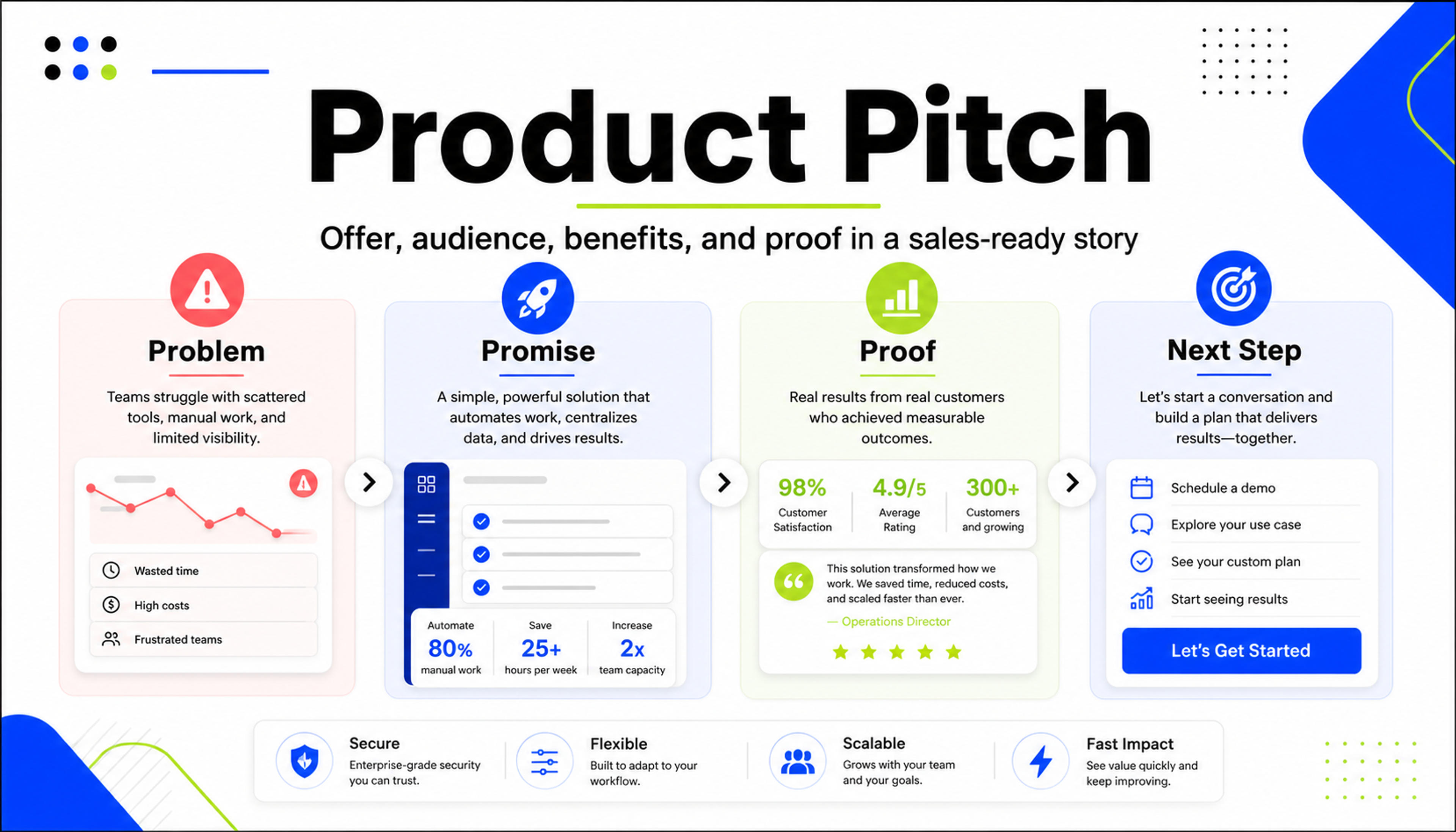
Turn headline, benefits, and proof points into a presentation for sales, partners, or internal review.
Turn a landing page into a marketing or sales deck that preserves offer narrative, audience pain, benefits, proof, objections, and call to action.
SlidesPilot reads the landing page as a conversion narrative with problem, promise, proof, and CTA. The deck turns web copy into a presentation people can sell, review, or pitch from.
Features, outcomes, testimonials, pricing cues, comparison points, and objections can become slide sections. This makes the presentation useful beyond a screenshot summary.
The output supports sales enablement, launch meetings, campaign reviews, partner pitches, and stakeholder briefings. Teams can edit the storyline and CTA for the room.
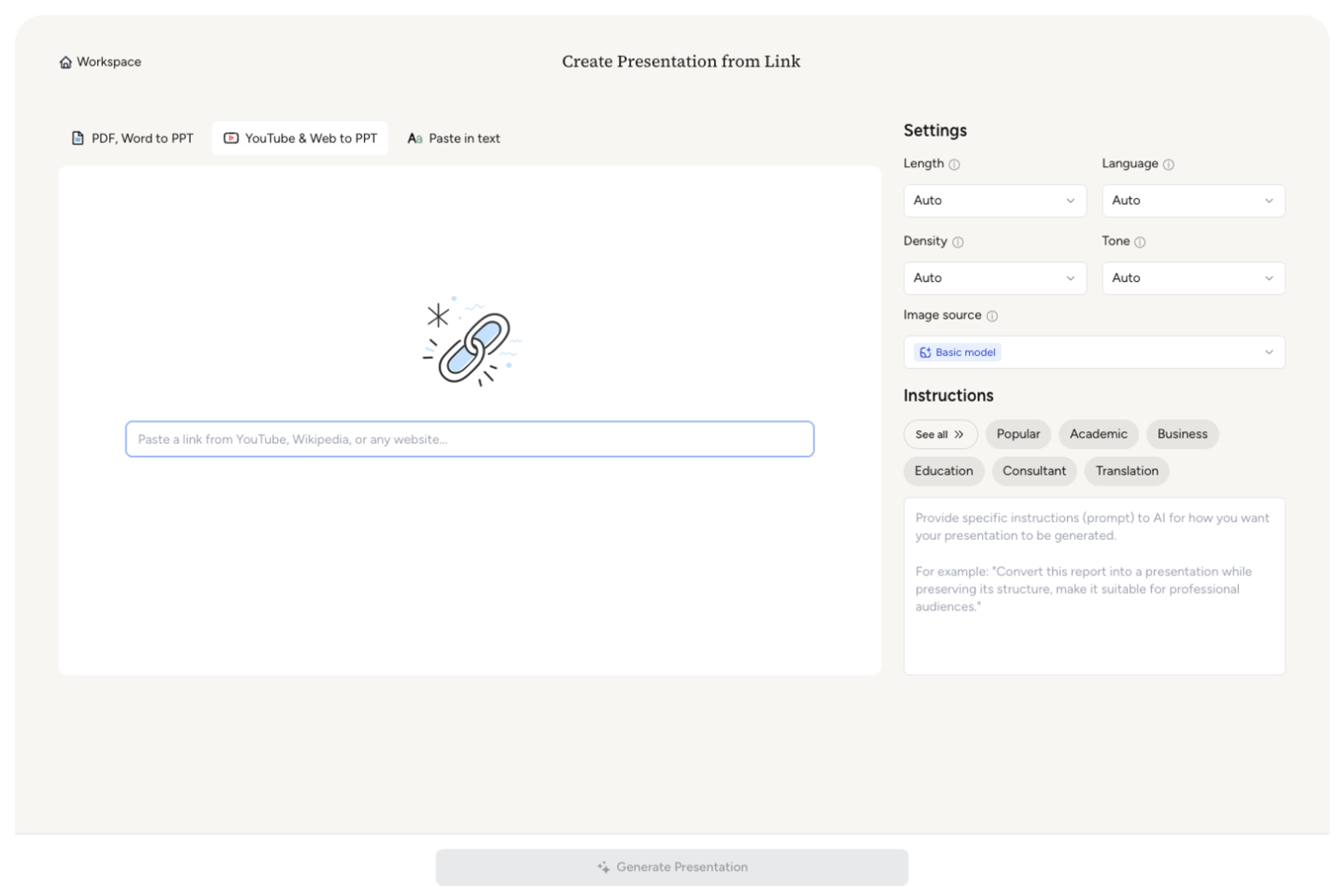
Paste the landing page URL or page copy, including headline, hero section, benefits, features, proof, pricing cues, FAQs, and call to action. Add the deck goal, such as sales, launch, campaign review, or internal alignment.
SlidesPilot identifies the conversion story: target audience, pain, promise, product value, feature proof, objections, social proof, and CTA. This turns the page into a presentation narrative.

Choose the presentation angle. A SaaS landing page can become slides for customer problem, product promise, feature tour, proof, pricing logic, objection handling, and sales-call CTA.

Generate a landing-page deck with offer overview, benefit sections, product proof, audience framing, objection slides, and next-action slide. The deck is built for marketing and sales use.
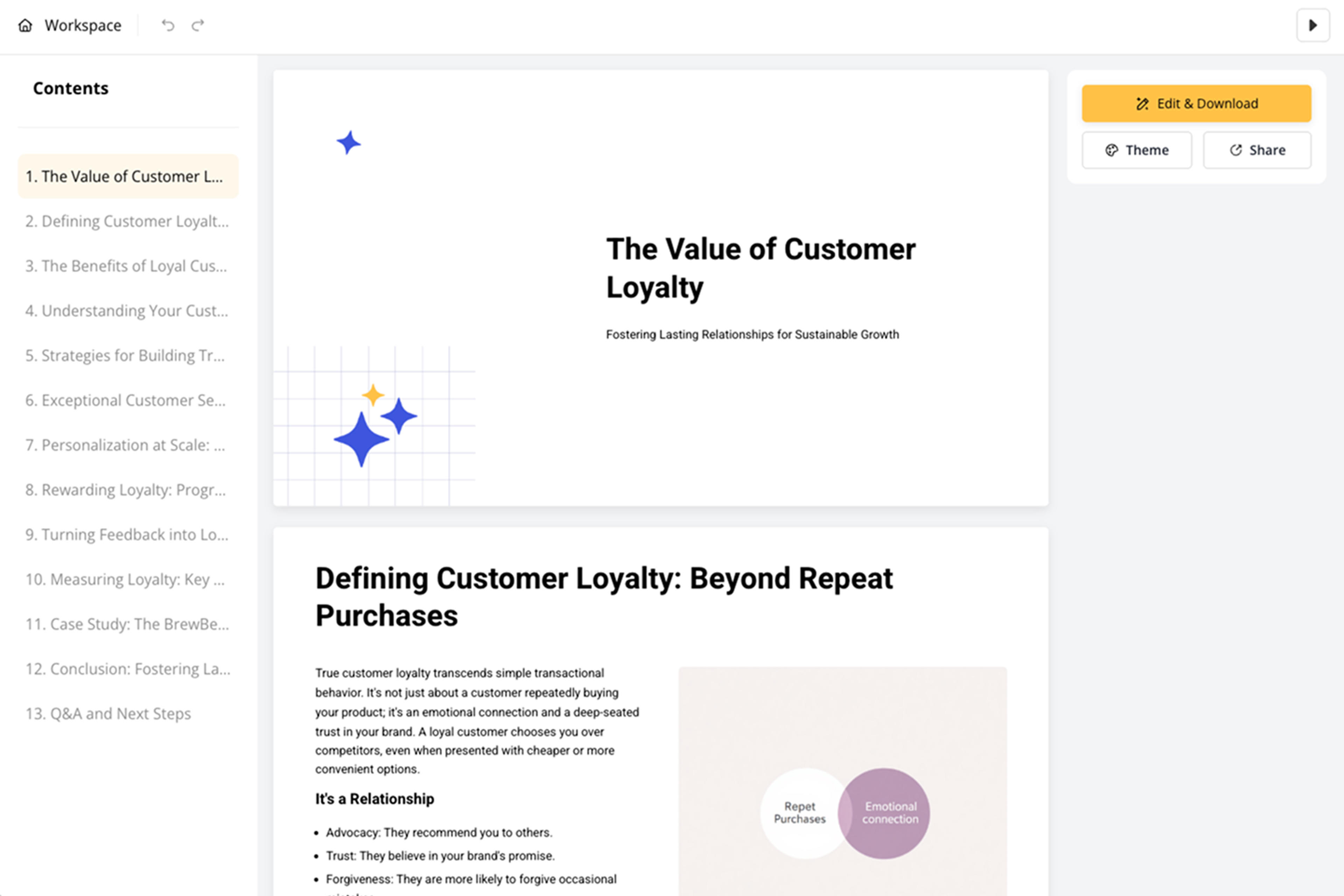
Refine screenshots, brand language, proof points, slide order, and call-to-action before export. Create versions for sales enablement, campaign reporting, launch review, or partner presentation.

Landing Page to PPT turns conversion copy into a presentation. SlidesPilot focuses on offer story, benefits, proof, objections, and CTA.

Headline, audience pain, product promise, and CTA become a clear opening narrative. The deck explains the offer in presentation form.

Benefits, features, social proof, pricing cues, and objections can become structured slides. This supports sales and marketing conversations.

The page's conversion logic is preserved while the content is reframed for meetings. Teams can use it to review, pitch, or enable.

The editable output supports sales calls, campaign reviews, launch meetings, and partner pitches. Users can tailor proof and CTA for each audience.
Yes. Paste the landing page URL or copy and SlidesPilot can create a deck with offer story, audience pain, benefits, features, proof, objections, and call to action.
Include headline, hero copy, value proposition, benefits, features, testimonials, pricing cues, screenshots, FAQs, comparison points, and CTA. SlidesPilot turns those sections into presentation flow.
Yes. The deck can explain customer pain, product value, feature proof, objections, and next steps for sales calls, partner pitches, and internal enablement.
Yes. You can keep the landing page's positioning, benefit language, proof points, screenshots, and CTA while turning it into an editable slide presentation.
Landing Page to PPT focuses on conversion-focused pages and offer storytelling. Web Page to PPT handles broader online sources such as articles, docs, help pages, and general webpages.
Yes. You can revise copy, reorder slides, add screenshots, adjust proof, refine CTA, and export the editable presentation.
Use Landing Page to PPT when a conversion page needs to become a sales or marketing deck. Choose web-page, article, product-review, or pitch workflows when the source has a different intent.
Turn articles, reports, and other web pages into clear, editable PowerPoint presentations.
Paste a content-rich link and turn the online source into a clear, editable PowerPoint presentation.
Transform detailed case studies into professional PowerPoint presentations
Transform detailed business plans into professional PowerPoint presentations
Transform plain PowerPoint presentations into professional designs using AI
Use AI Presentation Generator when that workflow better matches your source or output.
Transform your work into a presentation, instantly. ⭐ #1 AI PowerPoint Generator | Trusted by 3 million users worldwide