

Build the Problem-to-Outcome Story
SlidesPilot organizes case-study material around customer context, challenge, action, and result. The presentation gives audiences a clear reason to care and a memorable result to remember.
Transform detailed case studies into professional PowerPoint presentations
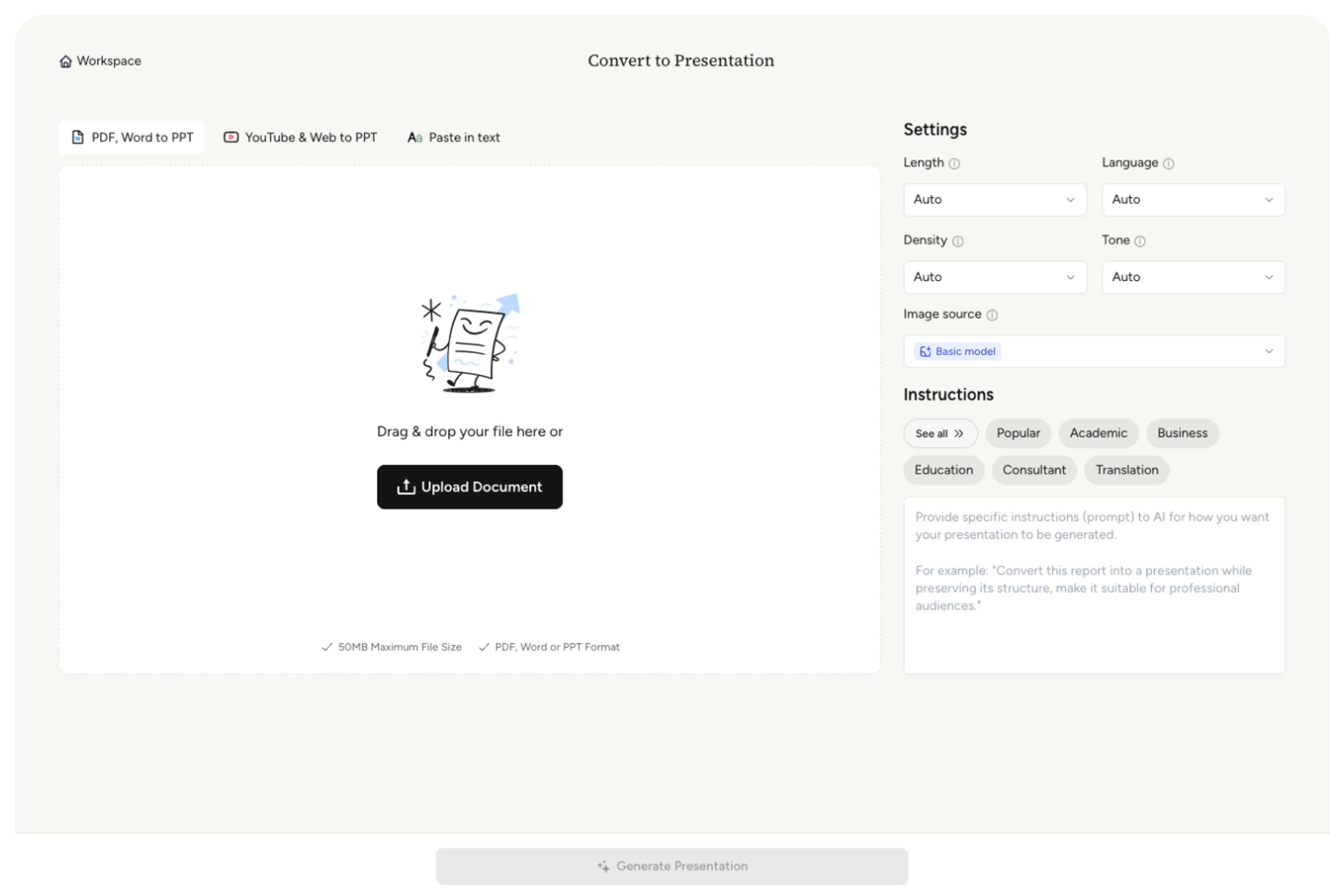
Drag & drop your file here or
Convert a written case study into slides that show the situation, work performed, measurable result, and reusable lesson.
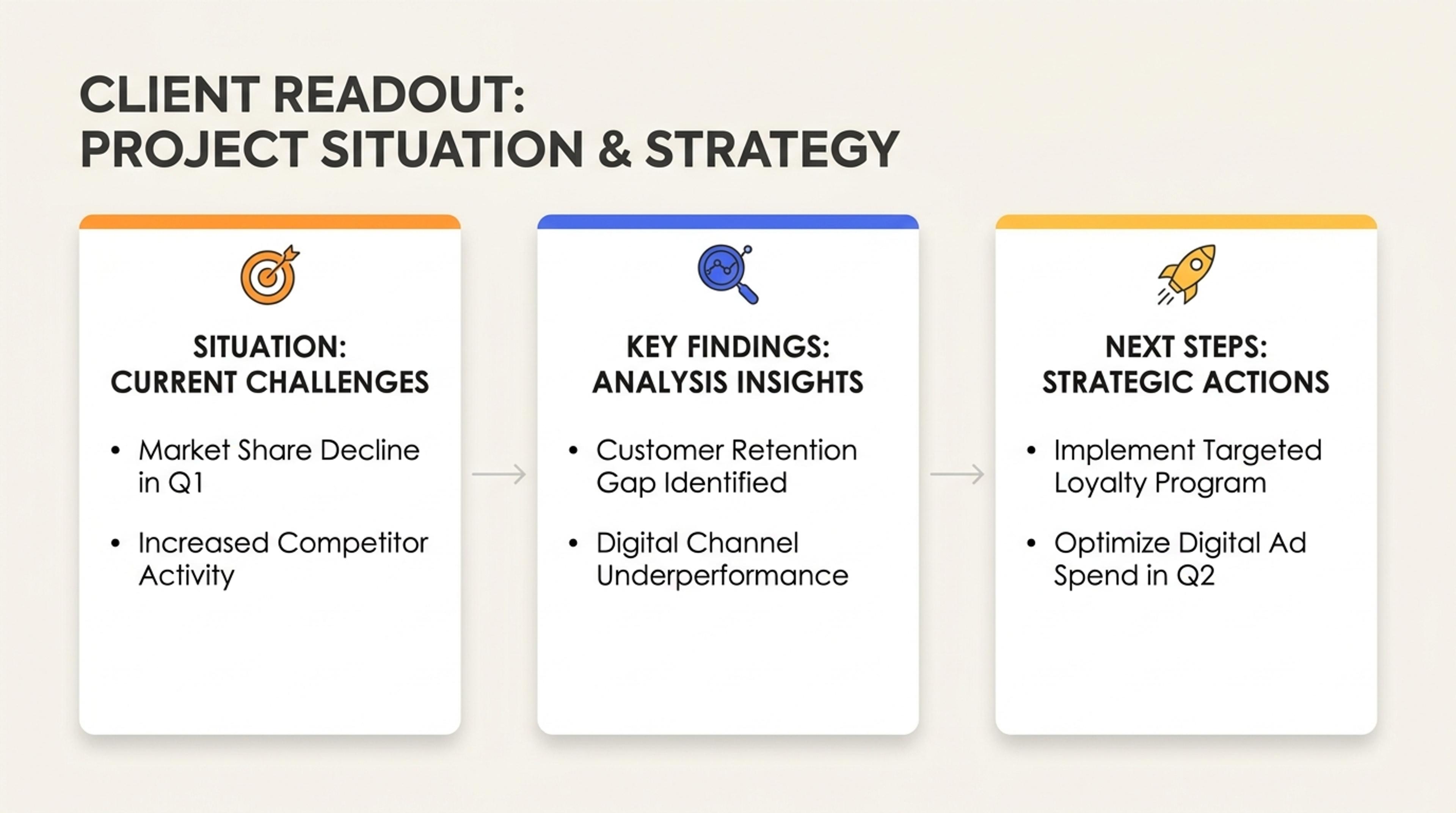
Frame the customer problem, constraints, and starting point so the audience understands why the project mattered.
Turn a case study into a results-led presentation with context, challenge, approach, evidence, outcome, lessons, and next recommendations.
SlidesPilot organizes case-study material around customer context, challenge, action, and result. The presentation gives audiences a clear reason to care and a memorable result to remember.
Results, before-and-after points, testimonials, implementation details, and measurable outcomes can become evidence slides. This makes the case useful for sales, teaching, portfolio review, or internal learning.
The deck can support pitches, webinars, training sessions, client reviews, and classroom discussion. Teams can tailor the same case study for different audiences without rebuilding the story.
Upload the case study, client story, project report, campaign analysis, or outcome summary. Include background, challenge, approach, implementation details, results, quotes, and lessons learned.
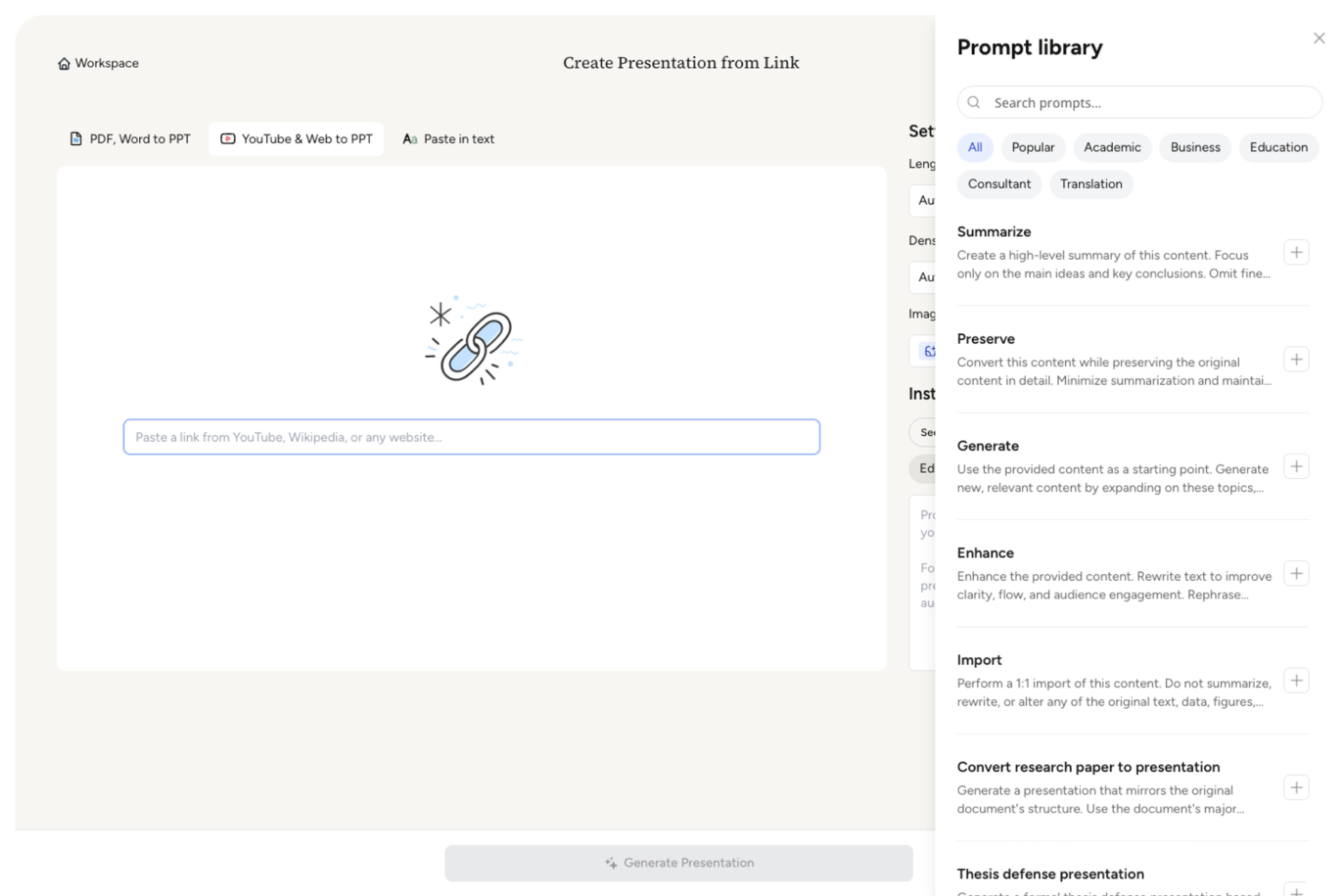
SlidesPilot identifies the case narrative: who the case is about, what problem mattered, what was done, what changed, and why the result is meaningful. This keeps the deck focused on impact.
Choose the proof points that should anchor the presentation. A customer success story can become slides for business problem, solution rollout, adoption metrics, ROI, customer quote, and lesson for similar accounts.
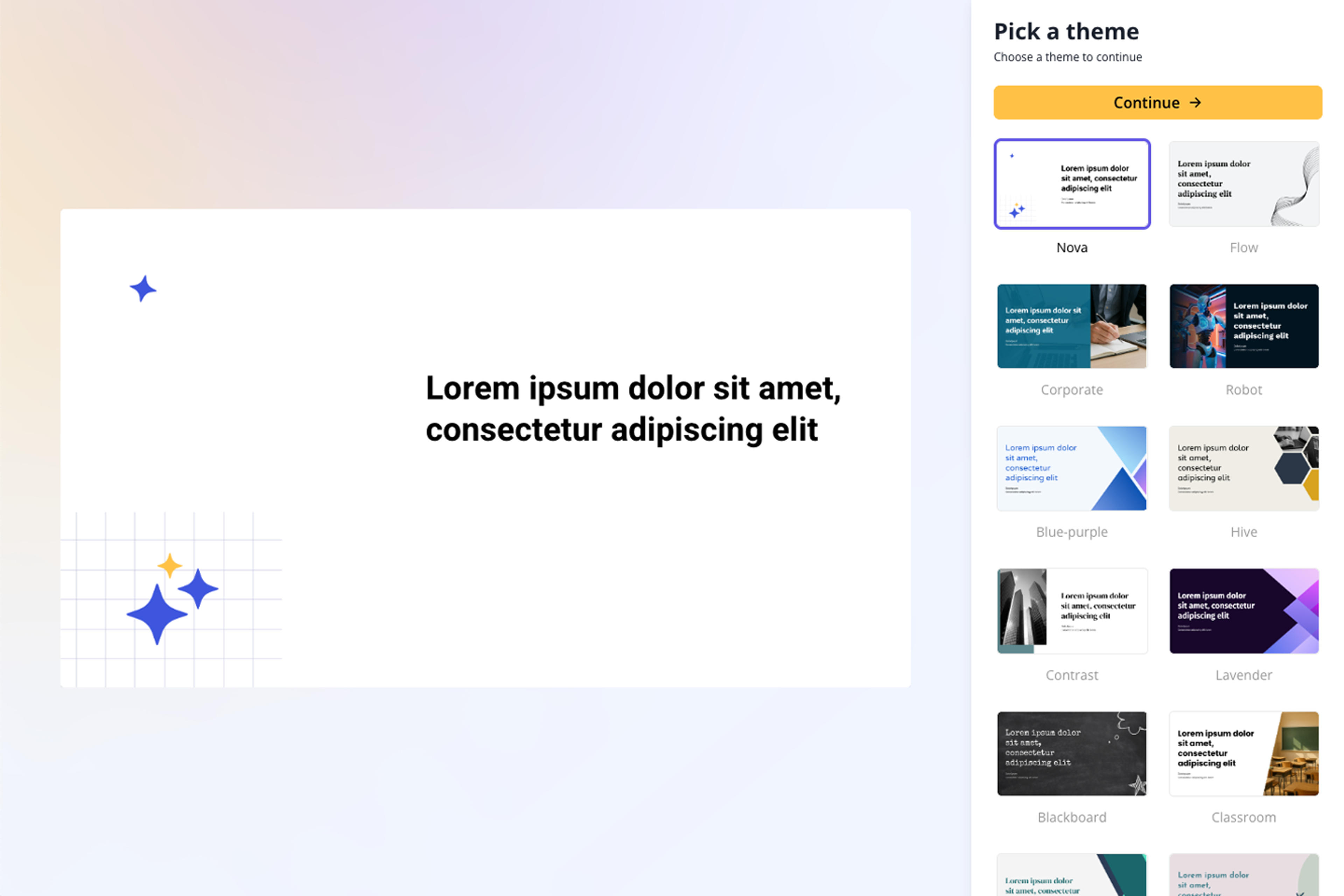
Generate a case-study deck with context, challenge, approach, evidence, results, lessons, and recommendation slides. The output is structured for persuasion, teaching, or stakeholder review.
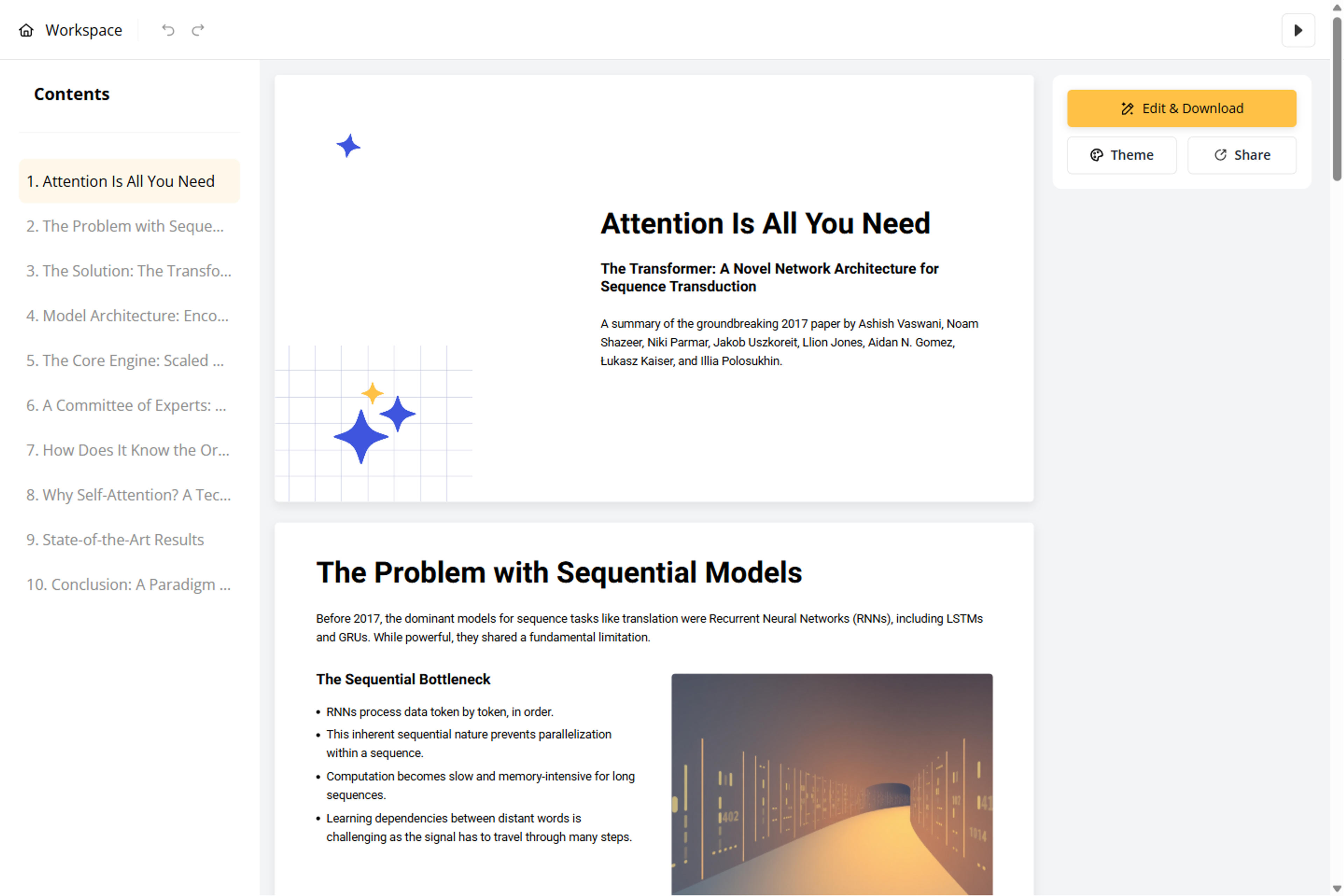
Refine metrics, quotes, timeline, visuals, and call-to-action before export. You can create a sales version, portfolio version, training version, or classroom discussion version from the same source.
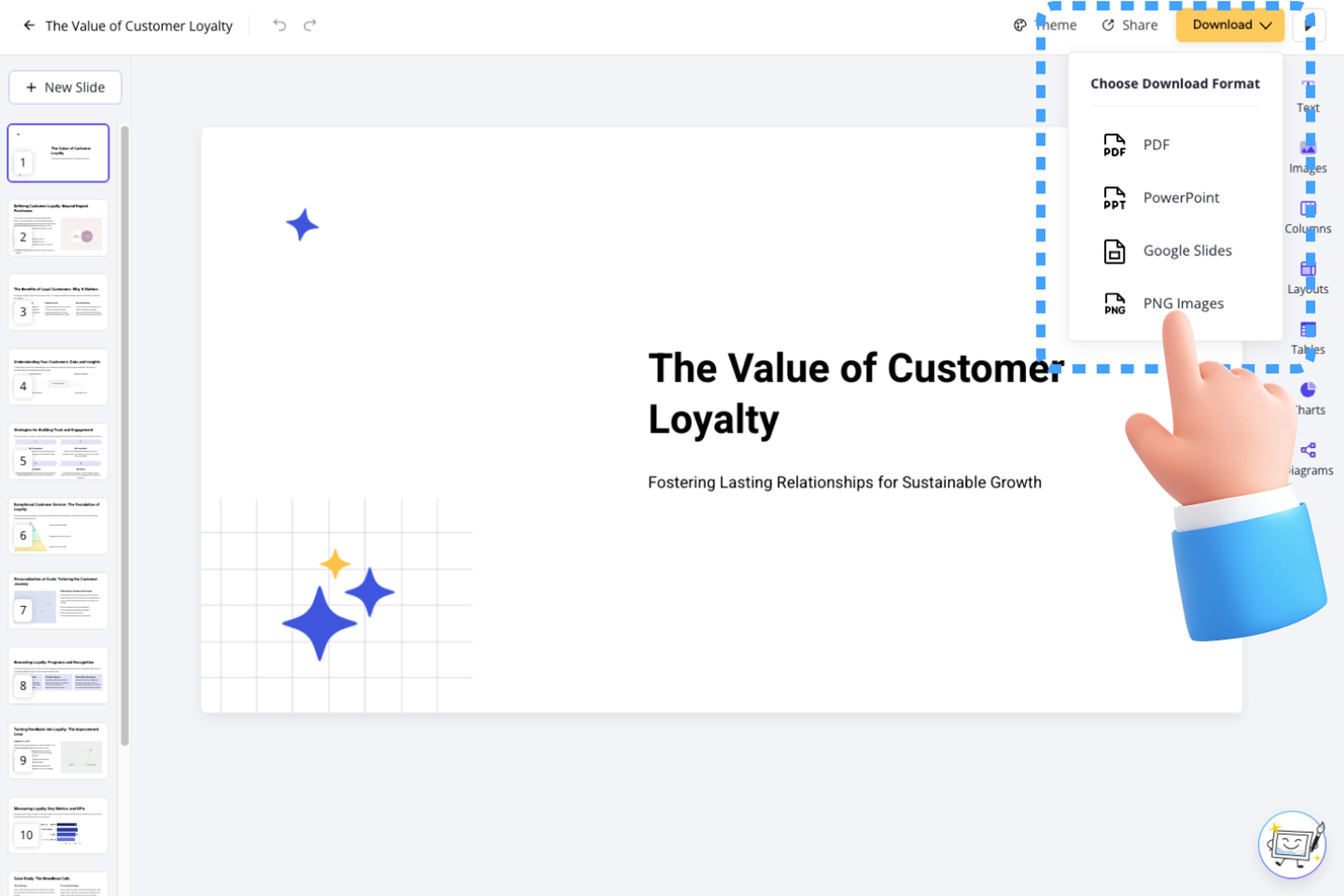
Case Study to PPT needs a clear narrative and convincing proof. SlidesPilot turns source material into a deck that shows what happened, why it mattered, and what others can learn.

Context, challenge, approach, and outcome are organized as a memorable story. This helps the audience understand the case quickly and follow the logic of the result.

Metrics, quotes, implementation steps, and before-and-after details can become evidence slides. The deck makes proof visible instead of burying it in paragraphs.

Lessons, recommendations, and next actions can be framed for the target audience. The same case can support sales, training, consulting, or academic discussion.

The final presentation remains editable for brand voice, proof emphasis, and audience type. Teams can tailor the story without losing the case-study structure.
Yes. Upload the case study and SlidesPilot can create a presentation with background, challenge, approach, evidence, results, lessons, and recommendations.
A strong case-study deck usually includes customer or project context, the challenge, solution approach, implementation details, metrics, proof, outcome, lesson, and next recommendation. SlidesPilot builds that flow from your source.
Yes. Metrics, before-and-after comparisons, quotes, adoption details, ROI, campaign results, and project outcomes can become dedicated evidence slides.
Yes. Case-study decks work well for sales enablement, webinars, customer proof, portfolio pages, and pitch conversations. You can adjust proof and CTA slides for the audience.
Case Study to PPT focuses on a story of context, action, and result. Consultant Reports to PPT focuses on advisory analysis, options, recommendations, and executive decisions.
Yes. You can revise metrics, quotes, visual emphasis, slide order, recommendation language, and call-to-action before exporting the editable PowerPoint.
Use Case Study to PPT when the source tells a problem-to-result story. Choose consultant-report, product-review, proposal, or business workflows when the source is advisory, evaluative, or approval-focused.
Transform detailed business plans into professional PowerPoint presentations
Transform detailed project proposals into winning PowerPoint presentations
Transform detailed reports into executive PowerPoint presentations
Turn Word documents into clear, structured, editable PowerPoint presentations with AI.
Convert PDF slides to editable PowerPoint online. Keep the original design and make text and slide elements editable. Free to use.
Transform plain PowerPoint presentations into professional designs using AI
Transform your work into a presentation, instantly. ⭐ #1 AI PowerPoint Generator | Trusted by 3 million users worldwide