
Frame the Approval Story
SlidesPilot turns proposal sections into a clear path toward a decision. The deck explains why the project matters, what will be delivered, and what the audience is being asked to approve.
Transform detailed project proposals into winning PowerPoint presentations
Turn a written proposal into slides that explain the problem, approach, scope, timeline, and expected value.
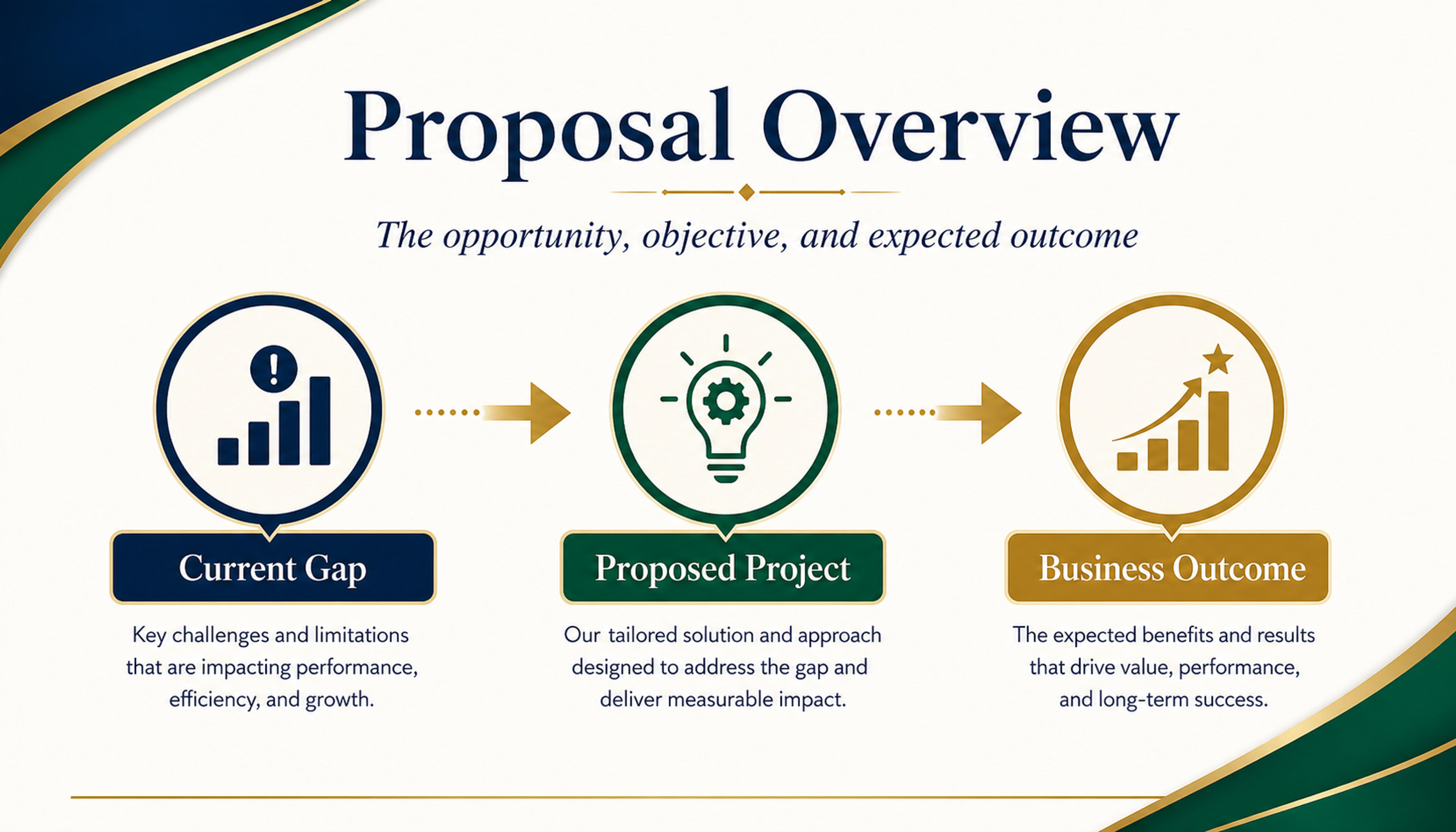
Frame the opportunity, objective, and expected outcome so reviewers understand why the project matters.
Turn a project proposal into an approval-ready deck with problem, goals, scope, deliverables, timeline, team, budget logic, value, and decision ask.
SlidesPilot turns proposal sections into a clear path toward a decision. The deck explains why the project matters, what will be delivered, and what the audience is being asked to approve.
Deliverables, milestones, owners, dependencies, budget details, and rollout phases can become structured slides. This helps stakeholders understand exactly what is being proposed.
The output supports sales calls, steering committees, grant reviews, internal approvals, and client presentations. Teams can tune detail level for budget owners, technical reviewers, or executives.
Upload the project proposal, statement of work, implementation plan, budget notes, timeline, deliverables, or approval memo. Add the audience and decision goal.
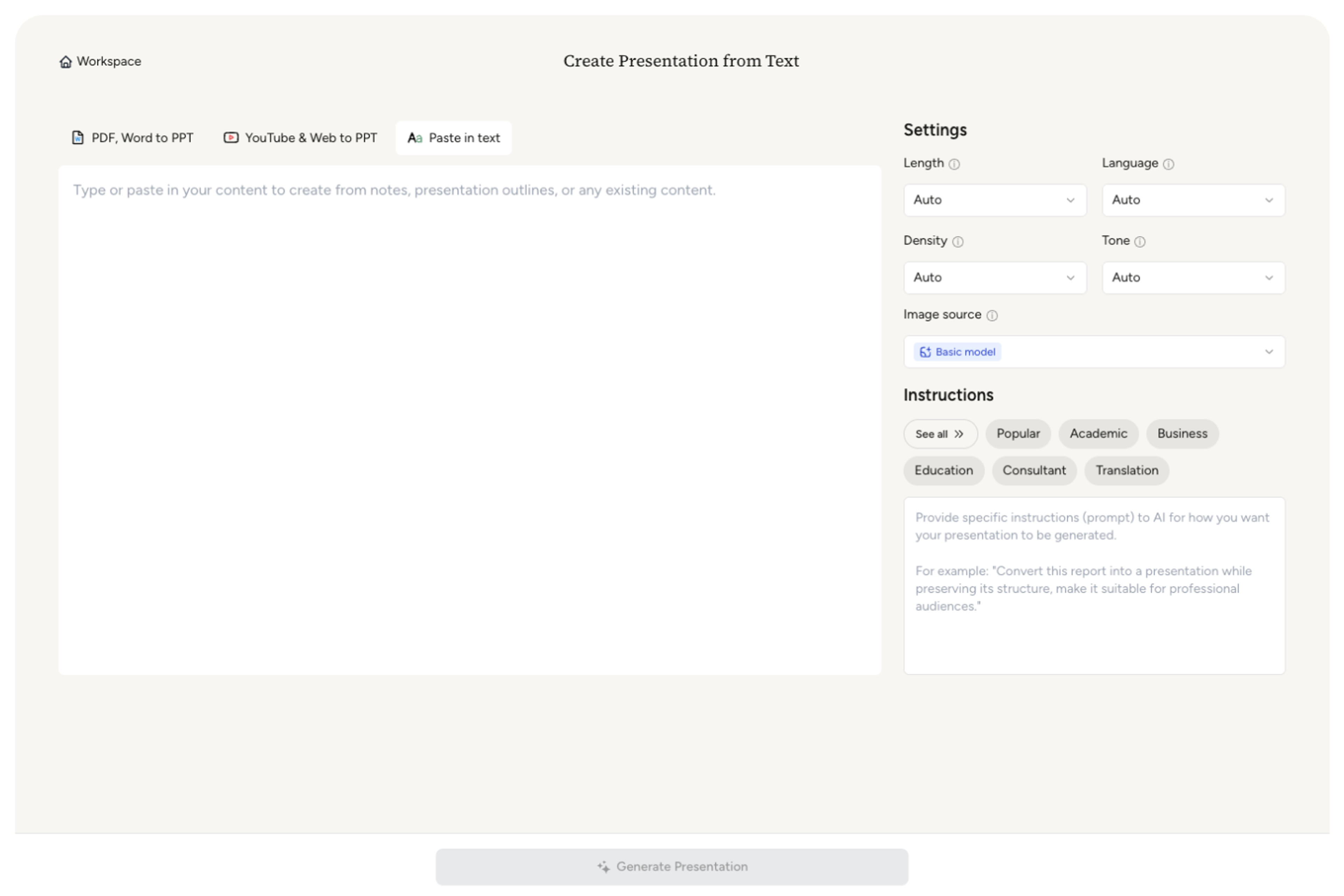
SlidesPilot identifies the problem, objective, scope, deliverables, timeline, responsibilities, budget logic, expected value, and approval ask. This turns the proposal into a presentation built for decision-making.

Choose the proposal angle. A software implementation proposal can become slides for business problem, solution, rollout phases, team responsibilities, investment, expected outcomes, and sign-off steps.

Generate a proposal deck with context, goals, scope, delivery plan, timeline, budget, value, and next steps. The deck makes the project easier to evaluate and approve.

Refine milestones, budgets, owner names, scope wording, and call-to-action before export. Create versions for clients, executives, grant committees, or internal project sponsors.

Project Proposal to PPT turns a proposed initiative into a decision deck. SlidesPilot focuses on scope, value, execution, and the ask.

Problem, objective, solution, and approval request are organized into a clear decision story. The audience understands why the project deserves attention.

Scope, deliverables, milestones, owners, and dependencies can become structured slides. This makes the proposal easier to evaluate.

Budget, impact, benefits, and implementation logic can be connected visibly. The deck helps stakeholders weigh value and feasibility.

The editable output supports clients, executives, project sponsors, and review committees. Teams can adapt emphasis for each approval context.
Yes. Upload a project proposal and SlidesPilot can create a deck with problem, objectives, scope, deliverables, timeline, budget logic, expected value, and approval ask.
A strong proposal deck usually includes context, problem, goals, solution, scope, deliverables, team roles, timeline, budget, benefits, and next steps. SlidesPilot builds that flow from the proposal.
Yes. Set the audience as client-facing and emphasize value, deliverables, timeline, responsibilities, proof, and next steps. You can refine tone and slide depth before sharing.
Yes. Milestones, phases, deadlines, cost categories, resource needs, and investment rationale can become clear presentation sections.
Project Proposal to PPT focuses on a specific project or initiative seeking approval. Business Plan to PPT focuses on a full business model, market opportunity, and growth plan.
Yes. You can revise scope, timeline, budget language, benefits, owner names, slide order, and call-to-action before exporting the editable PowerPoint.
Use Project Proposal to PPT when a specific initiative needs approval. Choose business plan, consultant report, meeting minutes, or pitch workflows when the source is broader strategy, advisory analysis, meeting follow-up, or fundraising.
Transform detailed business plans into professional PowerPoint presentations
Transform detailed case studies into professional PowerPoint presentations
Transform detailed reports into executive PowerPoint presentations
Transform meeting notes into professional PowerPoint presentations
Turn notes, paragraphs, and ideas into a clear, editable PowerPoint presentation.
Turn Word documents into clear, structured, editable PowerPoint presentations with AI.
Transform your work into a presentation, instantly. ⭐ #1 AI PowerPoint Generator | Trusted by 3 million users worldwide