

Shape a Personal Pitch
SlidesPilot turns the headline, About section, experience, skills, and achievements into a coherent professional narrative. The deck helps audiences understand who the person is and why their work matters.
Transform professional profiles into PowerPoint portfolios instantly
Use profile details as source material for introductions, career stories, or portfolio presentations.
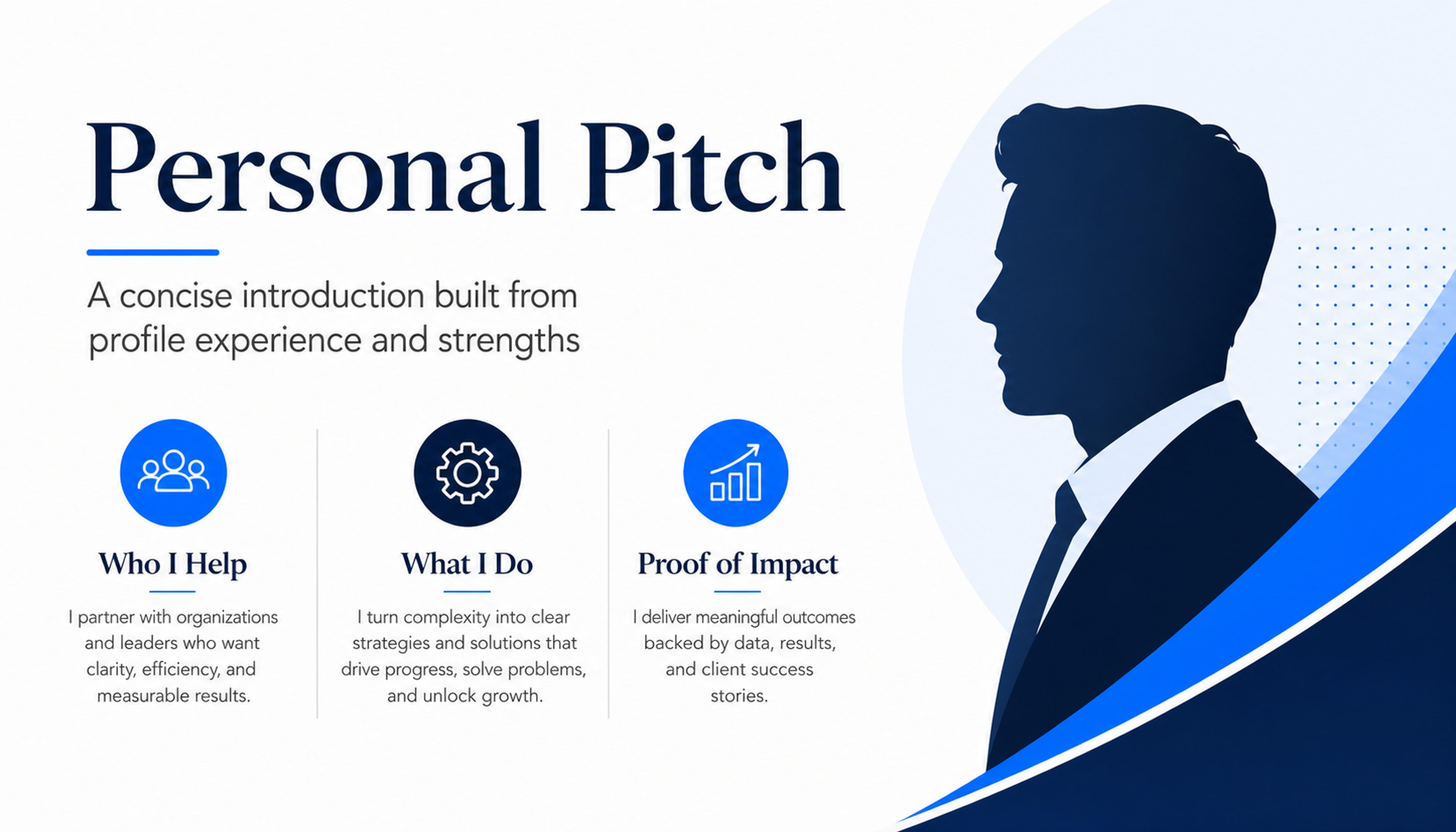
Turn headline, experience, and strengths into a short deck for networking or client introductions.
Turn a LinkedIn profile into a professional presentation with positioning, career story, achievements, skills, proof points, and a clear next action.
SlidesPilot turns the headline, About section, experience, skills, and achievements into a coherent professional narrative. The deck helps audiences understand who the person is and why their work matters.
Project wins, metrics, roles, recommendations, certifications, and portfolio links can become proof slides. This gives the presentation stronger evidence than a simple profile summary.
Create a deck for interviews, consulting pitches, networking, recruiting, speaker introductions, or founder storytelling. The output stays editable so tone and emphasis can match the opportunity.
Paste the LinkedIn profile text, including headline, About section, experience, achievements, skills, recommendations, and portfolio links. Add the goal, such as job interview, consulting pitch, speaker intro, or personal-brand deck.
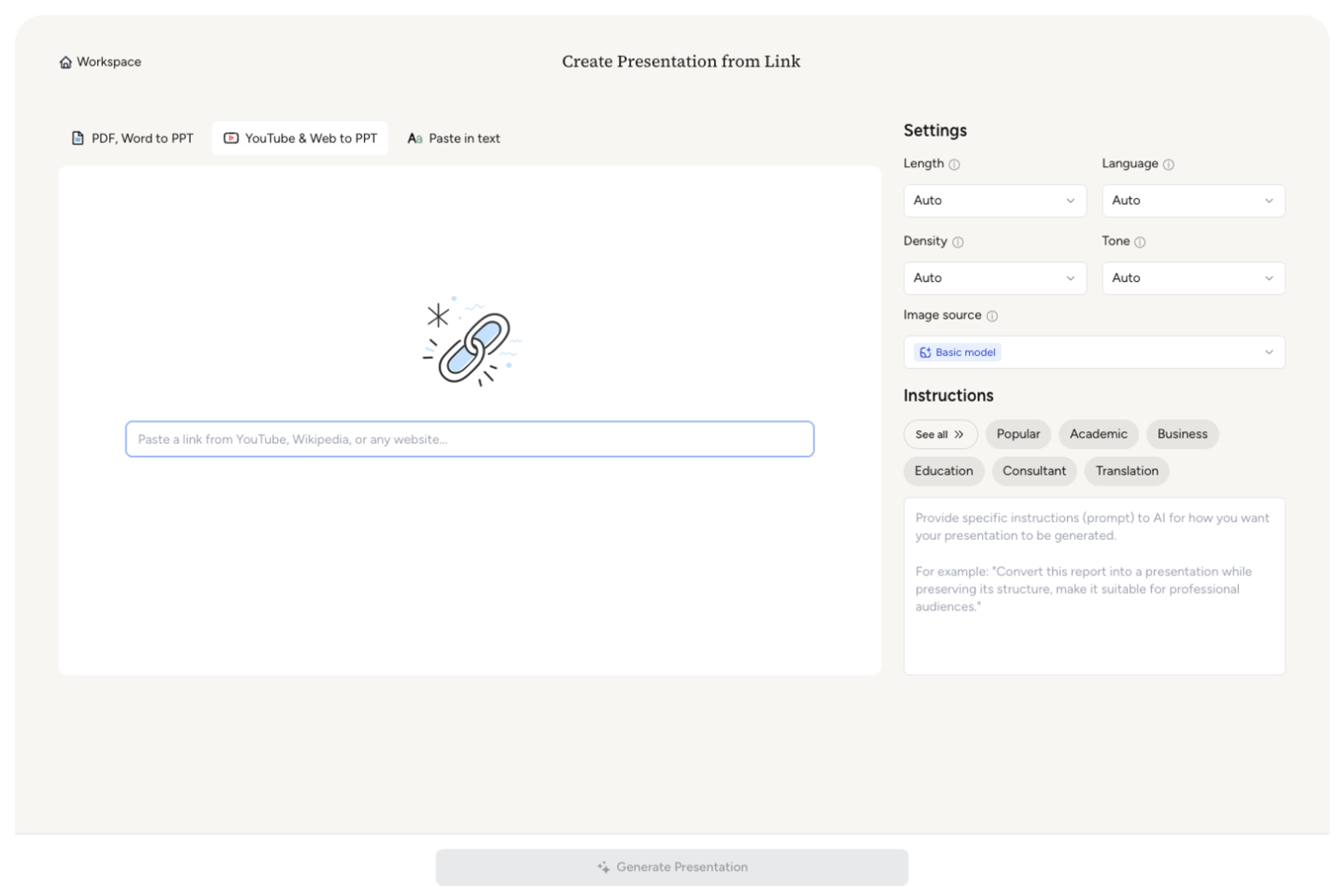
SlidesPilot identifies the professional positioning, industry focus, career progression, proof points, and audience promise. This turns profile content into a presentation story instead of a copied profile page.

Choose the moments that should receive the most attention: measurable achievements, client outcomes, leadership experience, technical skills, publications, or project examples. A consultant profile can become slides for expertise, service areas, wins, and collaboration CTA.

Generate a professional profile deck with summary, career timeline, selected achievements, skills, proof, and closing slide. The deck can support interviews, sales calls, networking, recruiting, or speaking opportunities.
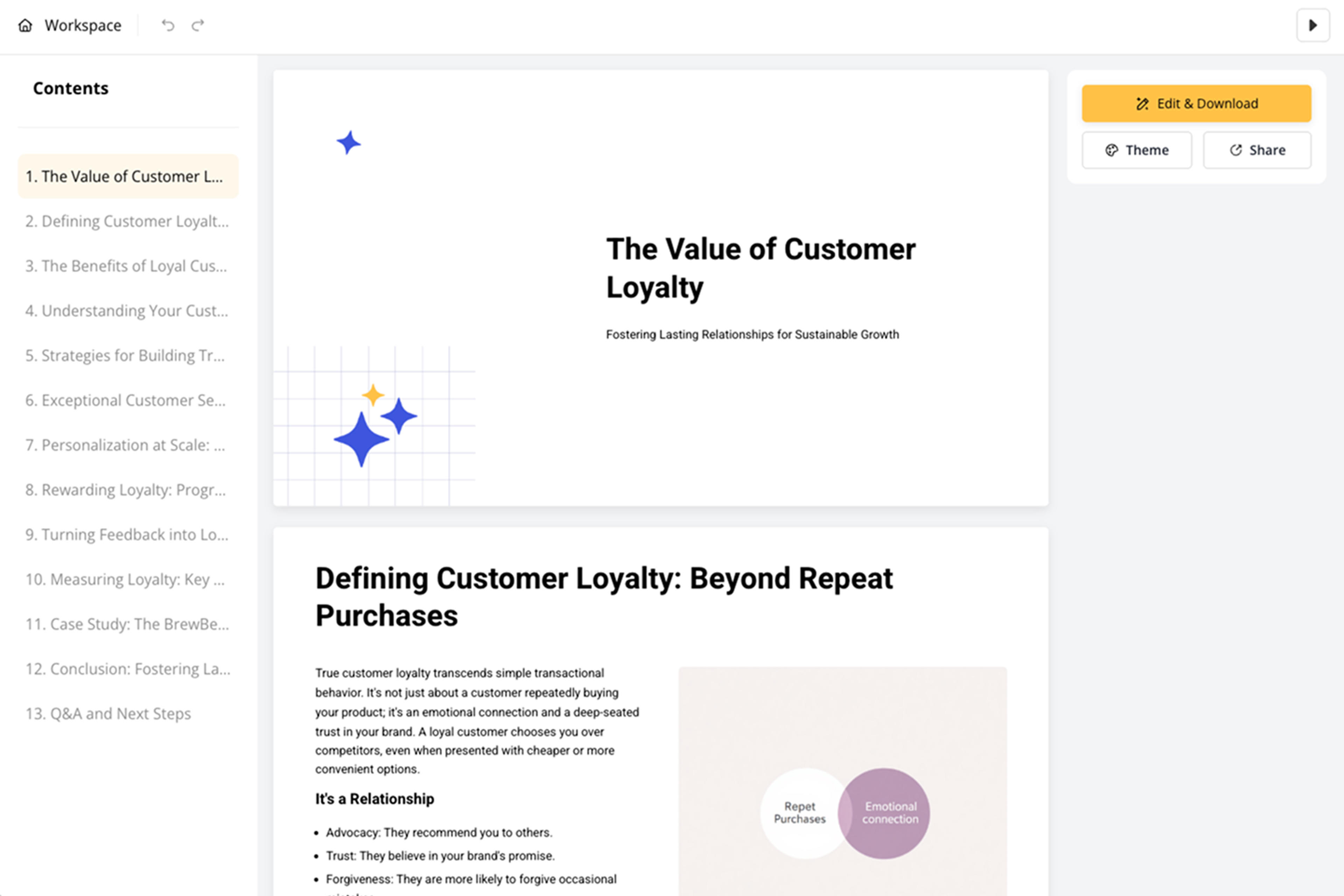
Refine tone, slide order, achievement wording, visuals, and call to action before export. You can create different versions for employers, clients, investors, event organizers, or internal teams.

LinkedIn Profile to PPT turns online profile text into a presentation-ready personal story. SlidesPilot focuses on positioning, achievements, and audience fit.

Headline, About text, roles, and skills are organized into a coherent professional narrative. This makes the deck stronger than a profile screenshot or copied bio.

Metrics, project results, certifications, recommendations, and portfolio details can become proof slides. The audience sees evidence of capability and credibility.

Career progression and role history can be turned into a timeline or experience arc. This helps recruiters, clients, and partners quickly understand the person's path.

The final deck supports interviews, proposals, personal branding, recruiting, and speaker introductions. Users can tailor the presentation for each opportunity.
Yes. Paste your LinkedIn profile content and SlidesPilot can create a presentation with professional summary, career story, achievements, skills, proof points, and a closing call to action.
Include your headline, About section, work experience, measurable achievements, skills, certifications, recommendations, publications, projects, and portfolio links. Add the audience so the deck fits the opportunity.
Yes. The deck can support job interviews, portfolio presentations, consulting pitches, networking meetings, founder bios, and speaker introductions. You can tune tone and emphasis for each use.
Yes. Project wins, revenue impact, growth metrics, leadership outcomes, certifications, and recommendations can become dedicated proof slides. This gives the presentation more substance than a simple biography.
LinkedIn Profile to PPT focuses on online profile positioning, public-facing achievements, and personal-brand narrative. CV to PPT focuses on a resume or CV document with career-document structure.
Yes. You can adjust wording, add achievements, change slide order, refine the call to action, and export an editable PowerPoint for interviews, clients, or networking.
Use LinkedIn Profile to PPT for public professional profile content. Choose CV, resume, pitch, or proposal workflows when the source is a career document, company story, or business-facing ask.
Turn your resume or CV into an editable career presentation for interviews, portfolios, professional introductions, and personal branding.
Create a more detailed CV presentation for academic, research, teaching, or international professional contexts.
Paste a content-rich link and turn the online source into a clear, editable PowerPoint presentation.
Turn articles, reports, and other web pages into clear, editable PowerPoint presentations.
Transform detailed case studies into professional PowerPoint presentations
Use AI Presentation Generator when that workflow better matches your source or output.
Transform your work into a presentation, instantly. ⭐ #1 AI PowerPoint Generator | Trusted by 3 million users worldwide