

Lead with your professional value
Open with the role, expertise, strengths, and career direction most relevant to the audience.
Turn your resume or CV into an editable career presentation for interviews, portfolios, professional introductions, and personal branding.
Drag & drop your file here or
Explore three ways to present the same career material for an introduction, interview, or portfolio conversation.
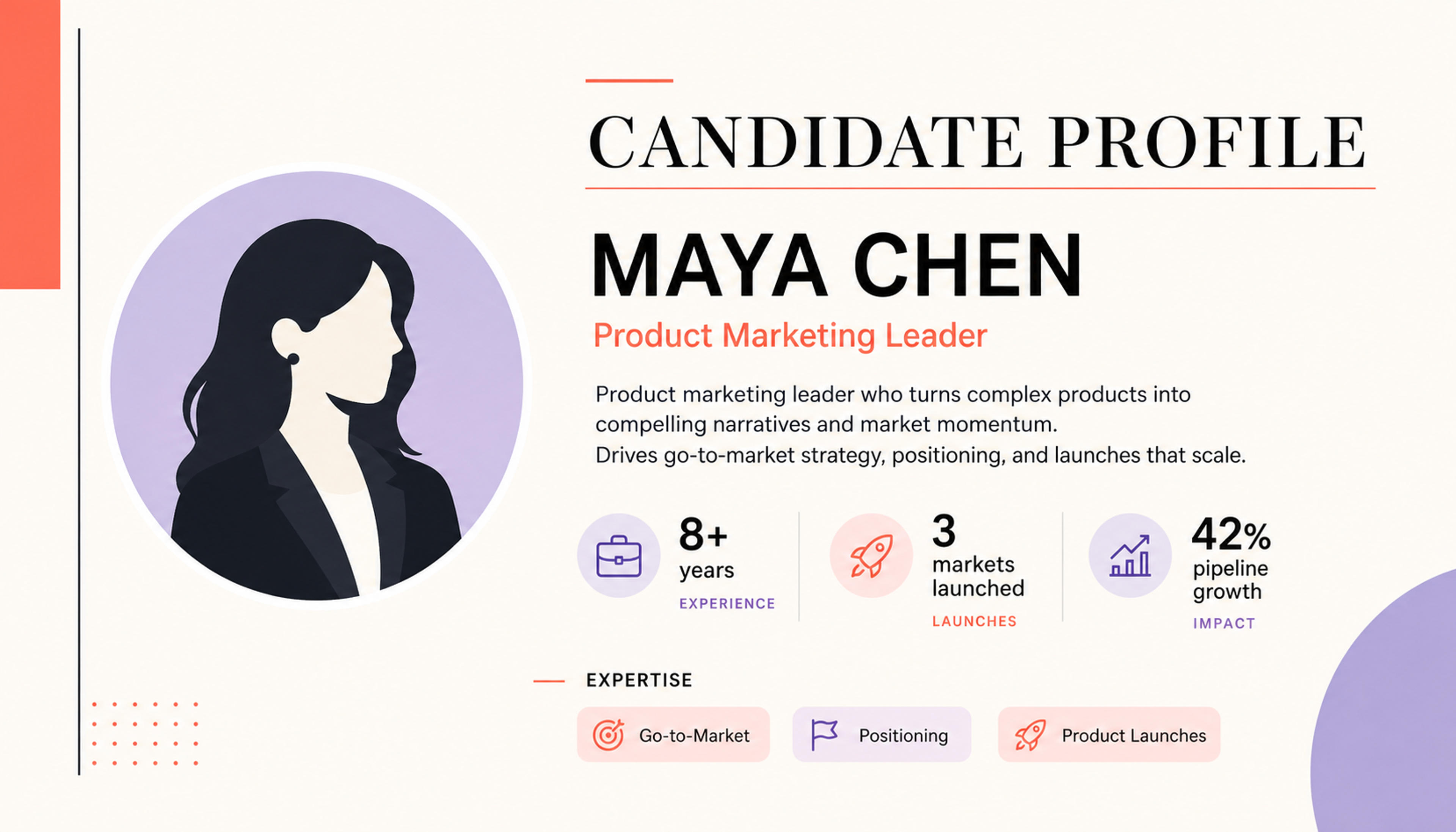
Open with a concise professional profile that connects your experience, strengths, and career direction.
Transform experience, achievements, skills, and projects into a presentation designed for interviews, portfolios, introductions, and professional opportunities.
Open with the role, expertise, strengths, and career direction most relevant to the audience.
Turn responsibilities into concise accomplishment stories supported by results, metrics, and examples.
Give important work, capabilities, certifications, and portfolio material a clear visual place in the deck.
Start with the latest document containing your experience, education, skills, projects, certifications, and achievements.

Set the target role, industry, interview, client introduction, portfolio review, or networking context.

Prioritize achievements, metrics, projects, expertise, and experiences that best support your professional story.

SlidesPilot builds a clear flow from professional profile and experience to achievements, skills, projects, and next-step positioning.

Add portfolio visuals, refine wording and emphasis, apply a professional theme, and export an editable PowerPoint.

Move from a static career document to a visual story that is easier to present, discuss, remember, and tailor.
AI recognizes experience, education, skills, projects, certifications, and achievements across the document.
Shape the deck around a target role, interview, portfolio, client introduction, or networking opportunity.
Turn career highlights and measurable outcomes into concise, memorable slide messages.
Present professional progression with a clear sequence and balanced emphasis.
Give selected projects, capabilities, visuals, and examples dedicated space in the presentation.
Refine every message and visual before exporting the finished PPTX or continuing in Google Slides.
It is a visual career introduction that presents your experience, achievements, skills, projects, and professional value as a slide deck.
Yes. Upload a resume or CV and SlidesPilot will organize the relevant career information into a presentation narrative.
Yes. Provide the target role, industry, audience, and most relevant strengths so the presentation emphasizes the right experience and achievements.
Yes. Add project outcomes, visuals, links, case studies, and portfolio highlights to make the career story more concrete.
Use it for interviews, professional introductions, portfolio reviews, networking, client pitches, speaking profiles, and personal branding.
Yes. Edit the content, theme, layouts, and visuals, then export an editable PPTX or continue in Google Slides.
Create a career presentation from a resume, CV, Word document, personal profile, project material, or other professional source content.
Create a more detailed CV presentation for academic, research, teaching, or international professional contexts.
Turn a LinkedIn profile into a concise professional introduction or networking presentation.
Use the general PDF to PPT workflow for reports, papers, manuals, and other source documents.
Turn a Word document into a structured, editable PowerPoint presentation with AI.
Start from documents, links, videos, text, or a prompt with SlidesPilot's AI PowerPoint Generator.
Upload your resume or CV and create a clear, editable PowerPoint presentation for your next opportunity.