

Turn Career History into a Story
SlidesPilot organizes education, experience, skills, publications, projects, and awards into a professional narrative. The deck helps audiences quickly understand the candidate's value.
Transform your Curriculum Vitae into a professional PowerPoint presentation
Drag & drop your file here or
Turn a resume or CV into a deck that explains experience, projects, and fit in a more visual format.
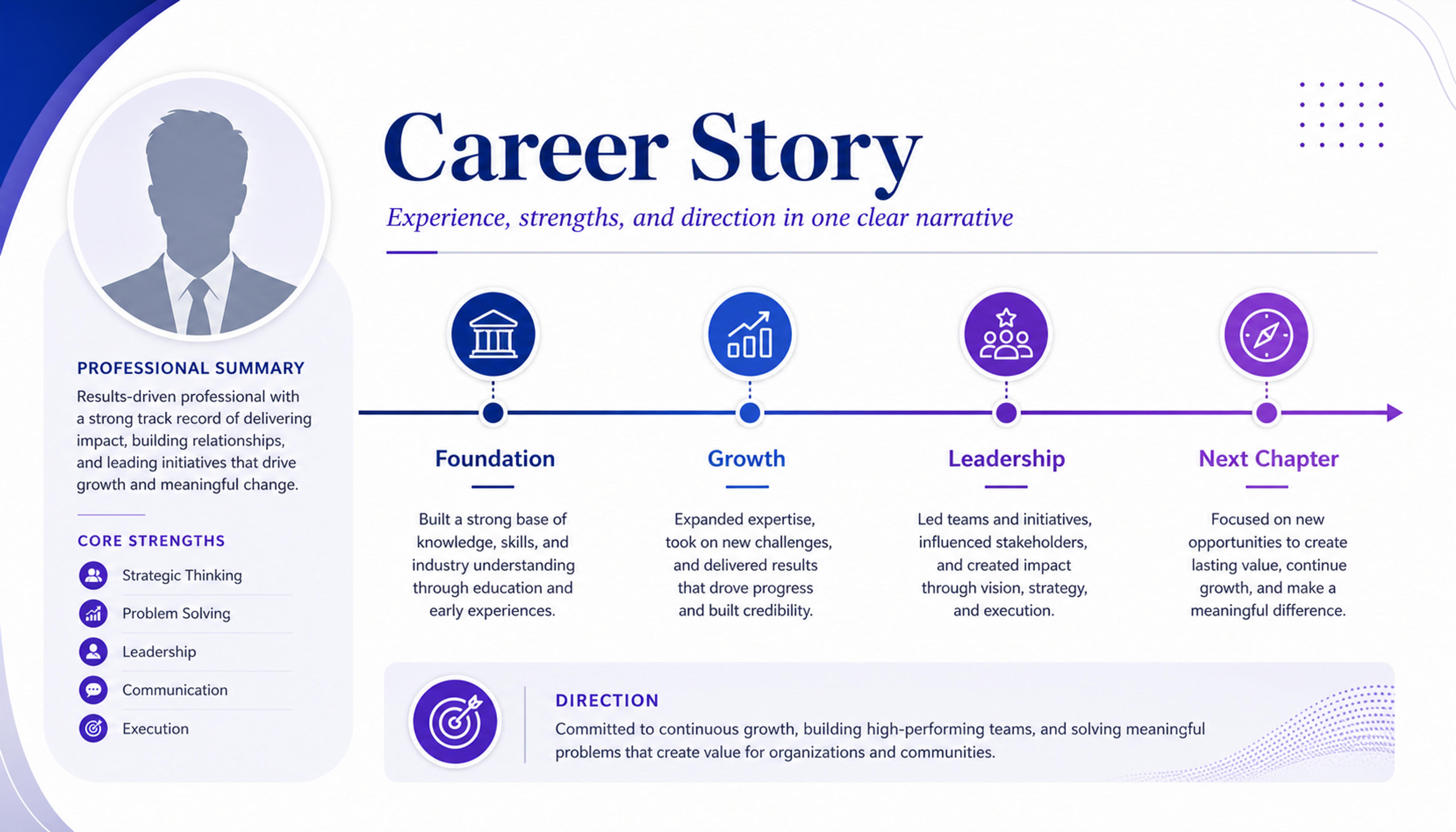
Transform work history into a concise narrative that connects roles, skills, and the direction of your career.
Convert a CV or resume into a professional presentation with profile summary, career timeline, achievements, skills, selected work, and closing slide.
SlidesPilot organizes education, experience, skills, publications, projects, and awards into a professional narrative. The deck helps audiences quickly understand the candidate's value.
Roles, metrics, project outcomes, academic work, certifications, and portfolio items can become dedicated slides. This gives interviews, talks, and introductions stronger evidence.
The presentation can support interviews, academic introductions, consulting pitches, scholarship applications, and speaker bios. Users can customize emphasis for each opportunity.
Upload the CV, resume, academic bio, publication list, project history, or achievement summary. Add the audience and purpose, such as interview, academic talk, consulting pitch, scholarship, or speaker intro.

SlidesPilot identifies profile positioning, education, role history, achievements, skills, projects, publications, awards, and professional proof. This turns the CV into a presentation story.

Choose the career angle. An academic CV can become slides for research focus, education, publications, teaching, conference work, grants, and a concise professional introduction.

Generate a CV presentation with profile overview, timeline, selected achievements, skills, work samples, education, and closing slide. The deck is built for professional communication.

Refine wording, slide order, achievement emphasis, visuals, and call-to-action before export. Create versions for hiring panels, clients, academic audiences, or event organizers.

CV to PPT turns a career document into a professional presentation. SlidesPilot focuses on career narrative, achievements, credibility, and audience fit.

Education, experience, projects, skills, and awards become a coherent story. This makes the presentation stronger than a resume converted into slides line by line.

Metrics, publications, project results, certifications, and selected work can become proof slides. Audiences see capability and credibility quickly.

Career timeline and role progression can be organized visually. This helps interviewers, clients, and academic audiences understand development and focus.

The editable deck supports interviews, consulting introductions, scholarships, speaker bios, and academic presentations. Users can tailor emphasis for each opportunity.
Yes. Upload your CV or resume and SlidesPilot can create a professional presentation with profile summary, career timeline, achievements, skills, education, selected work, and closing slide.
Include education, work experience, achievements, projects, publications, certifications, awards, skills, and portfolio links. Add the audience so the deck fits the opportunity.
Yes. The deck can support interview introductions, portfolio walk-throughs, academic talks, consulting pitches, scholarship applications, and speaker bios.
Yes. Publications, conference work, grants, teaching experience, research focus, and academic achievements can become structured slides for scholarly audiences.
CV to PPT focuses on a resume or CV document. LinkedIn Profile to PPT focuses on public profile positioning, online achievements, recommendations, and personal-brand narrative.
Yes. You can revise wording, add achievements, change slide order, adjust visuals, and export an editable PowerPoint for different roles or audiences.
Use CV to PPT when the source is a resume or academic CV. Choose LinkedIn profile, pitch, proposal, or document workflows when the source is public profile content or business-facing material.
Turn your resume or CV into an editable career presentation for interviews, portfolios, professional introductions, and personal branding.
Turn a LinkedIn profile into a concise professional introduction or networking presentation.
Transform detailed case studies into professional PowerPoint presentations
Turn Word documents into clear, structured, editable PowerPoint presentations with AI.
Use AI Presentation Generator when that workflow better matches your source or output.
Transform plain PowerPoint presentations into professional designs using AI
Transform your work into a presentation, instantly. ⭐ #1 AI PowerPoint Generator | Trusted by 3 million users worldwide