

Turn Async Video into Slides
SlidesPilot transforms Loom narration into a deck that is faster to scan than the recording. Teams can share the message, examples, and decisions without asking everyone to watch the full video.
Turn screen recordings into professional PowerPoint presentations
Convert a recorded walkthrough into slides that preserve the explanation, product flow, and next actions.
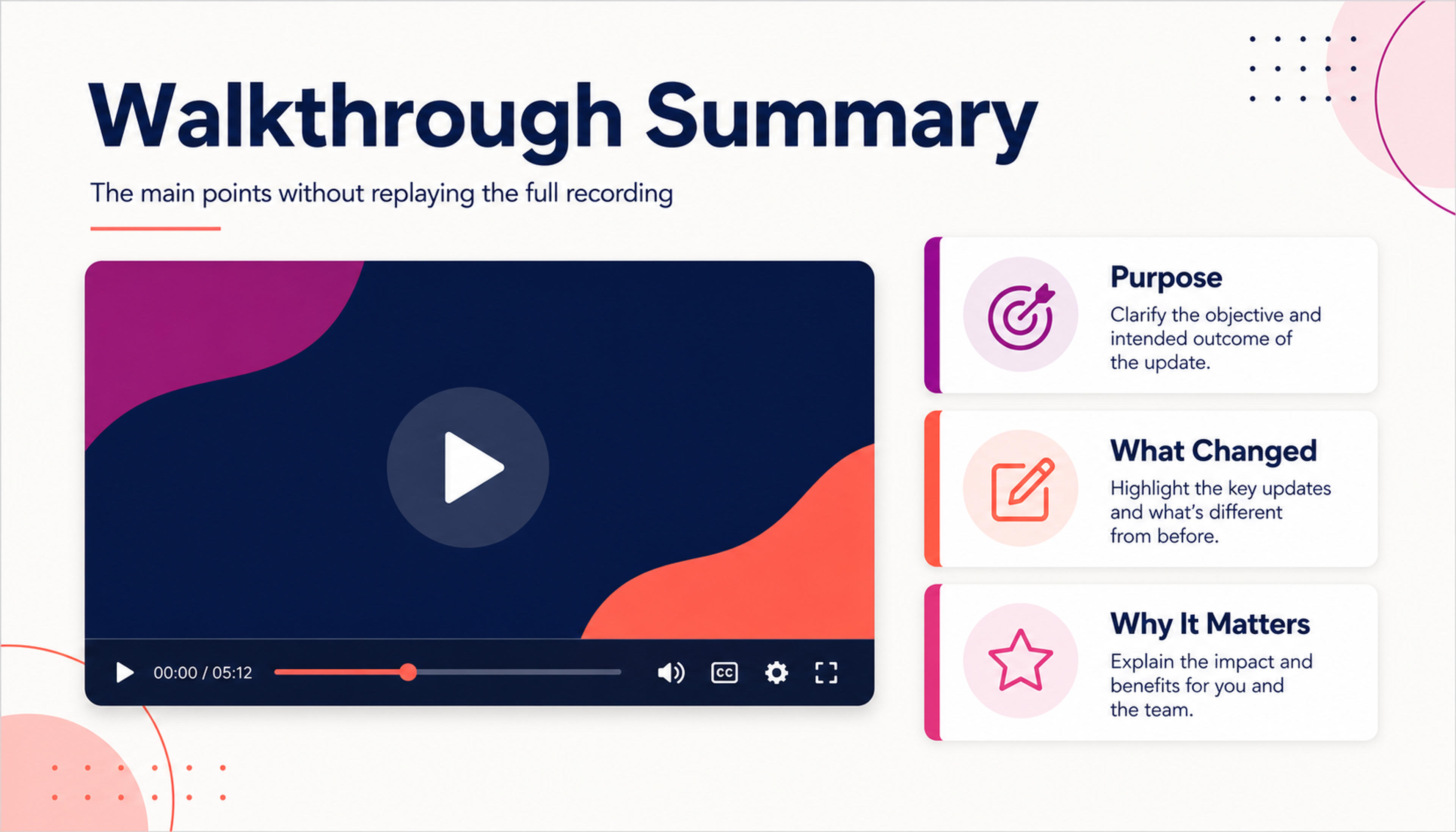
Turn the main points from a Loom recording into a deck teammates can scan without replaying the full video.
Convert Loom recordings into shareable decks that capture demos, async updates, customer explanations, decisions, and next steps.
SlidesPilot transforms Loom narration into a deck that is faster to scan than the recording. Teams can share the message, examples, and decisions without asking everyone to watch the full video.
Product screens, walkthrough steps, customer questions, feature explanations, and decisions can become slide sections. This is useful for product updates, onboarding, support, and sales enablement.
The deck can support follow-up meetings, client recaps, internal training, documentation, and remote-team alignment. The original Loom becomes reusable communication material.
Add the Loom recording link, transcript, demo notes, screenshots, or async-update context. Tell SlidesPilot whether the deck is for clients, product teams, onboarding, support, sales, or internal follow-up.
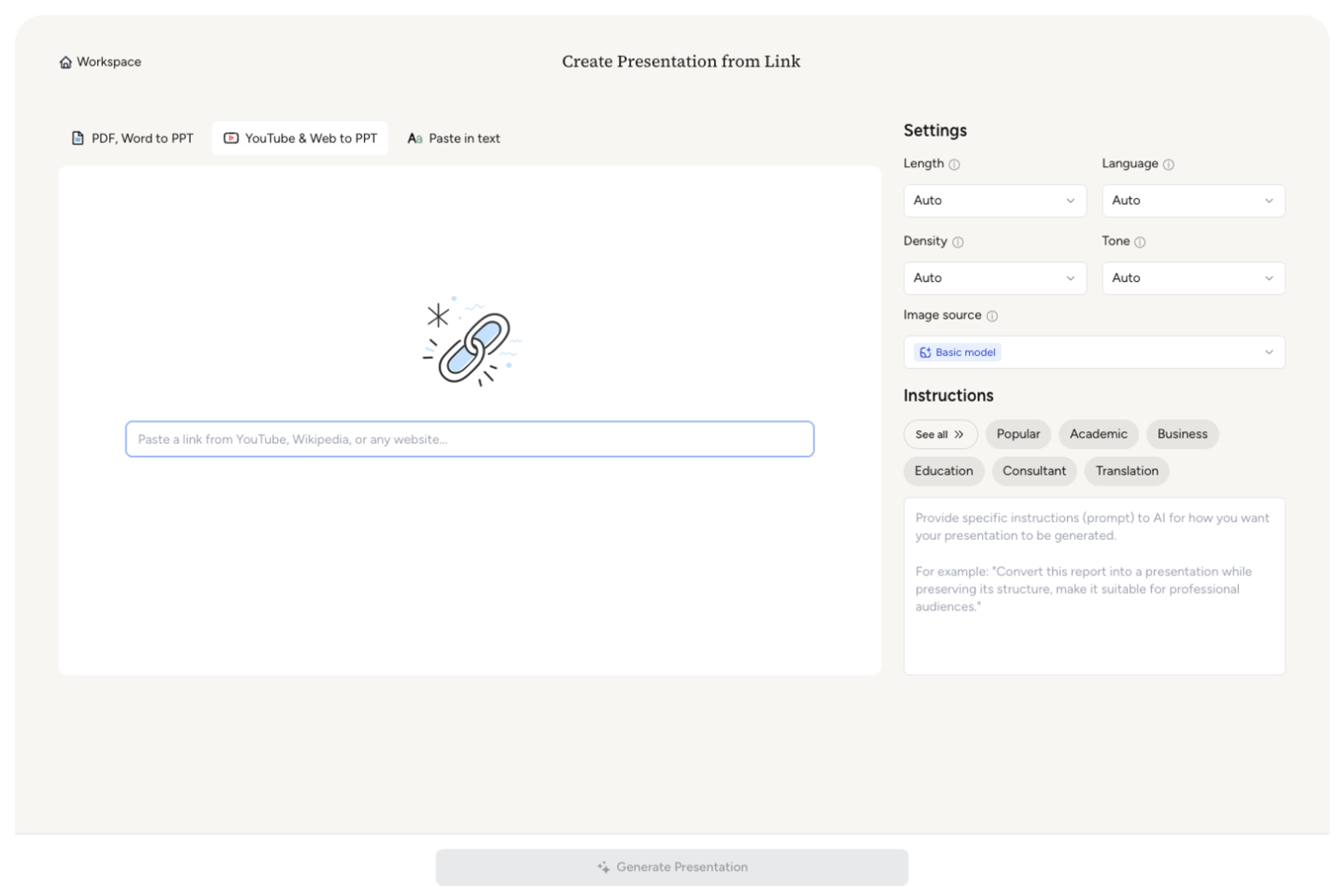
SlidesPilot identifies the recording's purpose, speaker explanation, workflow steps, product screens, customer examples, decisions, and next actions. This turns a video update into a presentation structure.
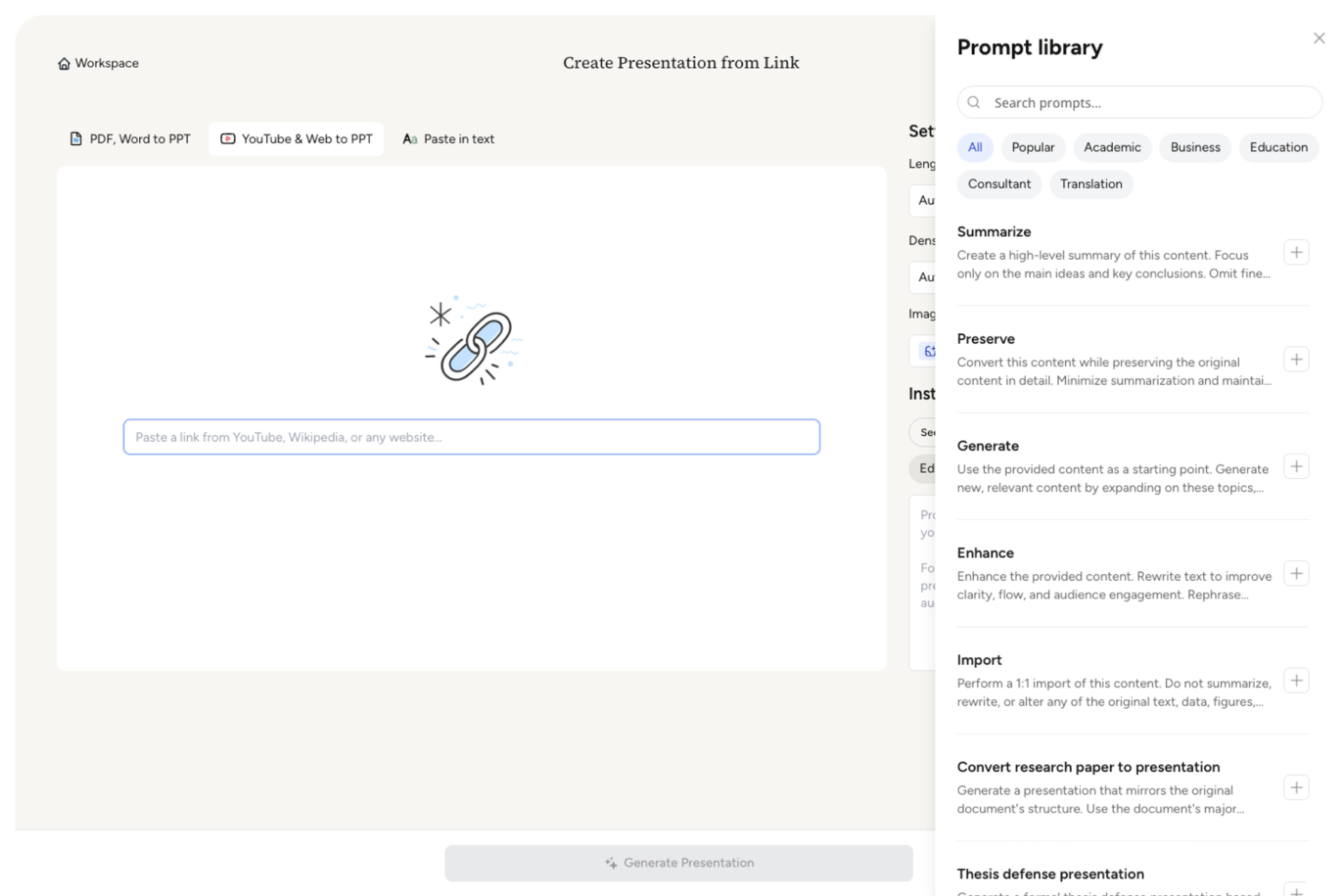
Map the strongest moments to slides. A product walkthrough Loom can become sections for customer pain, feature demo, workflow steps, benefit explanation, objections addressed, and follow-up tasks.
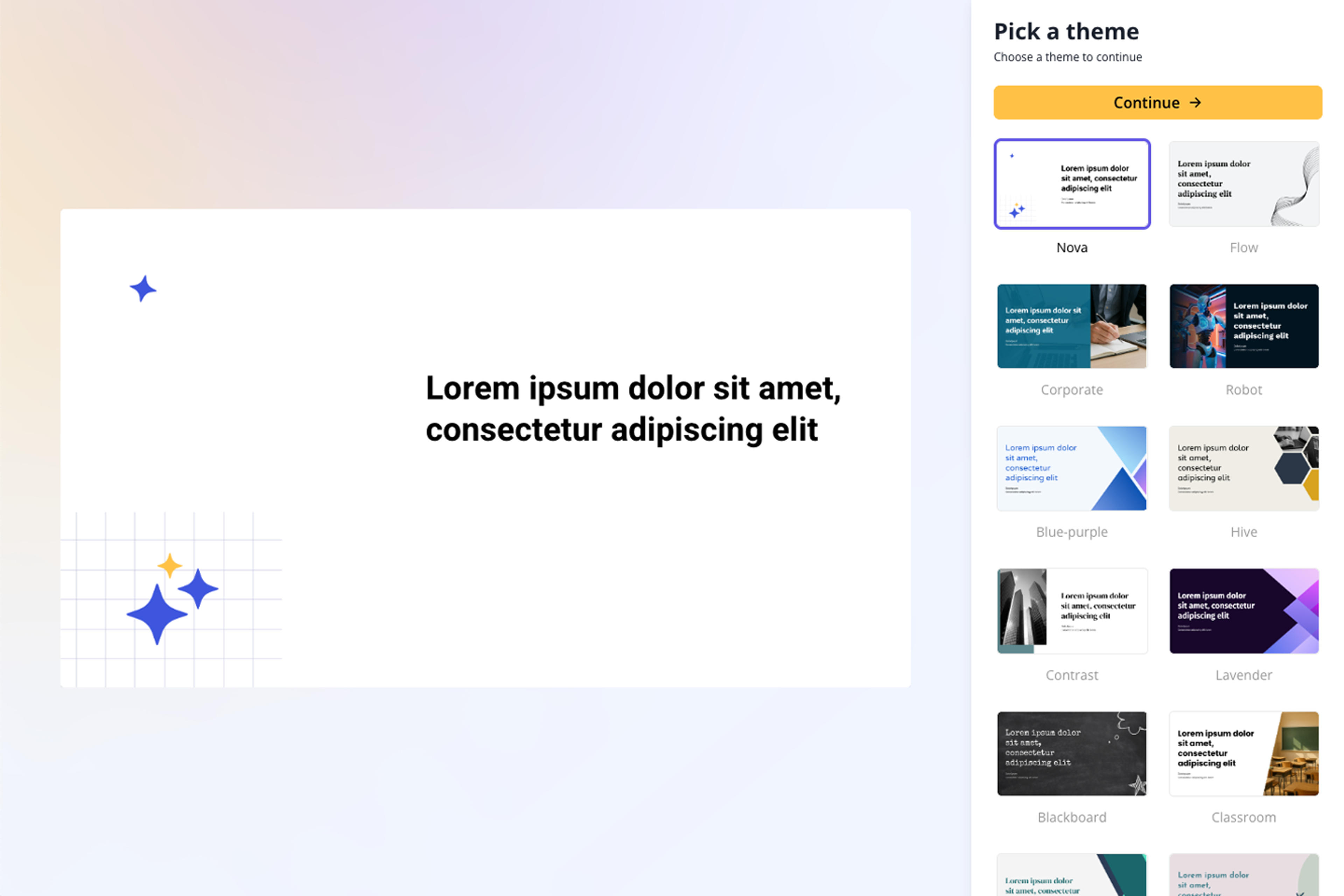
Generate a Loom recap deck with chapter slides, demo highlights, decision points, screenshots or visual cues, and audience-specific takeaways. The deck is built for quick review and reuse.
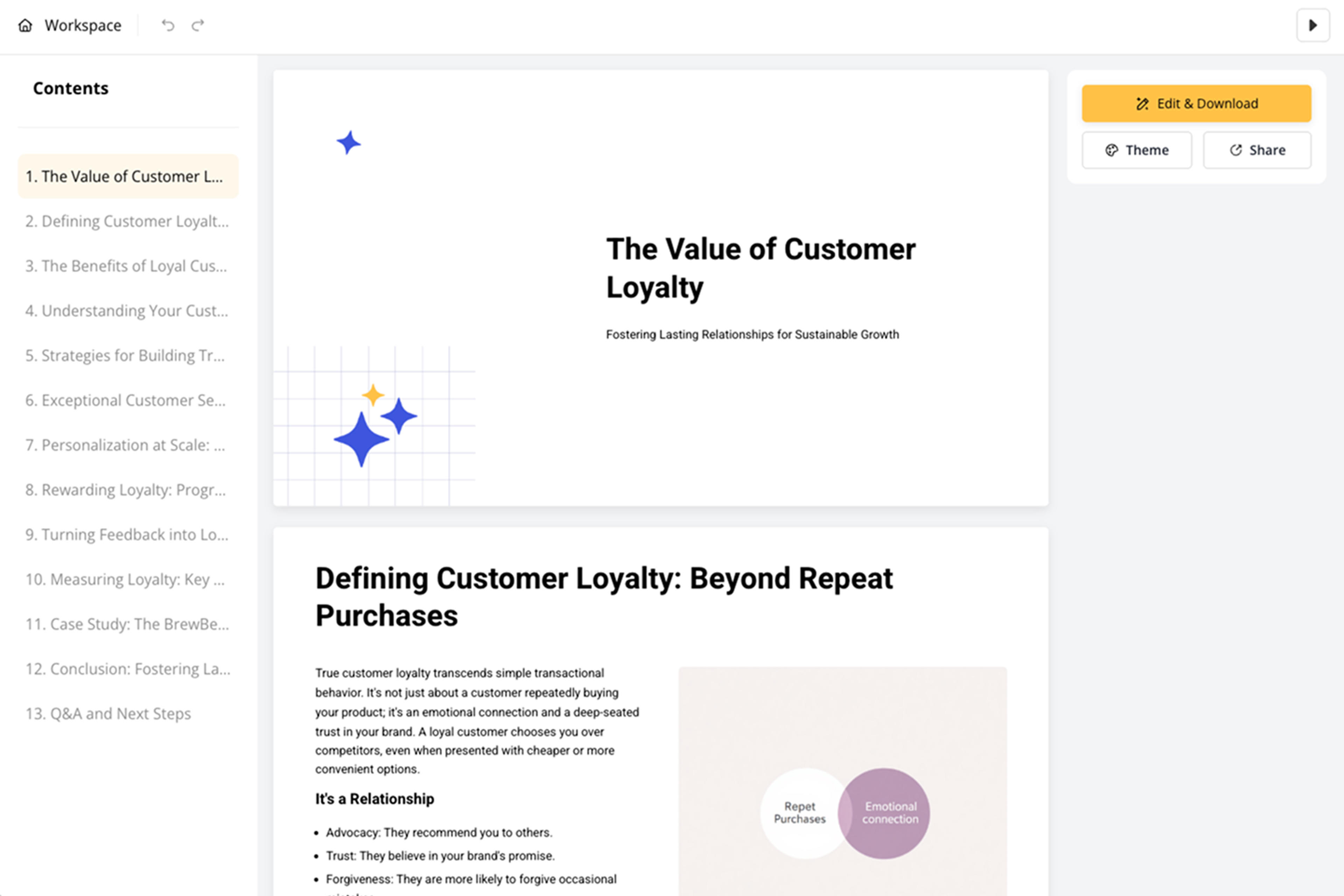
Refine slide order, screenshots, wording, CTA, and detail level before export. Teams can turn one Loom into a client update, training deck, sales handoff, or documentation asset.
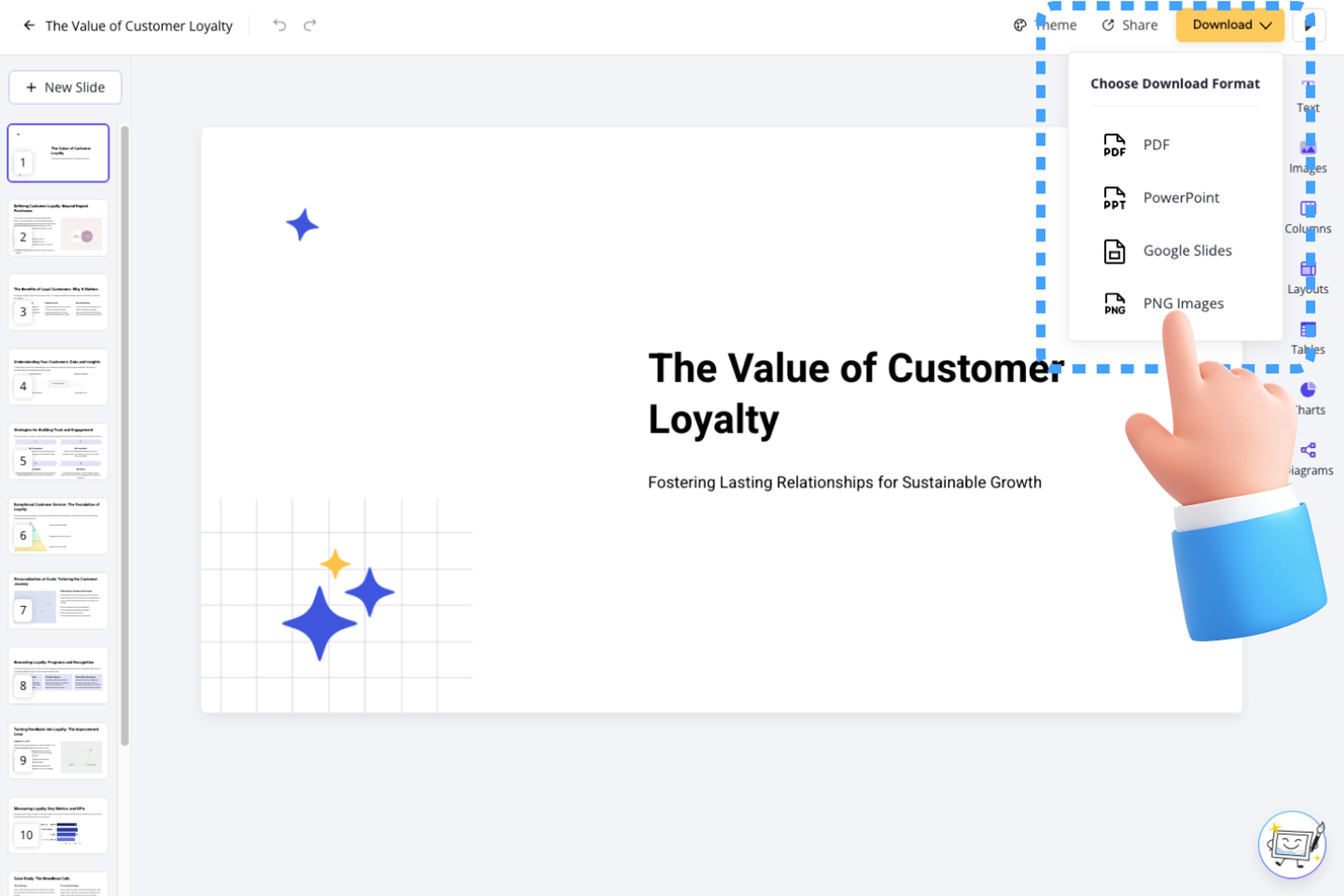
Loom to PPT turns async video into reusable presentation material. SlidesPilot focuses on demos, explanations, decisions, and follow-up value.

Narration and screen-flow context become a deck that is easier to skim and share. This helps remote teams communicate beyond the original video.

Product demos, feature walkthroughs, customer examples, and decisions can become slide anchors. The deck keeps the most useful parts of the Loom visible.

Audience-specific framing helps the same recording support clients, internal teams, onboarding, support, or sales. Users can tune the message before exporting.

The output supports follow-up meetings, documentation, enablement, and training. A one-time async video becomes a reusable asset.
Yes. Add the Loom link, transcript, or recording notes and SlidesPilot can create a presentation with demo highlights, explanation sections, decisions, and next steps.
Product demos, async updates, customer explanations, onboarding videos, support walkthroughs, sales handoffs, and internal recaps work well. The deck can be shaped around the audience and follow-up goal.
Yes. Workflow steps, feature moments, screen descriptions, screenshots, and user benefits can become slide sections. This makes Loom videos easier to reuse for training or sales.
Yes. Set the audience as client-facing and emphasize the problem, explanation, decisions, recommendations, and next steps. You can refine language and visuals before sharing.
Loom to PPT focuses on Loom recordings and async work communication. Video Transcript to PPT starts from transcript text and gives more direct control over speaker labels and timestamps.
Yes. You can adjust slide order, add screenshots, refine demo notes, change wording, and export an editable PowerPoint.
Use Loom to PPT for async video updates and product walkthroughs. Choose video-transcript, webinar, tutorial, or podcast workflows when the source format or audience intent is different.
Paste a content-rich link and turn the online source into a clear, editable PowerPoint presentation.
Transform YouTube videos into editable PowerPoint presentations
Transform video tutorials and guides into PowerPoint presentations
Transform lengthy video transcripts into editable PowerPoint presentations
Transform webinar recordings into PowerPoint presentations
Use AI Presentation Generator when that workflow better matches your source or output.
Transform your work into a presentation, instantly. ⭐ #1 AI PowerPoint Generator | Trusted by 3 million users worldwide