

Build a Webinar Recap
SlidesPilot turns agenda, speaker sections, key lessons, examples, and audience takeaways into a slide deck. The webinar becomes useful after the live session ends.
Transform webinar recordings into PowerPoint presentations
Turn a recorded webinar into slides that capture the agenda, teaching points, examples, and audience takeaways.
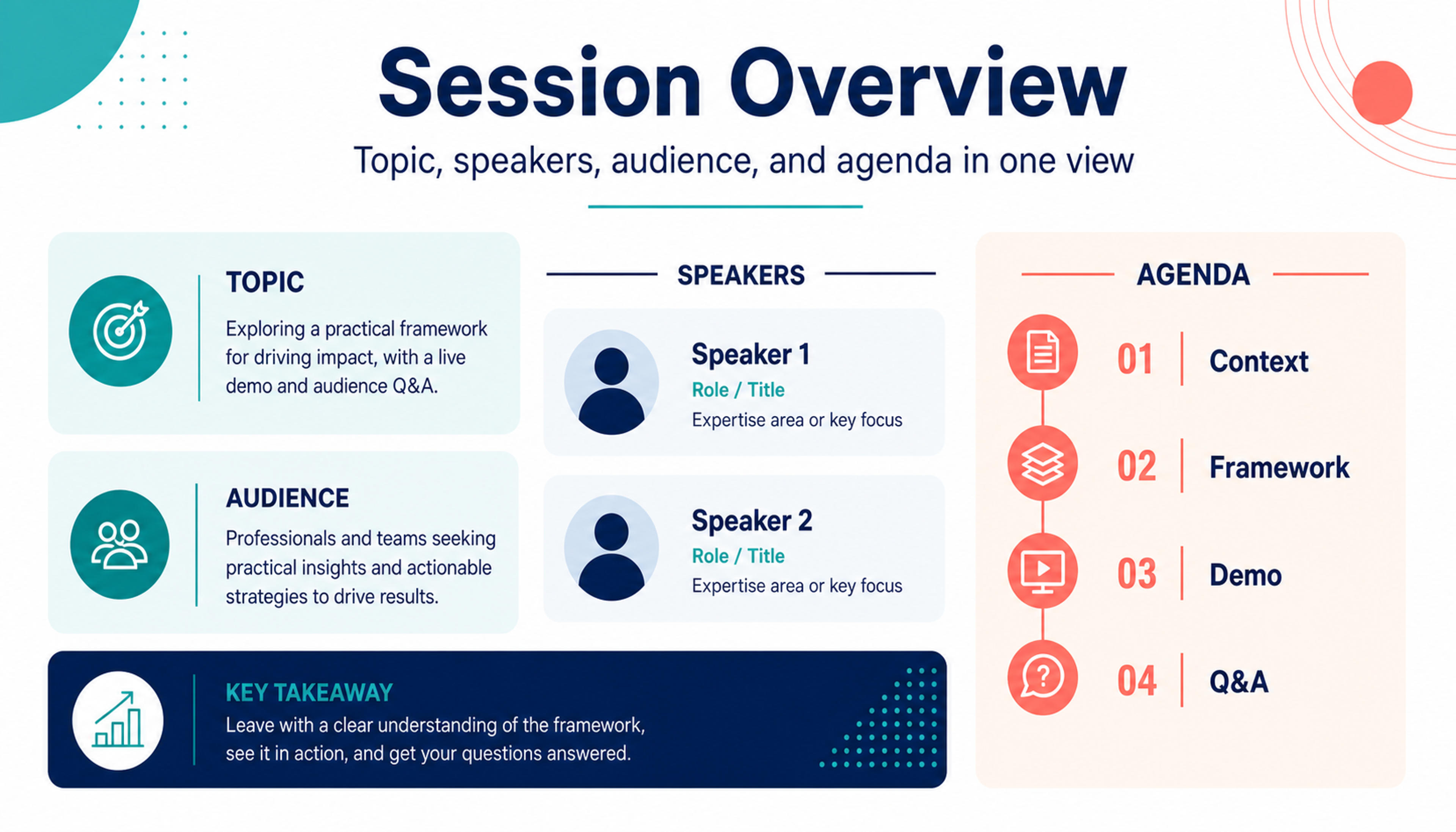
Introduce the webinar topic, speakers, audience, and agenda in a concise opening sequence.
Convert webinar recordings into reusable presentations with agenda recap, speaker insights, topic chapters, Q&A, poll highlights, and follow-up actions.
SlidesPilot turns agenda, speaker sections, key lessons, examples, and audience takeaways into a slide deck. The webinar becomes useful after the live session ends.
Audience questions, chat highlights, poll results, demos, and speaker answers can become dedicated slides. This preserves the parts that show real attendee interest.
The generated deck can support post-event follow-up, internal training, sales enablement, content marketing, and customer education. Teams can edit CTA and examples before sharing.
Add the webinar recording, transcript, slides, agenda, Q&A notes, chat highlights, poll results, or speaker notes. Set the output goal, such as recap, training, sales follow-up, or content marketing.
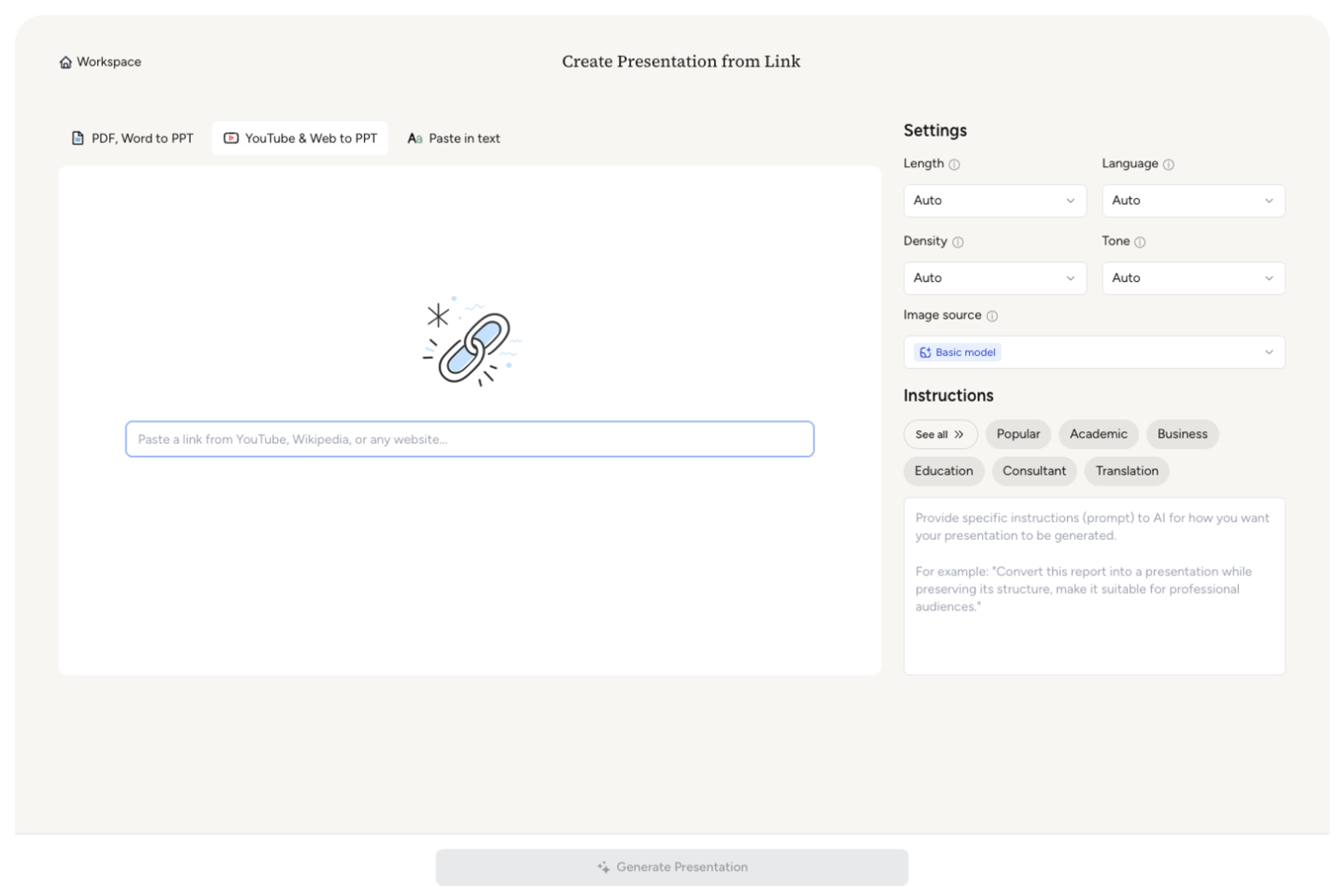
SlidesPilot identifies agenda sections, speaker insights, key lessons, examples, demos, audience questions, poll highlights, and follow-up CTA. This creates a deck built from event value.

Choose the repurposing angle. A customer webinar can become slides for session goal, product walkthrough, customer examples, audience questions, poll insights, and next-step resources.

Generate a webinar deck with agenda recap, topic chapters, insight slides, Q&A summary, interaction highlights, and follow-up actions. The presentation is ready for post-event use.
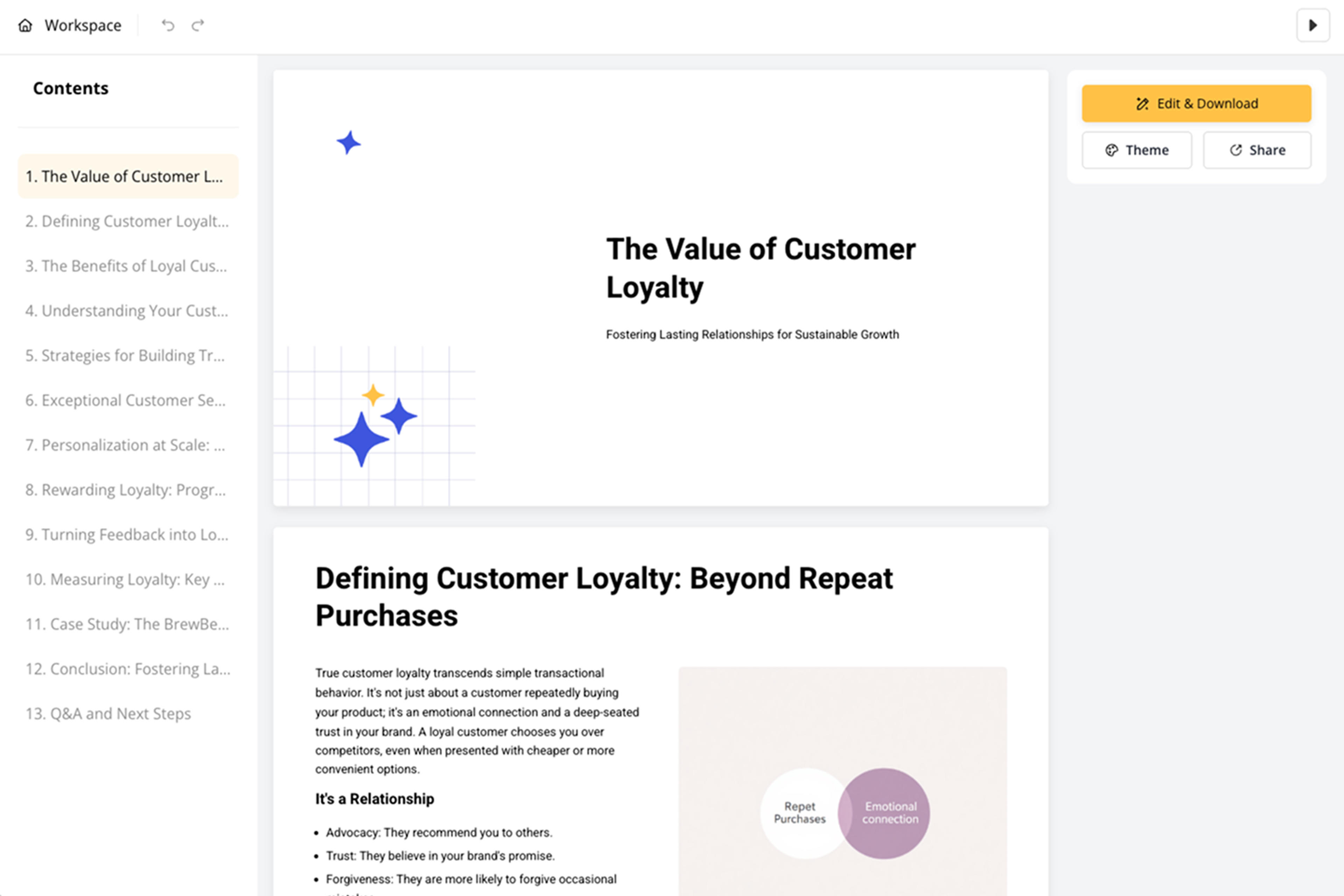
Refine speaker labels, CTA slides, screenshots, examples, and slide order before export. Use the deck for follow-up emails, internal training, enablement, or content campaigns.

Webinar to PPT turns live or recorded events into reusable decks. SlidesPilot focuses on agenda, speakers, audience interaction, insights, and follow-up.

Agenda, speaker sections, and key lessons become a structured event recap. The deck makes the webinar easier to review and share.

Q&A, chat highlights, polls, demos, and audience reactions can become slide sections. This keeps attendee interest visible.

Follow-up CTA, resources, and next steps can be added to the presentation. The deck supports post-event marketing and enablement.

The editable output supports training, customer education, sales follow-up, and content repurposing. Teams can tailor the recap for each audience.
Yes. Add the webinar recording, transcript, slides, agenda, Q&A, chat highlights, or poll notes and SlidesPilot can create a reusable presentation.
Include agenda, speaker notes, transcript, existing slides, questions, chat highlights, poll results, demo notes, and follow-up CTA. This helps the deck capture the event's value.
Yes. Audience questions, speaker answers, chat themes, and recurring concerns can become Q&A summary slides or follow-up sections.
Yes. The presentation can support follow-up emails, sales enablement, customer education, training, and content marketing after the event.
Webinar to PPT focuses on event structure, speakers, Q&A, audience interaction, and follow-up. Video Lecture to PPT focuses on educational lecture content and learning flow.
Yes. You can revise speaker labels, Q&A slides, screenshots, CTA, examples, and slide order before exporting the editable PowerPoint.
Use Webinar to PPT for event recaps and webinar repurposing. Choose video-lecture, tutorial, podcast, or video-transcript workflows when the recording has a different instructional or conversational structure.
Transform YouTube videos into editable PowerPoint presentations
Turn lectures, webinars, training videos, and recordings into clear, editable PowerPoint presentations.
Transform podcast episodes into PowerPoint presentations
Turn screen recordings into professional PowerPoint presentations
Transform video tutorials and guides into PowerPoint presentations
Use AI Presentation Generator when that workflow better matches your source or output.
Transform your work into a presentation, instantly. ⭐ #1 AI PowerPoint Generator | Trusted by 3 million users worldwide