

Preserve the How-To Sequence
SlidesPilot follows the tutorial's setup, steps, demonstrations, explanations, and outcome. The deck teaches the process in order so learners can repeat it.
Transform video tutorials and guides into PowerPoint presentations
Preview how SlidesPilot can turn your source material into a clearer deck before you export or share the result.
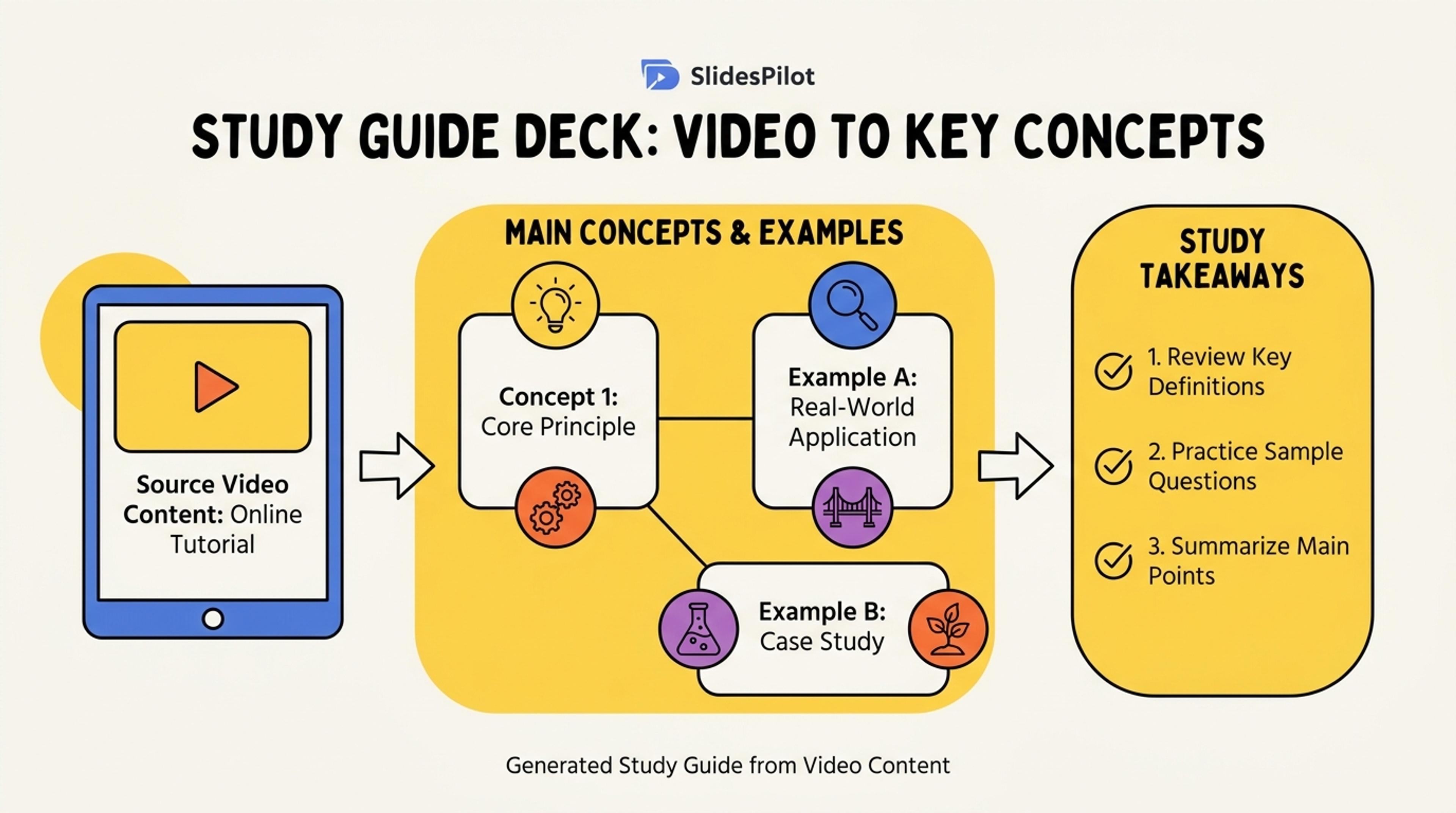
Turn shared video content into a study guide deck with the main concepts, examples, and takeaways first.
Convert tutorial videos and how-to content into step-by-step presentation slides with actions, explanations, examples, screenshots, and recap checkpoints.
SlidesPilot follows the tutorial's setup, steps, demonstrations, explanations, and outcome. The deck teaches the process in order so learners can repeat it.
Screenshots, commands, examples, product actions, and demonstration moments can become visual slide anchors. This helps creators repurpose tutorials into lessons, training decks, and support material.
The output can include numbered steps, checkpoints, recap slides, and next practice tasks. It works for product onboarding, classroom lessons, internal training, and course content.
Add the tutorial video, transcript, script, captions, screenshots, step list, or demo notes. Include the learner level and goal so SlidesPilot can create slides for teaching, onboarding, support, or course material.
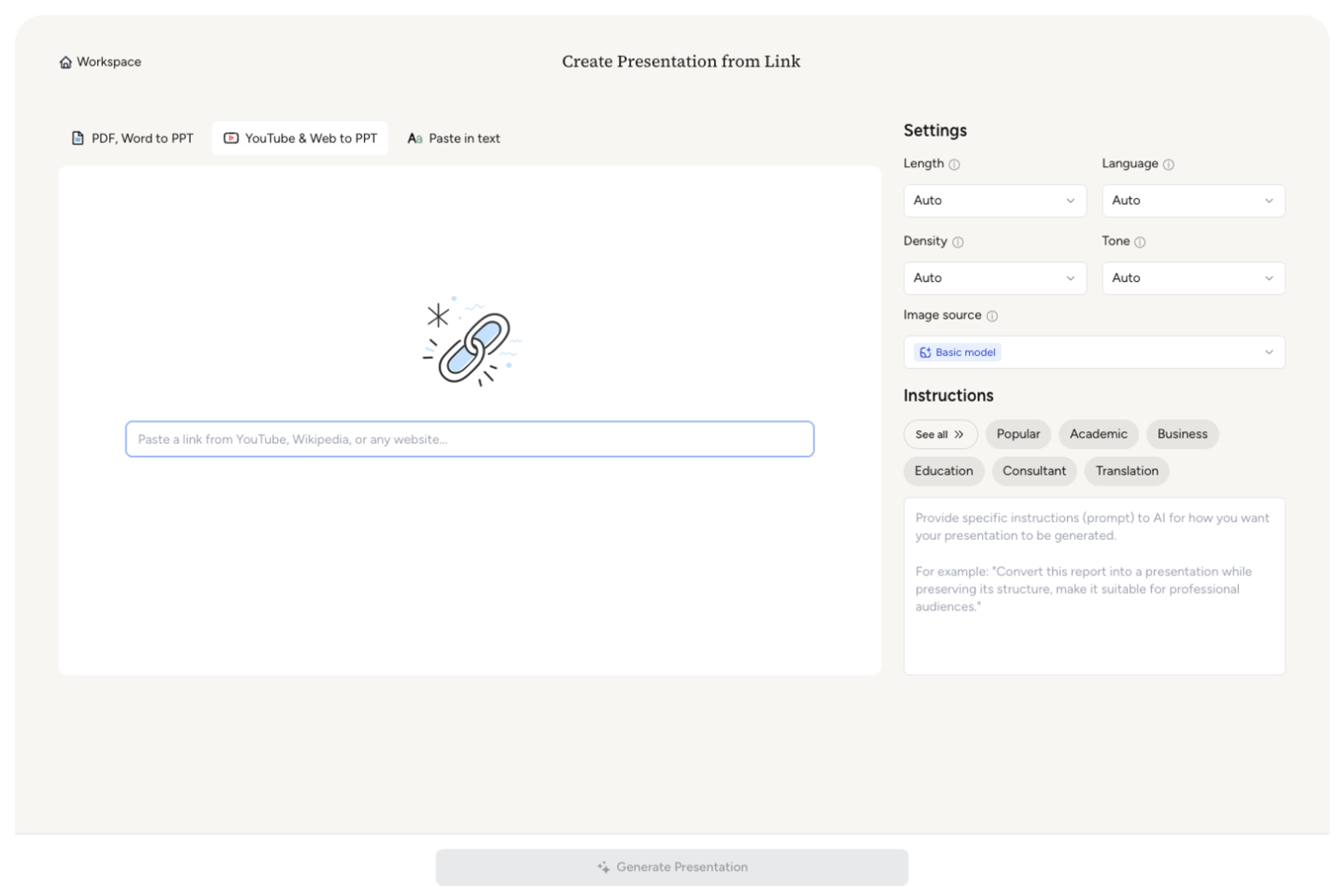
SlidesPilot identifies the tutorial sequence: setup, prerequisites, actions, explanations, examples, checks, and final outcome. This keeps the presentation aligned with how people learn the process.

Map key actions and demos to slides. A software tutorial can become sections for setup, navigation, feature walkthrough, common use cases, practice task, and final checklist.

Generate a tutorial deck with numbered steps, explanation slides, visual cue notes, screenshots or placeholders, recap checkpoints, and next actions. The result is structured for teaching and reuse.
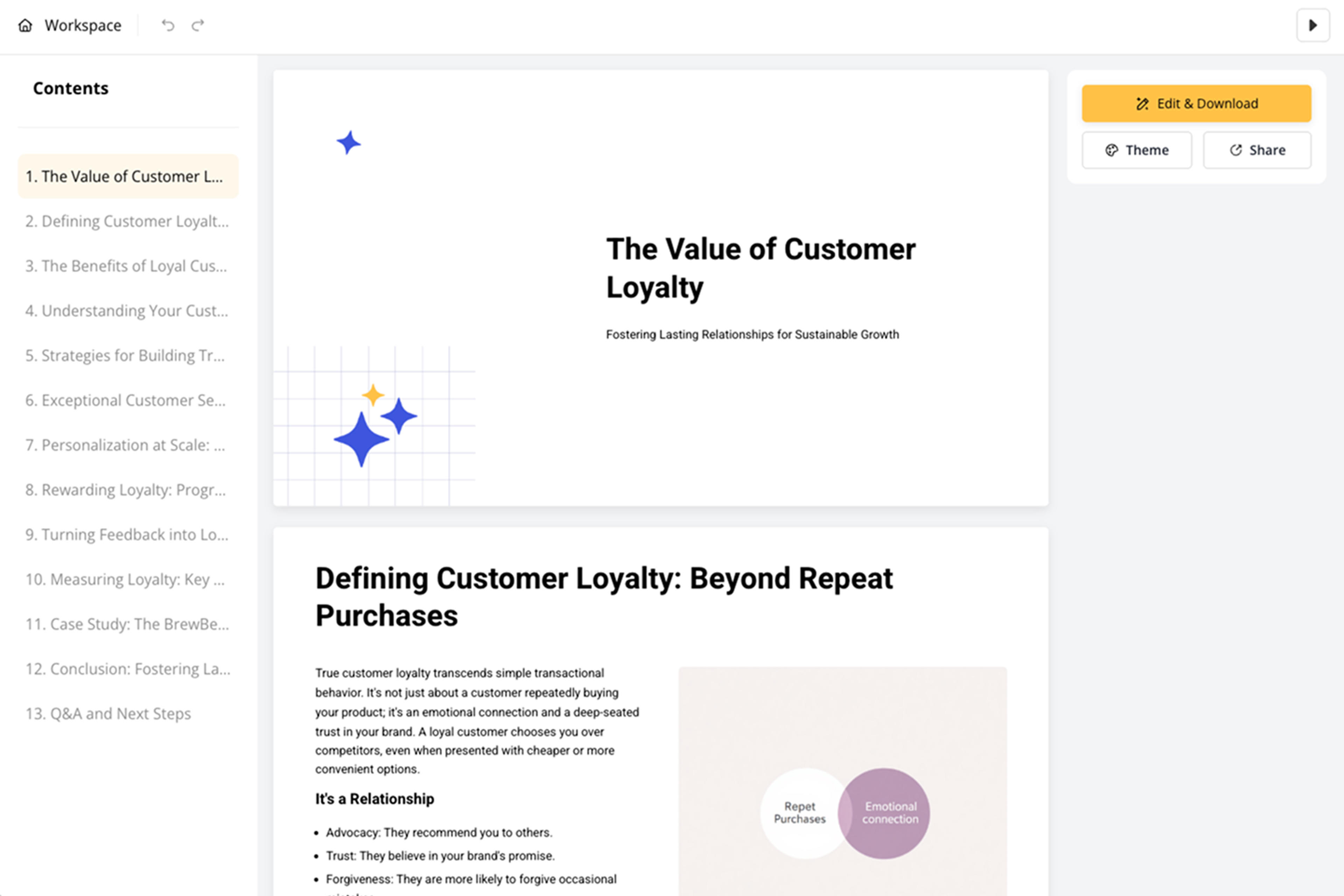
Refine steps, screenshots, examples, wording, and slide pacing before export. The deck can become a class lesson, product guide, support resource, or training handout.

Tutorial to PPT is about converting instruction into teachable slides. SlidesPilot keeps the sequence, demonstrations, examples, and learning checkpoints visible.

Setup, prerequisites, action steps, explanations, and outcomes become a clear presentation sequence. Learners can follow the same path as the original tutorial.

Demonstrations, screenshots, commands, and examples can become slide anchors. This makes the deck practical for software, product, classroom, and training workflows.

Recaps, practice prompts, and checklist moments can be added around the tutorial content. The deck helps audiences remember and repeat the process.

The editable output supports courses, onboarding, support docs, product education, and internal training. Teams can adjust level, pacing, and visuals before presenting.
Yes. Add a tutorial video, transcript, script, captions, or step list and SlidesPilot can create a step-by-step presentation with explanations, examples, visual cues, and recap slides.
Include setup instructions, steps, screenshots, demo notes, examples, commands, and the final outcome. Add learner level and goal so the deck matches the teaching context.
Yes. Tutorial steps can be turned into a clear slide sequence with numbered actions, explanation slides, checkpoints, and final recap. This works well for software and process tutorials.
Yes. Product demos, onboarding walkthroughs, support tutorials, and internal training materials can become reusable slide decks. You can add screenshots and refine wording before export.
Tutorial to PPT focuses on instructional sequence and how-to steps. Video Transcript to PPT is broader and works for interviews, webinars, demos, meetings, and other recorded transcript formats.
Yes. You can change step names, add screenshots, adjust examples, refine explanations, and export an editable PowerPoint for teaching, onboarding, or support.
Use Tutorial to PPT when the video or guide teaches a process step by step. Choose video-transcript, webinar, manual, or guide workflows when the source structure or reuse goal is different.
Transform YouTube videos into editable PowerPoint presentations
Turn lectures, webinars, training videos, and recordings into clear, editable PowerPoint presentations.
Transform manuals and guides into PowerPoint presentations
Transform lengthy manuals into clear PowerPoint presentations
Transform webinar recordings into PowerPoint presentations
Use AI Presentation Generator when that workflow better matches your source or output.
Transform your work into a presentation, instantly. ⭐ #1 AI PowerPoint Generator | Trusted by 3 million users worldwide