

Turn Guidance into a Lesson Flow
SlidesPilot organizes the guide around goal, prerequisites, steps, examples, and final outcome. The presentation helps audiences learn and apply the process.
Transform manuals and guides into PowerPoint presentations
Drag & drop your file here or
Turn a long guide into teaching slides, process walkthroughs, or quick-reference material your audience can use.
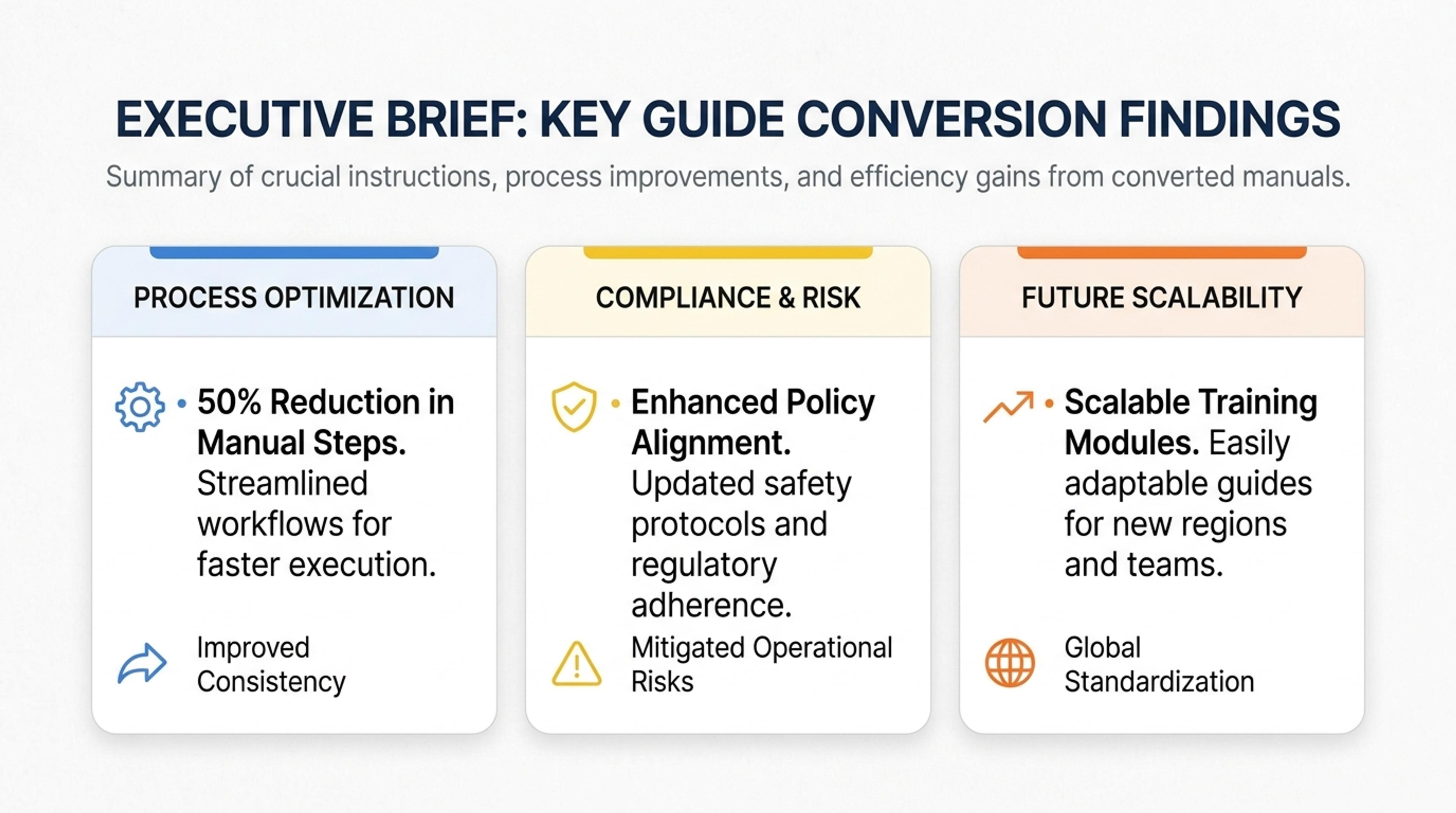
Convert procedural guide sections into slides that trainers can present step by step.
Convert guides, playbooks, how-to articles, and process documents into step-by-step presentations with goals, actions, examples, tips, and recap checklists.
SlidesPilot organizes the guide around goal, prerequisites, steps, examples, and final outcome. The presentation helps audiences learn and apply the process.
Best practices, tips, decision points, examples, and checklists can become slide moments. This makes written guidance easier to teach, train, and reuse.
The generated deck supports workshops, onboarding, support education, and content repurposing. Users can edit step order, visuals, and examples before exporting.
Upload the guide, playbook, how-to article, process document, checklist, or educational resource. Add the audience, learning level, and purpose so SlidesPilot can shape the presentation.
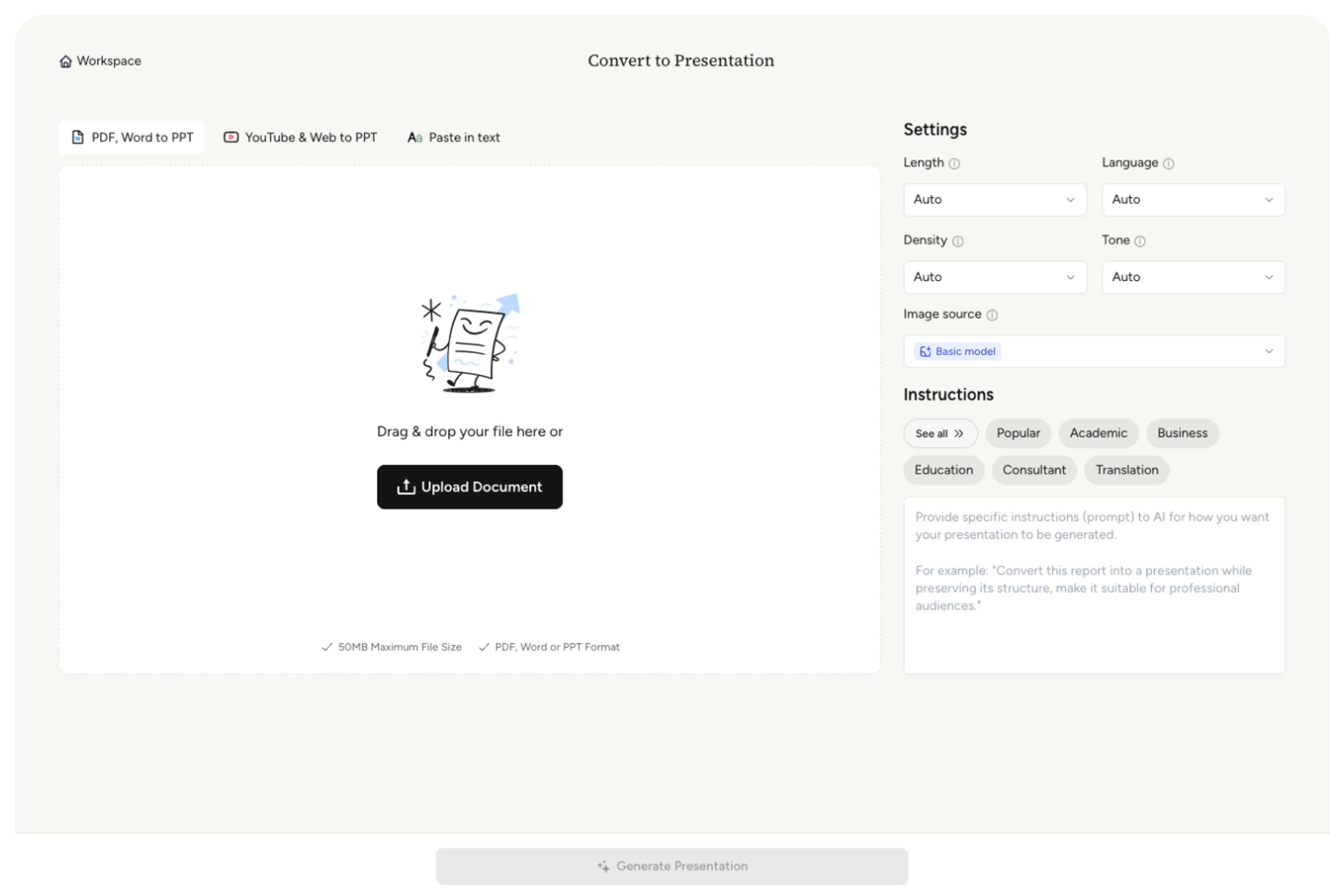
SlidesPilot identifies the goal, prerequisites, steps, tips, examples, decision points, common questions, and final outcome. This creates a teachable sequence from written guidance.
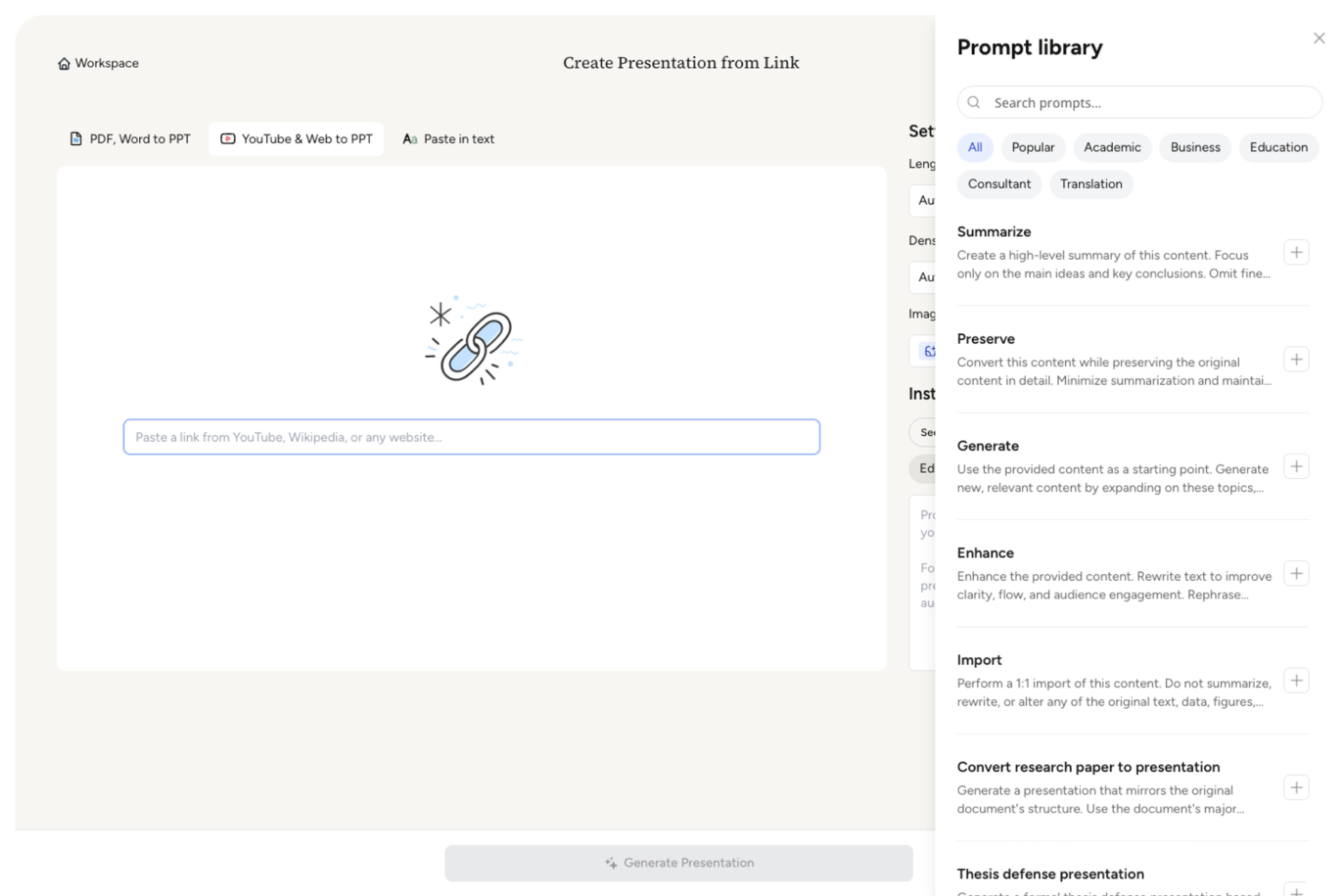
Choose the training angle. A customer onboarding guide can become slides for setup, first actions, best-practice workflow, common questions, success checklist, and next learning resources.
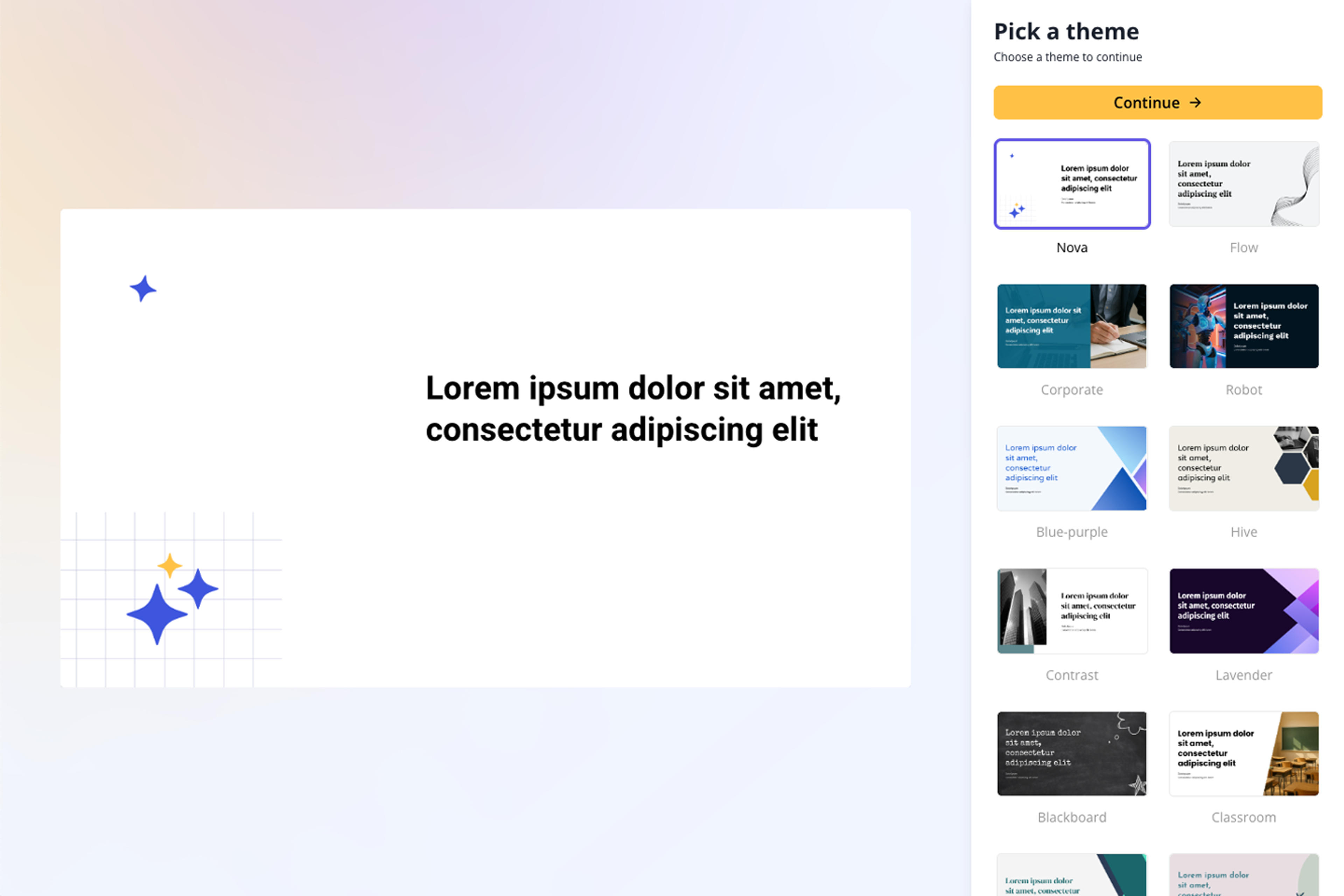
Generate a guide presentation with ordered steps, explanation slides, examples, tips, checklist moments, and recap. The deck helps people understand and apply the guide.
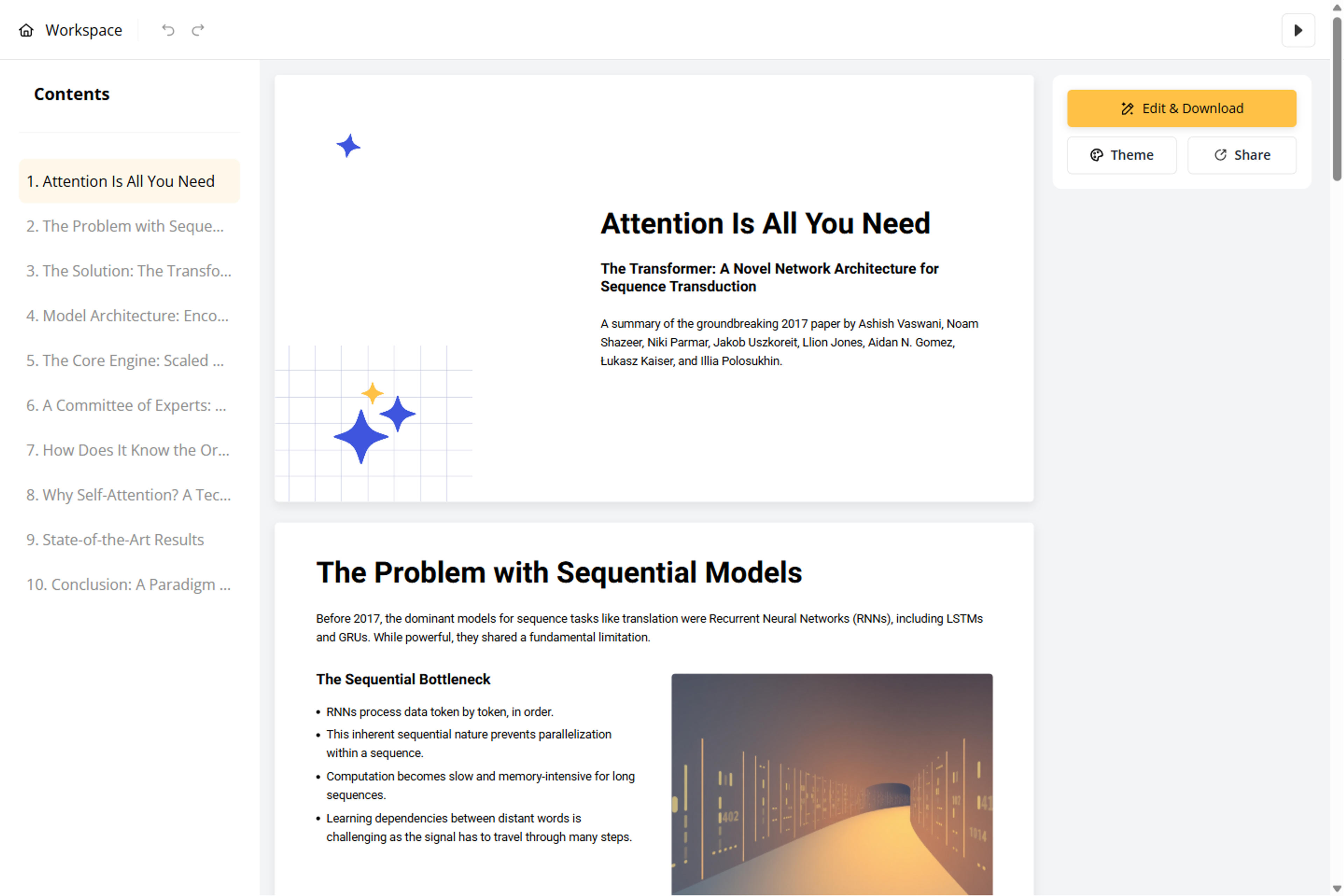
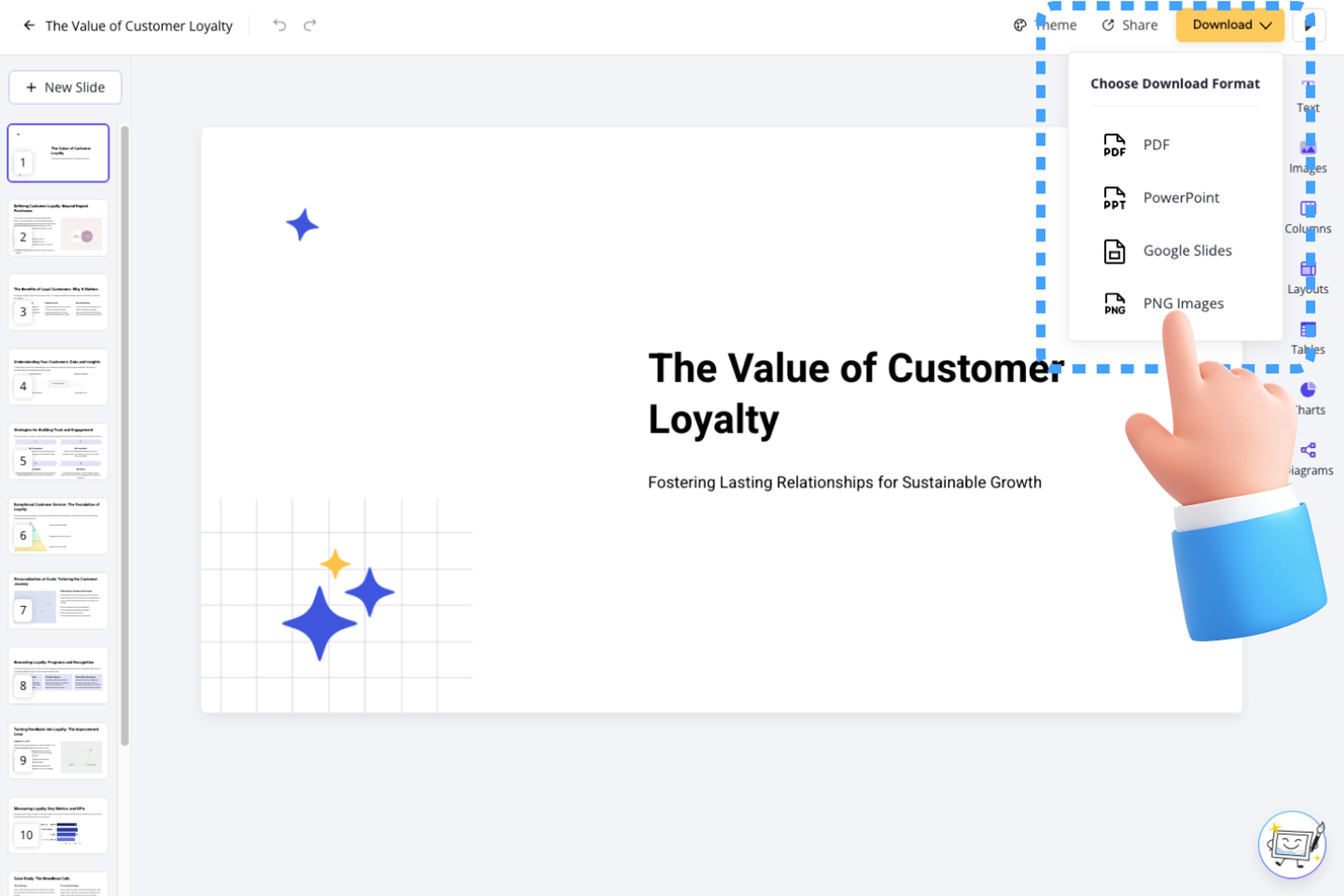
Refine step names, examples, screenshots, visual cues, and slide pacing before export. The deck can support workshops, onboarding, support training, or educational content.
Guides to PPT turns written instruction into usable teaching slides. SlidesPilot focuses on goal, sequence, examples, tips, and action.

Guide sections become a learning sequence from goal to outcome. This makes instructional content easier to present.

Tips, examples, best practices, and decision points can become slide anchors. The deck highlights the parts that help people act.

Checklists and recap points can be added around the process. This supports training, onboarding, and support education.

The editable output supports workshops, courses, playbooks, and how-to content repurposing. Users can adjust detail and visuals.
Yes. Upload a guide, playbook, how-to article, process document, or checklist and SlidesPilot can create a step-by-step presentation with examples, tips, and recap slides.
How-to guides, onboarding guides, educational guides, support guides, process playbooks, strategy guides, and checklist-style articles all work well when the goal is teaching or reuse.
Yes. Steps, tips, reminders, decision points, and completion criteria can become checklist-style slides for training, workshops, or onboarding.
Yes. The deck can support workshops, internal training, support education, onboarding, and course material. You can adjust pacing and examples for the audience.
Guides to PPT focuses on broader how-to guides and playbooks. Manuals to PPT focuses on formal manuals, SOPs, and procedural documentation.
Yes. You can revise step names, add examples, adjust visuals, reorder slides, and export the editable PowerPoint.
Use Guides to PPT when written guidance should become a teachable slide deck. Choose manuals, tutorials, syllabus, or web-page workflows when the source has a more specific structure.
Transform lengthy manuals into clear PowerPoint presentations
Transform video tutorials and guides into PowerPoint presentations
Transform written lesson plans into engaging PowerPoint presentations
Turn reports, papers, and documents into clear, structured, editable PowerPoint presentations with AI.
Turn Word documents into clear, structured, editable PowerPoint presentations with AI.
Transform textbooks into PowerPoint presentations
Transform your work into a presentation, instantly. ⭐ #1 AI PowerPoint Generator | Trusted by 3 million users worldwide