

Turn Preprints into Research Decks
SlidesPilot follows the arXiv paper from problem and method to experiments, results, and contribution. The deck helps technical audiences discuss the paper faster.
Transform academic preprints into professional PowerPoint presentations
Preview how SlidesPilot can turn your source material into a clearer deck before you export or share the result.
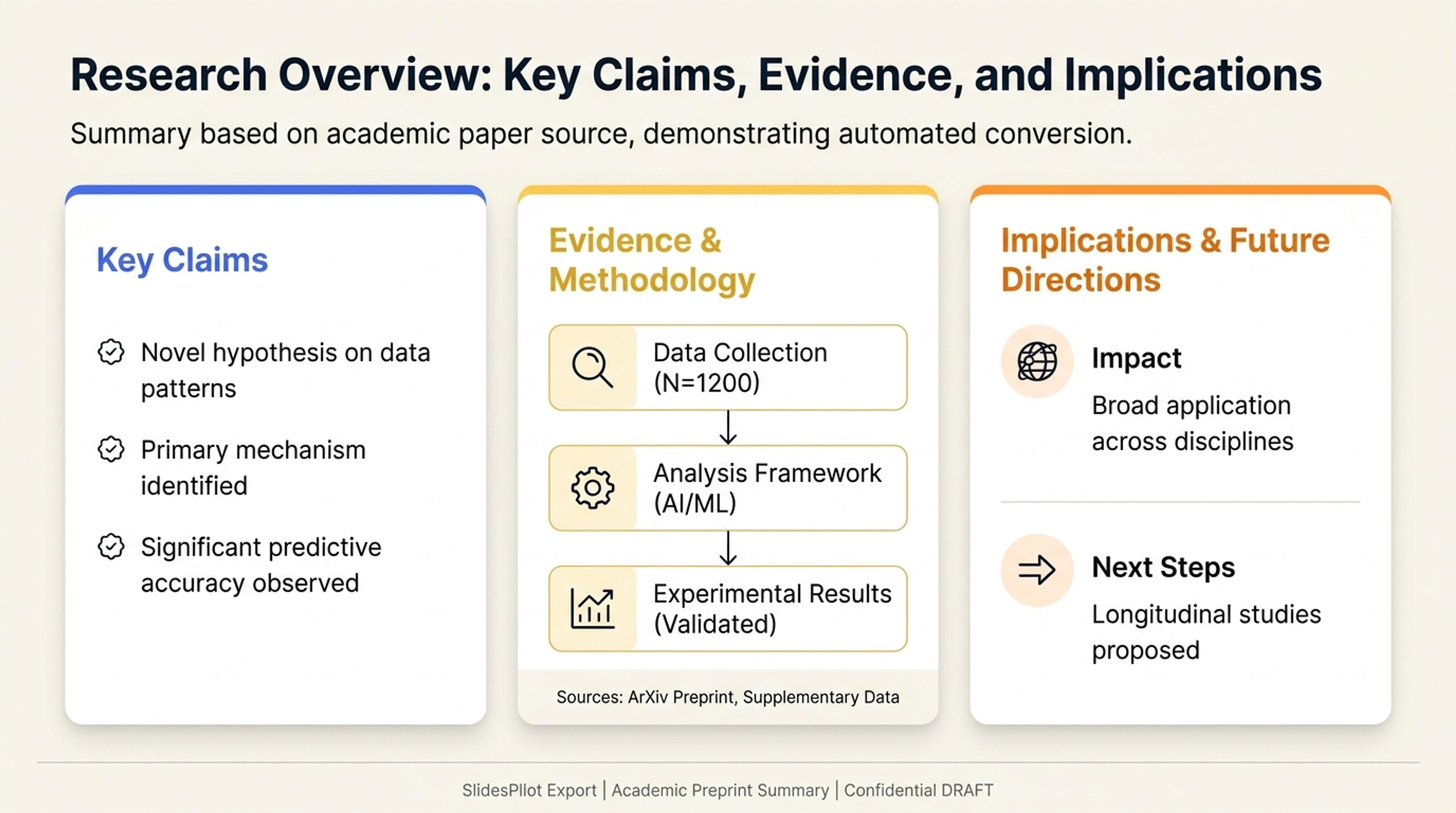
Turn source links into a research overview with the key claims, evidence, and implications first.
Convert arXiv preprints into research presentations with paper overview, method explanation, experiments, figures, results, contribution, and discussion prompts.
SlidesPilot follows the arXiv paper from problem and method to experiments, results, and contribution. The deck helps technical audiences discuss the paper faster.
Models, datasets, equations, architectures, benchmarks, ablations, and figures can become readable slide sections. This is useful for lab meetings, seminars, and reading groups.
The generated presentation can include overview, method, result, contribution, limitation, and discussion slides. Users can edit emphasis for theory, implementation, or findings.
Add the arXiv paper URL, PDF, abstract, methods, figures, tables, or notes. Include the audience and goal, such as journal club, lab meeting, seminar, class, or technical briefing.
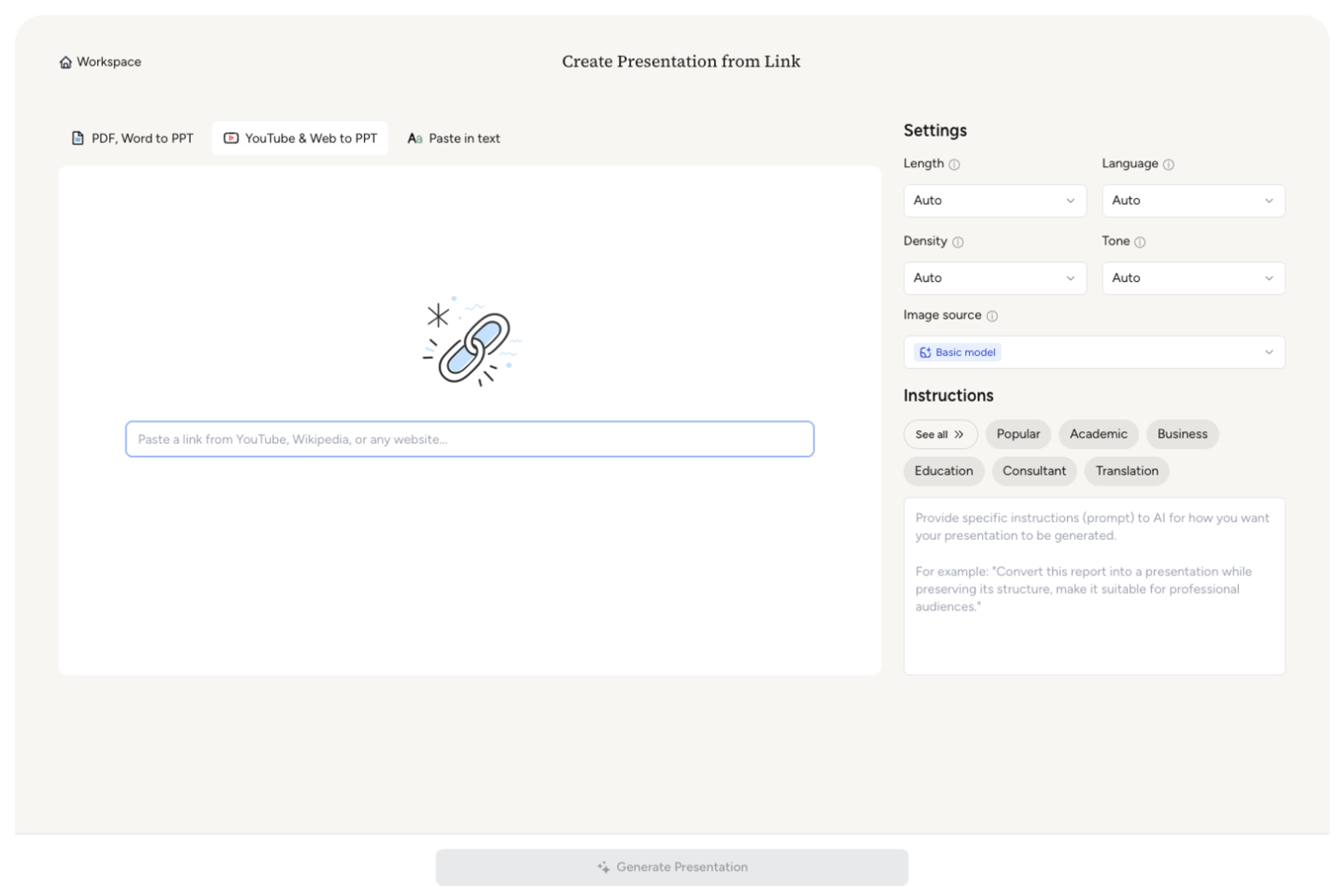
SlidesPilot identifies the research problem, method, model, dataset, experiments, results, comparisons, contribution, and discussion points. This creates a presentation map for the preprint.

Choose the technical emphasis. An AI preprint can become slides for task setup, model architecture, benchmark results, ablation findings, contribution, and lab discussion questions.

Generate an arXiv presentation with paper overview, method explanation, figure sections, result slides, contribution framing, and discussion prompts. The deck is built for academic and technical conversation.
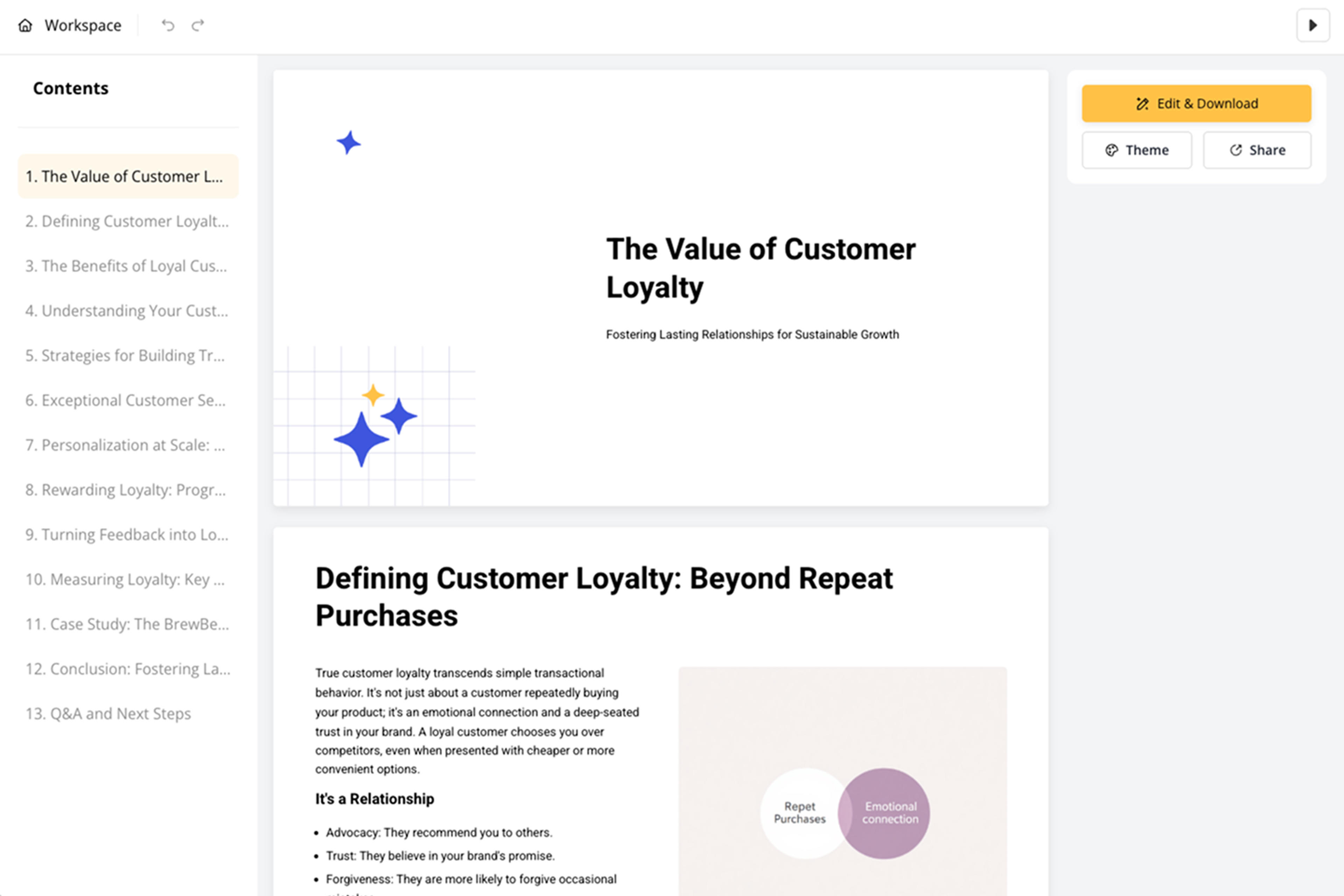
Refine equations, figure captions, terminology, slide order, and discussion prompts before export. The presentation can support journal club, reading group, supervisor meeting, or team briefing.

arXiv to PPT turns technical preprints into presentation-ready research decks. SlidesPilot focuses on paper logic, method detail, evidence, and contribution.

Problem, method, experiments, results, and contribution become a clear slide sequence. This helps technical audiences understand the paper's argument.

Models, datasets, architectures, equations, figures, and benchmarks can be organized into readable slide sections. Detail stays connected to the research purpose.

Comparisons, ablations, limitations addressed by the authors, and implications can become discussion slides. The deck supports journal-club style analysis.

The editable output supports lab meetings, seminars, reading groups, classes, and technical briefings. Users can tune depth for the audience.
Yes. Add the arXiv URL or PDF and SlidesPilot can create a research presentation with paper overview, method, experiments, figures, results, contribution, and discussion prompts.
Yes. Models, datasets, equations, architectures, experiments, and benchmarks can be organized into readable method and results slides.
Yes. The deck can include paper summary, method notes, result slides, contribution framing, and discussion questions for journal clubs, labs, and reading groups.
Yes. Important figures, tables, captions, and result comparisons can be reflected in the slide structure and refined before export.
arXiv to PPT focuses on arXiv preprints and technical paper workflows. Research Papers to PPT covers academic papers more broadly.
Yes. You can adjust technical detail, figure captions, slide order, terminology, and discussion prompts before exporting the editable PowerPoint.
Use arXiv to PPT for preprints and technical research discussions. Choose research-paper, literature-review, thesis, or AI summarizer workflows when the source or output needs a different academic path.
Turn a research paper into a clear, editable PowerPoint covering the question, methods, results, limitations, and citations.
Instantly extract key insights and simplify complex academic documents
Transform complex journal articles into PowerPoint presentations
Paste a content-rich link and turn the online source into a clear, editable PowerPoint presentation.
Turn reports, papers, and documents into clear, structured, editable PowerPoint presentations with AI.
Transform academic literature reviews into PowerPoint presentations
Transform your work into a presentation, instantly. ⭐ #1 AI PowerPoint Generator | Trusted by 3 million users worldwide