

Organize Studies by Theme
SlidesPilot groups papers by concept, method, population, theoretical perspective, chronology, or finding. This helps the deck avoid a source-by-source list and present the intellectual structure of the review.
Transform academic literature reviews into PowerPoint presentations
Drag & drop your file here or
Turn a review into slides that compare themes, evidence, disagreements, and open questions.
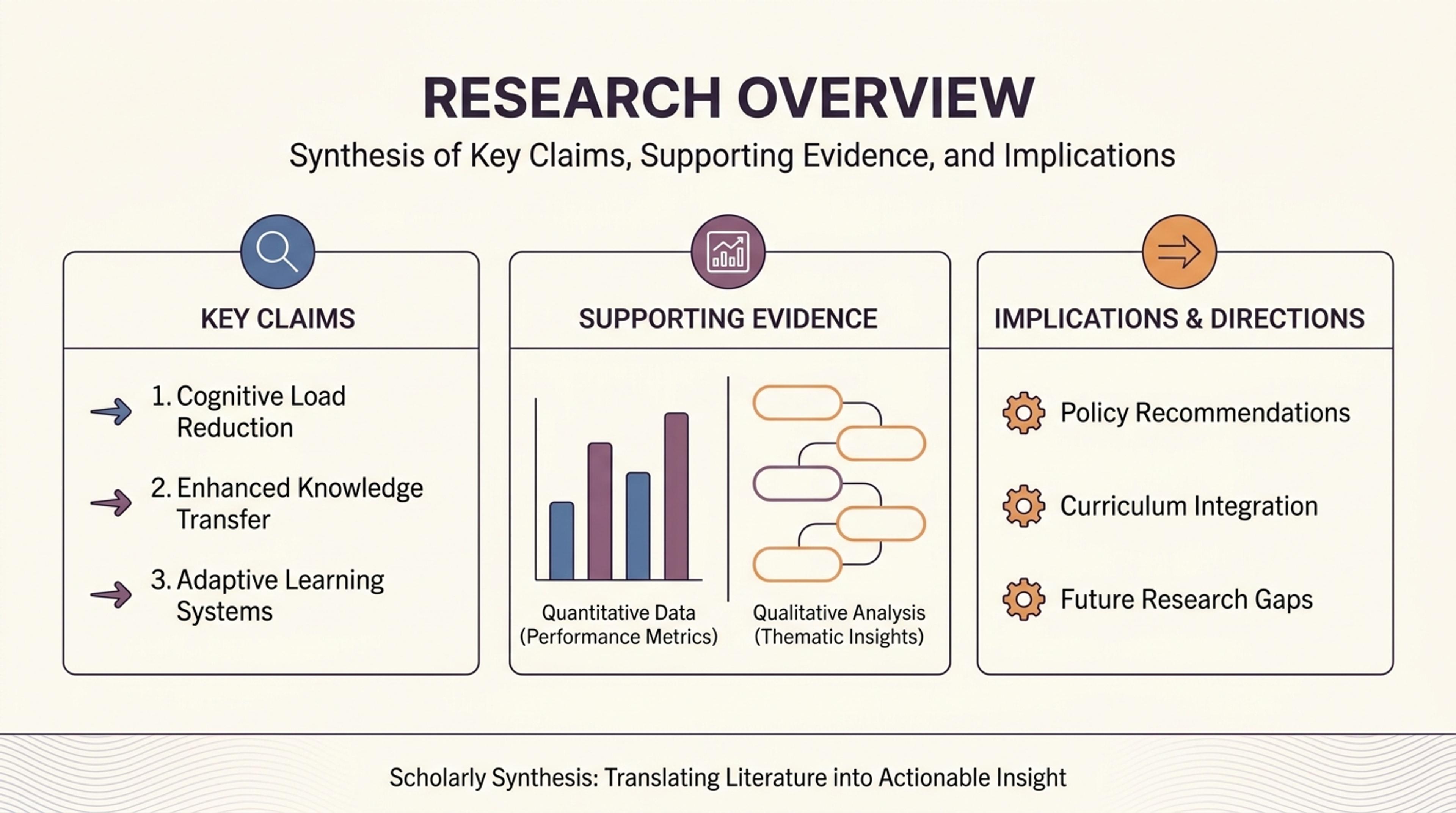
Group the literature by theme so the audience can see the structure of the field quickly.
Turn a literature review into an academic presentation that explains the review question, thematic evidence, method differences, research gaps, and implications.
SlidesPilot groups papers by concept, method, population, theoretical perspective, chronology, or finding. This helps the deck avoid a source-by-source list and present the intellectual structure of the review.
Areas of agreement, conflicting findings, sample differences, and methodological choices become comparison slides. The audience can see how the evidence base behaves across studies, not just what each paper says.
The presentation can build toward unanswered questions, underexplored populations, methodological gaps, or practical implications. That gives the literature review a strong academic reason to exist on slides.
Upload the literature review, study matrix, annotated bibliography, synthesis draft, or notes with citations. Include the review question and academic context so SlidesPilot can organize the deck around the field, assignment, thesis chapter, or seminar.

Define the scope that matters for the presentation: discipline, time range, study type, theoretical lens, population, or audience. This helps SlidesPilot decide which evidence becomes background, comparison, critique, and implication.

SlidesPilot clusters studies by themes, methods, findings, populations, chronology, or conceptual frameworks. A review on online learning, for example, can become sections on learner engagement, assessment design, technology access, and outcome measurement.

Generate a synthesis-led deck with review scope, theme groups, method comparison, agreement and contrast, evidence gaps, and future research direction. The structure is built for presenting relationships across studies.

Refine citation labels, study names, comparison visuals, speaker notes, and closing research-gap slides before export. The editable deck can be adapted for thesis defense, journal club, seminar, class presentation, or proposal background.

A literature review presentation has to synthesize relationships across studies. SlidesPilot helps turn dense academic writing into a thematic deck with comparison, critique, and research-gap logic.

Related studies are grouped into meaningful themes that give the presentation a clear intellectual structure. This helps the audience understand the field without tracking every paper separately.

Methods, samples, settings, measures, and evidence strength become visible comparison points. The deck can show how research design shapes what each study contributes.

Converging and contrasting findings are placed in relation to one another. This makes the state of evidence easier to discuss and gives the presentation stronger academic depth.

Unanswered questions, underexplored contexts, and theoretical tensions can become a strong closing section. The deck naturally leads toward implications, future work, or the user's own research project.
A strong deck introduces the review question and scope, groups studies into themes, compares methods and findings, and closes with evidence gaps and implications. SlidesPilot builds this synthesis-led structure from the source material instead of presenting papers one by one.
Yes. Studies can be clustered by topic, method, population, theory, chronology, finding, or another framework relevant to the review question. This helps the presentation show the field's structure rather than a long bibliography.
Yes. SlidesPilot can place contrasting results, sample differences, methodological choices, and theoretical perspectives together. This gives the audience a clear view of why conclusions differ and where the review creates value.
Author names, publication years, study labels, quotations, and source details can remain connected to the themes and findings they support. You can refine citation style and slide density before exporting the editable presentation.
Yes. The presentation can build toward unanswered questions, methodological gaps, underserved populations, theoretical tensions, and promising directions for future research. This is especially useful for thesis, proposal, and seminar presentations.
Yes. Set the audience and speaking time to shape the balance of background, study comparison, critique, synthesis, discussion, and research implications. SlidesPilot gives you a structured deck that can be edited for the academic setting.
Use Literature Reviews to PPT for multi-study synthesis decks. Move to research-paper, thesis, or AI literature-review summarizer workflows when the task is a single paper, a complete research project, or a written evidence map.
Instantly extract key insights and methodologies from academic papers
Turn a research paper into a clear, editable PowerPoint covering the question, methods, results, limitations, and citations.
Transform complex journal articles into PowerPoint presentations
Instantly extract key insights and simplify complex academic documents
Turn a thesis or dissertation into a focused, editable defense presentation built around your research contribution.
Turn reports, papers, and documents into clear, structured, editable PowerPoint presentations with AI.
Transform your work into a presentation, instantly. ⭐ #1 AI PowerPoint Generator | Trusted by 3 million users worldwide