

Frame the research contribution
Introduce the problem, literature context, and reason the journal article matters.
Transform complex journal articles into PowerPoint presentations
Drag & drop your file here or
Turn academic journal content into slides that separate research question, method, evidence, and implications.
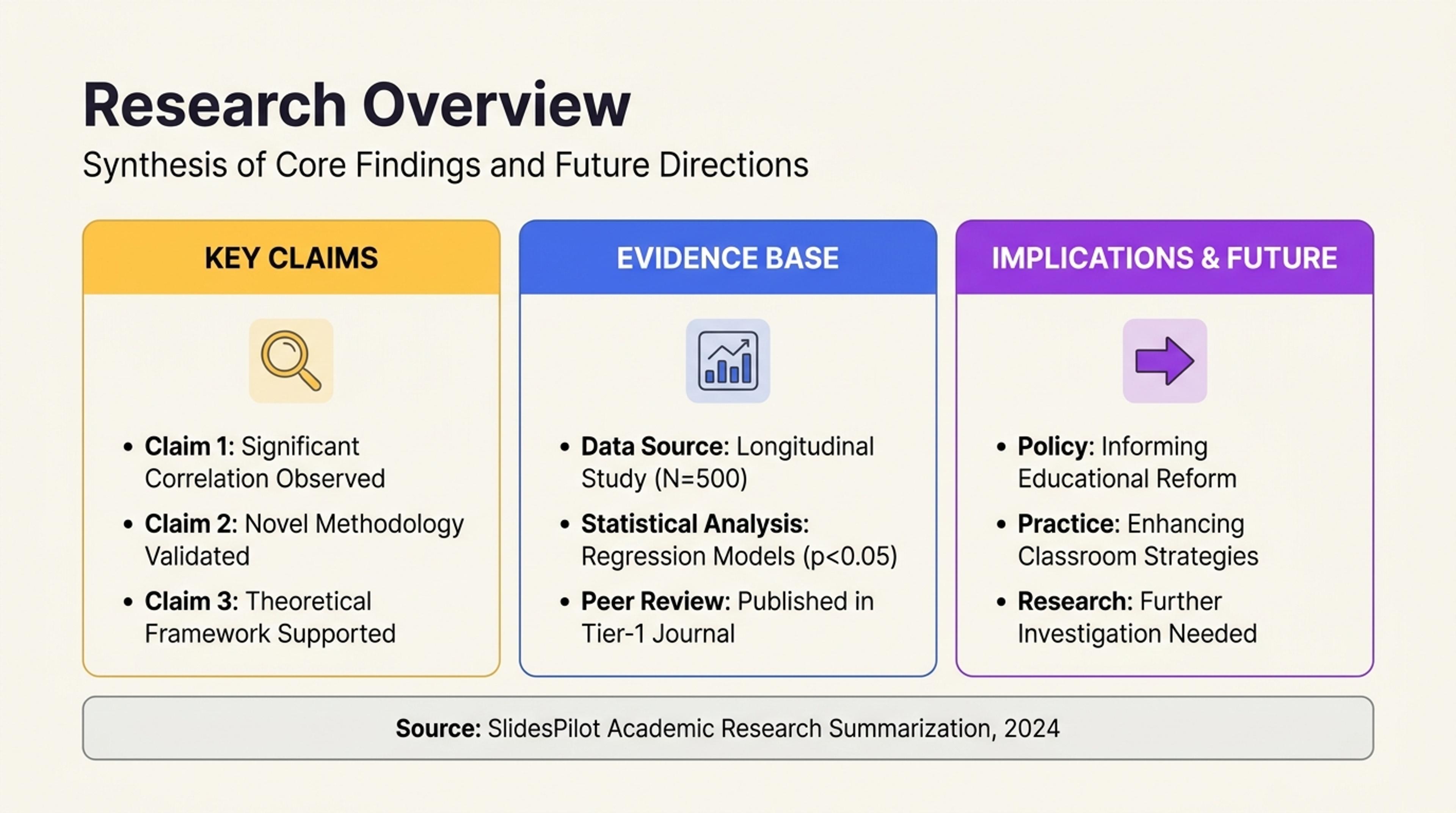
Summarize the paper's purpose, argument, and contribution before going into methods or results.
Build a clear deck around the journal article's research question, evidence, findings, contribution, and implications.
Introduce the problem, literature context, and reason the journal article matters.
Give methods, samples, findings, tables, and figures the right level of visual emphasis.
Connect results to interpretation, implications, future research, and useful discussion questions.
Add the complete article so SlidesPilot can connect the abstract, literature context, methods, findings, and discussion.

Set a journal club, seminar, class presentation, lab meeting, literature review, or conference discussion.

Select the research question, theoretical framing, method, strongest results, figures, and implications.

SlidesPilot creates a focused flow from research context and approach to findings, interpretation, contribution, and discussion.

Refine terminology, figures, citations, discussion prompts, and visuals, then export the editable presentation.

SlidesPilot turns a dense journal article into a presentation centered on contribution, evidence, and scholarly discussion.

The opening establishes the problem, gap, and purpose of the study.

Relevant theory and prior work support the contribution without overwhelming the deck.

Study design, sample, variables, and analysis receive concise visual explanation.

The strongest results and visuals align with the claims they support.

The deck makes the academic and practical meaning of the study easy to discuss.

Refine source details, terminology, references, and captions before presenting.
Use peer-reviewed journal articles, review articles, empirical studies, theoretical papers, and selected journal sections.
Yes. Build a deck with research context, method, findings, interpretation, contribution, and discussion questions.
Yes. Key figures, tables, captions, and reported results can support the slide narrative.
Yes. Direct AI toward the research design, sample, analysis, results, theory, or implications most relevant to your audience.
Yes. Keep useful source details, figure attribution, and references connected to the academic presentation.
Yes. Refine the research narrative, figures, citations, and discussion slides, then export an editable PPTX or continue in Google Slides.
Turn research papers, articles, theses, PDFs, and AI summaries into connected academic presentation workflows.
Turn a research paper into a clear, editable PowerPoint covering the question, methods, results, limitations, and citations.
Instantly extract key insights and simplify complex academic documents
Turn article content into a focused, editable presentation
Turn a thesis or dissertation into a focused, editable defense presentation built around your research contribution.
Convert PDF slides to editable PowerPoint online. Keep the original design and make text and slide elements editable. Free to use.
Paste text, add a YouTube or webpage link, or upload a document to create a beautiful, structured summary connected to the source.
Transform your work into a presentation, instantly. ⭐ #1 AI PowerPoint Generator | Trusted by 3 million users worldwide