
Present the Product Opportunity
Connect the customer problem, target users, desired outcomes, and success metrics in a compelling opening story.
Turn detailed product requirements into an alignment-ready deck for product reviews, engineering kickoffs, and stakeholder decisions
Turn detailed product requirements into a visual narrative that aligns product, engineering, design, leadership, and clients.
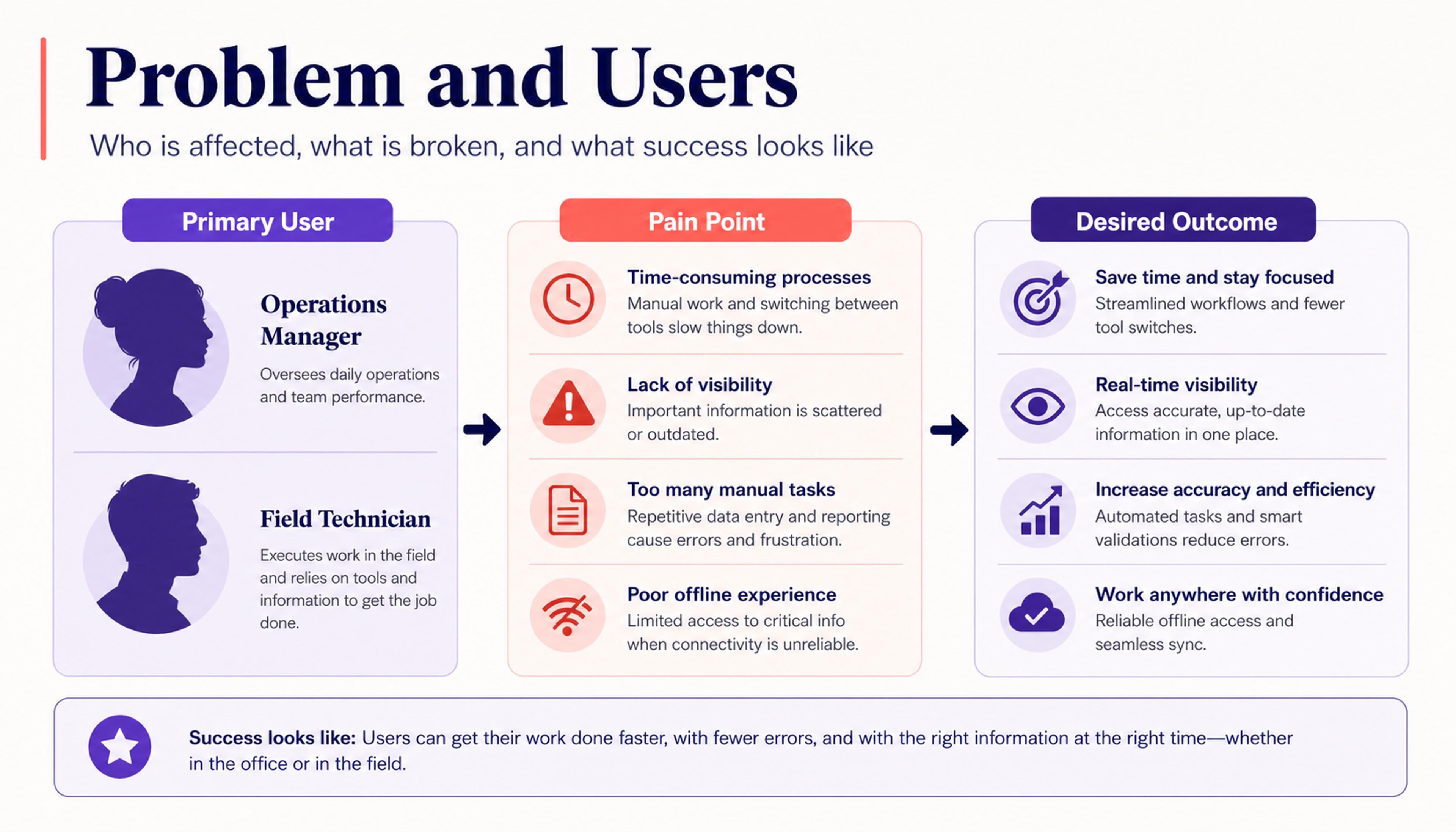
Frame the customer problem, target users, product goals, and success metrics before presenting the solution scope.
Give every stakeholder a clear view of the product opportunity, scope, priorities, and delivery plan.
Connect the customer problem, target users, desired outcomes, and success metrics in a compelling opening story.
Turn user stories, functional requirements, acceptance criteria, and priorities into slides that are easy to compare and discuss.
Bring roadmap stages, dependencies, owners, launch plans, and open decisions into one alignment-ready presentation.
Add the product problem, target users, goals, user stories, functional requirements, acceptance criteria, priorities, and delivery notes.
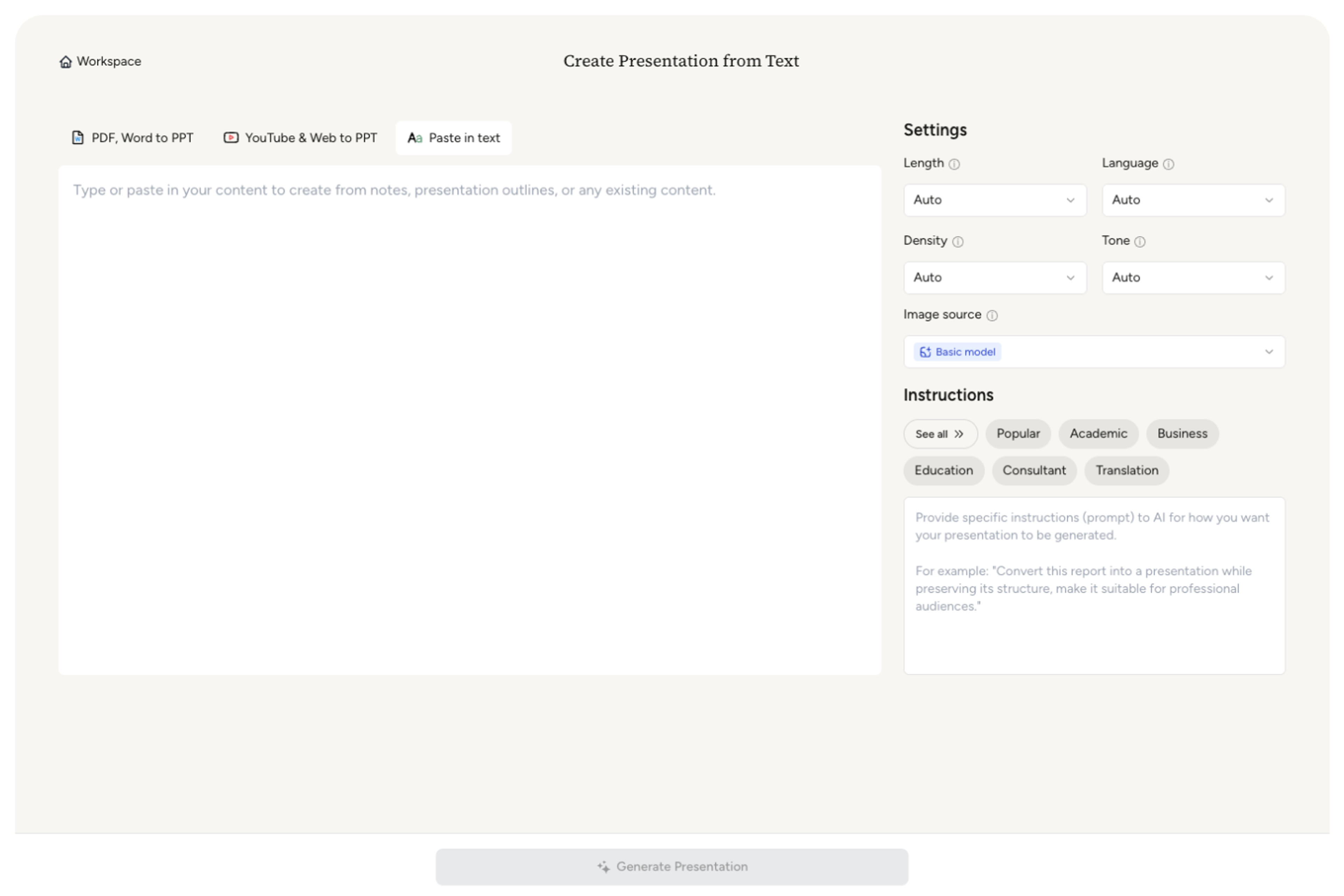
Set the deck for a product review, engineering kickoff, leadership update, client workshop, roadmap discussion, or launch alignment meeting.

Choose the requirements, user flows, metrics, tradeoffs, dependencies, milestones, and open decisions that deserve the strongest emphasis.

SlidesPilot builds a clear flow from problem and users through scope, prioritized requirements, roadmap, delivery plan, and stakeholder asks.

Adjust wording, priorities, diagrams, ownership, timing, and branding, then export an editable PPTX or continue in Google Slides.

SlidesPilot turns requirements into a presentation that explains the product direction, creates shared understanding, and moves decisions forward.

AI connects the problem statement, goals, users, scope, requirements, success metrics, and delivery plan as one product story.

Create the right level of product, technical, commercial, or executive detail for each stakeholder group.

Highlight must-have capabilities, user stories, acceptance criteria, priorities, and scope decisions clearly.

Turn journeys, workflows, system interactions, and feature logic into presentation-ready diagrams and sequences.

Show milestones, teams, owners, dependencies, launch stages, and delivery priorities in a shared visual plan.

Refine every message, requirement, diagram, milestone, and theme before the product review or kickoff.
Use complete PRDs, feature briefs, user stories, acceptance criteria, product specs, roadmap notes, launch plans, and requirements copied from your product workspace.
Create slides for the problem, target users, product goals, success metrics, user journeys, scope, prioritized requirements, roadmap, dependencies, launch plan, and stakeholder decisions.
Yes. SlidesPilot can group user stories by workflow or feature and present acceptance criteria beside the requirements they define.
Yes. Generate an executive product narrative centered on outcomes and decisions, or an engineering kickoff deck centered on scope, flows, dependencies, and delivery.
Yes. Turn milestones, teams, owners, dependencies, release stages, and launch priorities into a clear delivery sequence.
Yes. Customize every slide and export an editable PPTX, continue in Google Slides, or download PDF and PNG versions.
Yes. SlidesPilot is free to use after signing up, with no credit card required.
Build presentations from product text, outlines, proposals, meeting decisions, reports, and complete source documents.
Turn notes, paragraphs, and ideas into a clear, editable PowerPoint presentation.
Turn a structured outline into a clear, editable PowerPoint presentation with sections and slide flow already organized.
Transform detailed project proposals into winning PowerPoint presentations
Transform meeting notes into professional PowerPoint presentations
Transform detailed reports into executive PowerPoint presentations
Summarize any document instantly with AI
Align product, engineering, design, leadership, and clients around the problem, requirements, priorities, and delivery plan.