
Paste rough content
Start with presentation outline, notes, outlines, or requirements without first formatting them as slides.
Transform structured text outlines into professional PowerPoint presentations
Text pages should show how rough notes or pasted content become a structured presentation.
Start with presentation outline, notes, outlines, or requirements without first formatting them as slides.
Let AI group related points, create slide sections, and make the flow easier for an audience to follow.
Use the generated deck as a working draft that you can revise, polish, and export.
Simply copy text from any source and paste it into our AI converter—no formatting needed.
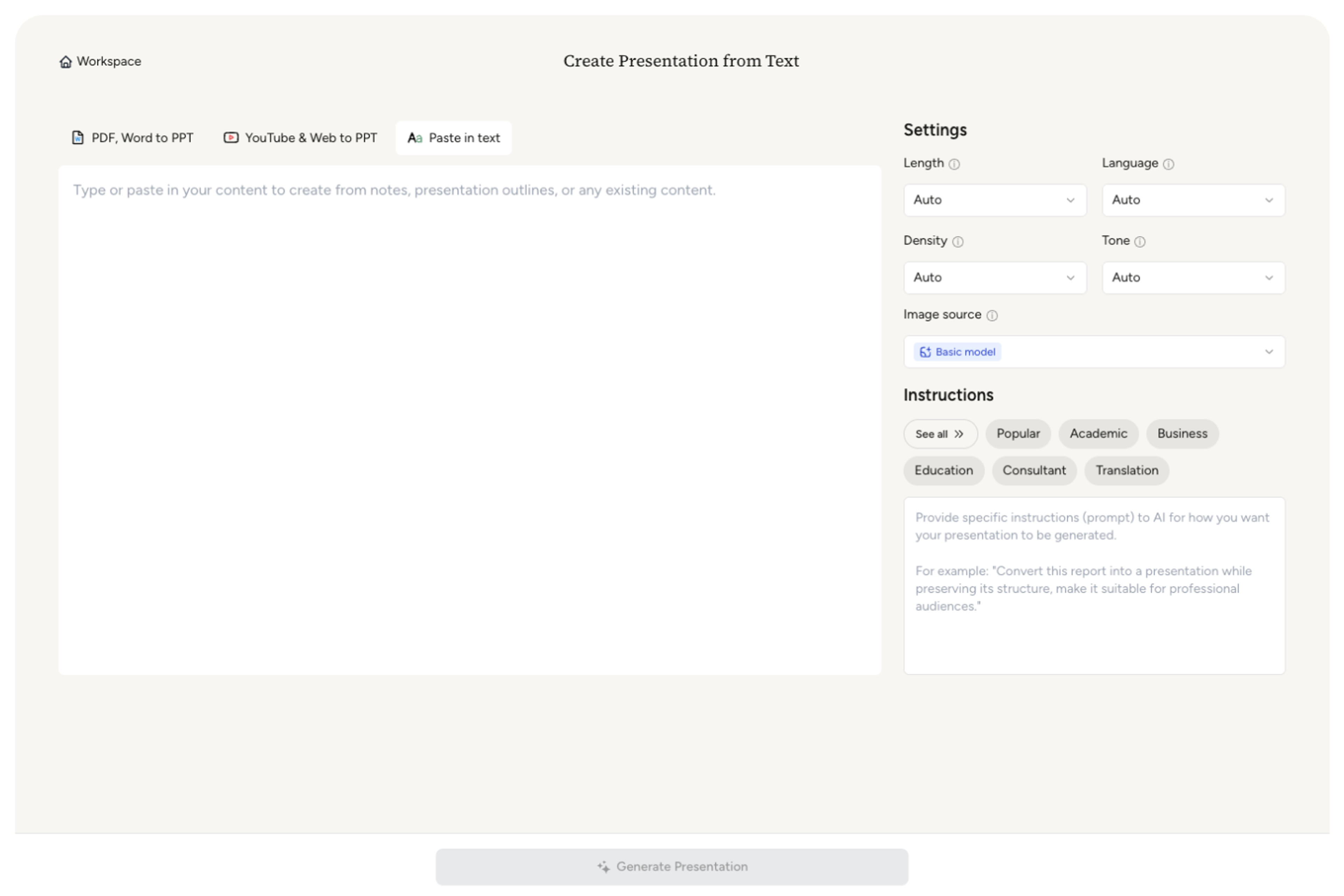
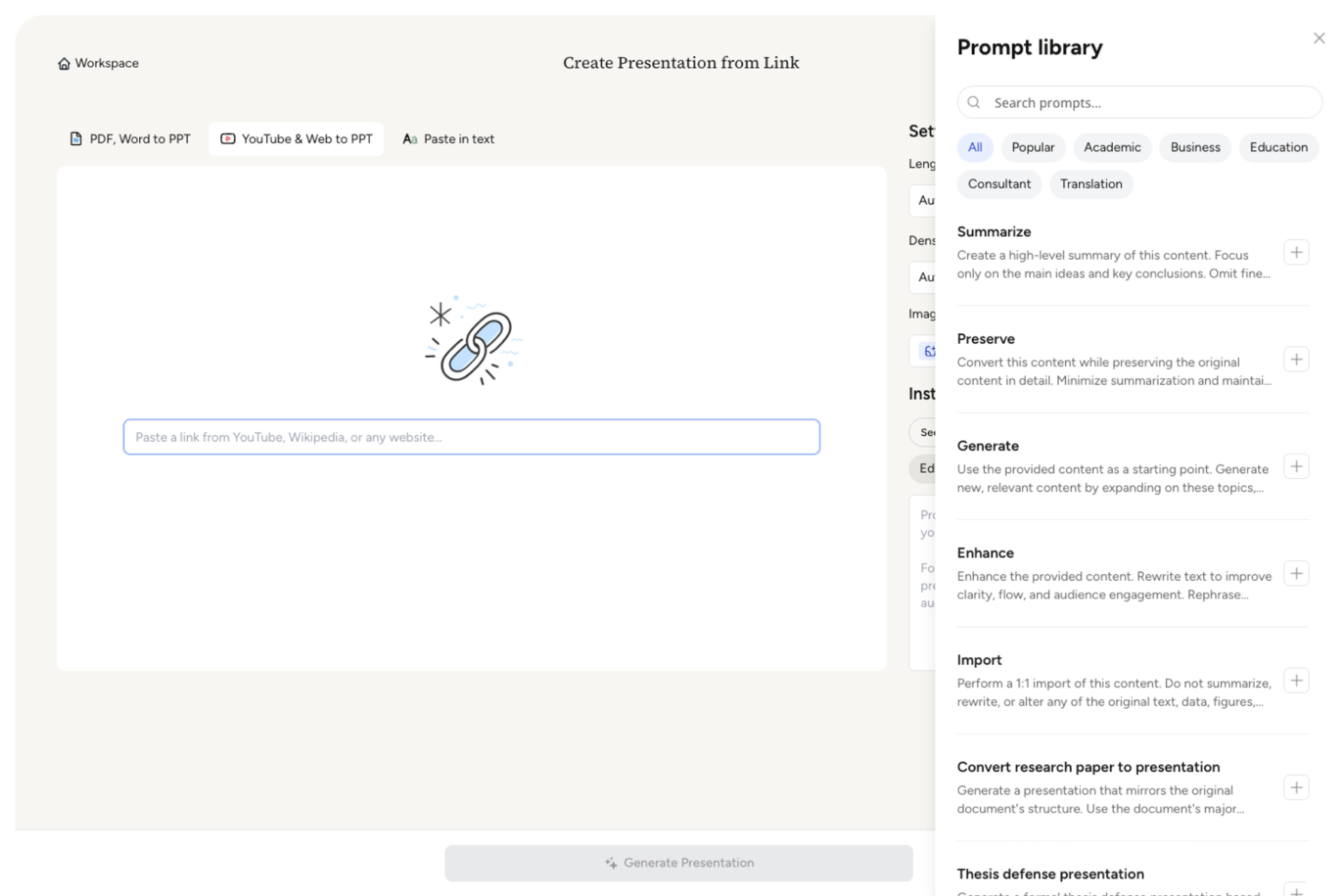
Customize the length, density, and tone, then select a prompt from our pre-built Prompt Library or provide your own instructions to guide the AI.
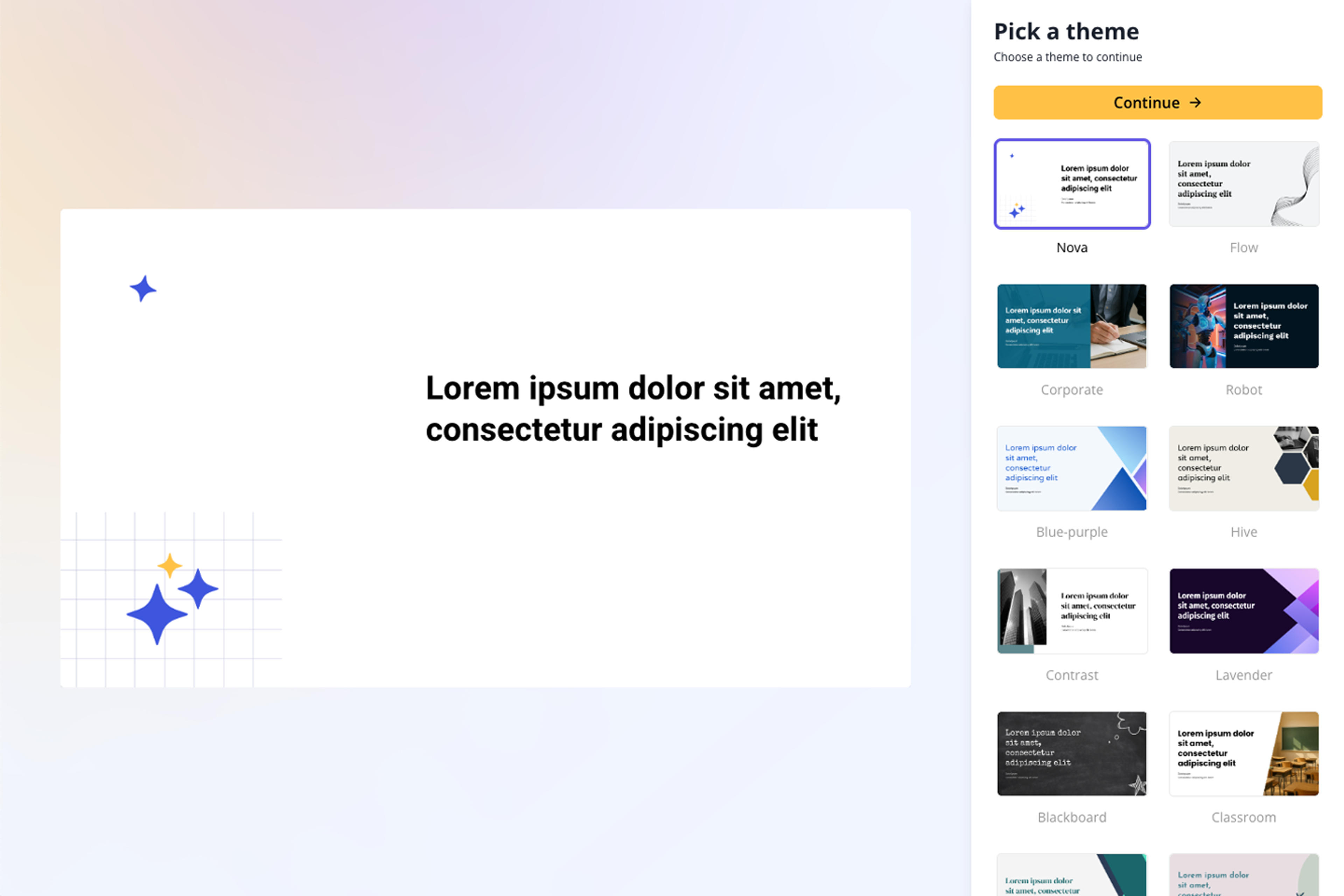
Choose from a wide selection of professionally designed themes that perfectly match your presentation style.
Relax as AI crafts your content into a polished, professional presentation with clear organization, engaging messaging, and beautiful design.
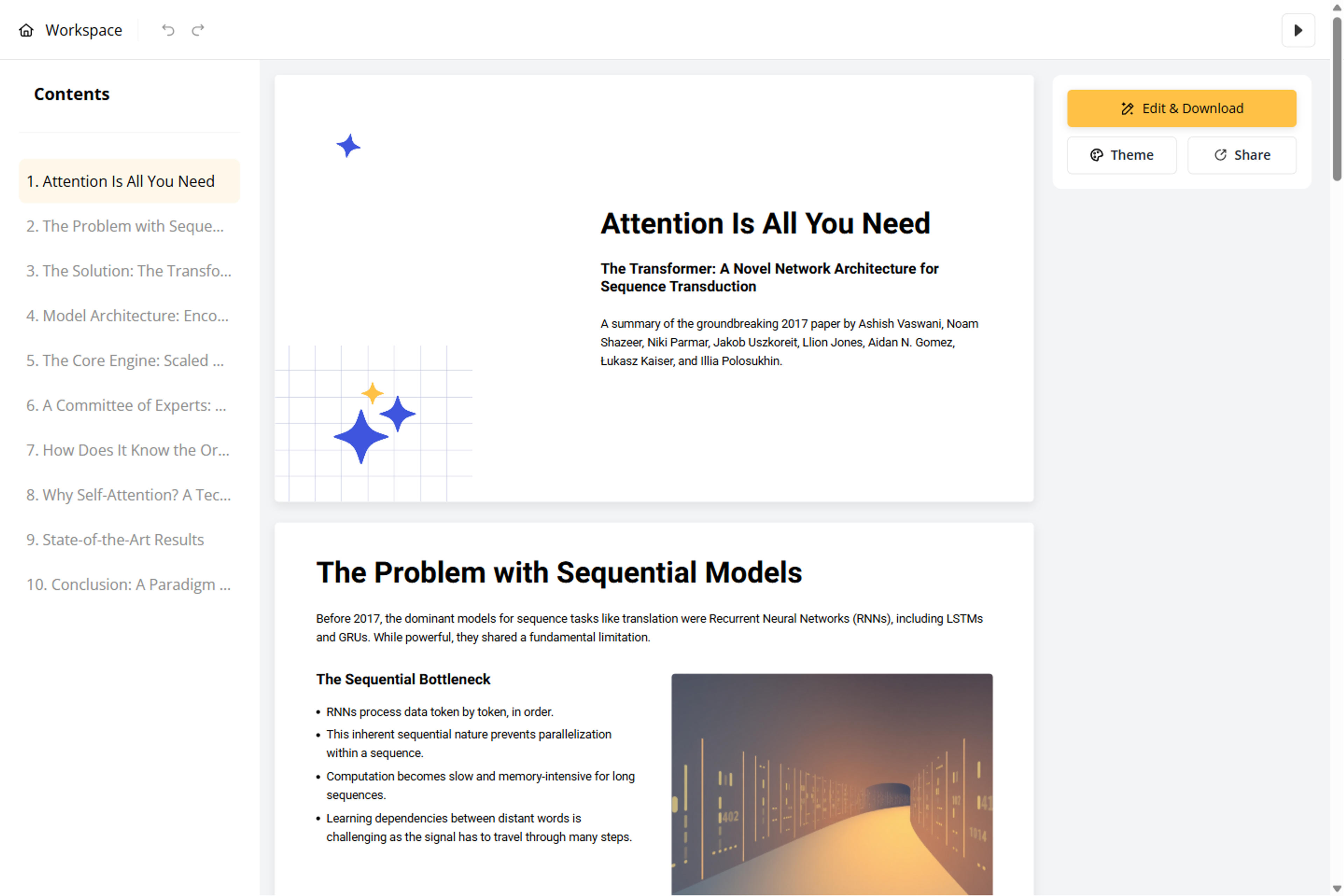
Customize your presentation using our Block-Based Editor, or export it as PPT, Google Slides, PDF, or PNG.
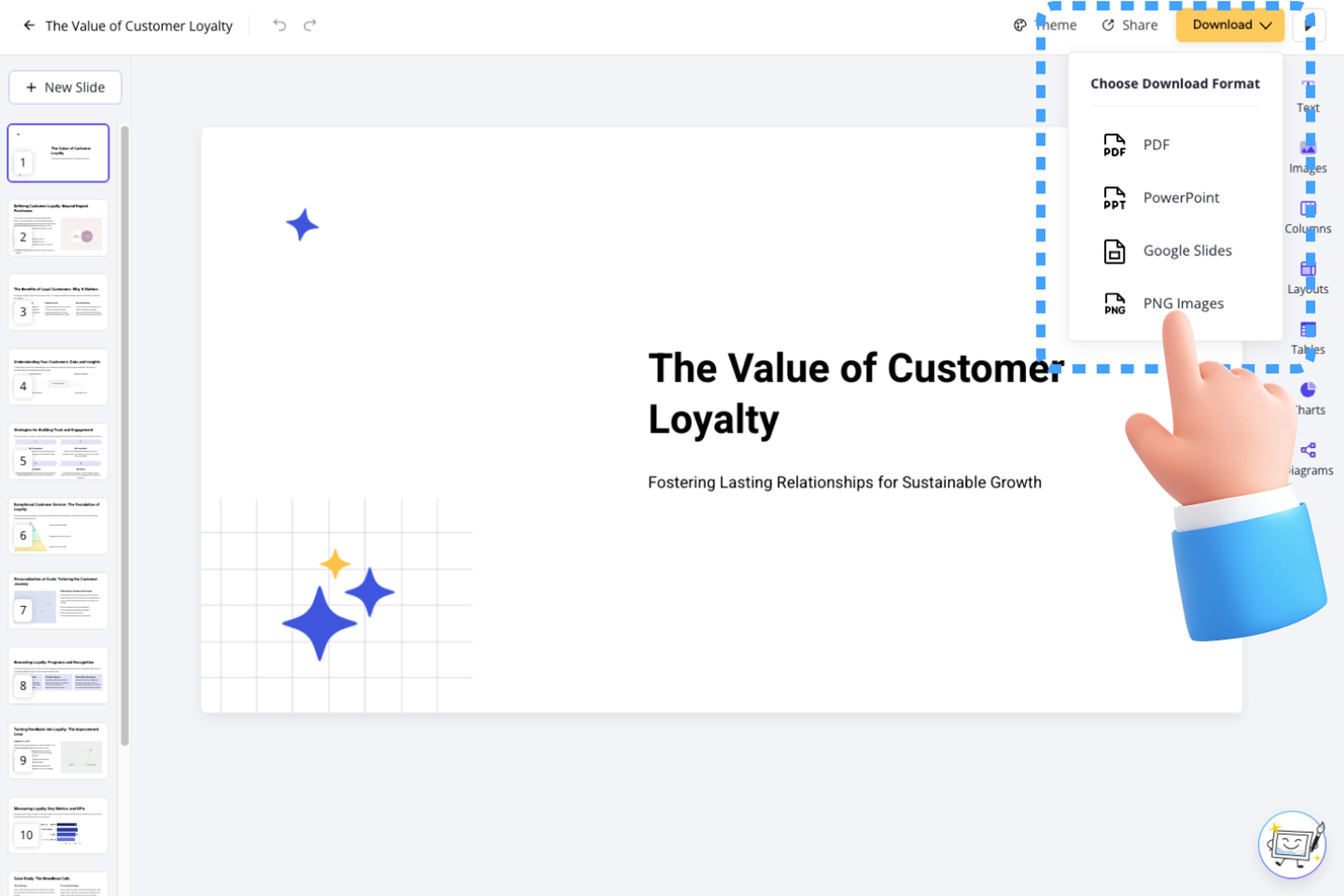
Preview how SlidesPilot can turn your source material into a clearer deck before you export or share the result.
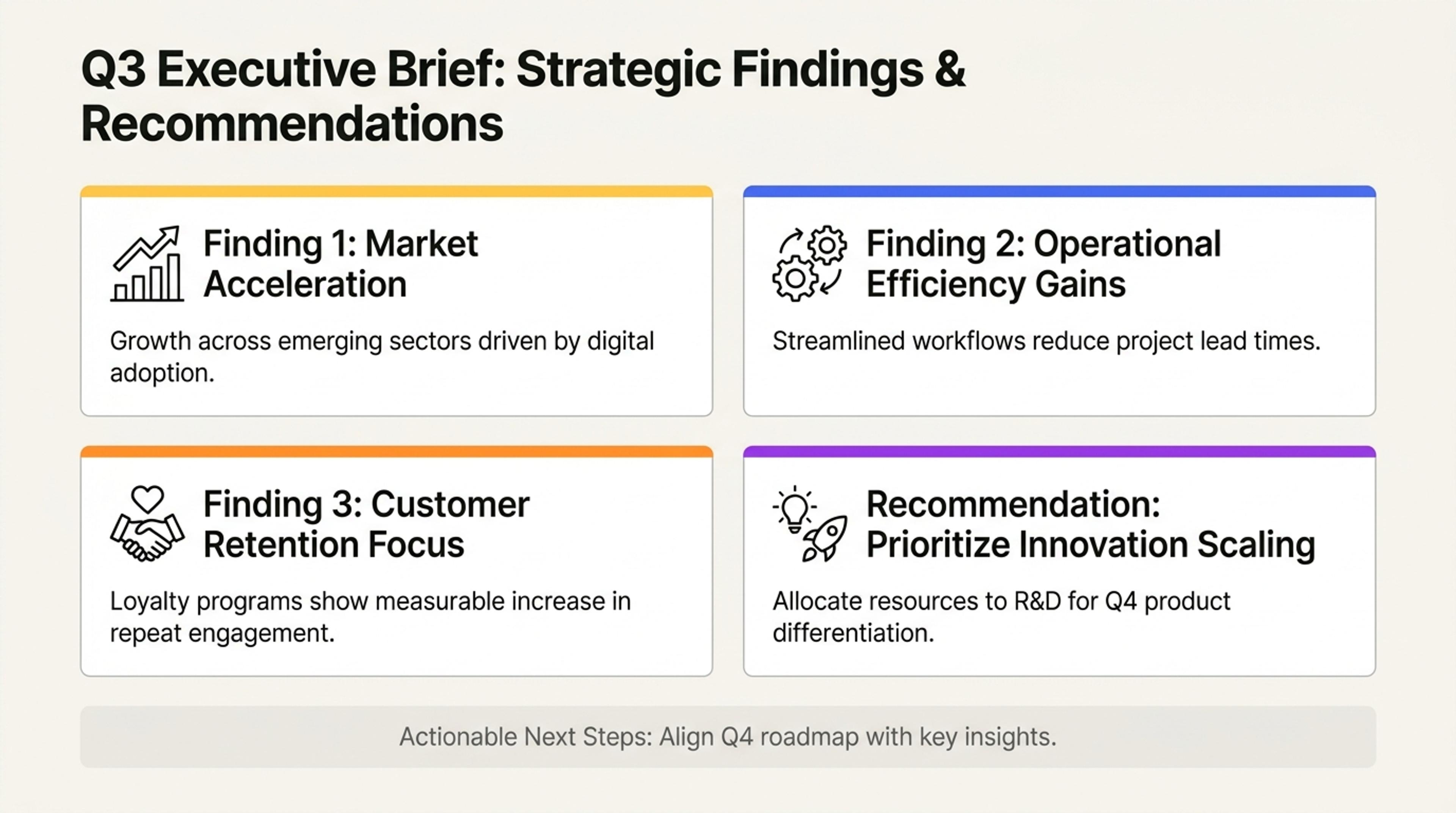
Turn pasted notes or prompts into an executive brief with the most important findings first.
Say goodbye to starting from scratch, blank pages, endless copy-pasting, and manual design work. Our advanced AI engine instantly transforms your content into polished presentations.

Our intelligent AI understands your document structure and instantly converts it into professional presentations.

Edit presentations effortlessly by chatting with our AI agent, which handles structure, layout, content, and design based on your requirements.

Our speed-focused editor lets you add, drag, and drop elements effortlessly. Create beautiful presentations without design expertise.

Use built-in or custom themes to ensure consistent fonts, colors, backgrounds, and logos across all presentations.

Powered by Nano Banana Pro, get high-quality, royalty-free visuals that match your content.

AI automatically generates tables and charts, making complex data clear and professional.

AI automatically generates well-designed, informative diagrams that perfectly fit your content.

Download as a fully editable PPTX file—edit anywhere while maintaining your workflow.

Share online (compatible with desktop and mobile), export as PDF, PNG, or editable PowerPoint and Google Slides.
Absolutely! Start creating presentations today—free to begin with no credit card needed. Try it now!
Getting started is effortless—just copy your text from any source and paste it into our AI Converter. No setup or formatting required.
SlidesPilot's AI converter handles high-volume content—supporting up to 750,000 words or about 1,000 pages—far exceeding the capacity of standard AI presentation generators.
Absolutely! You take full control of your conversion by providing custom instructions. Tell AI your preferred length, level of detail, tone of voice, and which key points to emphasize, and it will deliver exactly what you need.
Absolutely! Our intuitive Block-Based Editor puts you in complete control—edit effortlessly without any design experience. Make changes with ease while keeping your presentation polished and professional throughout.
You can download in PowerPoint (PPTX), Google Slides, PDF, or PNG format. Work seamlessly across platforms, share effortlessly with your team, and use the tools you love.
Your data security is our top priority. Everything you share stays completely confidential and protected.
Your presentations stay completely private—only you decide who gets access.
Turn notes, paragraphs, and ideas into a clear, editable PowerPoint presentation.
Turn reports, papers, and documents into clear, structured, editable PowerPoint presentations with AI.
Turn Word documents into clear, structured, editable PowerPoint presentations with AI.
Transform YouTube videos into editable PowerPoint presentations
Paste a content-rich link and turn the online source into a clear, editable PowerPoint presentation.
Paste text, add a YouTube or webpage link, or upload a document to create a beautiful, structured summary connected to the source.
Transform your work into a presentation, instantly. ⭐ #1 AI PowerPoint Generator | Trusted by 3 million users worldwide