

Structure the Evaluation
SlidesPilot organizes review content around target users, use case, features, benefits, tradeoffs, price, alternatives, and recommendation. The deck makes evaluation criteria explicit.
Transform customer feedback into actionable PowerPoint presentations
Convert review material into slides that explain product strengths, limitations, evidence, and purchase considerations.
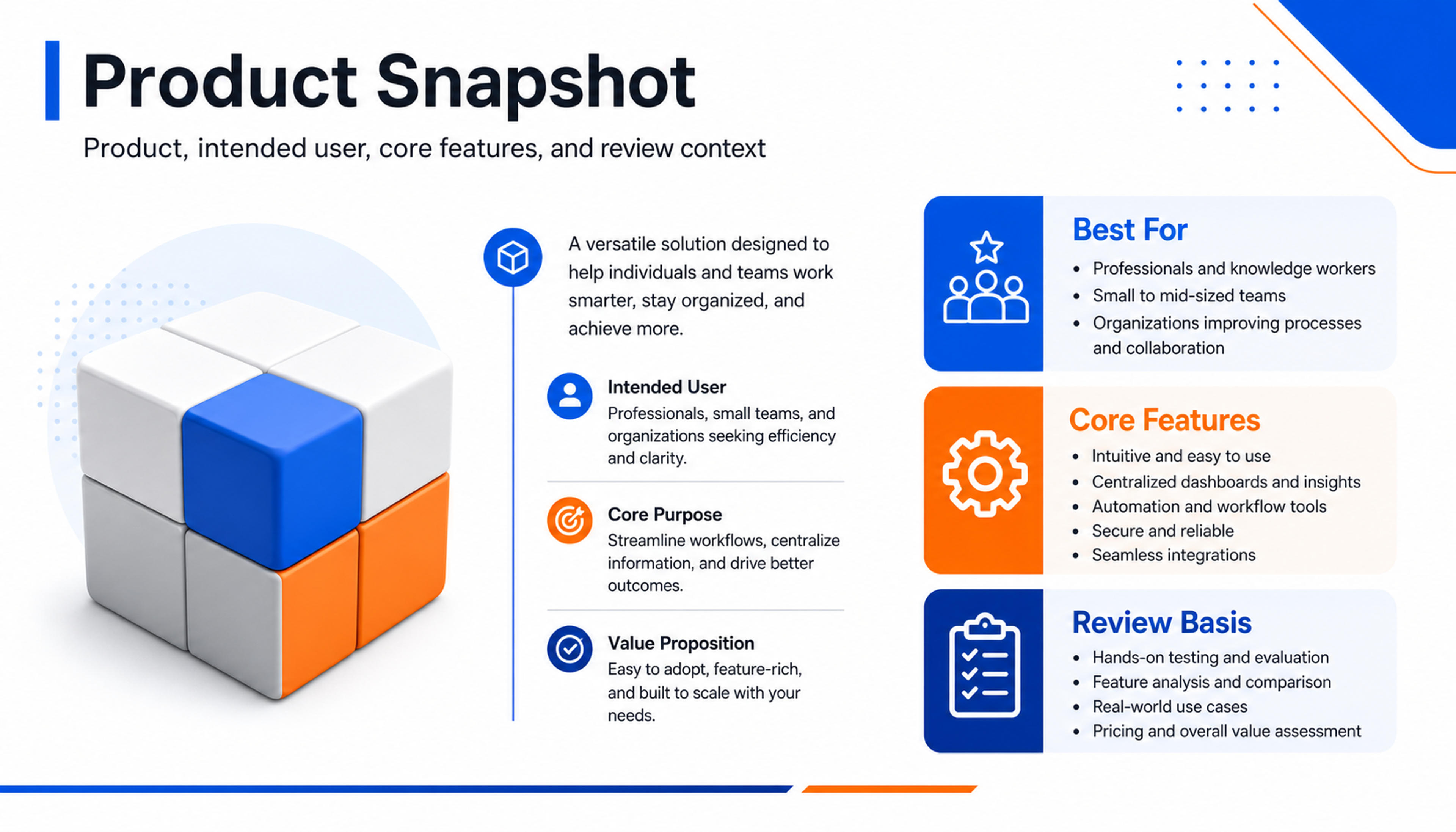
Summarize the product, intended user, core features, and review context on a concise opening slide.
Turn product reviews into balanced presentations with product overview, feature analysis, benefits, tradeoffs, comparisons, sentiment, and recommendation.
SlidesPilot organizes review content around target users, use case, features, benefits, tradeoffs, price, alternatives, and recommendation. The deck makes evaluation criteria explicit.
Pros, user comments, pricing points, competitive alternatives, and feature comparisons can become slide sections. This helps audiences understand how the product performs against real criteria.
The presentation can support buying committees, product education, affiliate content, competitive analysis, and classroom discussion. Users can refine recommendation language before export.
Upload the product review, comparison article, user feedback, feature notes, pros and cons, pricing notes, or evaluation summary. Add the audience and decision goal.
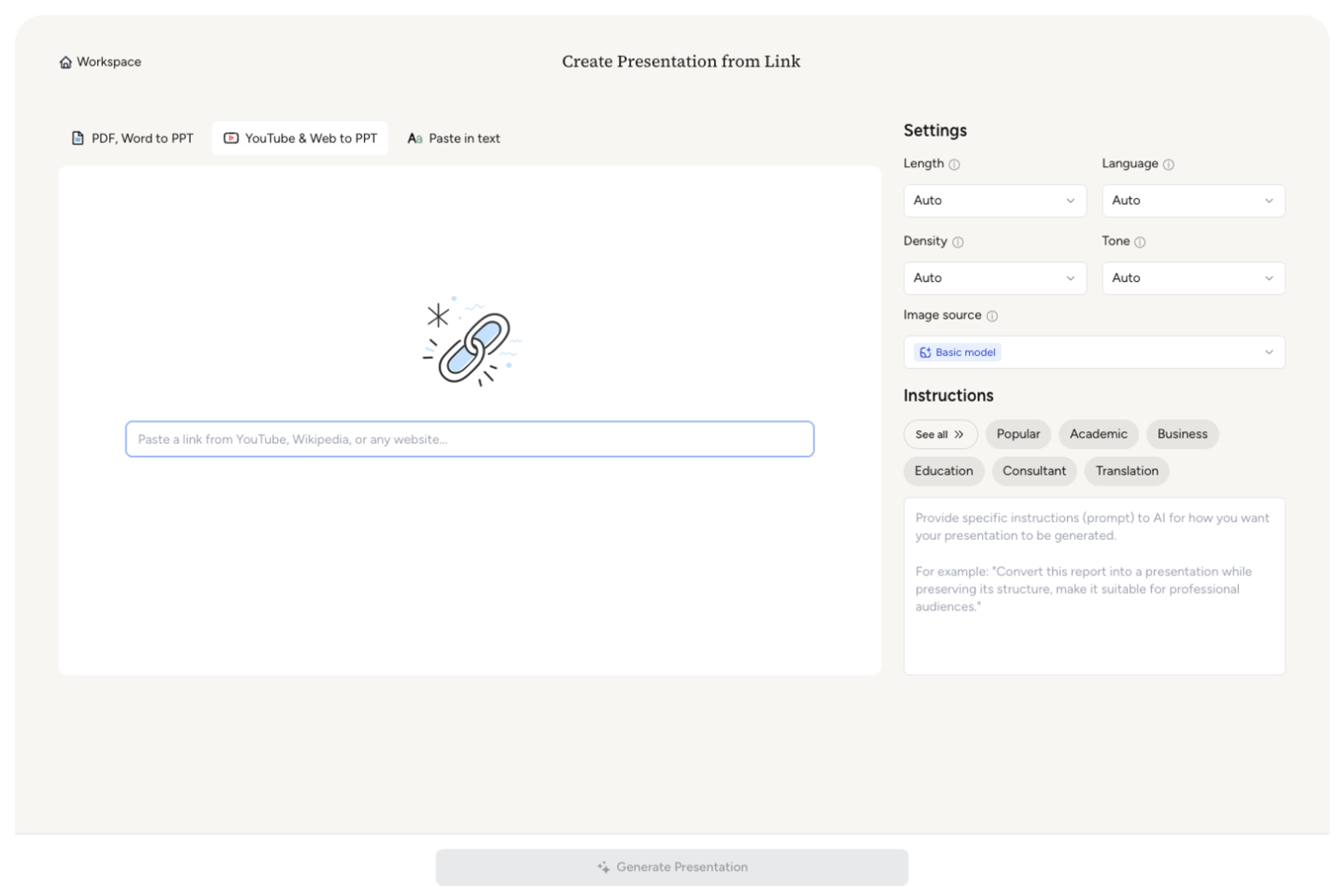
SlidesPilot identifies product context, target user, main features, benefits, tradeoffs, sentiment, alternatives, pricing, and recommendation. This turns the review into a balanced presentation.

Choose the evaluation frame. A project-management software review can become slides for target users, feature strengths, workflow fit, pricing comparison, user sentiment, and buying recommendation.

Generate a product-review deck with overview, feature analysis, benefit sections, tradeoff slides, comparison points, and recommendation summary. The deck is built for decision support.
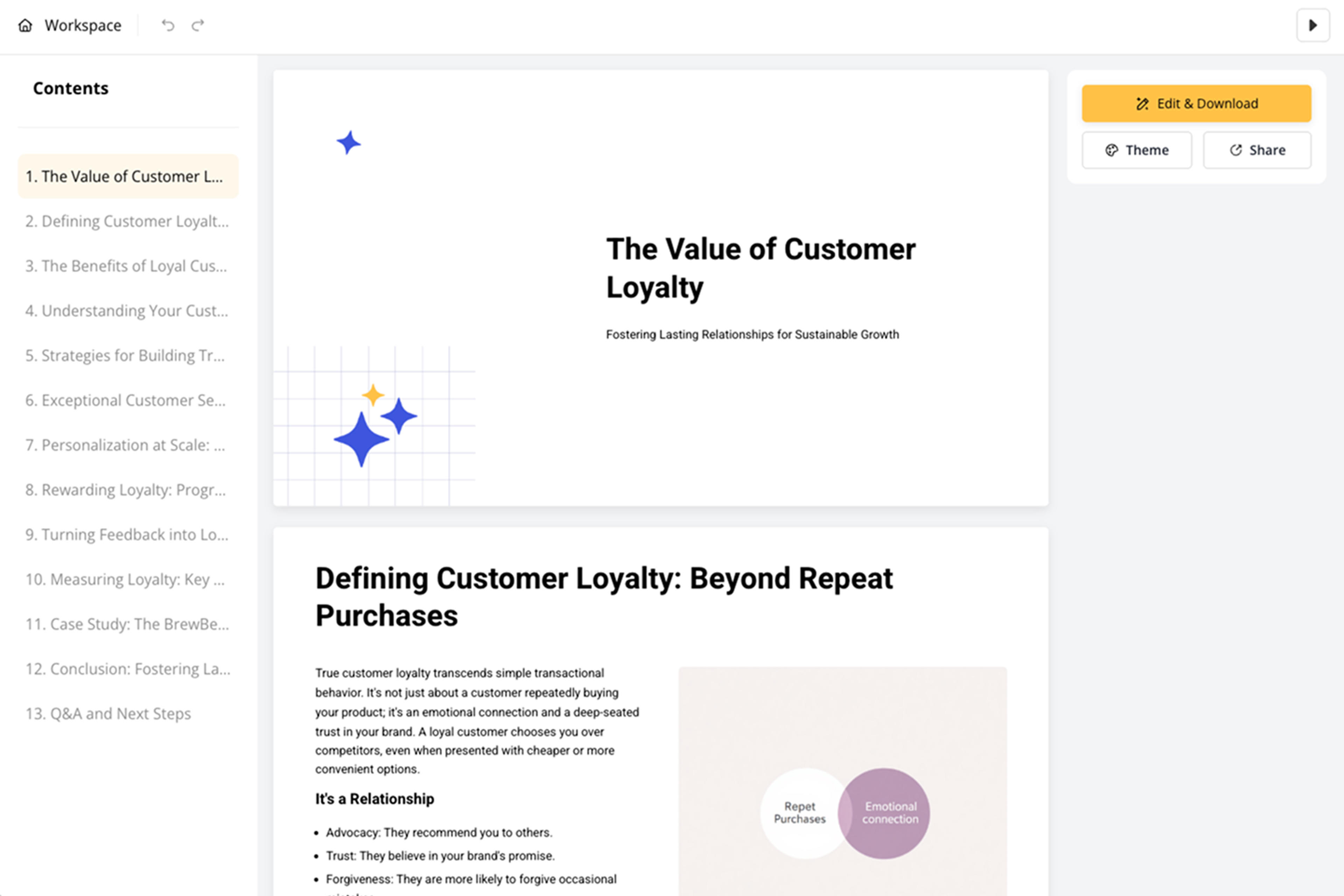
Refine criteria, examples, sentiment language, comparisons, visuals, and recommendation before export. Use the deck for buying review, product education, competitive analysis, or content repurposing.

Product Review to PPT turns evaluation content into a presentation. SlidesPilot focuses on criteria, features, sentiment, comparison, and recommendation.

Product context, audience fit, features, and benefits are organized around clear evaluation criteria. This makes the review easier to present.

Pros, tradeoffs, user sentiment, pricing, and alternatives can become comparison slides. The audience sees how the product fits real needs.

Recommendation language can be connected to evidence from the review. The deck supports a balanced decision rather than a loose opinion.

The editable output supports buying committees, product teams, marketers, educators, and analysts. Users can adjust emphasis and conclusion.
Yes. Upload a product review, comparison article, user feedback, or evaluation notes and SlidesPilot can create a deck with overview, features, benefits, tradeoffs, comparisons, and recommendation.
Yes. Pros, tradeoffs, user sentiment, pricing, alternatives, and feature comparisons can become structured slides for product evaluation.
Yes. The presentation can show target user, feature fit, pricing, alternatives, sentiment, and recommendation so stakeholders can evaluate the product more clearly.
Yes. Product reviews can be turned into educational decks, affiliate content, comparison material, competitive analysis, or sales enablement resources.
Product Review to PPT focuses on external evaluation and recommendation. Product Requirements to PPT focuses on internal specs, product decisions, roadmap, and requirements.
Yes. You can adjust criteria, examples, comparisons, recommendation language, slide order, and visuals before exporting the editable PowerPoint.
Use Product Review to PPT for evaluation and recommendation content. Choose product-requirements, landing-page, consultant-report, or article workflows when the source is internal spec, offer page, advisory report, or written summary.
Transform YouTube videos into editable PowerPoint presentations
Transform video tutorials and guides into PowerPoint presentations
Transform detailed case studies into professional PowerPoint presentations
Transform web content into professional PowerPoint presentations instantly
Transform detailed reports into executive PowerPoint presentations
Use AI Presentation Generator when that workflow better matches your source or output.
Transform your work into a presentation, instantly. ⭐ #1 AI PowerPoint Generator | Trusted by 3 million users worldwide