

Build the Consulting Storyline
SlidesPilot turns report sections into a presentation arc from context and diagnosis to recommendation. The deck helps executives and clients follow the advisory logic.
Transform detailed reports into professional PowerPoint presentations
Drag & drop your file here or
Turn a long consulting report into slides that move from diagnosis to evidence to recommendation.
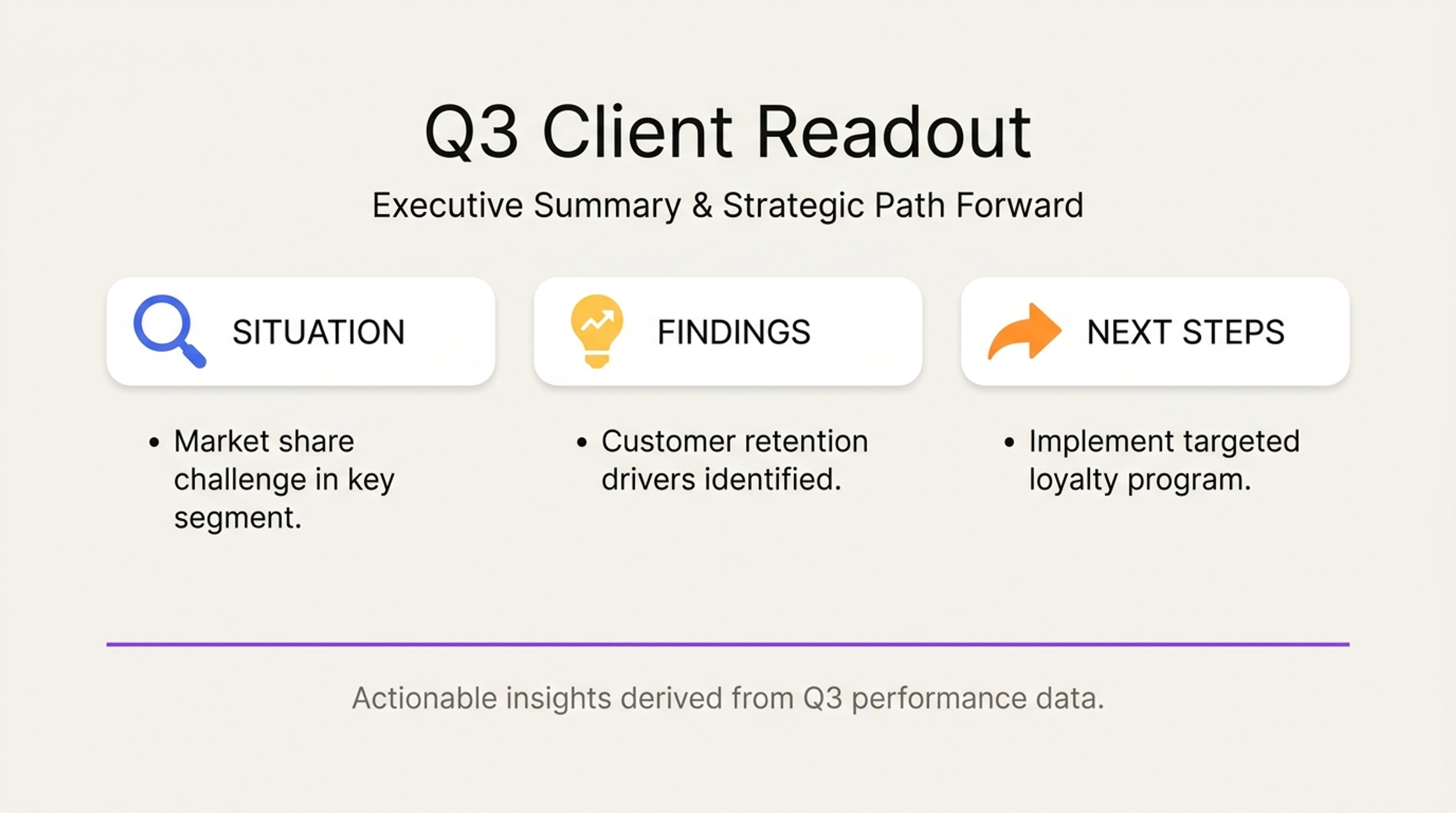
Summarize the current state, key issues, and evidence so clients can see the problem clearly before debating solutions.
Turn consultant reports into executive presentations with situation, diagnosis, evidence, options, recommendation, roadmap, and decision-ready takeaways.
SlidesPilot turns report sections into a presentation arc from context and diagnosis to recommendation. The deck helps executives and clients follow the advisory logic.
Findings, charts, options, tradeoffs, benchmarks, and implementation details can become structured slide sections. The presentation supports a clear point of view.
The output supports readouts, steering committees, executive workshops, and sales follow-ups. Consultants can edit detail level and emphasis for each client audience.
Upload the consultant report, diagnostic memo, strategy analysis, client deliverable, findings pack, or recommendation document. Add the client audience and decision context.

SlidesPilot identifies situation, diagnosis, evidence, options, tradeoffs, recommendation, impact, roadmap, and decision request. This creates a consultant-style presentation structure.

Choose the readout angle. A market-entry report can become slides for market context, customer segments, competitor map, strategic options, recommended entry path, and implementation timeline.

Generate a consultant-report deck with situation, analysis, evidence, options, recommendation, roadmap, and executive takeaways. The presentation is built for client or leadership discussion.

Refine chart language, recommendation wording, proof points, roadmap steps, and executive summary before export. Create versions for client readout, internal review, or steering committee.

Consultant Reports to PPT turns advisory analysis into a client-ready deck. SlidesPilot focuses on diagnosis, evidence, options, recommendation, and roadmap.

Situation, challenge, analysis, and recommendation become a clear consulting storyline. This helps clients understand the logic of the advice.

Findings, charts, benchmarks, and evidence can be connected to the recommendation. The deck makes the case for action visible.

Options, tradeoffs, implementation steps, and impact can become decision slides. This supports executive discussion and alignment.

The editable output supports client readouts, workshops, steering committees, and sales follow-ups. Consultants can tune the deliverable for the room.
Yes. Upload the report and SlidesPilot can create a presentation with situation, diagnosis, evidence, options, recommendation, roadmap, and executive takeaways.
A strong consulting deck usually includes context, problem, findings, analysis, options, tradeoffs, recommendation, implementation plan, impact, and decision request.
Yes. Key findings, recommendation, business impact, and next steps can become an executive summary section at the front of the deck.
Yes. Charts, benchmarks, comparisons, findings, and source notes can be organized into evidence slides that support the recommendation.
Consultant Reports to PPT focuses on advisory analysis and recommendation. Case Study to PPT focuses on a story of context, action, and result.
Yes. You can revise recommendations, charts, roadmap steps, executive summary, slide order, and client-facing wording before exporting.
Use Consultant Reports to PPT for advisory analysis and recommendations. Choose case-study, project-proposal, QBR, or deep-research workflows when the source is proof story, approval, reporting, or broad synthesis.
Transform detailed reports into executive PowerPoint presentations
Transform detailed business plans into professional PowerPoint presentations
Transform detailed project proposals into winning PowerPoint presentations
Transform detailed case studies into professional PowerPoint presentations
Turn Word documents into clear, structured, editable PowerPoint presentations with AI.
Convert PDF slides to editable PowerPoint online. Keep the original design and make text and slide elements editable. Free to use.
Transform your work into a presentation, instantly. ⭐ #1 AI PowerPoint Generator | Trusted by 3 million users worldwide