

Build the Course Roadmap
SlidesPilot turns syllabus structure into a learning journey. Students can see what the course covers, how weeks connect, and what outcomes they are working toward.
Transform course syllabi into PowerPoint presentations
Drag & drop your file here or
Convert course requirements into a deck that helps students understand structure, expectations, and rhythm.
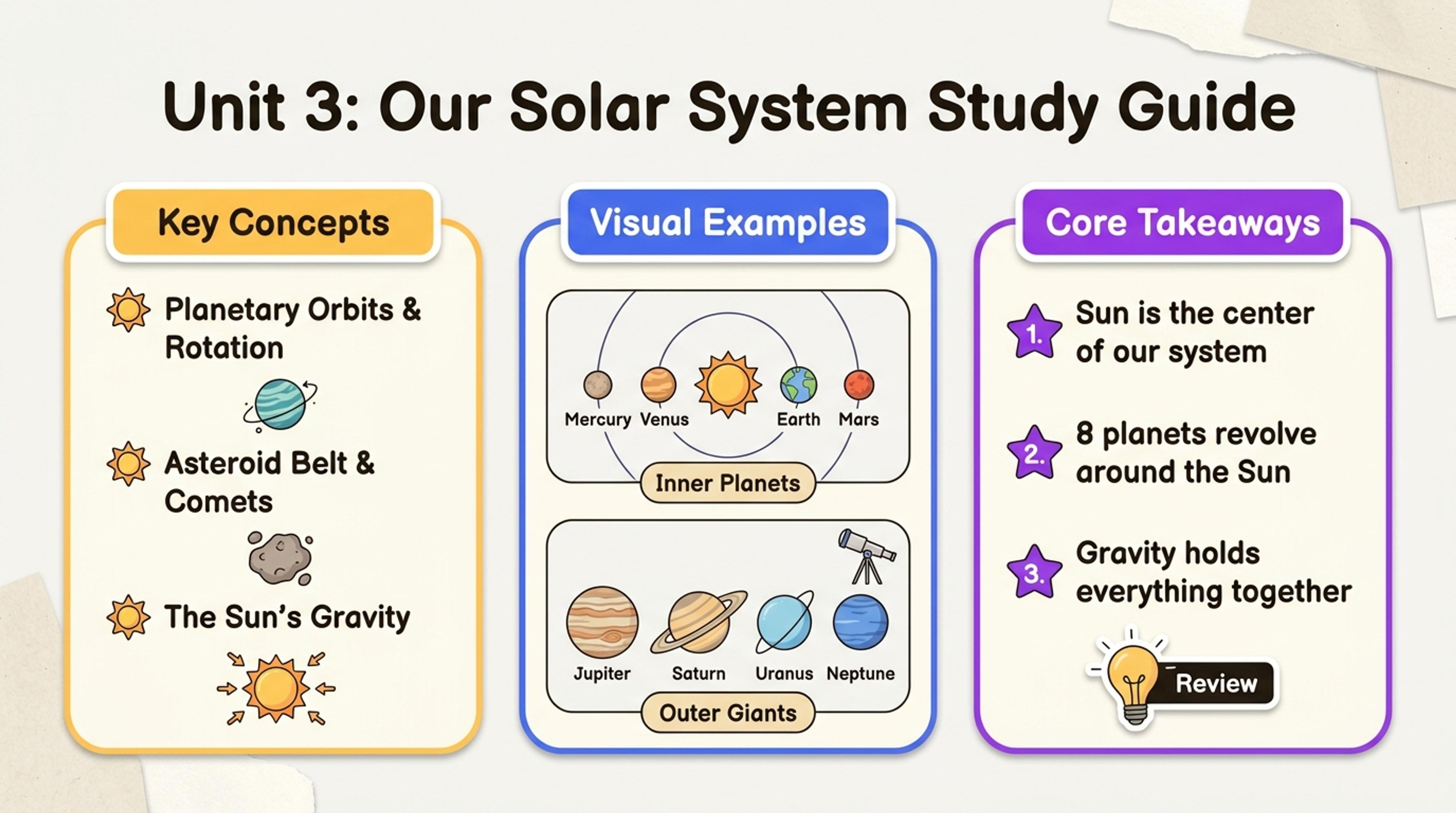
Summarize goals, topics, grading, and expectations in a presentation students can revisit.
Turn a course syllabus into an orientation deck with course goals, weekly roadmap, assignments, grading, policies, readings, and success expectations.
SlidesPilot turns syllabus structure into a learning journey. Students can see what the course covers, how weeks connect, and what outcomes they are working toward.
Readings, assessments, grading rules, deadlines, participation expectations, and classroom policies can become concise slides. This helps instructors communicate expectations clearly.
The generated presentation supports course orientation, online-class intros, training kickoff sessions, and student onboarding. Instructors can refine tone and emphasis.
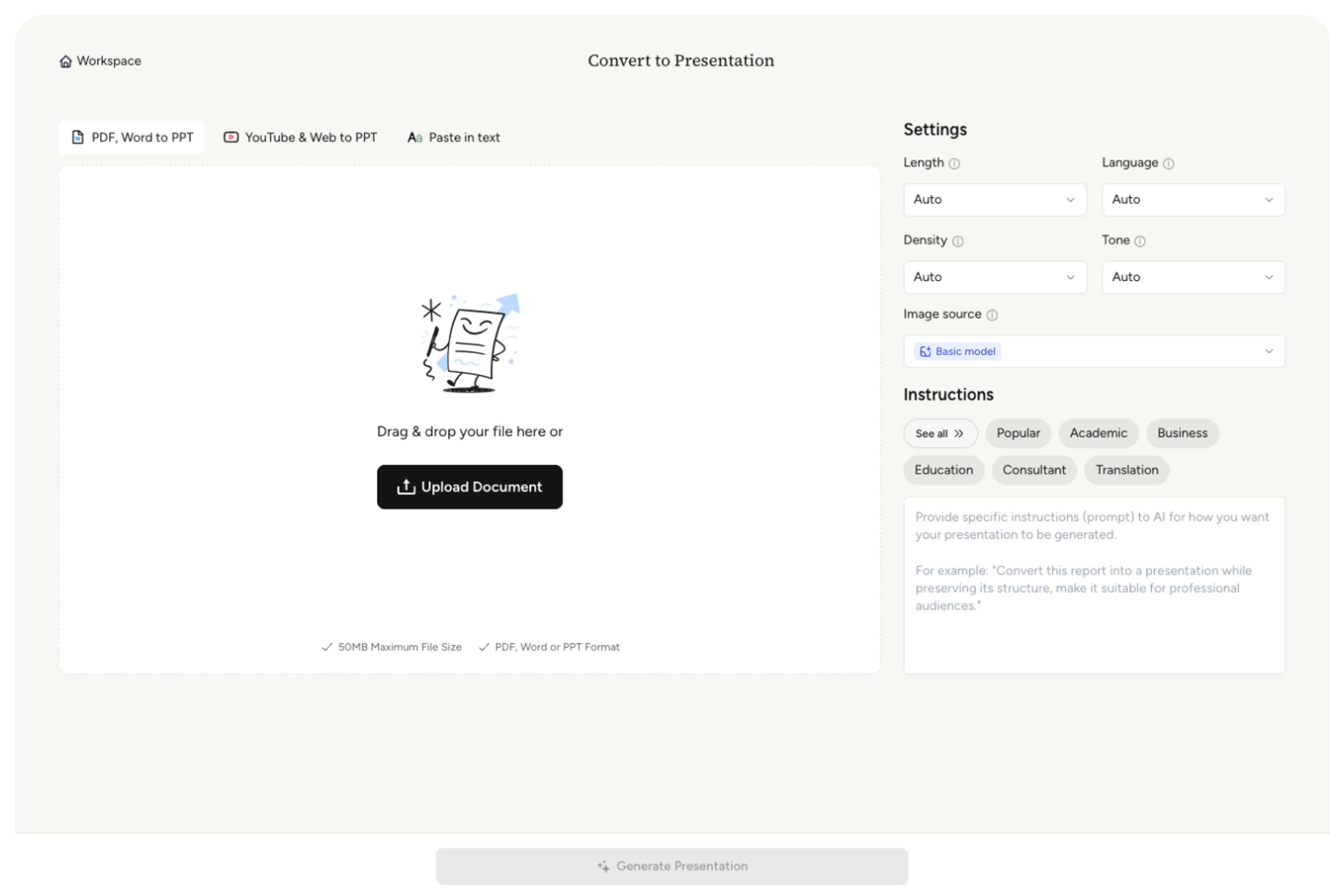
Upload the syllabus, course outline, module plan, reading list, assignment schedule, grading policy, or learning outcomes. Add class level, format, and orientation goal.
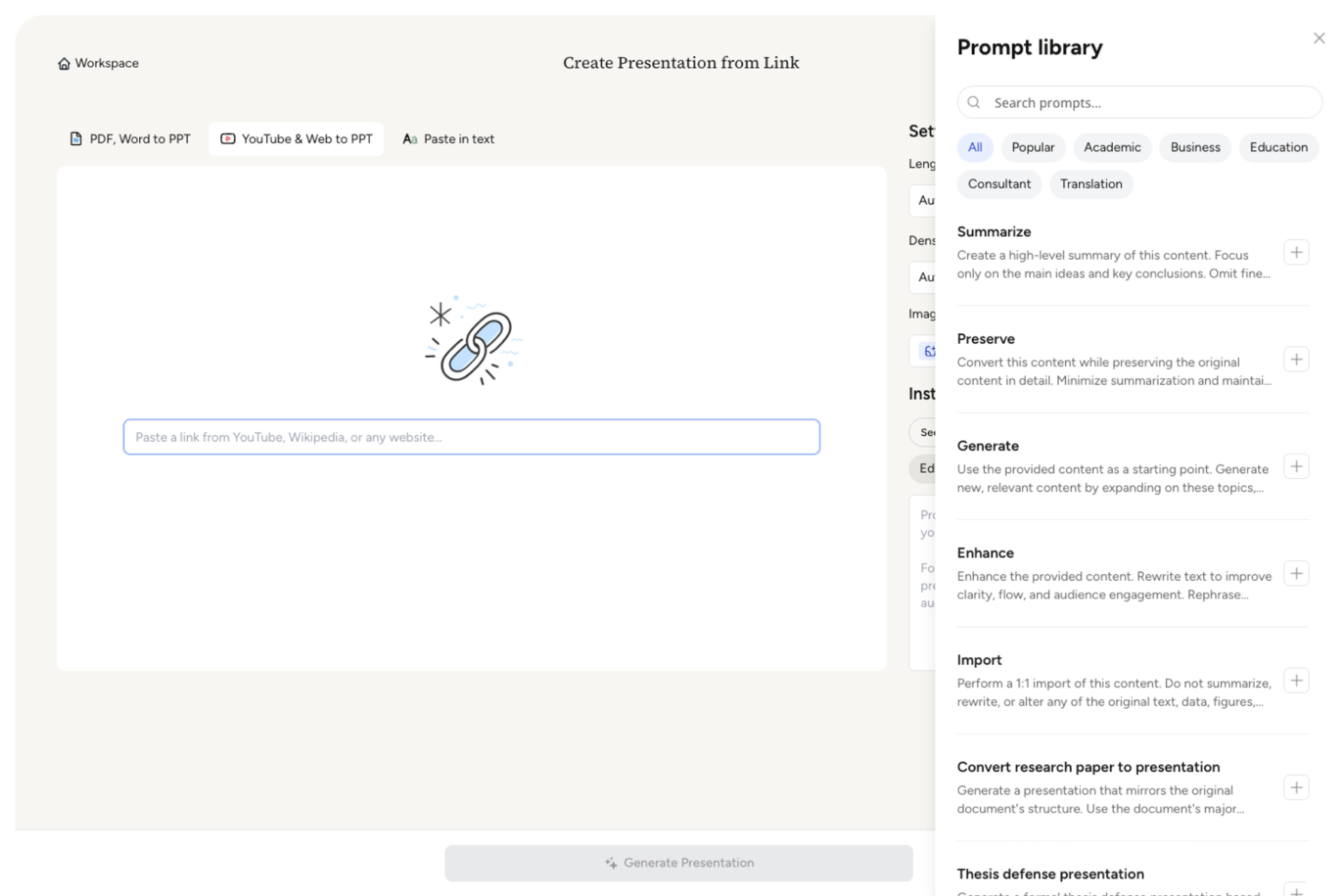
SlidesPilot identifies course purpose, weekly topics, learning outcomes, readings, assignments, assessment criteria, policies, and student expectations. This creates a presentation map for the course.
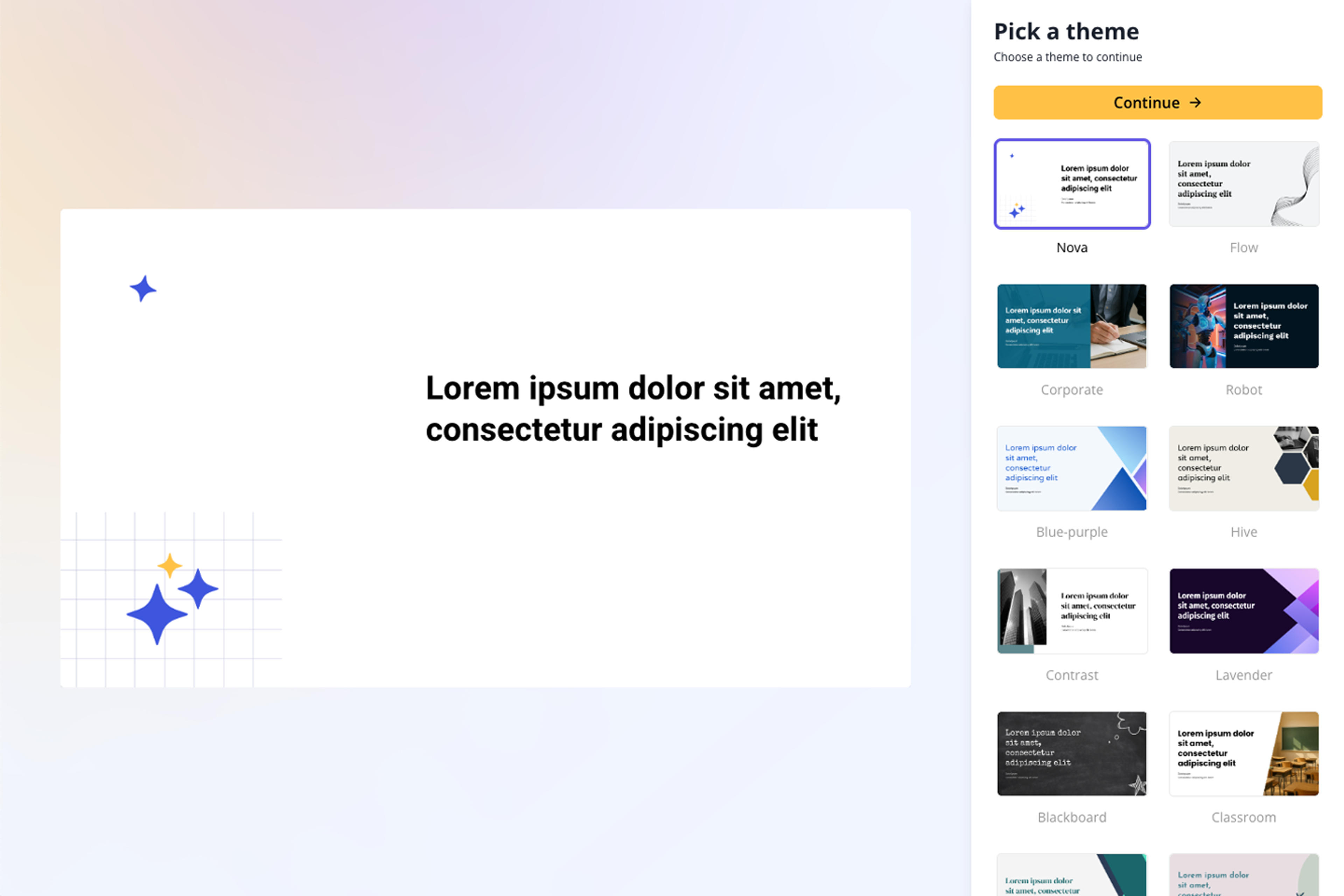
Choose the orientation emphasis. A university syllabus can become slides for course purpose, weekly map, required readings, assessment breakdown, classroom expectations, and first-week success tips.
Generate a syllabus presentation with overview, schedule, learning outcomes, assignments, grading, policies, and success guidance. The deck helps students understand the course before work begins.
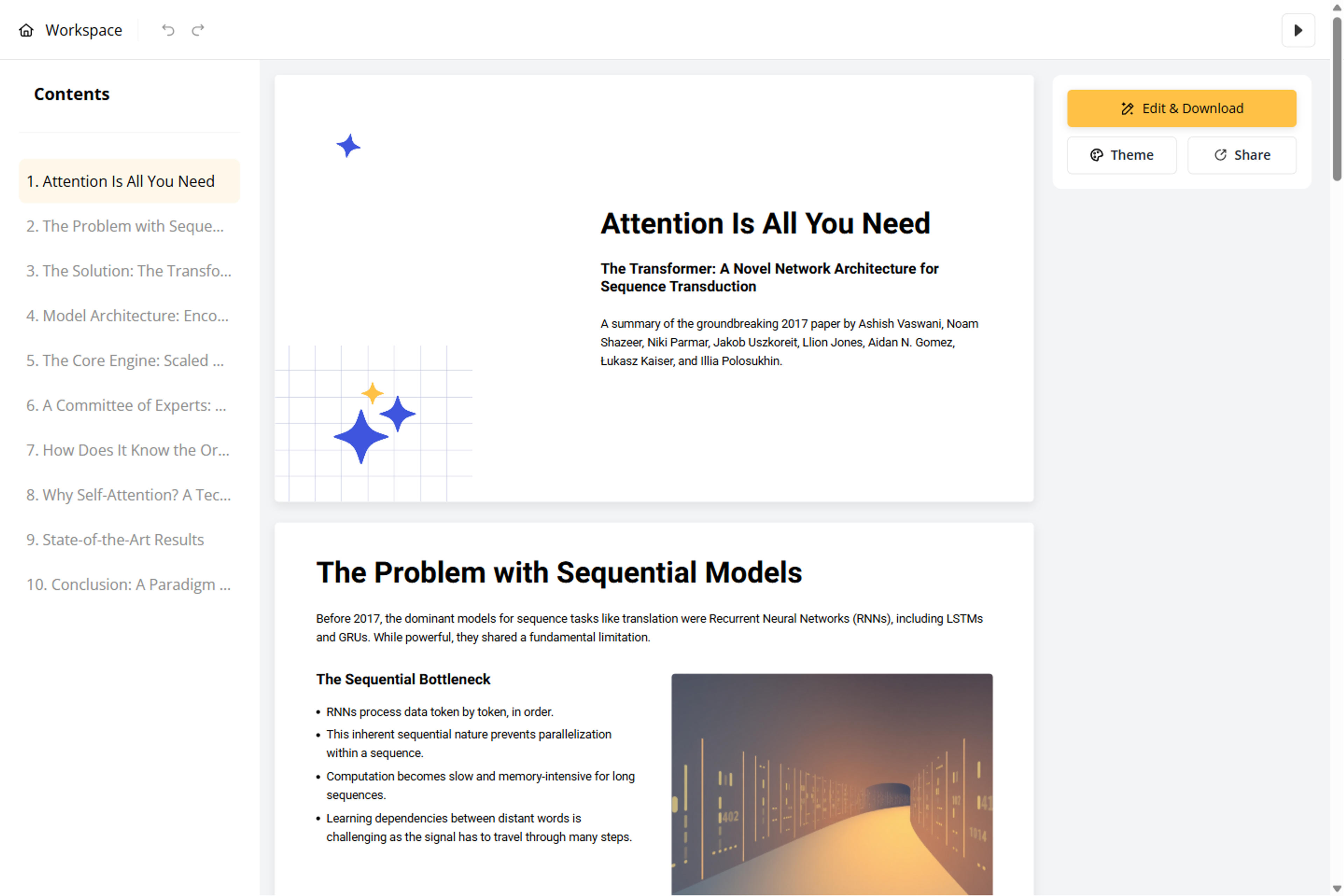
Refine week labels, assignment names, grading details, policy language, and welcome tone before export. The deck can support in-person, online, hybrid, or training-course introductions.
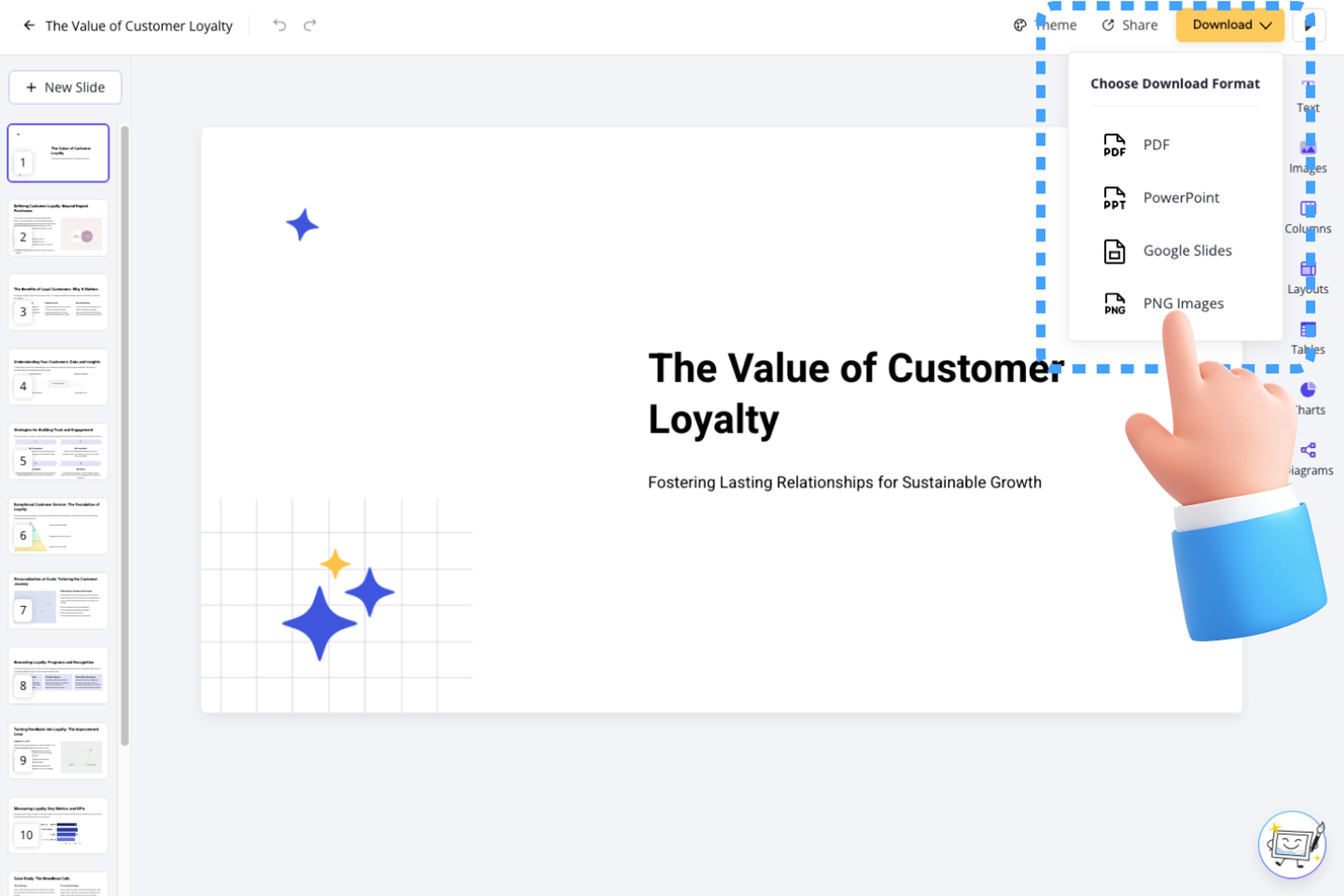
Syllabus to PPT turns course documents into student-friendly orientation slides. SlidesPilot focuses on roadmap, expectations, assessment, and learning outcomes.

Course goals, weekly topics, and module structure become a clear roadmap. Students can understand the course journey from the first day.

Assignments, readings, grading, deadlines, and policies can be organized into concise slides. This makes expectations easier to absorb.

Learning outcomes and success tips can become student-centered guidance. The deck helps learners see what they should be able to do.

The editable output supports first-day lessons, online course intros, training kickoff, and student onboarding. Instructors can adapt tone and detail.
Yes. Upload a syllabus or course outline and SlidesPilot can create an orientation deck with course overview, weekly roadmap, learning outcomes, assignments, grading, and policies.
Include course goals, schedule, modules, readings, assignments, deadlines, grading criteria, attendance rules, participation expectations, and contact information you want presented.
Yes. Weekly topics, modules, readings, milestones, and major deadlines can become roadmap slides so students understand the course sequence.
Yes. The deck can introduce course purpose, expectations, assignments, grading, policies, and success tips. You can adjust tone for in-person, online, or hybrid teaching.
Syllabus to PPT creates a course-overview or orientation deck. Lecture slides focus on a specific class session, topic, or lesson.
Yes. You can revise week labels, assignment details, policy wording, visuals, and slide order before exporting the editable PowerPoint.
Use Syllabus to PPT for course orientation and class overview. Choose lecture, guide, manual, or homework workflows when the content teaches a specific lesson, process, or assignment.
Transform written lesson plans into engaging PowerPoint presentations
Transform textbooks into PowerPoint presentations
Transform class notes into structured PowerPoint presentations
Turn quiz questions, answers, and explanations into engaging presentation slides
Transform manuals and guides into PowerPoint presentations
Turn Word documents into clear, structured, editable PowerPoint presentations with AI.
Transform your work into a presentation, instantly. ⭐ #1 AI PowerPoint Generator | Trusted by 3 million users worldwide