

Group Questions by Learning Goal
SlidesPilot organizes test questions by topic, skill, difficulty, or assessment objective. This turns a paper-style exam into a lesson sequence that is easier to teach, review, or practice.
Transform exams and quizzes into PowerPoint presentations
Drag & drop your file here or
Use test content to build slides for correction, review, and targeted practice.
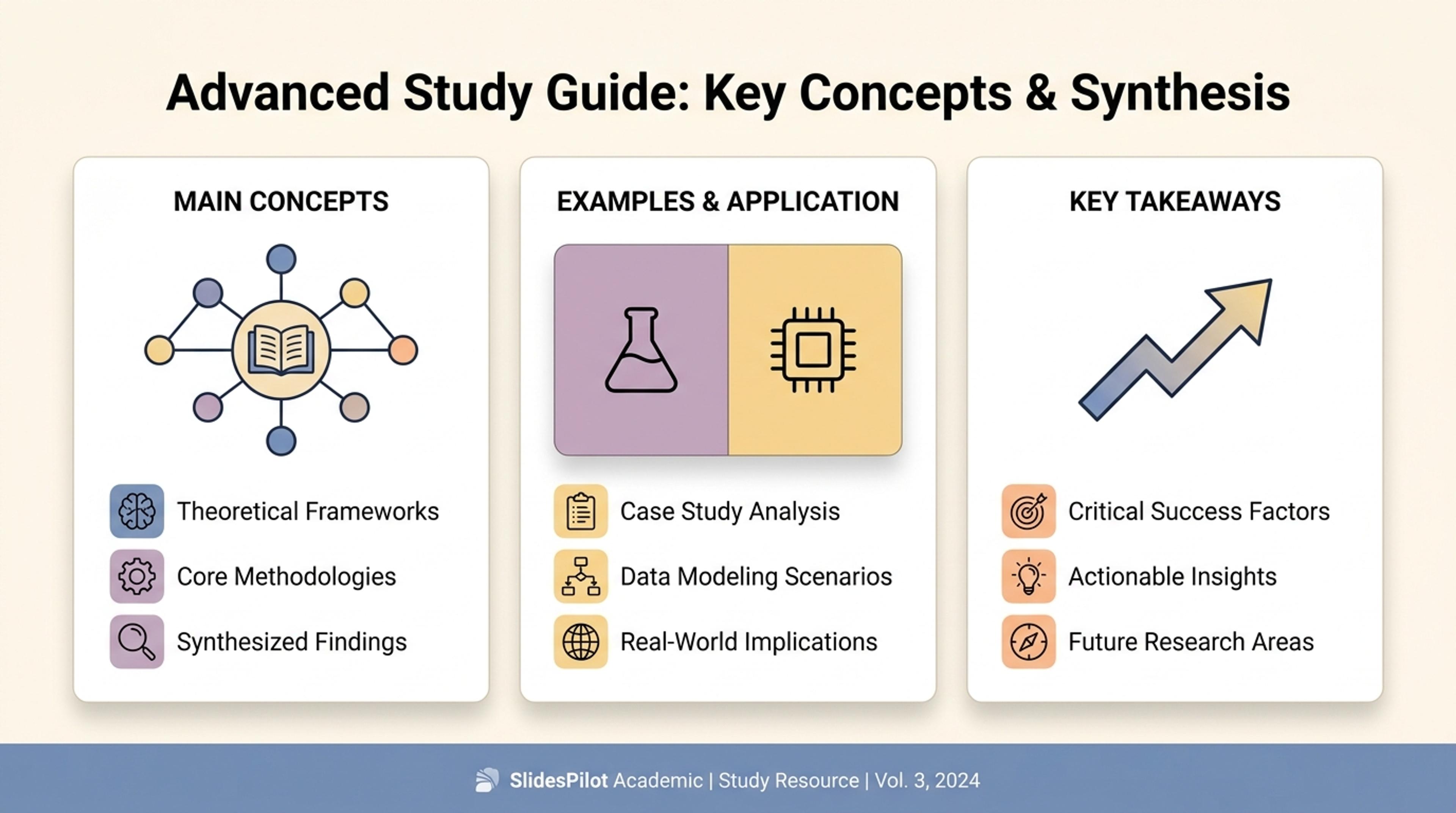
Turn test questions into a walkthrough that explains what each question was checking.
Turn tests, exams, answer keys, and marking schemes into a review presentation that explains topics, question types, answer logic, and revision priorities.
SlidesPilot organizes test questions by topic, skill, difficulty, or assessment objective. This turns a paper-style exam into a lesson sequence that is easier to teach, review, or practice.
Answer keys, marking notes, and worked examples can become explanation slides. Students can see the reasoning behind the answer and teachers can turn the test into a stronger review session.
The generated presentation can include question walkthroughs, topic recaps, practice prompts, common mistakes, and final takeaways. It is useful for class review, tutoring, and exam-prep workshops.
Upload the test, exam paper, answer key, marking scheme, question bank, or assessment notes. Include grade level, subject, and review goal so SlidesPilot can shape the presentation for teaching, tutoring, or self-study.

SlidesPilot reads the assessment for topic coverage, question format, difficulty, answer logic, and scoring focus. This creates a map of what the test is measuring before the deck is written.

Group questions into meaningful review sections. A math test, for example, can become slides for algebra patterns, geometry reasoning, calculation traps, word problems, and final practice prompts.

Generate a test-review deck with question walkthroughs, answer explanations, topic summaries, and revision takeaways. The deck helps an audience understand how to approach similar questions next time.

Refine worked examples, answer detail, pacing, and slide order before exporting. Teachers can adapt the deck for a class review, while students can use it for focused exam preparation.

Tests to PPT is about turning assessment material into teachable review slides. SlidesPilot focuses on topic grouping, answer logic, and revision value.

Question formats are recognized as different ways of testing knowledge, application, calculation, or interpretation. The deck can therefore explain the skill behind the question.

Questions are connected to learning objectives and topic groups. This gives the presentation a lesson-like structure instead of copying the test order page by page.

Answer keys and marking notes can become reasoning slides with examples and model explanations. This helps students learn from the test rather than only check results.

The final deck supports classroom recap, tutoring, revision workshops, and independent study. Users can adjust difficulty, examples, and explanation depth for the audience.
Yes. Upload the test, exam paper, question bank, answer key, or marking scheme and SlidesPilot can create a review presentation with question groups, explanations, topic recaps, and revision takeaways.
Yes. Answer keys and marking notes can be turned into explanation slides, worked logic, and model-answer structure. This makes the deck useful for teaching the reasoning behind each answer.
Yes. SlidesPilot can organize questions by subject, chapter, concept, skill, difficulty, or assessment objective. Topic grouping helps the presentation feel like a review lesson rather than a scan of the test.
Yes. The deck can include common question types, answer walkthroughs, recurring mistakes, practice prompts, and final revision priorities. It works for class review, tutoring sessions, and self-study.
Tests to PPT creates a full presentation from assessment material. AI Quiz Summarizer creates a written study brief that explains quiz performance, concepts, and revision priorities.
Yes. You can adjust question order, answer explanations, slide density, examples, visuals, and revision prompts before exporting the editable PowerPoint.
Use Tests to PPT when the assessment itself needs to become a review deck. Choose quiz summarizer, homework, past-paper, or lesson workflows when the task is study insight, assignment presentation, exam revision, or teaching content.
Turn quiz questions, answers, and explanations into engaging presentation slides
Transform lengthy quizzes into concise study guides instantly
Transform written lesson plans into engaging PowerPoint presentations
Transform textbooks into PowerPoint presentations
Transform class notes into structured PowerPoint presentations
Turn notes, paragraphs, and ideas into a clear, editable PowerPoint presentation.
Transform your work into a presentation, instantly. ⭐ #1 AI PowerPoint Generator | Trusted by 3 million users worldwide