


Frame the idea clearly
Turn rough notes about a concept, proposal, or insight into a visual that separates the problem, idea, and impact.
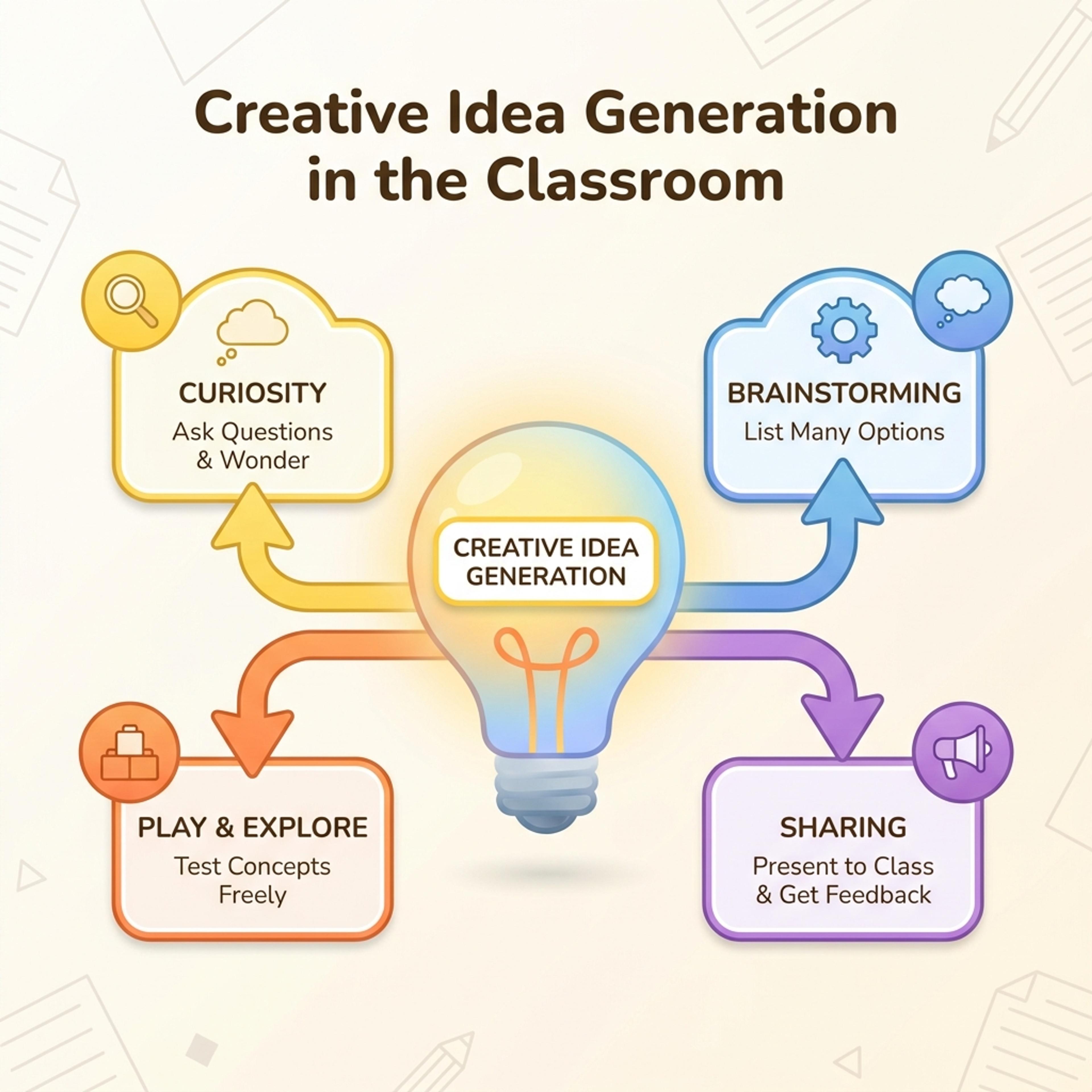
Turn ideas, insights, concepts, and workshop prompts into a light bulb visual that is easy to present.
Drag & drop your file here or
A light bulb diagram gives an idea a simple visual anchor, making it useful for innovation pitches, insight slides, brainstorms, and teaching concepts.
Use this format when the slide needs to make an idea feel clear, memorable, and ready for discussion.
Turn rough notes about a concept, proposal, or insight into a visual that separates the problem, idea, and impact.
Use the diagram in brainstorms, innovation reviews, class discussions, product pitches, or campaign concept meetings.
Present the idea as a draft people can react to, not as a finished design that shuts down discussion.
Describe the idea and what the audience should understand, then refine the visual into a useful discussion slide.
Write the idea, problem, insight, or concept you want to explain in one or two sentences.
Add audience context, examples, and constraints so the generated visual does not become a generic brainstorm slide.
Edit the labels, remove weak claims, and make the final slide clear enough to invite feedback.
Use light bulb diagrams when a deck needs to center a concept, insight, or creative direction.
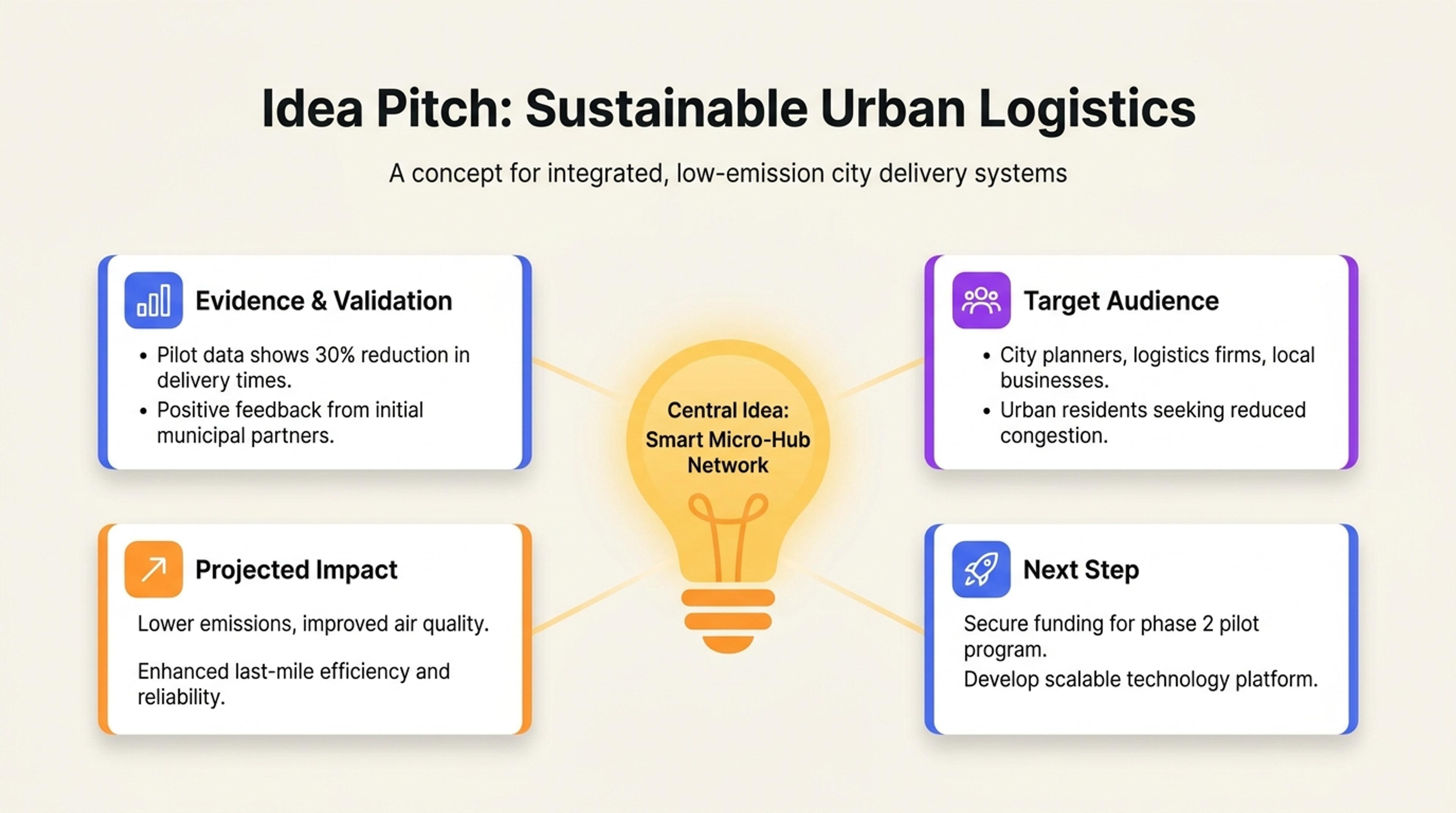
A concept slide that places one new idea at the center with evidence, audience, and next step around it.
Use it when the main purpose is to introduce an idea, insight, concept, or possible solution in a way that feels easy to discuss.
Yes. It can help frame a product idea, campaign concept, or innovation proposal before you move into evidence and execution details.
Provide the audience, problem, constraints, and desired takeaway. Then edit the generated labels so they sound specific to your project.
Yes. Light bulb visuals work well when students need a simple anchor for a new concept, insight, or discussion prompt.
Yes. The draft should be edited so the final slide matches your tone and does not overstate the idea.
Use these formats when an idea needs to become a map, comparison, timeline, or presentation-ready summary.
Turn topics, notes, documents, and links into editable visuals for slide decks, lessons, reports, and planning conversations.
Turn events, milestones, roadmap phases, project plans, and historical sequences into a slide-ready timeline.
Organize scattered notes, research themes, brainstorms, and lesson topics into a clear editable mind map.
Compare overlap, differences, shared traits, and strategic fit with an editable Venn diagram for slides.
Organize strengths, weaknesses, opportunities, and threats into a clear strategic planning slide.
Visualize conversion stages, selection processes, sales pipelines, recruiting steps, and drop-off points in a funnel chart.
Describe an idea, insight, or concept and turn it into an editable visual for your presentation.