

Plan Visuals as Slide Arguments
SlidesPilot turns GPT Image 2 prompts into a slide-by-slide visual plan. Each generated image direction supports a headline, audience takeaway, and section purpose instead of acting as a separate decorative asset.
Create stunning PPT presentations from source docs using the newest OpenAI model
Drag & drop your file here or
Use generated or uploaded images as starting points for presentation concepts, visual reviews, and storyboards.
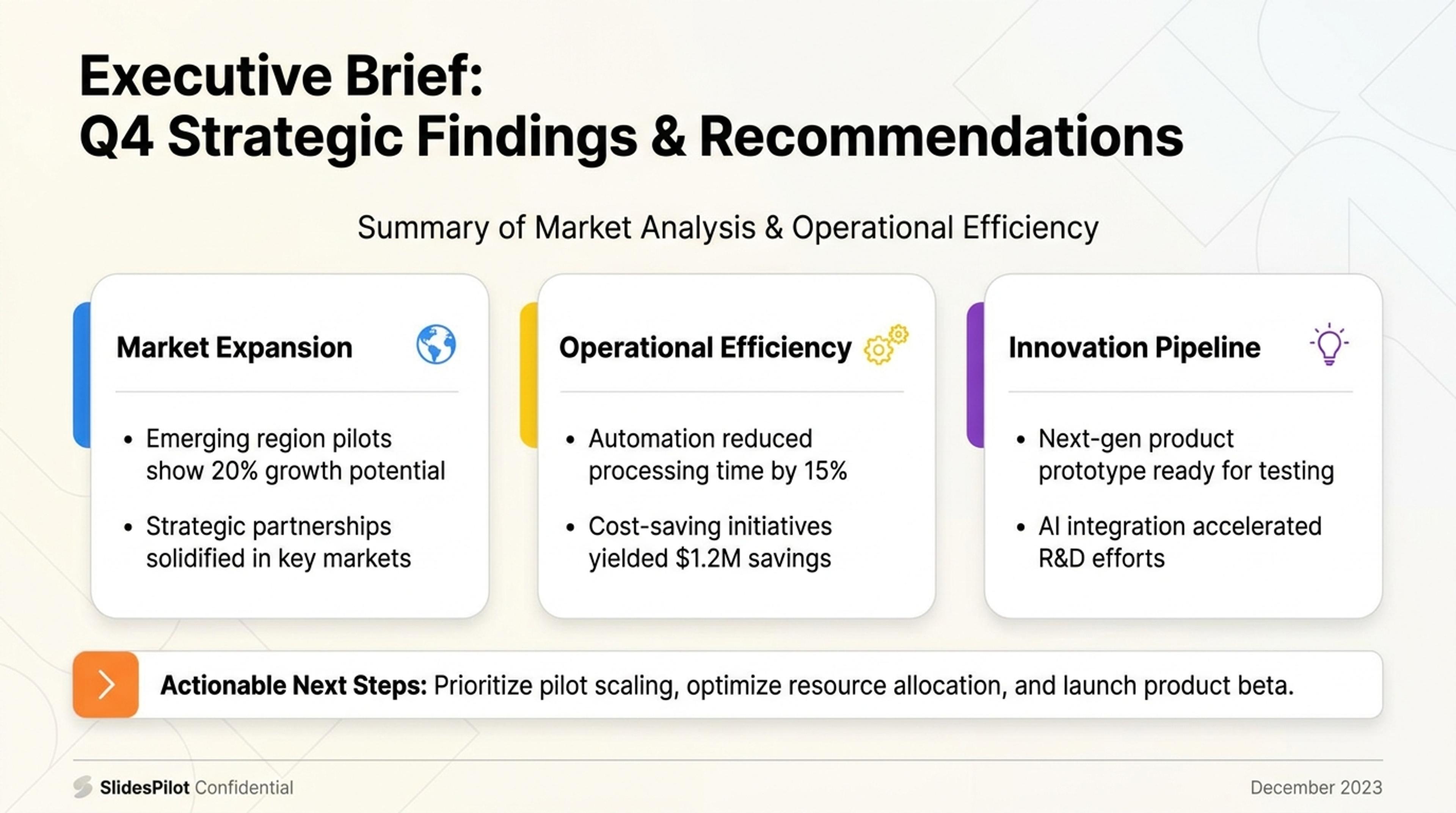
Turn image concepts into a first-pass presentation structure with slide titles, notes, and sections you can refine.
Create GPT Image 2 slide decks where visuals and presentation structure work together: scene ideas, image direction, audience message, and editable slide copy.
SlidesPilot turns GPT Image 2 prompts into a slide-by-slide visual plan. Each generated image direction supports a headline, audience takeaway, and section purpose instead of acting as a separate decorative asset.
Product scenes, characters, settings, campaign moods, and brand references can stay coherent across the deck. This helps visual presentations feel like one story, launch concept, lesson, or campaign.
The output combines visual direction, slide titles, supporting copy, and presentation flow. Teams can refine prompts, adjust wording, swap visuals, and export a polished deck for marketing, teaching, or pitching.
Start with the topic, audience, desired slide count, visual style, and GPT Image 2 prompt ideas. Add brand cues, product context, character details, or campaign direction so SlidesPilot can connect the images to a real presentation goal.

SlidesPilot maps the presentation message before placing image concepts. A product launch, for example, can become sections for audience pain, product promise, feature moments, use cases, proof, and call to action.

Turn each section into a visual scene with a headline and supporting copy. The AI keeps image direction tied to slide purpose so the deck feels structured, not like a gallery of unrelated generated images.

Generate the GPT Image 2 slide deck with consistent visual language, presentation rhythm, and editable text. Review the scene sequence, narrative flow, and how each image helps the audience understand the message.

Refine prompts, visual emphasis, slide copy, layout, and export format. The deck can be adapted for campaigns, product storytelling, educational explainers, social content, or pitch material.

GPT Image 2 slide generation needs more than attractive images. SlidesPilot connects prompt planning, scene consistency, and presentation logic so the final deck communicates clearly.

Visual prompts are planned around the presentation arc, so each image supports a specific message. This helps the deck feel intentional from the first slide to the final CTA.

Subjects, product context, setting, color direction, and style notes can remain consistent across sections. Consistency makes AI-image decks more useful for brands, lessons, and campaigns.

SlidesPilot pairs each image direction with editable headlines, supporting copy, and slide order. Users get a presentation workflow, not only a set of prompt ideas.

The deck can be refined for marketing, education, sales, product updates, and creative pitches. Teams can adjust visuals and messaging without rebuilding the structure.
Yes. SlidesPilot helps turn GPT Image 2 visual ideas into a structured slide deck with image direction, headlines, supporting copy, and presentation flow. The result is editable and can be refined for the audience.
Provide the topic, audience, slide goal, visual style, brand cues, product context, and any prompt ideas you already have. The more direction you give, the easier it is to keep scenes consistent and useful.
Yes. You can describe the desired visual language, subject, setting, tone, or brand feel. SlidesPilot organizes those cues across the deck so the visuals support one coherent presentation.
SlidesPilot starts with the message and audience, then maps each section to a visual scene, headline, and supporting explanation. This keeps AI images connected to what the slide is trying to say.
Use it for product launches, campaign concepts, classroom explainers, creative pitches, social storytelling, brand narratives, and visual teaching material. Image-led slides work best when the audience benefits from seeing a concept unfold visually.
Yes. You can revise prompts, replace visuals, adjust headings, change slide order, edit supporting copy, and export the finished deck. This makes the workflow useful for both quick drafts and polished presentations.
Use GPT Image 2 Slides when the search intent is image-led presentation creation with that visual model. Move to broader AI image, infographic, or text-to-PPT workflows when the source or output needs a different creative path.
Create presentation-ready images from your slide topic, idea, or text with AI. Generate custom visuals that match your message and make each PowerPoint slide easier to understand.
Use AI Presentation Generator when that workflow better matches your source or output.
Turn notes, paragraphs, and ideas into a clear, editable PowerPoint presentation.
Convert PDF slides to editable PowerPoint online. Keep the original design and make text and slide elements editable. Free to use.
Transform plain PowerPoint presentations into professional designs using AI
Transform ideas into stunning PPT slides with Google Gemini's latest AI image model
Transform your work into a presentation, instantly. ⭐ #1 AI PowerPoint Generator | Trusted by 3 million users worldwide