

What Is a SWOT Analysis? How to Do One, With an Example
Learn the four quadrants of SWOT, follow a bakery’s preorder decision, and turn your own research notes into a SWOT slide with SlidesPilot.
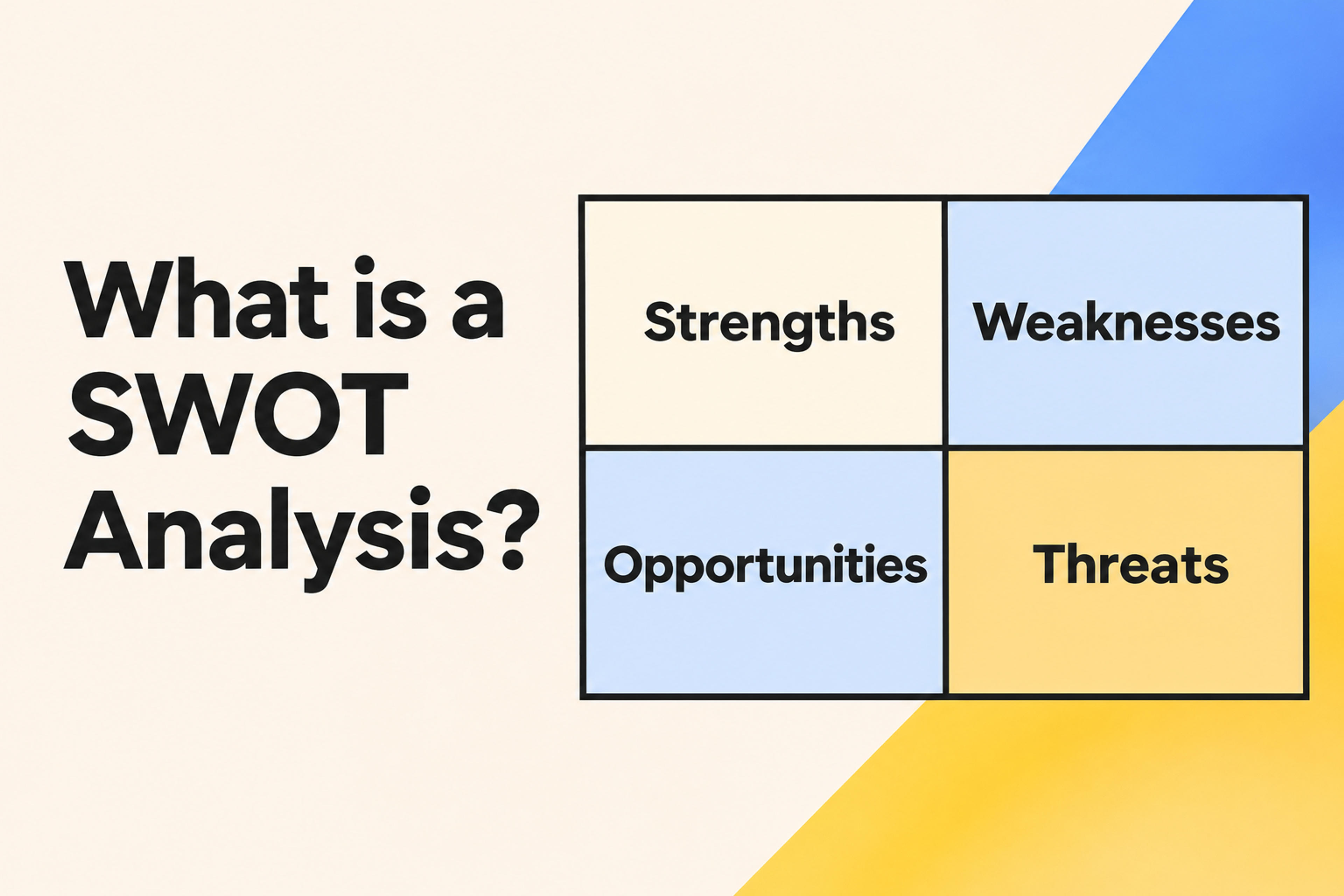
Learn the four quadrants of SWOT, follow a bakery’s preorder decision, and turn your own research notes into a SWOT slide with SlidesPilot.
A SWOT analysis is a planning exercise that helps you make a decision by looking at four things together: your strengths, your weaknesses, the opportunities around you, and the threats you face. Strengths and weaknesses describe your own resources and capabilities. Opportunities and threats come from outside your team or organization.
Use SWOT when you have a specific decision to make. A bakery asking “Should we take weekday lunch preorders for the next month?” will get more useful answers than one asking “How is the business doing?”
A SWOT matrix puts four categories in a grid so you can see how they interact. The easiest way to place a point is to ask two questions: Where does it come from? and Does it help or hurt this decision?
| Quadrant | What goes there | Question to ask |
|---|---|---|
| Strengths | Internal advantages you can use | What do we already have or do well that helps us? |
| Weaknesses | Internal gaps or constraints | What could hold us back within our own operation? |
| Opportunities | External conditions that could help | What change outside the team creates an opening? |
| Threats | External conditions that could hurt | What outside pressure could make the plan harder? |
An unreliable oven is a weakness because it belongs to your operation. A supplier raising flour prices is a threat because it starts outside it. You can respond to both, but locating the source helps you choose the right response.
Name the option, the audience or market, and the time horizon. “Should we pilot weekday lunch preorders at our downtown shop next month?” gives everyone the same question to answer. If you have two distinct choices, compare them using the same time horizon and evidence.
Start with a few things you can point to: sales by time of day, customer requests, staffing schedules, supplier quotes, or competitor offers. Ask someone close to the work what the numbers leave out. Keep a note of where each point came from, and mark guesses as assumptions to test.
Write each point so it says something concrete. “Limited capacity” could mean anything. “One person handles the counter from noon to 1 p.m.” tells the team exactly what will constrain orders. When one issue spans two quadrants, split it into its causes. A competitor’s promotion is a threat, and your slow checkout is a weakness.
Pick the most consequential two or three items in each quadrant. Ask what would make you change the plan, and flag high-impact claims that have weak evidence. For the bakery, uncertainty about lunch demand matters more than a minor packaging preference because demand determines whether the pilot is worth running.
Pair a strength with an opportunity to find something you can try. Pair a weakness with a threat to find a risk you should plan around. Give each action an owner, a deadline, and a way to tell whether it worked.
Consider a fictional neighborhood bakery planning a two-week test. Here’s how its notes might look after sorting.
| Quadrant | What the bakery knows |
|---|---|
| Strength | It already makes two sandwiches it could offer as a fixed lunch menu. |
| Weakness | One employee staffs the counter during the noon rush. |
| Opportunity | A nearby office has resumed in-person work, and its office manager has asked about group lunch orders. |
| Threat | A nearby café has started offering discounted lunch delivery. |
The bakery can use its existing menu to test demand from the office without adding new recipes. To protect its busiest hour, it can cap the pilot at 15 orders a day and offer pickup before noon. The shop manager can track paid orders and wait times during the test, then decide whether to expand, adjust, or stop. The matrix makes the reasoning visible. The pilot tests it.
Choose SWOT Analysis in SlidesPilot and generate an editable slide from your research or workshop notes.
Open the AI Infographic GeneratorA conventional SWOT analysis template gives you four labeled boxes. If your findings are already written and sorted, those boxes may be all you need. If you’re starting with workshop notes, customer feedback, or market research, there’s more work between the notes and the finished slide.
The SlidesPilot SWOT Analysis Generator handles two of those steps together. It organizes your notes into the four quadrants and builds an editable SWOT slide. You spend less time copying bullets and arranging the grid, and you can use the first draft to discuss which points matter.
For the bakery example, start your input like this:
Create a SWOT analysis for a two-week weekday lunch preorder pilot. We already make two sandwiches and have one cashier at lunch. A nearby office has asked about group orders, and a café nearby has started discounting lunch delivery. Use these findings to draft concise bullets for the four quadrants.
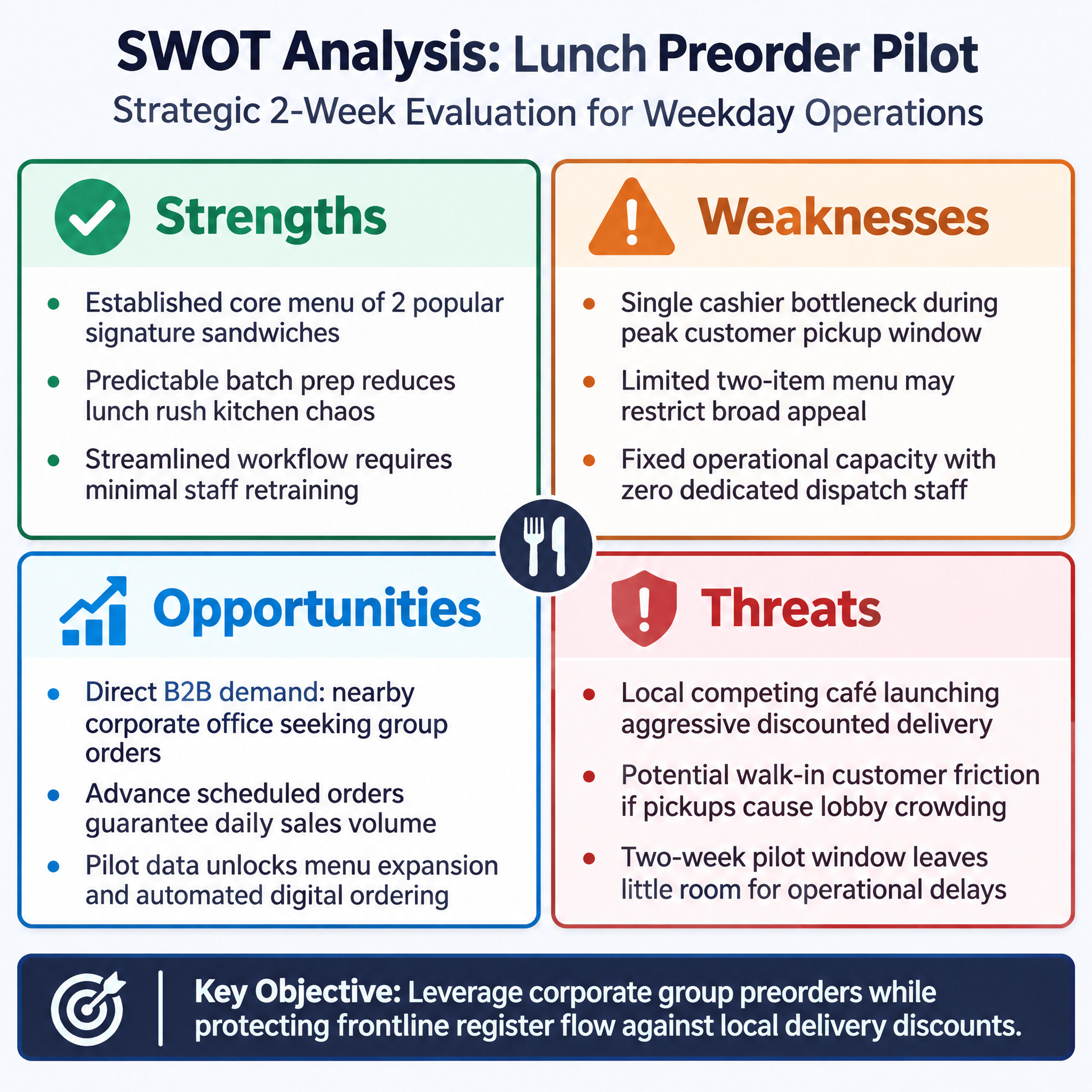
Once the slide is ready, put the decision and next step beneath it or on the next slide. When you open the meeting, ask the team which finding could change the plan. That gives everyone a concrete place to start.
Bring your decision and source notes. Get a first draft organized into four editable quadrants.