

Quizlet vs. SlidesPilot for Illustrated Flashcards
We put the same five weather terms into Quizlet and SlidesPilot to see how each handles flashcards, from setting up the cards to adding illustrations.
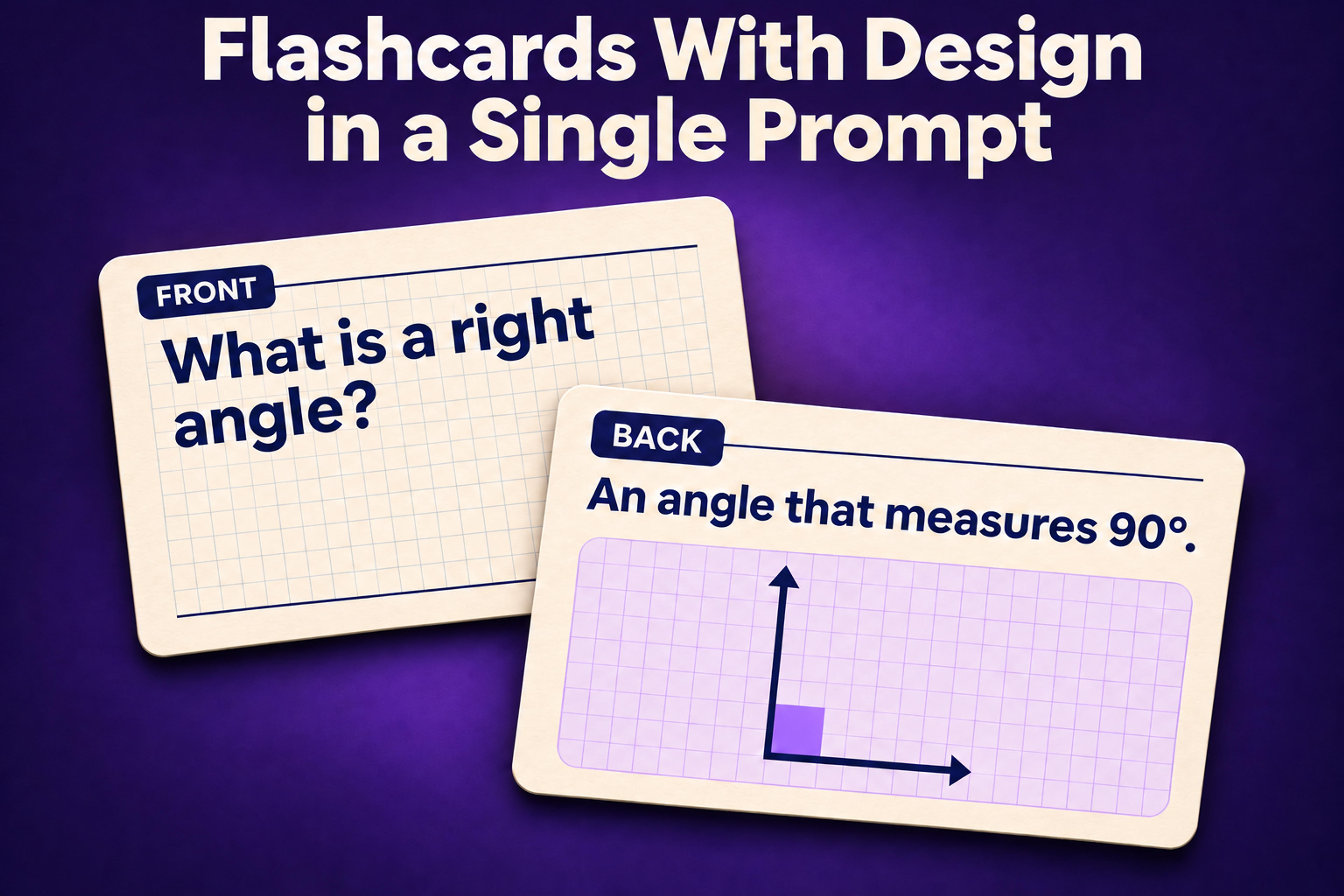
We put the same five weather terms into Quizlet and SlidesPilot to see how each handles flashcards, from setting up the cards to adding illustrations.
Quizlet is the go-to platform for online flashcards. You can search for sets other people have made or create your own. SlidesPilot is a Quizlet alternative for when you want the cards to look designed from the start. Its AI creates illustrations that explain the material and gives the entire set a consistent layout, without making you find and add images one card at a time.
We used the same five weather terms to see what each tool produces.
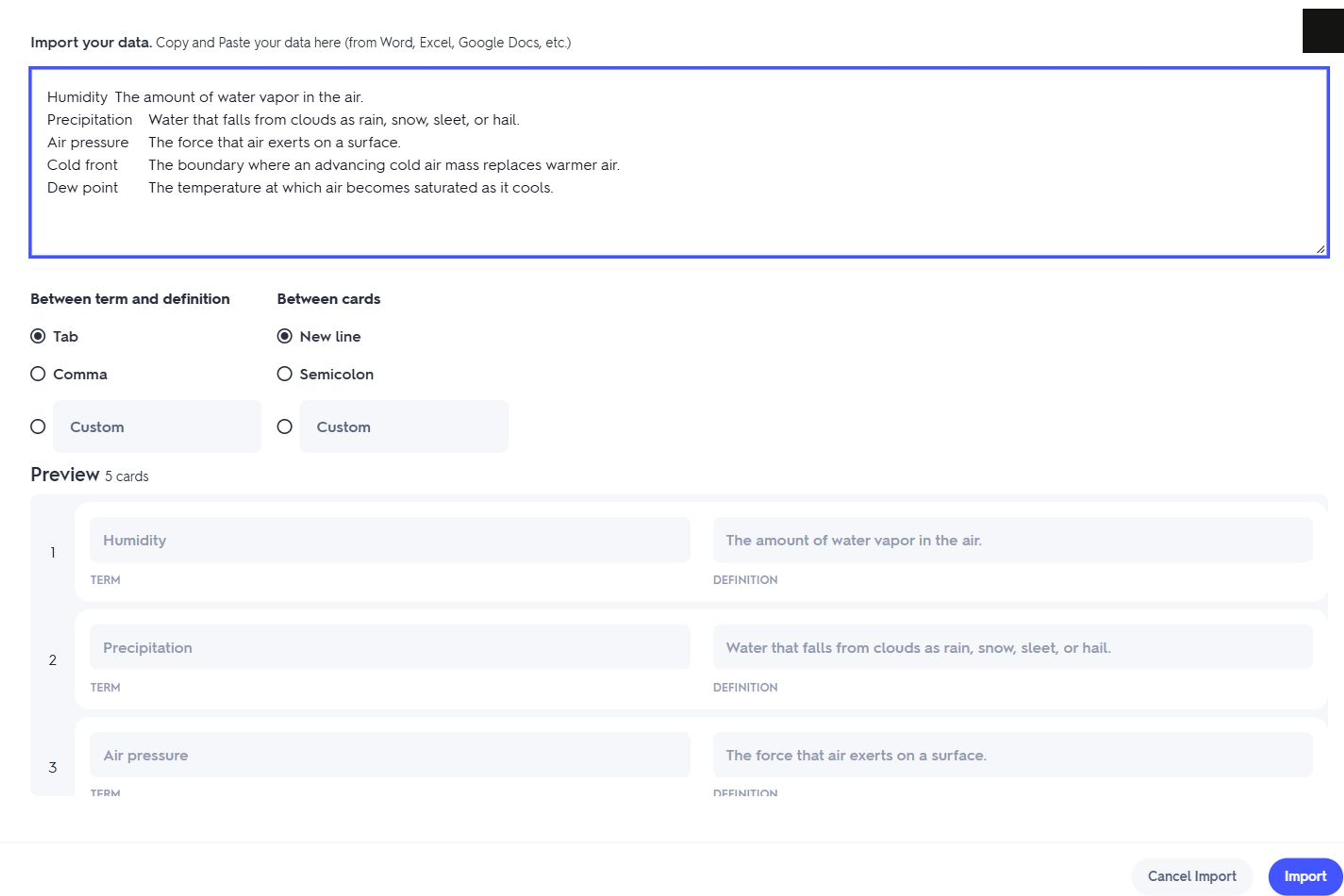
If you already have a list of terms and definitions, you can paste it into Quizlet's Import screen. The preview shows how Quizlet pairs each term with its definition before you create the set. Quizlet's guide to creating flashcard sets
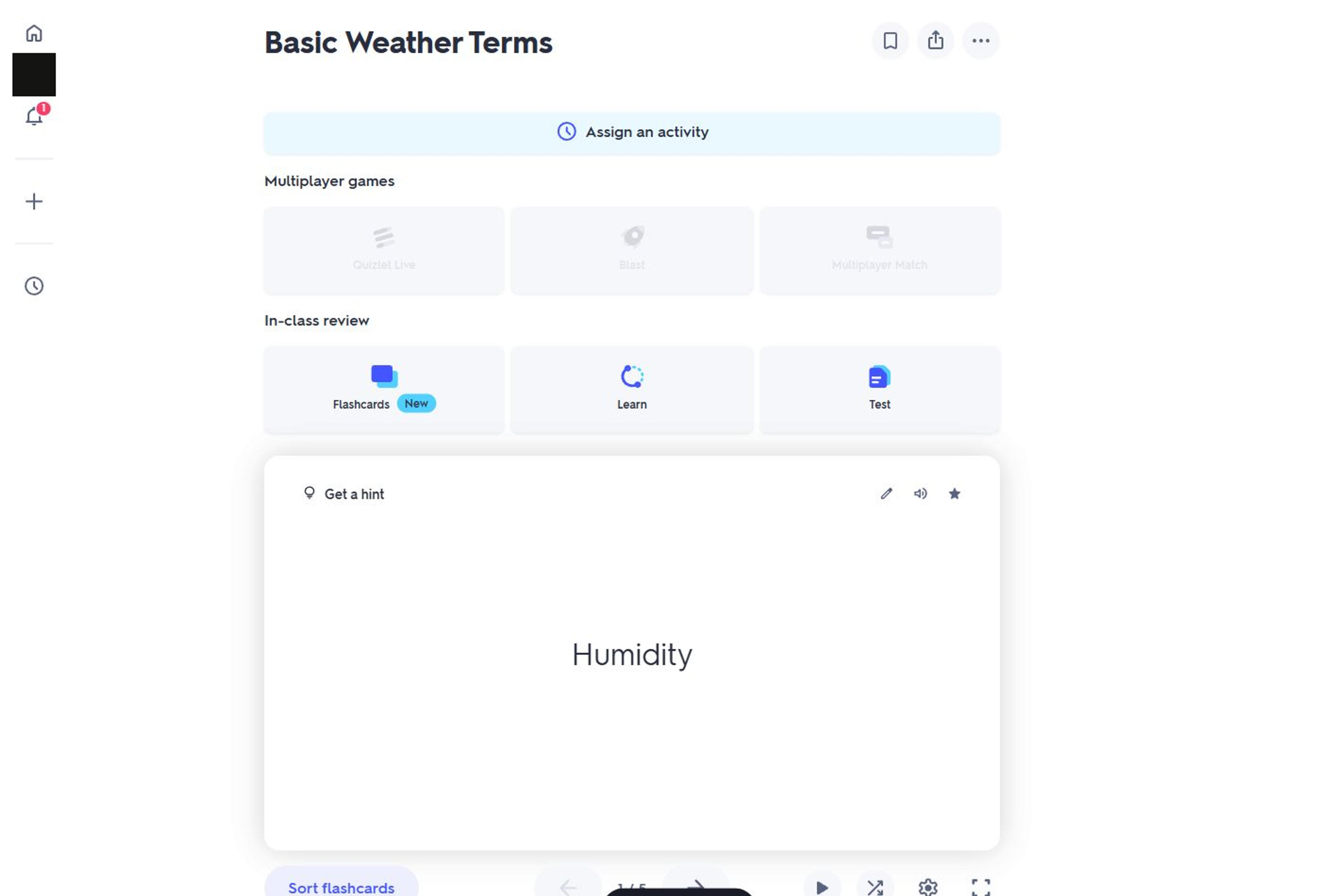
Once the set is ready, you can flip through the cards in Flashcards mode. Our imported weather terms appeared as text in Quizlet's standard card layout.
Adding pictures takes a separate pass through the set. On each card, you search Quizlet's gallery and choose an image, or upload your own with a paid subscription. The free experience also includes ads and prompts to upgrade to Quizlet Plus for ad-free studying and more access to Learn and Test.
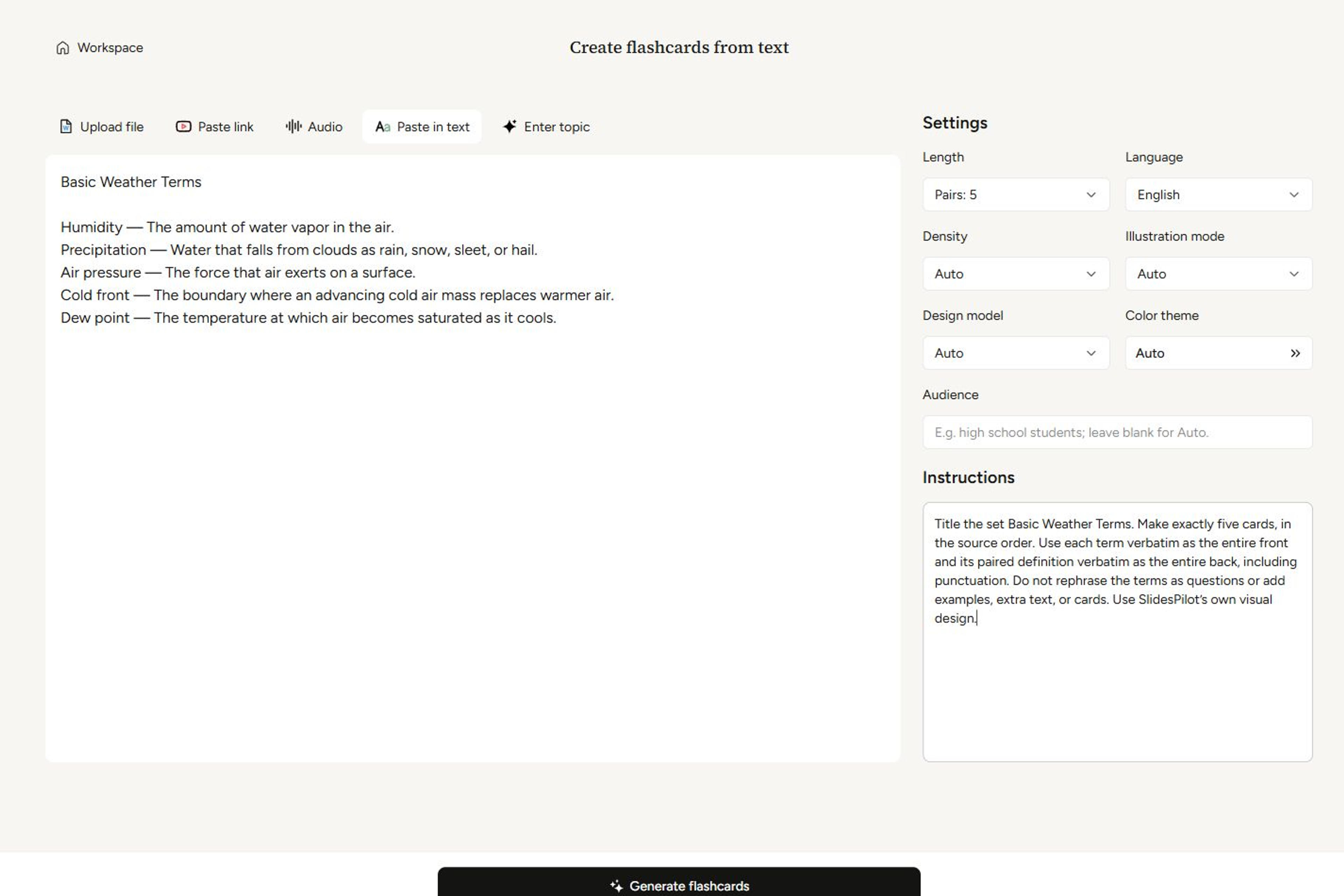
SlidesPilot's AI turns pasted notes, files such as PDFs and Word documents, or a YouTube link directly into flashcards with visual design. If you already have terms and definitions, you can ask it to keep the wording and order. For the weather set, we pasted the same five pairs and asked for illustrations that helped explain the definitions. The setup screen also lets you choose the language and number of cards before generating the set. SlidesPilot AI Flashcard Generator
SlidesPilot kept the five pairs in order and built a cohesive deck around them. The humidity card, for instance, pairs the definition with a diagram showing water vapor in the air. The image explains the concept, and the layout gives it room to do that. Both were generated automatically.
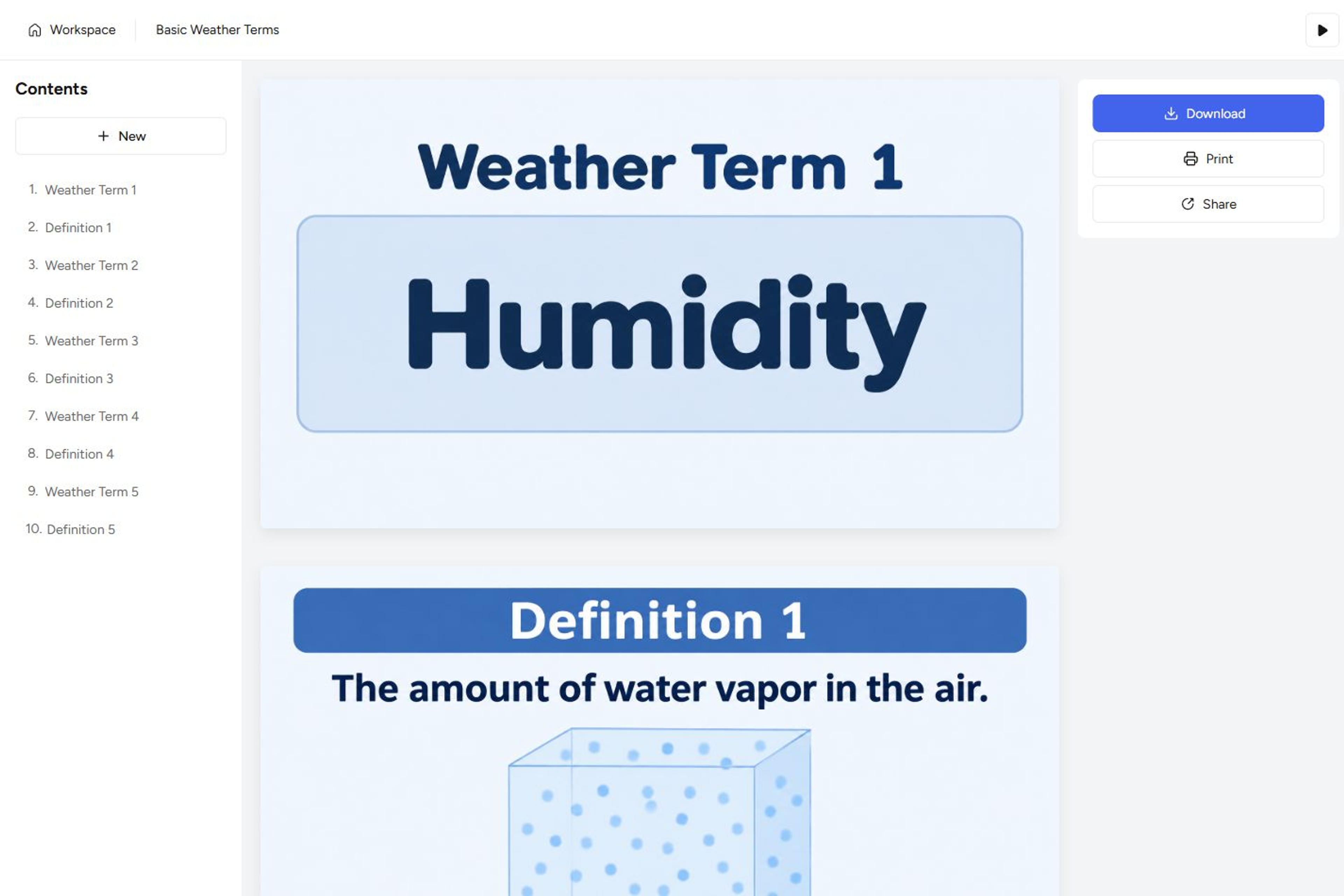
The SlidesPilot flashcard workspace is ad-free, and there's no extra charge to print a finished set on paper. Select Print to send the cards to your printer, or Download to save them as a PDF or export an editable version for PowerPoint or Google Slides.
If you want well-designed flashcards with visuals that help explain what you're teaching or studying, SlidesPilot lets you start with the material you already have and handles the illustration and layout for you.
Start with your notes or an existing card set and create flashcards you can use on screen or in print.