

Prepare an executive pre-read
Condense the deck's argument, evidence, metrics, and recommendations into a focused brief for leaders and stakeholders.
Extract key insights from lengthy slides instantly
Drag & drop your file here or
SlidesPilot reads the complete presentation and shapes its most important ideas into notes, briefings, and recaps built for the next conversation.
Condense the deck's argument, evidence, metrics, and recommendations into a focused brief for leaders and stakeholders.
Turn long presentations into structured notes that surface decisions, risks, open questions, and next steps before the discussion starts.
Transform lecture decks, training slides, and research presentations into clear notes that are easier to revisit and share.
Add the full PPT or PPTX so SlidesPilot can follow the sequence, section structure, recurring themes, and relationships between slides.
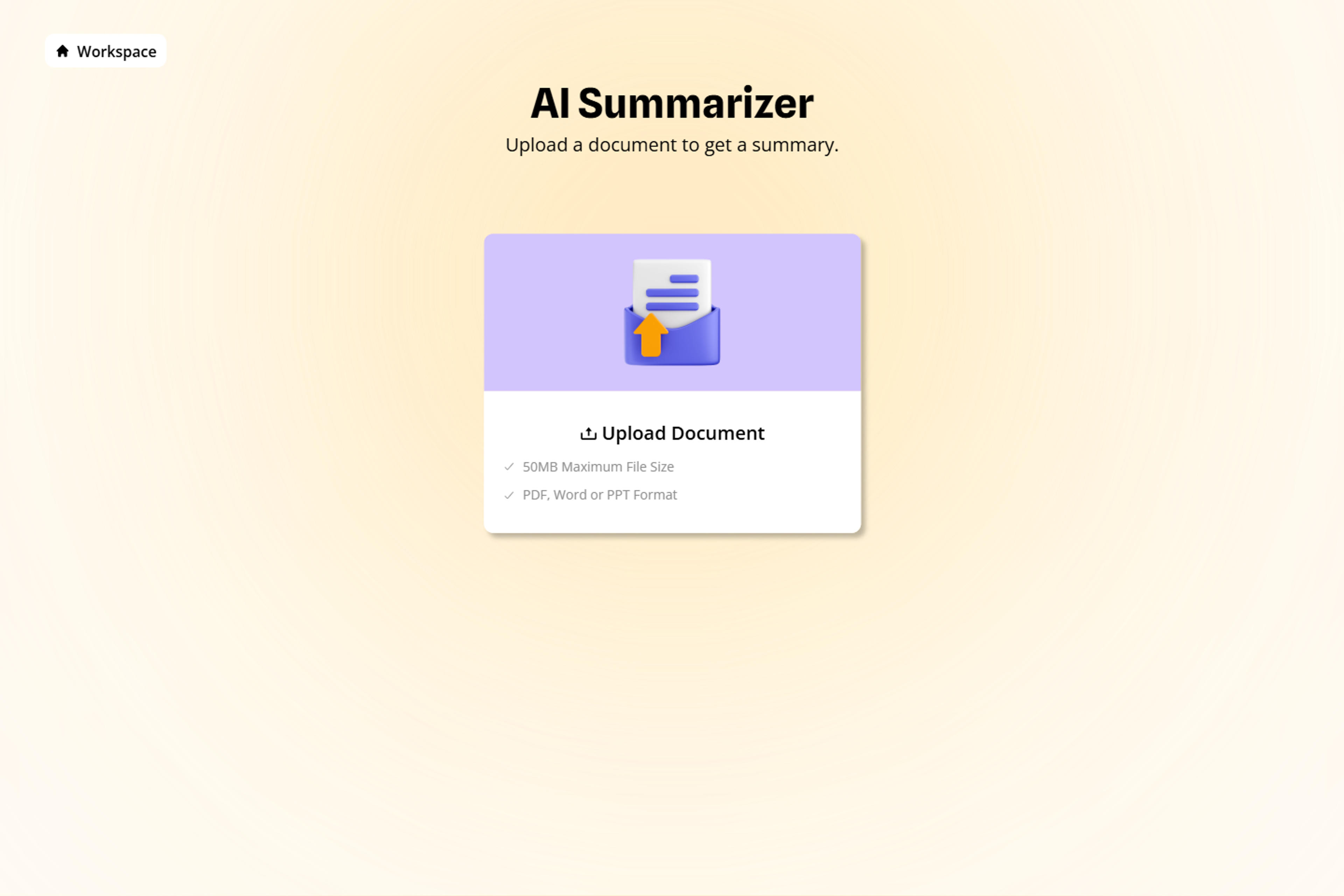
Create an executive summary, meeting pre-read, study guide, project recap, or another output shaped for your audience.
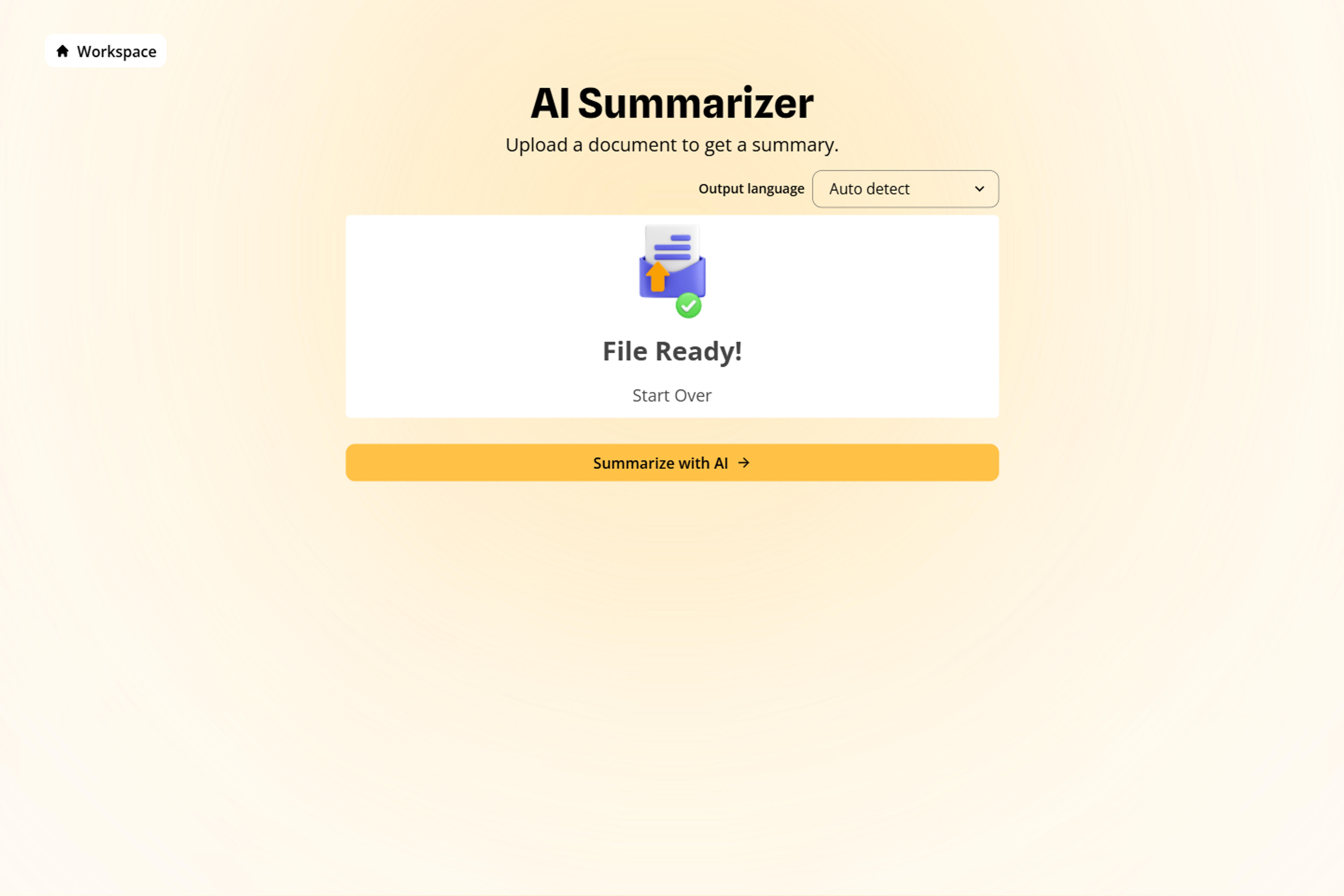
Prioritize metrics, evidence, decisions, risks, action items, recommendations, or concepts you want the summary to emphasize.
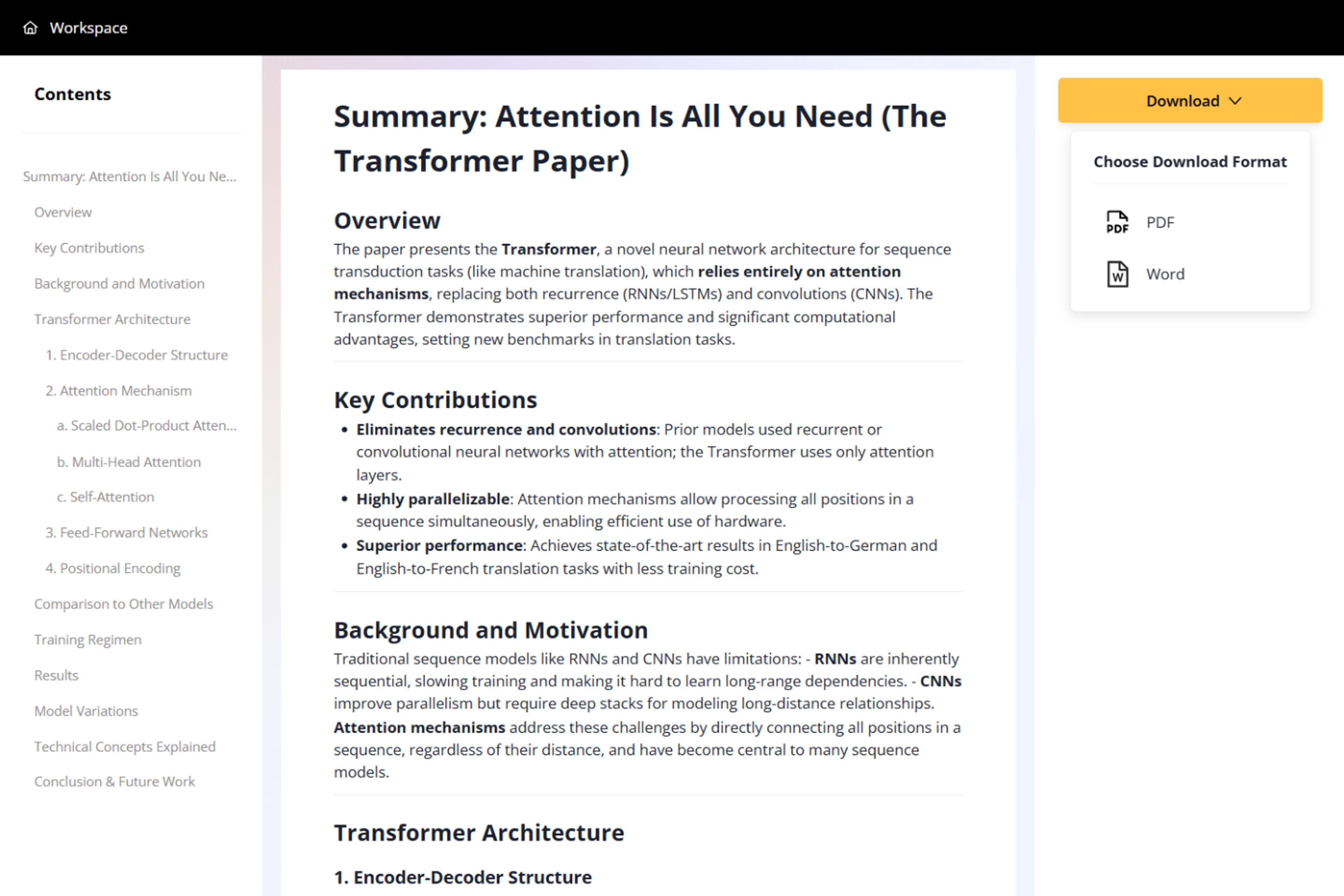
Refine the finished summary, then download it as a Word document or PDF for sharing, study, or follow-up.

See how a complete deck can become an executive brief, a focused messaging summary, or a concise content recap.
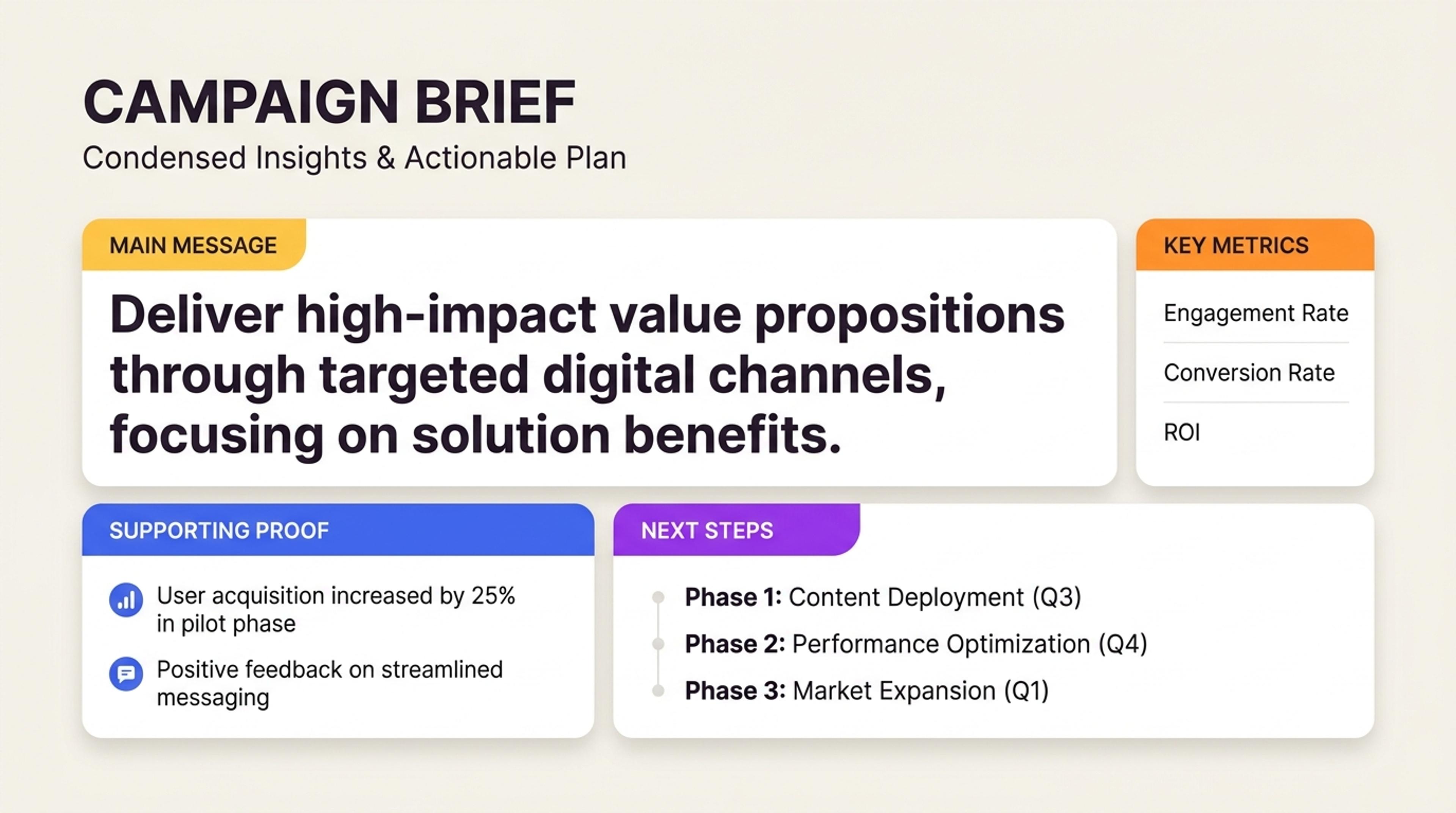
Condense campaign strategy, audience insights, proof points, and next steps into a brief the team can act on.
A strong summary follows the deck as a connected story, not a pile of isolated slide extracts.
SlidesPilot reads the presentation from beginning to end, connecting sections, recurring themes, and supporting details.
Keep the relationship between the main argument, evidence, conclusions, and slide sequence clear in the finished brief.
Bring important numbers, findings, proof points, and comparisons into the summary so the substance stays useful.
Surface recommendations, owners, risks, unresolved questions, and action items for faster follow-up.
Shape the same PowerPoint into an executive pre-read, meeting recap, study guide, or project briefing.
Keep uploaded files private by default and download the finished summary as a Word document or PDF.
It reads a complete PowerPoint presentation and turns its main ideas, supporting evidence, decisions, and next steps into a clear, connected summary.
Yes. Upload the complete presentation and SlidesPilot follows the full deck, including its section flow, recurring themes, and relationships between slides.
Yes. Create meeting notes, study notes, an executive pre-read, a project recap, or another concise brief from the same presentation.
Yes. Direct the summary toward metrics, research findings, decisions, risks, recommendations, action items, exam concepts, or any other priorities.
Yes. SlidesPilot works with pitch decks, reports, lectures, research presentations, project updates, training material, and other content-rich PowerPoint files.
Download the finished summary as a Word document for continued editing or as a PDF for sharing and review.
Yes. You can sign up and use SlidesPilot for free, with no credit card required.
Yes. Your uploaded presentation and generated summary remain private to your account unless you choose to share the result.
Summarize related documents and reports, extract PowerPoint text, or move presentation content into another editable format.
Summarize documents, PDFs, and long text across a broader range of source formats.
Turn long documents into concise briefs with the main ideas and supporting details organized clearly.
Extract key findings, explanations, and takeaways from a complete PDF.
Condense business, research, and project reports into decision-ready summaries.
Extract slide text into a reusable format for notes, documentation, or further analysis.
Move PowerPoint content into an editable Word document for continued writing and review.
Upload a PPT or PPTX and turn the full deck into clear notes, decisions, and next steps you can review or share.