

Clean up visual hierarchy
Improve spacing, slide structure, and emphasis so important points are easier to scan.
Turn raw drafts into professional PowerPoint presentations instantly
Drag & drop your file here or
Preview how SlidesPilot can turn your source material into a clearer deck before you export or share the result.
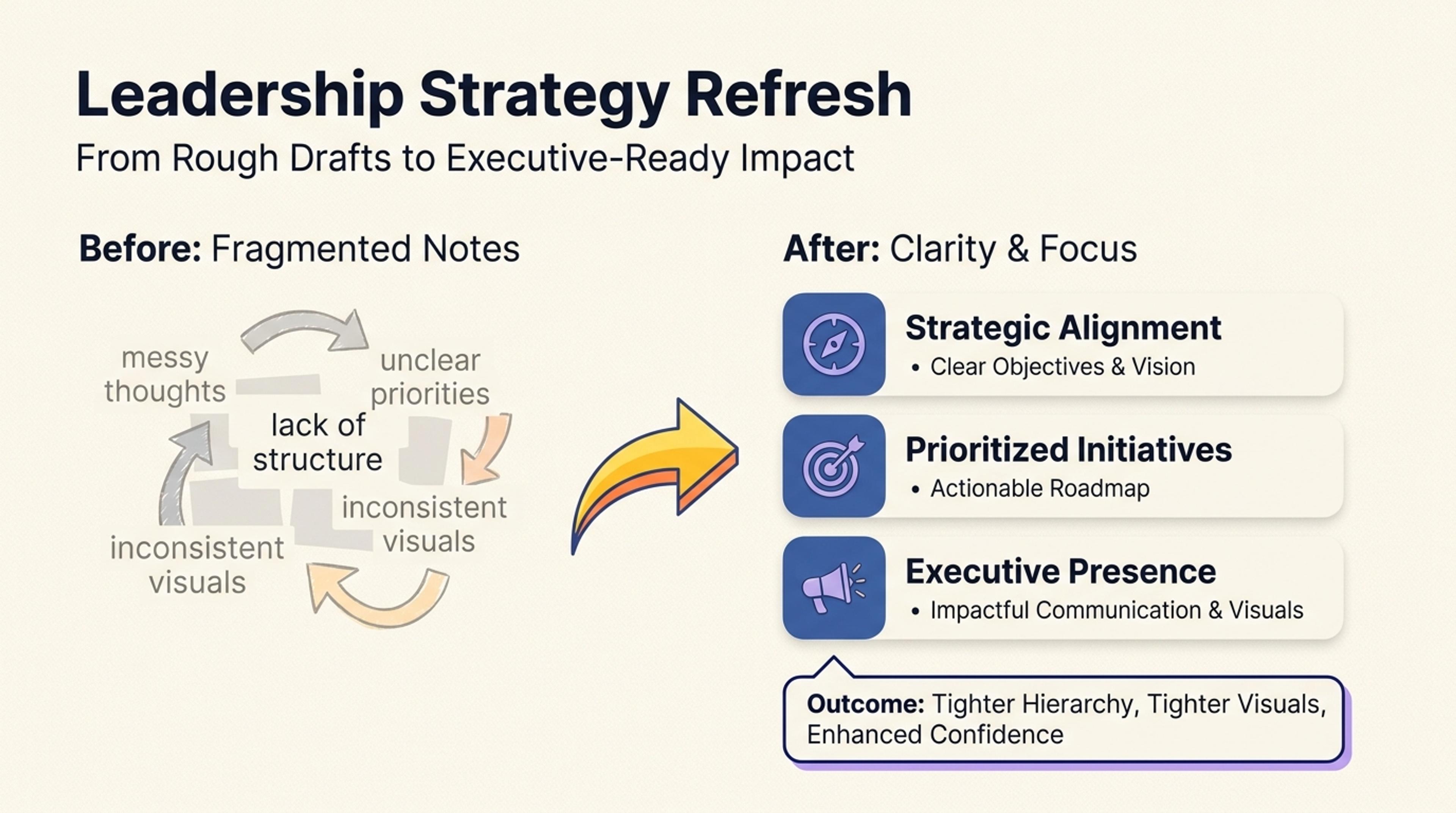
Turn rough presentation drafts into a leadership-ready refresh with clearer hierarchy and tighter visuals.
Make the value specific: users already have material, and they need a cleaner deck with less redesign work.
Improve spacing, slide structure, and emphasis so important points are easier to scan.
Refine the presentation while preserving the original story, data, and intent behind the deck.
Move from rough internal material to a deck that feels ready for clients, leadership, or team review.
Upload the PPT you want to beautify to our AI Converter and get a fresh, editable file in seconds.

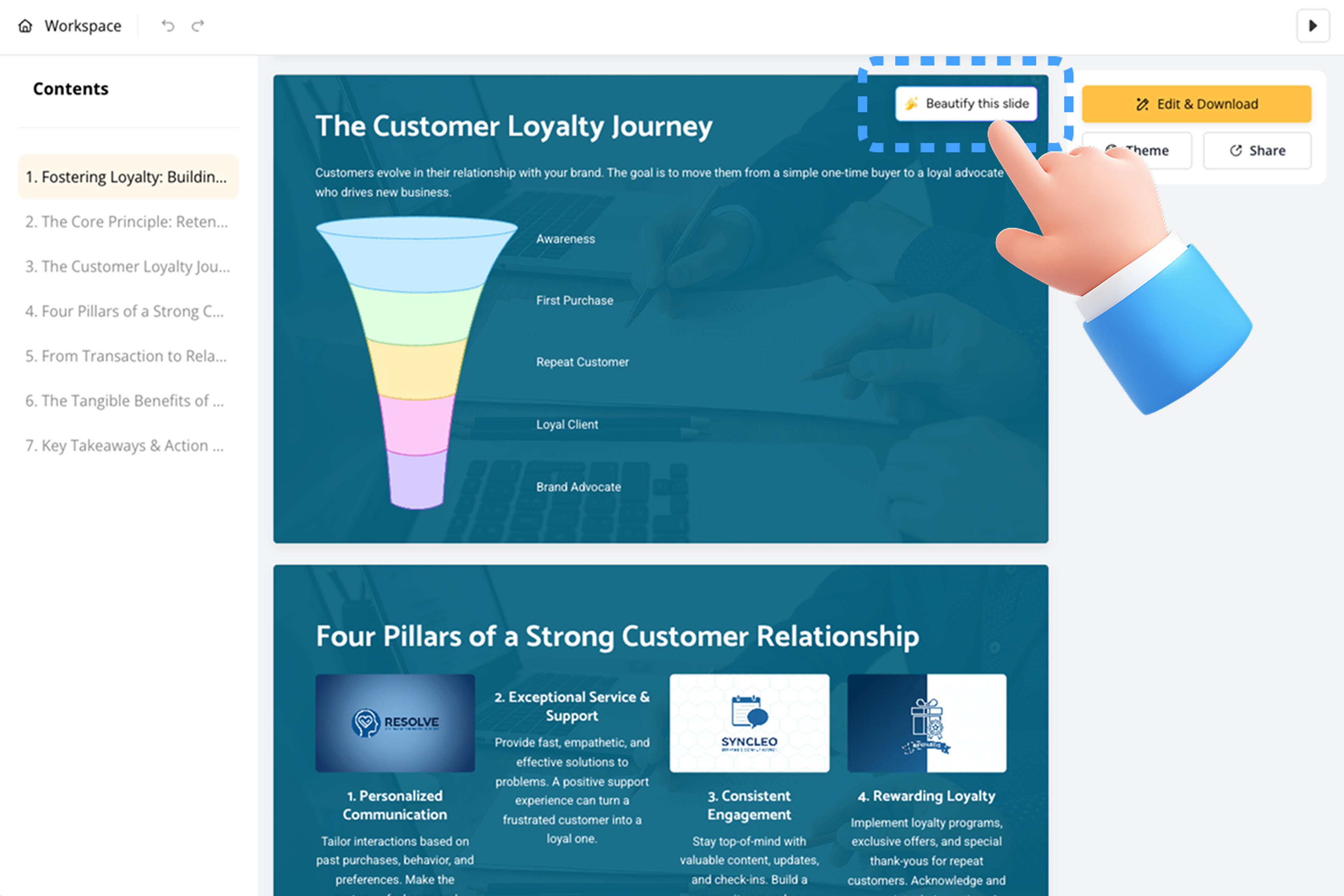
Go to the slide you want to beautify, hover over the top-right corner, and click "Beautify this slide."
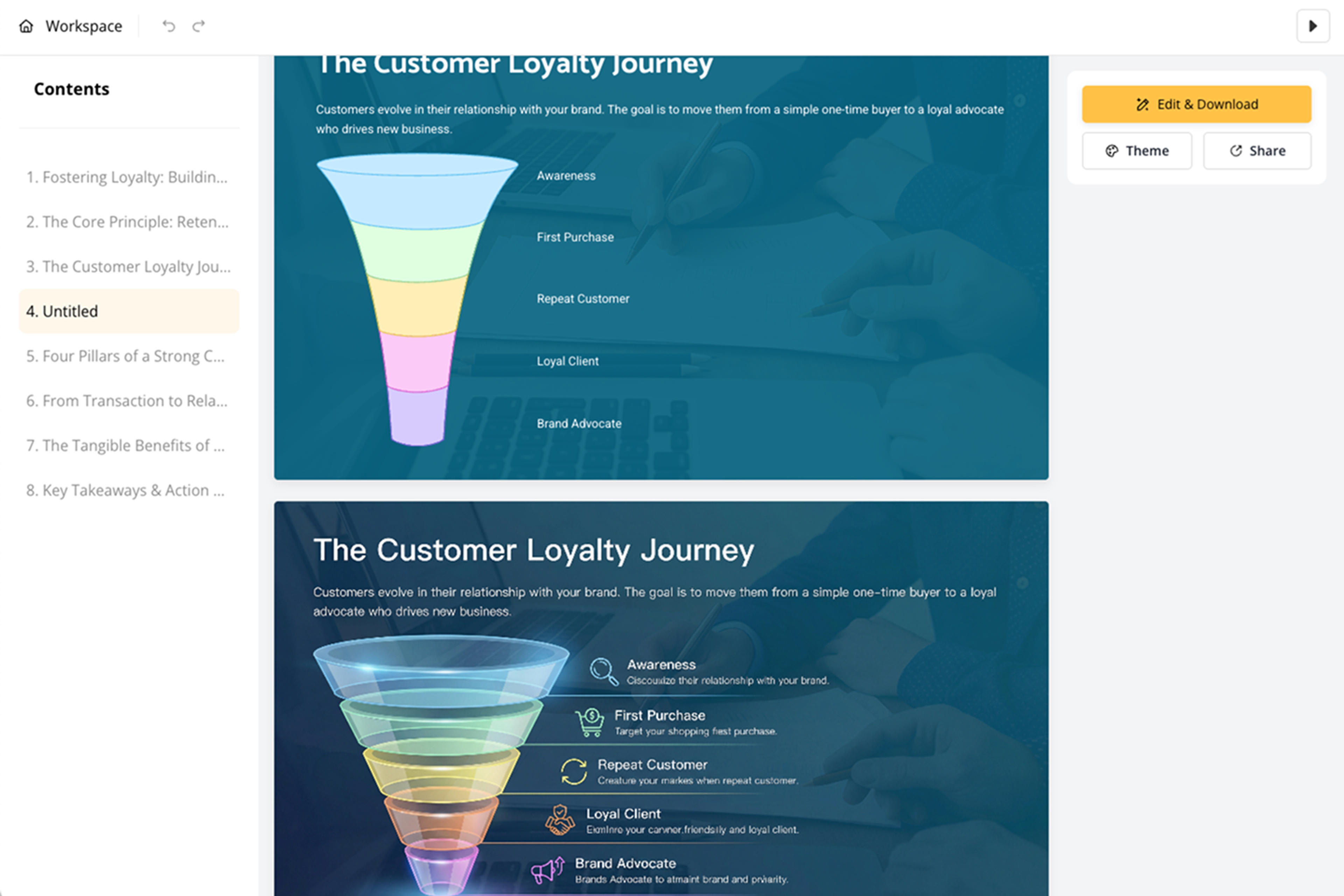
Sit back as the AI refines layout, visuals, typography, spacing, and clarity—creating a new slide for side-by-side comparison.
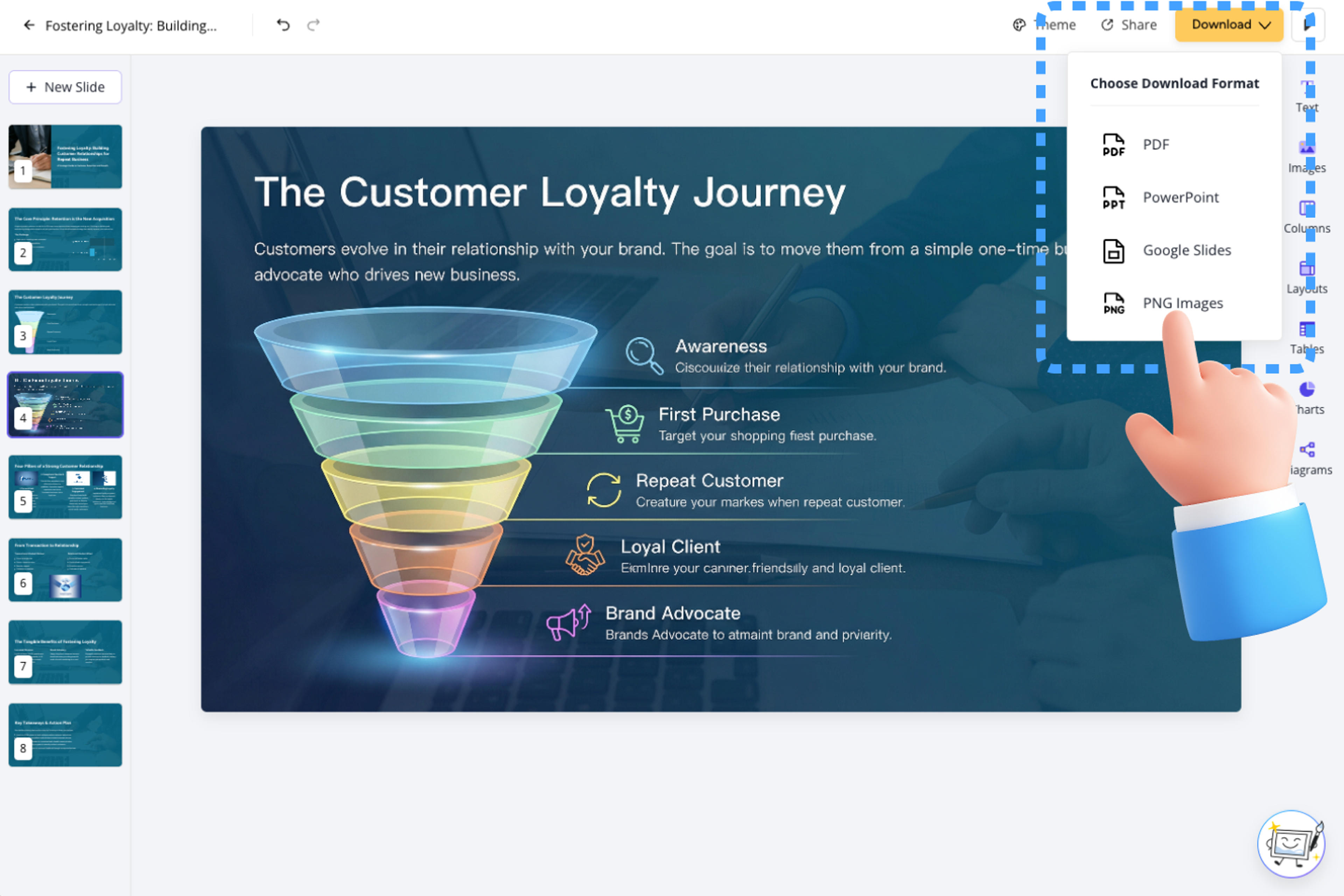
Use our Block-Based Editor to keep, fine-tune, or delete the new slide—or download instantly as PPT, Google Slides, PDF, or PNG.
Say goodbye to starting from scratch, blank pages, endless copy-pasting, and manual design work. Our advanced AI engine instantly transforms your content into polished presentations.

Our intelligent AI understands your document structure and instantly converts it into professional presentations.

Edit presentations effortlessly by chatting with our AI agent, which handles structure, layout, content, and design based on your requirements.

Our speed-focused editor lets you add, drag, and drop elements effortlessly. Create beautiful presentations without design expertise.

Use built-in or custom themes to ensure consistent fonts, colors, backgrounds, and logos across all presentations.

Powered by Nano Banana Pro, get high-quality, royalty-free visuals that match your content.

AI automatically generates tables and charts, making complex data clear and professional.

AI automatically generates well-designed, informative diagrams that perfectly fit your content.

Download as a fully editable PPTX file—edit anywhere while maintaining your workflow.

Share online (compatible with desktop and mobile), export as PDF, PNG, or editable PowerPoint and Google Slides.
Yes. SlidesPilot uses your messy meeting notes as the source and turns the important ideas, evidence, and sequence into a structured PowerPoint presentation instead of copying the material onto slides unchanged.
Provide the source material for your messy meeting notes, choose the presentation length and tone, and add instructions about the audience or information you want the deck to emphasize.
Examples include Leadership Refresh, Boardroom Storyline, Report Redesign. The exact structure follows your source and instructions.
Yes. Add instructions about the audience, purpose, sections, tone, or specific parts of your messy meeting notes that should receive more attention.
Yes. Review the structure, rewrite slide content, reorder sections, change visuals and themes, and refine the presentation before you share it.
Yes. Download the finished presentation as an editable PPTX for Microsoft PowerPoint. Other available export and sharing options depend on your current workflow and plan.
Yes. You can try SlidesPilot after signing up, with no credit card required. Usage limits depend on your current plan.
Your uploaded source and generated presentation remain private to your account unless you choose to share the result.
Transform plain PowerPoint presentations into professional designs using AI
Convert PDF slides to editable PowerPoint online. Keep the original design and make text and slide elements editable. Free to use.
Turn Word documents into clear, structured, editable PowerPoint presentations with AI.
Turn notes, paragraphs, and ideas into a clear, editable PowerPoint presentation.
Transform YouTube videos into editable PowerPoint presentations
Paste a content-rich link and turn the online source into a clear, editable PowerPoint presentation.
Transform your work into a presentation, instantly. ⭐ #1 AI PowerPoint Generator | Trusted by 3 million users worldwide