

Structure Terms and Obligations
SlidesPilot organizes contracts, memos, policies, and agreements around parties, scope, obligations, timelines, and decision points. The deck helps business audiences understand the practical meaning of the document.
Transform Complex Case Files into Clear Presentations
Drag & drop your file here or
Turn long legal material into structured slides for discussion, while keeping the final interpretation with your legal team.
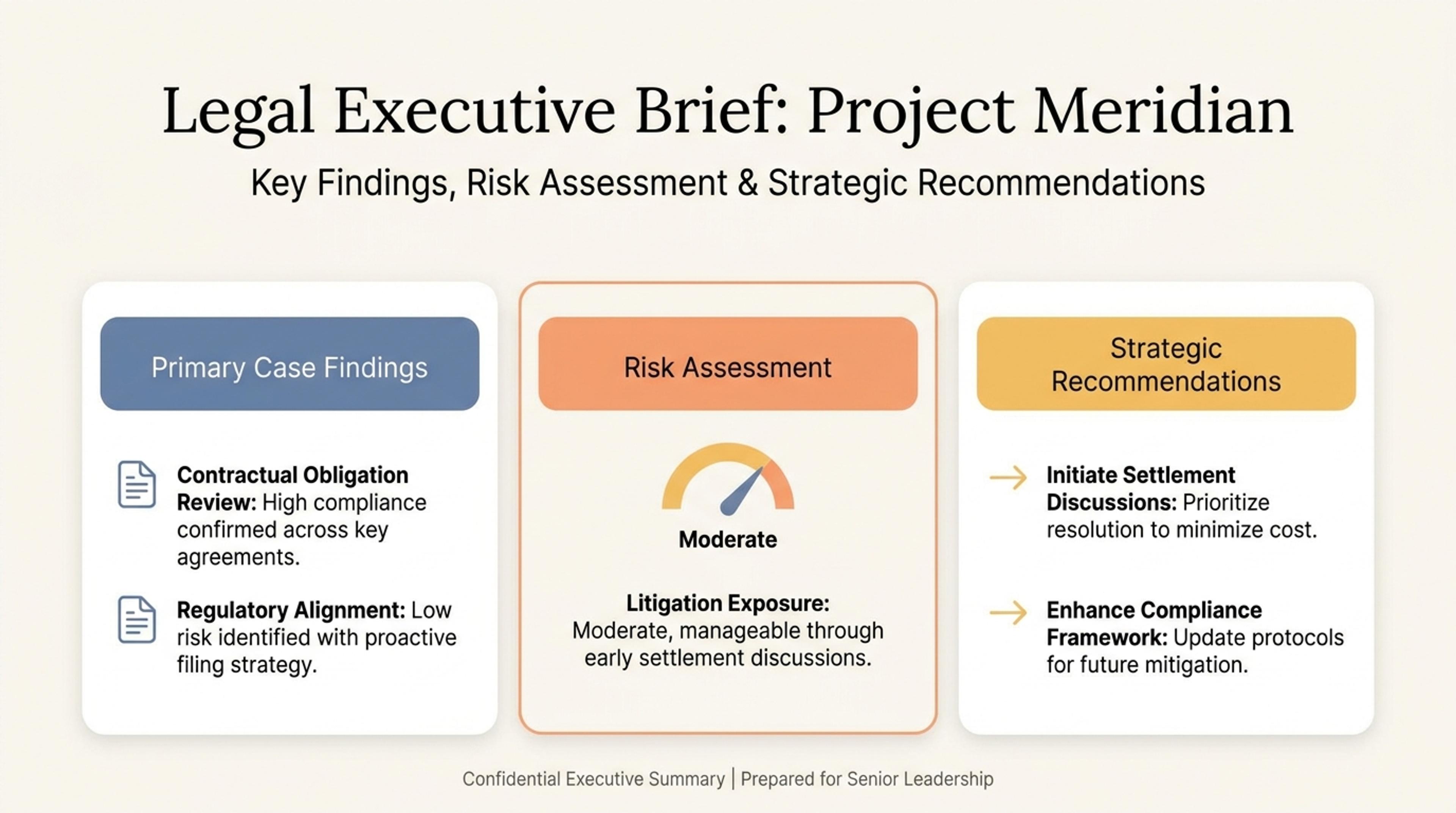
Organize important clauses, obligations, and open questions into a deck for review meetings.
Convert legal documents into business-friendly presentations with parties, terms, obligations, timelines, responsibilities, decision points, and next steps.
SlidesPilot organizes contracts, memos, policies, and agreements around parties, scope, obligations, timelines, and decision points. The deck helps business audiences understand the practical meaning of the document.
Responsibilities, approvals, renewal dates, payment terms, compliance requirements, and follow-up actions can become clear slide sections. This makes legal content easier to discuss in stakeholder meetings.
The output supports internal reviews, client conversations, compliance updates, founder briefings, and operating-team alignment. Users can refine wording and detail level for the audience.
Upload the contract, policy, legal memo, agreement, case summary, or compliance document. Add the audience and purpose, such as executive briefing, client review, operating update, or approval meeting.

SlidesPilot identifies parties, scope, terms, responsibilities, timelines, obligations, approvals, risks addressed in the document, and next steps. This creates a presentation structure around practical meaning.

Choose the decision lens for the deck. A vendor agreement can become slides for parties, scope, payment terms, renewal timeline, obligations, negotiation points, and approval steps.

Generate a legal-document presentation with context, key terms, responsibilities, timeline, decision areas, and next actions. The deck is built for explanation, alignment, and business review.

Refine terminology, section order, responsibility labels, and detail level before export. Teams can adapt the editable deck for counsel, executives, clients, compliance teams, or operators.

Legal Documents to PPT turns dense legal material into a clear stakeholder briefing. SlidesPilot focuses on terms, obligations, timelines, and business decisions.

Parties, scope, obligations, and terms are organized as connected parts of a business briefing. This helps non-specialist audiences follow the document's practical structure.

Dates, renewals, approvals, responsibilities, and follow-up actions can become dedicated slides. The deck makes the operational meaning visible.

Legal language stays connected to business context and audience purpose. Users can keep professional terminology while making the presentation easier to discuss.

The editable output supports client reviews, compliance updates, executive briefings, and internal alignment. Teams can refine wording for counsel or business stakeholders.
Yes. Upload a contract, agreement, policy, legal memo, compliance note, or case summary and SlidesPilot can create a presentation with key terms, obligations, timelines, responsibilities, and next steps.
Parties, scope, payment terms, responsibilities, renewal dates, approval steps, compliance requirements, timelines, and decision points can all become slide sections.
Yes. Set the audience as executives, operators, clients, or internal teams and SlidesPilot can frame the document around practical meaning, responsibilities, and decisions.
Yes. Contracts can become term-and-obligation decks, while policies can become rule, responsibility, and process presentations. You can adjust detail level before exporting.
AI Document Summarizer creates a written brief. Legal Documents to PPT turns legal material into an editable presentation designed for stakeholder explanation and review.
Yes. You can adjust wording, slide order, obligations, timelines, visual emphasis, and audience-specific detail before exporting the editable deck.
Use Legal Documents to PPT when legal content needs to become a business briefing deck. Choose document summarizer, project proposal, or consultant-report workflows when the task is written summary, approval, or advisory recommendation.
Instantly summarize contracts, briefs, and legal files with AI
Turn Word documents into clear, structured, editable PowerPoint presentations with AI.
Convert PDF slides to editable PowerPoint online. Keep the original design and make text and slide elements editable. Free to use.
Transform detailed reports into executive PowerPoint presentations
Summarize any document instantly with AI
Turn notes, paragraphs, and ideas into a clear, editable PowerPoint presentation.
Transform your work into a presentation, instantly. ⭐ #1 AI PowerPoint Generator | Trusted by 3 million users worldwide