
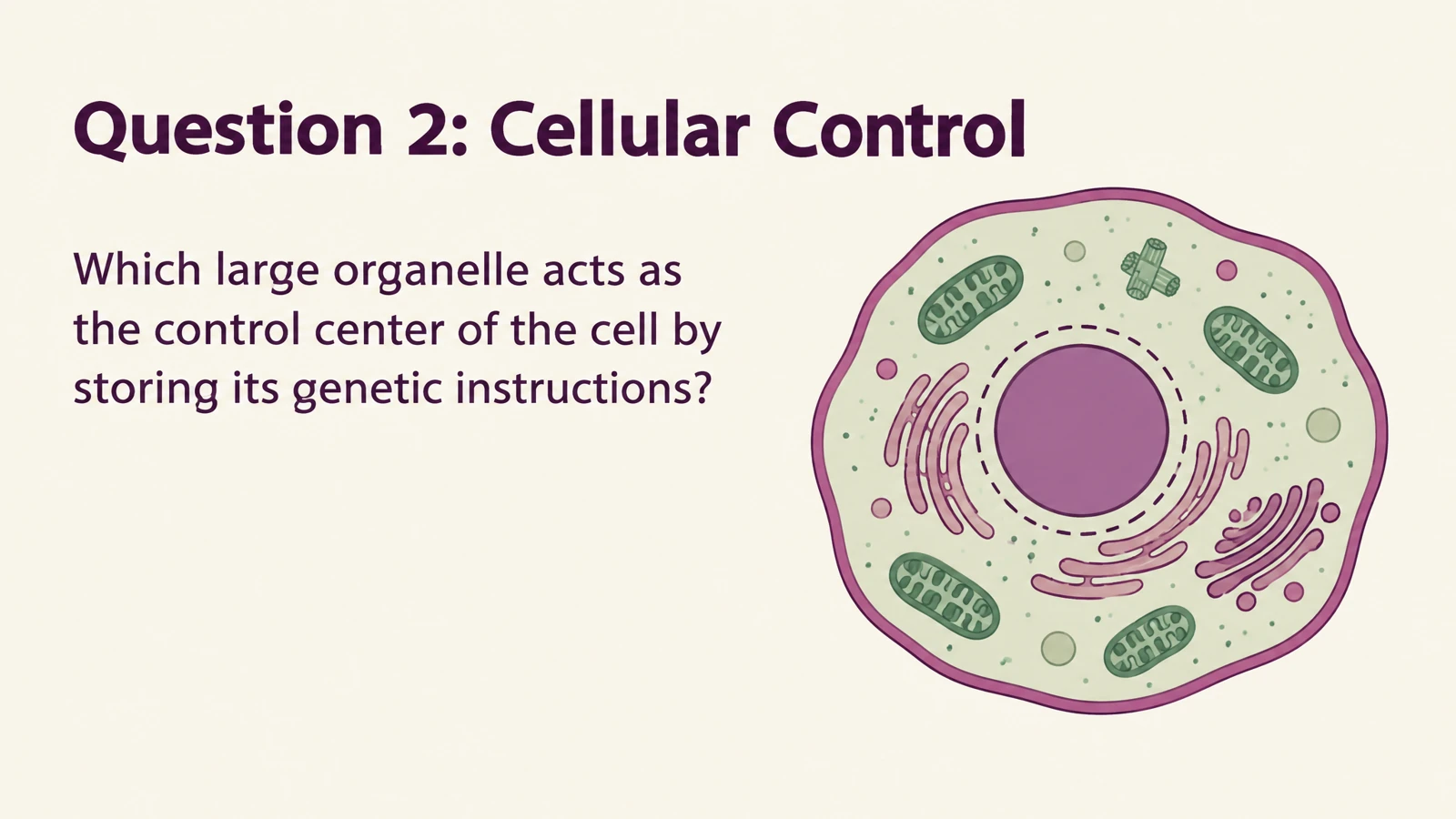
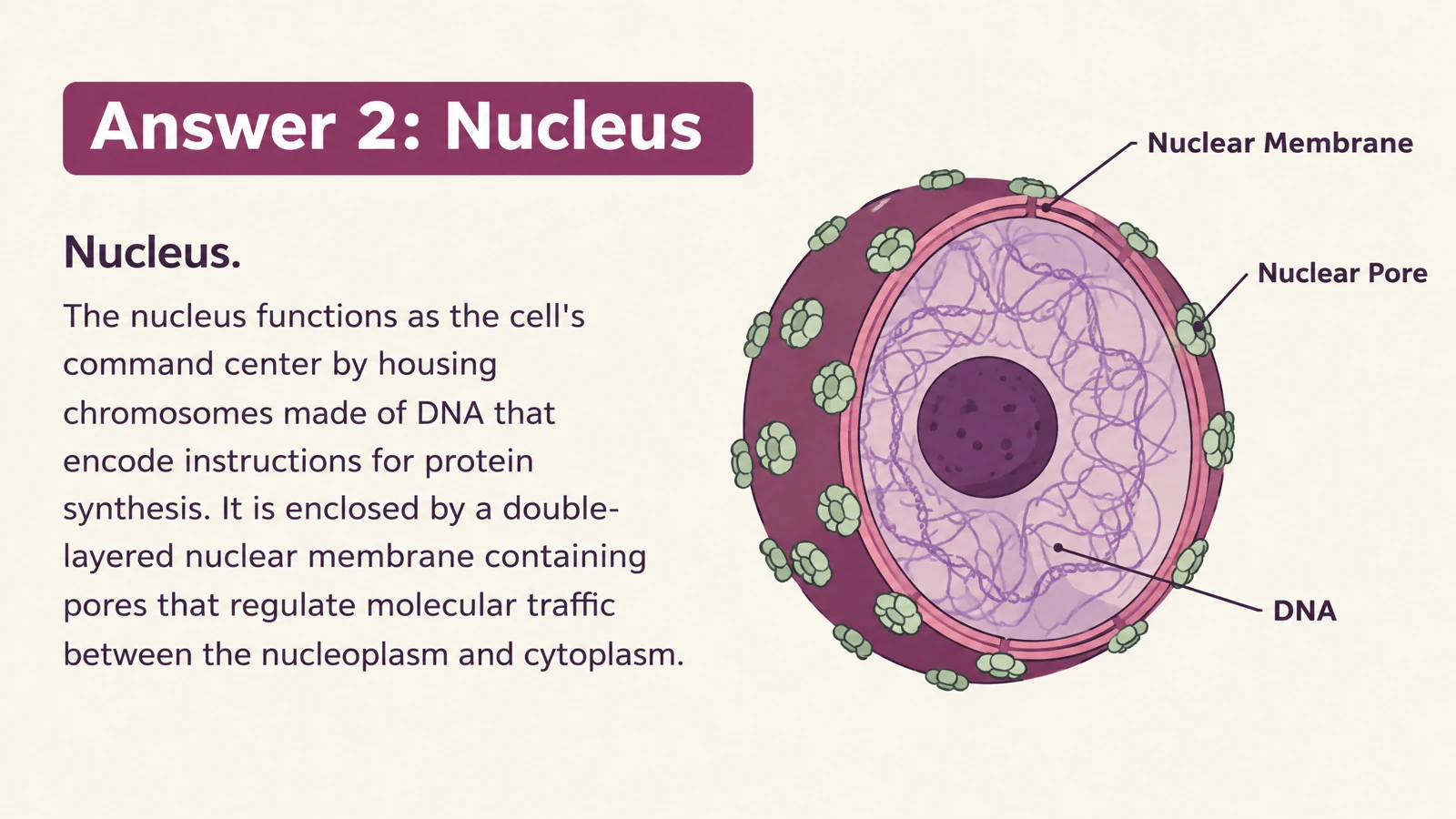


Give a question your own wording
Adapt the phrasing to match your class, course, or training session. A science term can be introduced with the exact example you used during the lesson.
Generate illustrated flashcards, then customize the text and design in PowerPoint.
Drag and drop your files here.
Paste a link from YouTube, TikTok, X/Twitter, Instagram, Facebook, or any website.
SlidesPilot creates the question-and-answer material and its visual layout. Editable PPTX gives you a familiar place to tailor the result for your learners.
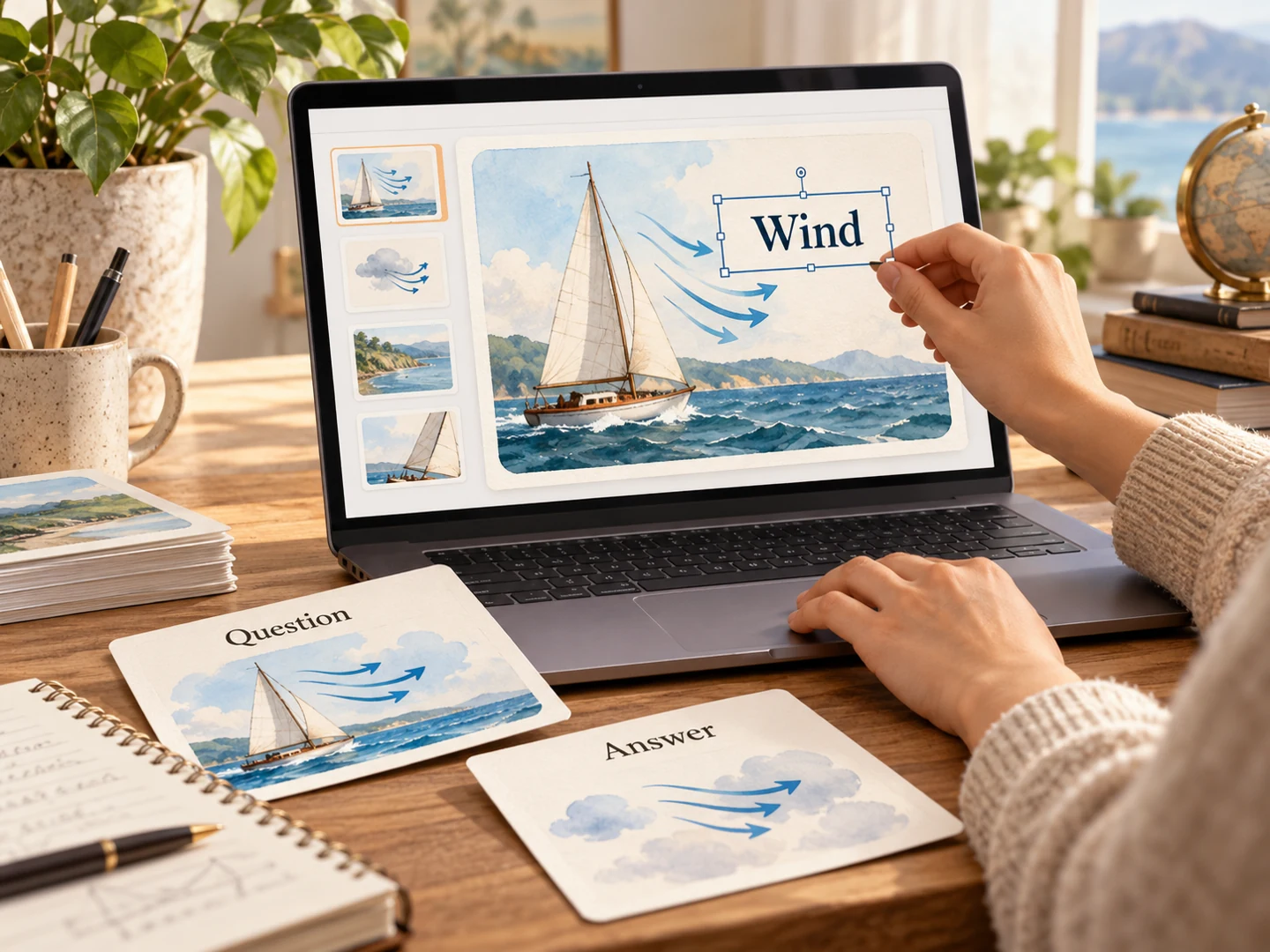
Adapt the phrasing to match your class, course, or training session. A science term can be introduced with the exact example you used during the lesson.
Adjust text and visual elements in the exported deck. Add your own teaching detail or simplify a card for a different audience.
Reorder the questions and answers in PowerPoint. Bring a short set into your lesson deck or create a standalone review presentation.
Choose the format of the activity after the content is ready.
Use the card slides during a classroom or group review. Pause for an answer before moving to the explanation.
Print your finished cards for paired practice or independent recall. Choose the pages and arrangement in your print settings.
Save the edited PPTX for the next group. Revise the examples or language as your lesson changes without starting the design again.
Use Generate for a topic, or switch to a document, text, or link as your starting material.
Choose audience, language, length, and style. Request a question on one side and a useful explanation on the answer side.
Generate the set, export editable PPTX, and open it in PowerPoint to make your final changes.
Create the flashcard set in SlidesPilot, then export it as editable PPTX. Open the file in PowerPoint to adapt the text, examples, and visual elements before presenting or printing.
You can begin with a topic or prompt. Documents, pasted text, and links are also available when you already have learning material.
This page focuses on producing an editable PowerPoint flashcard deck. PowerPoint to flashcards starts with an existing PPT or PPTX and turns its lesson content into a new study set.
Yes. The PowerPoint export is editable PPTX, so you can customize the wording and visual elements inside PowerPoint.
Yes. Present the question and answer slides as part of your explanation. Reorder or combine selected cards with an existing teaching deck.
Yes. Print the exported deck using PowerPoint’s print settings, or use SlidesPilot’s Print action on the generated set. Choose the pages and layout that suit the activity.
Yes. Specify the output language and describe the subject, learners, and examples. For bilingual cards, describe which language you want on each side in your instructions.
Explore the flip-card example above or visit Flashcard Templates for printable design samples. Generate your own set when you want a personalized editable PowerPoint result.
Reuse an existing slide deck as question-and-answer study material.
Create an editable quiz presentation for the shared classroom screen.
Make illustrated cards you can take to the study table or classroom.
Explain words, processes, and concepts through scenes and diagrams.
Explore eleven complete illustrated sets and download their PDFs.
Make Word handouts and study documents useful for active recall.
Give lecture notes and pasted text a question side for revision.
Create illustrated study cards from your material or a topic.
Let AI build the starting point, then make it yours in PowerPoint.