

Lead with the research question
Frame the problem, gap, and contribution so the audience understands why the work matters.
Turn a research paper into a clear, editable PowerPoint covering the question, methods, results, limitations, and citations.
Drag & drop your research paper here or
Follow one open-access source from question and methods to results, limitations, and citation.
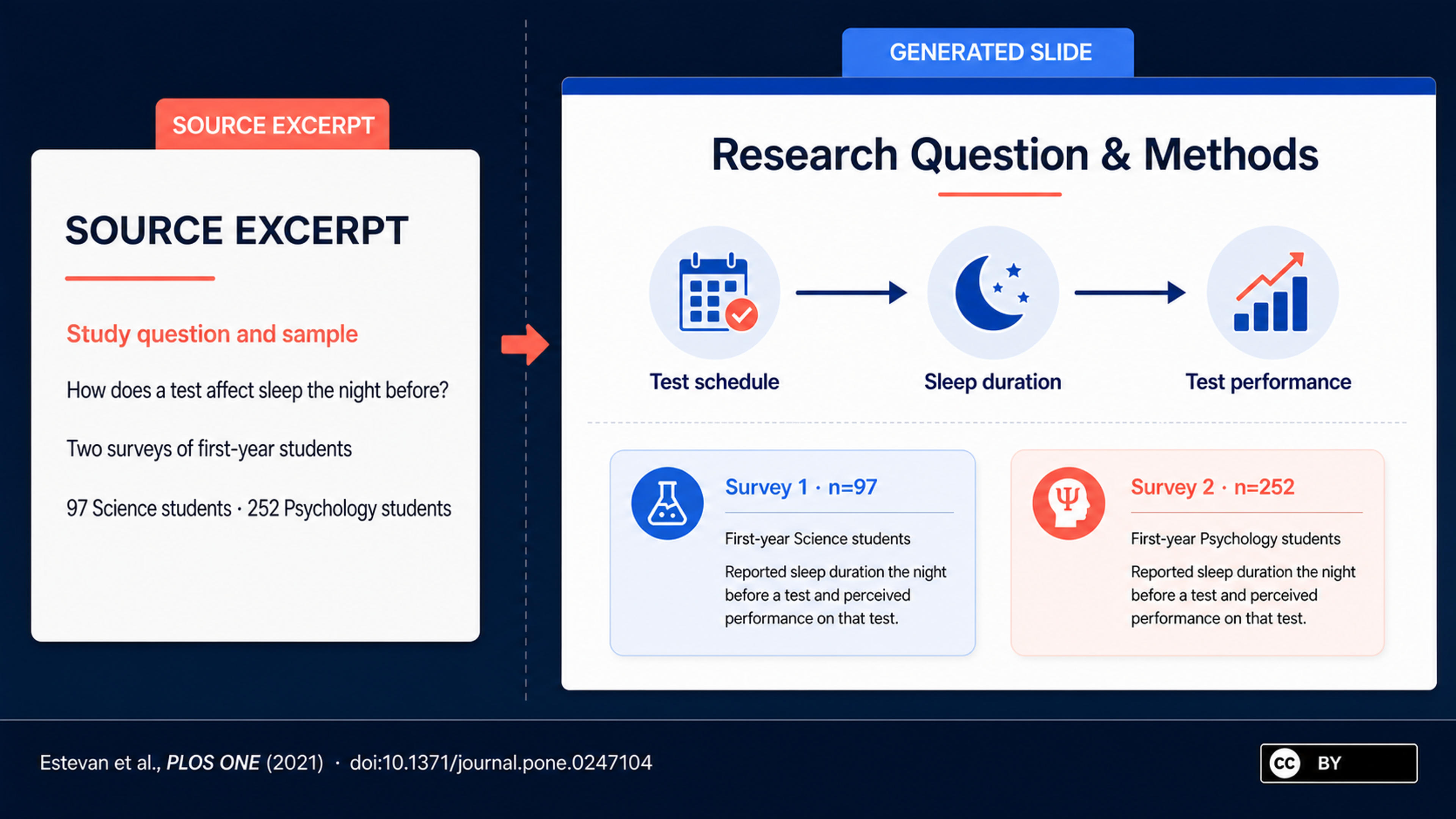
Based on Estevan et al. (2021), PLOS ONE 16(3): e0247104, doi:10.1371/journal.pone.0247104 (CC BY). See how the study question and two survey samples become a clear opening slide.
Turn a paper into a clear academic narrative that connects the research question, method, results, implications, and supporting evidence.
Frame the problem, gap, and contribution so the audience understands why the work matters.
Give the study design, sample, analysis, findings, figures, and tables the right level of emphasis.
Connect results to implications, limitations, future work, and the questions your audience is likely to raise.
Add the complete paper so SlidesPilot can understand the abstract, background, methods, results, discussion, figures, and references together.

Choose a conference talk, journal club, class presentation, lab meeting, or stakeholder briefing and specify the time available.

Prioritize the research question, method, strongest findings, figures, limitations, and implications that should drive the deck.

SlidesPilot creates a focused flow from research gap and approach to results, interpretation, contribution, and conclusion.

Refine charts, tables, captions, terminology, references, and supporting slides, then export the editable presentation.

SlidesPilot turns dense academic material into a presentation that keeps the contribution and evidence easy to follow.

AI connects the abstract, literature context, methods, findings, discussion, and conclusion as one research story.

The opening slides establish the problem, prior work, and specific contribution of the paper.

Study design, data, participants, variables, and analysis receive a concise, presentation-ready explanation.

Key findings, tables, and figures are positioned around the claims they support.

The deck gives appropriate space to interpretation, limitations, practical meaning, and future research.

Refine references, figure captions, terminology, and source details in the editable presentation.
Use journal articles, conference papers, working papers, preprints, literature-based studies, and other academic research documents.
SlidesPilot follows your audience, presentation time, and priorities to emphasize the research question, method, strongest findings, and contribution.
Yes. Figures, tables, captions, and reported results can support the slide narrative and remain editable in the generated deck.
Yes. Specify the setting and audience so the deck adopts the right balance of background, methods, results, critique, and discussion.
Yes. Ask SlidesPilot to give limitations, interpretation, implications, and future research dedicated space in the presentation.
Yes. Refine references, captions, content, and layouts, then export an editable PPTX or continue in Google Slides.
Turn complete papers into presentations, summarize research for review, build a thesis defense, or convert related documents and online sources into slides.
Convert PDF slides to editable PowerPoint online. Keep the original design and make text and slide elements editable. Free to use.
Turn Word documents into clear, structured, editable PowerPoint presentations with AI.
Turn notes, paragraphs, and ideas into a clear, editable PowerPoint presentation.
Transform YouTube videos into editable PowerPoint presentations
Paste a content-rich link and turn the online source into a clear, editable PowerPoint presentation.
Paste text, add a YouTube or webpage link, or upload a document to create a beautiful, structured summary connected to the source.
Upload the paper, review the evidence, and export an editable PowerPoint.