
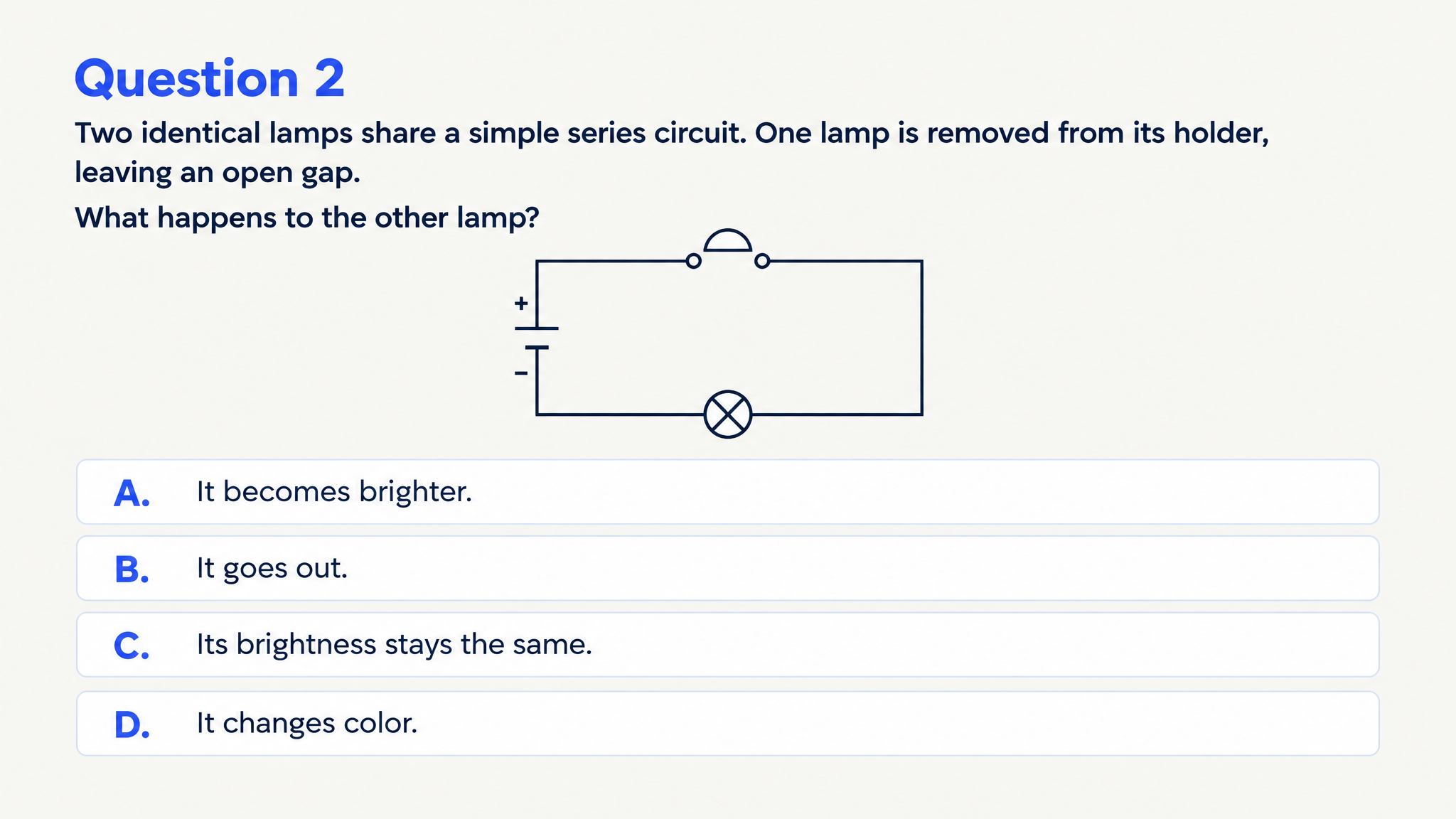
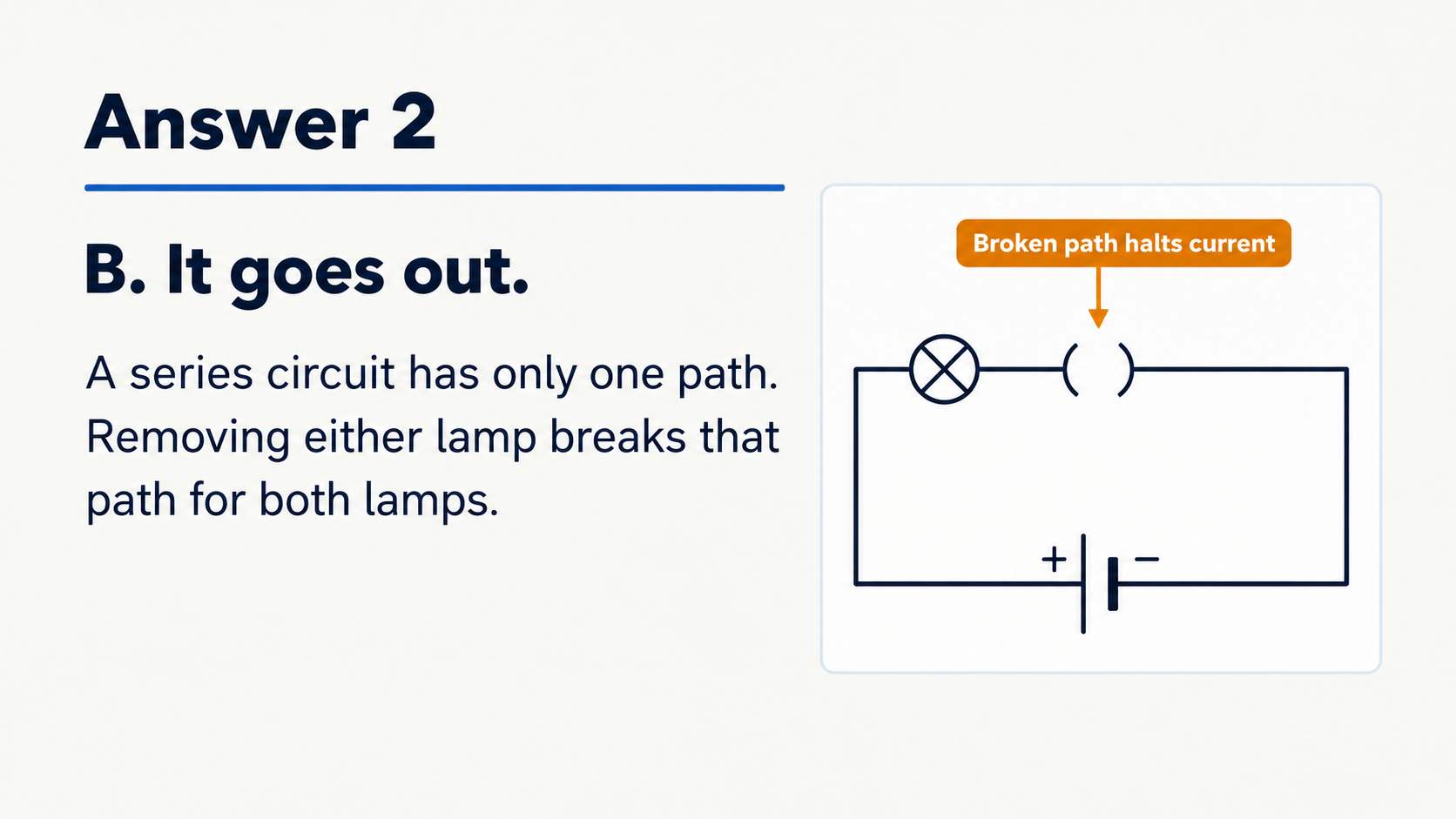


Recall the key vocabulary
Ask learners to recognize or explain terms before they apply them. Matching can connect vocabulary to definitions, properties, or examples.
Create questions and answer explanations around the chapter concepts you teach.
Drag and drop your files here.
Paste a link from YouTube, TikTok, X/Twitter, Instagram, Facebook, or any website.
Upload textbook material or paste the passage for your activity.
Choose question type, audience, language, and length. Specify the concepts the quiz should check.
Use the questions and explanations for review, print selected pages, or adapt the PPTX for class.
SlidesPilot turns textbook material into a designed quiz. Choose the kinds of questions that make the chapter useful in an actual lesson.
Ask learners to recognize or explain terms before they apply them. Matching can connect vocabulary to definitions, properties, or examples.
Use the quiz to make distinctions visible. A thermodynamics chapter might ask how intensive and extensive properties differ.
Request a situation that uses an idea from the chapter. Learners move from knowing a phrase to deciding how it works.
Build questions about stages, causes, or outcomes. The explanation can reconnect an individual question to the complete process.
Project the questions and discuss answers together. Export PPTX when you want to combine the quiz with your teaching deck.
Print a question copy and an answer copy for a planned review. Learners can work through the material in a focused session.
Upload the chapter or paste its text, specify the learning goals, and generate. SlidesPilot creates visual questions with answer explanations from the material.
Yes. You can upload page images as source material. A PDF chapter or pasted passage is also a useful starting point.
Yes. Name the headings, terms, or objectives in your instructions. For a short activity, focus on the concepts you want the class to revisit that day.
Yes. Ask for examples or scenarios that use the chapter’s ideas. You can combine this focus with your chosen question format and learner level.
The generated set includes answer pages with explanations. Print those pages as a review copy or use them during a class walkthrough.
Yes. Generate a set with the audience and depth you need, or edit the exported PPTX to adapt the wording and examples for another group.
Yes. Print from the completed set and select the pages you need. Use Save as PDF when you want to keep or distribute that print version.
Flashcards give you one question-and-answer prompt at a time for recall. A quiz lets you organize practice around a question format and a set of learning objectives; the textbook-to-flashcards page covers the card workflow.
Break a chapter into concepts, processes, and examples to recall.
Create practice questions from a PDF reading or course document.
Use your notes to check what you can recall, connect, and explain.
Organize a practice set around your revision topics and goals.
Create a clear question, answer options, and a useful explanation.
Practice vocabulary and subject terms inside meaningful sentences.
Explore main idea, detail, vocabulary, and inference from a passage.
Prepare question pages and answers for a paper-based activity.
Build a quiz around what learners should understand next.