

20 Demonstration Speech Ideas: Easy Topics with Materials and Step-by-Step Plans
Choose a classroom-ready task and follow its materials list, four operating steps, and a slide sequence matched to the way the demonstration works.
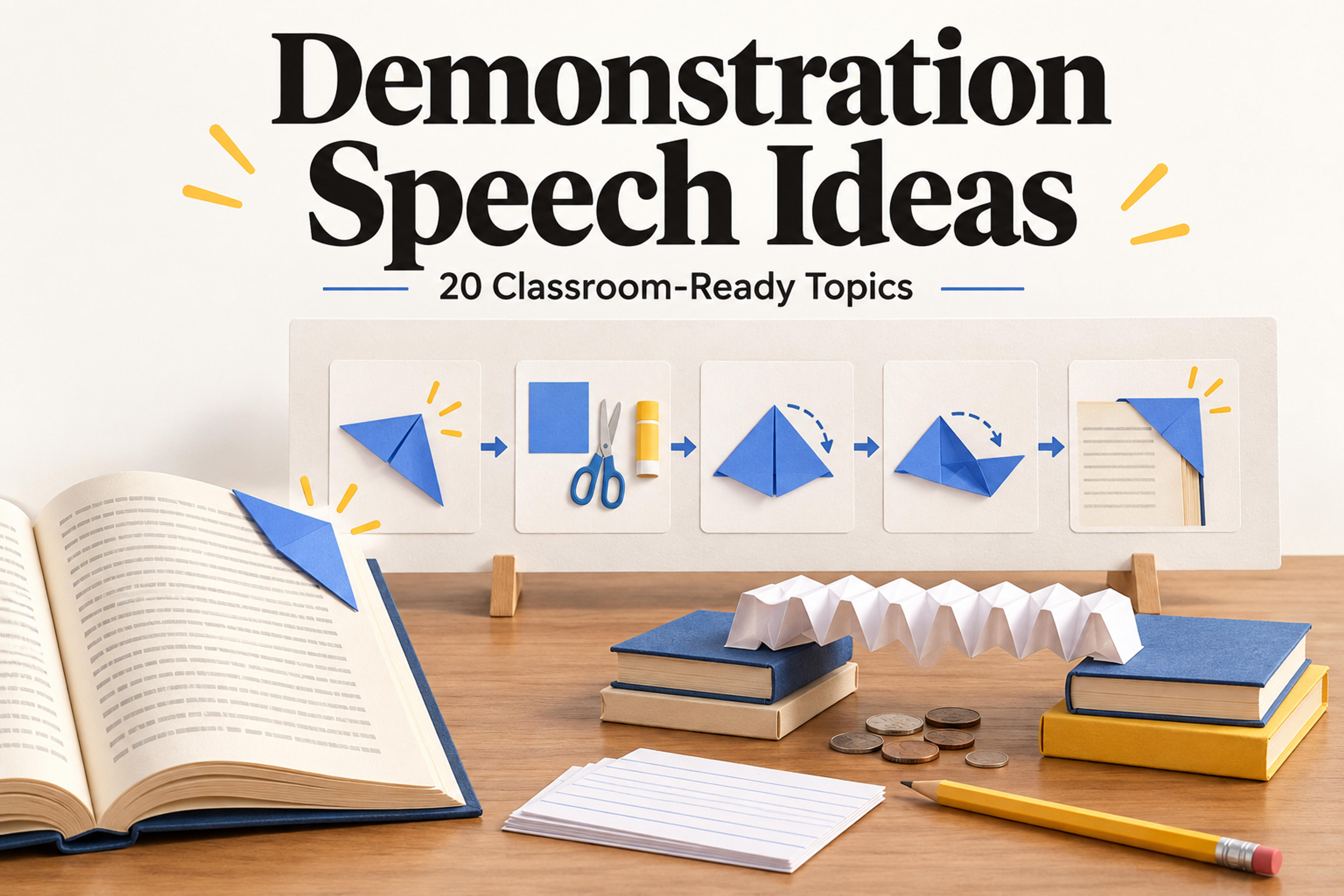
Choose a classroom-ready task and follow its materials list, four operating steps, and a slide sequence matched to the way the demonstration works.
A demonstration speech teaches an audience how to do something by showing the process while explaining it. You perform the actions in order, identify the materials, and show what a successful result looks like. Folding a bookmark, organizing project files, and testing a paper bridge are all demonstration speech ideas with visible outcomes.
A good demonstration speech has one clear goal, manageable materials, visible actions, and a result the audience can check. Each step should explain what to do and what to watch for. Choose a task you can perform while speaking, and use large props or close-up photographs when the details are small.
Match your slides to the way the task unfolds. Making an object calls for an assembly sequence; improving something calls for a before-and-after sequence; comparing materials calls for a test-and-results sequence. The 20 topics below are grouped by the slide structure that suits them. Each includes materials, preparation, four operating steps, and a result check. Within each group, the simpler tasks come first.
Use this sequence when the audience needs to follow folds, joins, or layers. It suits classroom craft demonstrations, library clubs, and student activity sessions. Show a finished example first, then build a fresh one in front of the audience.
Template slide sequence
| Slide | What to show |
|---|---|
| 1. Finished example | Show the object in use and name what you will make. |
| 2. Materials and orientation | Identify the supplies, edges, sides, and starting position. |
| 3. Build the base | Show the first two operating steps with close-up views. |
| 4. Complete the object | Show the remaining two steps and the important connection or fold. |
| 5. Use and recap | Test the finished object and repeat the assembly order. |
Difficulty: Easy. Materials: One square of paper and a book. Preparation: Use a large sheet with different colors on its two sides.
Show the result: Open the book and show how the pocket grips the corner. Pause after creating the pocket so classmates can see where the tips will go.
Difficulty: Easy. Materials: A small empty box, a long paper strip, removable tape, a marker, and a blank tag. Preparation: Cut a strip long enough to wrap around the box with an overlap.
Show the result: Remove and replace the band once. Explain how measuring before joining the ends makes the band fit the chosen box.
Difficulty: Easy. Materials: A sheet of paper, a small note, and removable tape. Preparation: Use paper large enough to leave a border around the note.
Show the result: Open the flap and remove the note. Point out how the overlapping folds make a pocket sized to its contents.
Difficulty: Moderate. Materials: Two sheets of cardstock, scissors, glue stick, and a small pre-cut paper decoration. Preparation: Make a completed sample and mark two short parallel cut lines on the inner sheet.
Show the result: Open and close the card to reveal the moving decoration. Use classroom-approved scissors and a decoration small enough to stay inside the closed card.
Use this sequence when the value is a visible improvement to an existing object or layout. It suits classroom life-skills talks and peer training. Keep the starting example available so the audience can compare it with the result.
Template slide sequence
| Slide | What to show |
|---|---|
| 1. Before | Show the original object, file collection, or slide. |
| 2. Goal and materials | Define the improvement and identify what you need. |
| 3. First changes | Demonstrate operating steps 1 and 2. |
| 4. Complete the change | Demonstrate operating steps 3 and 4. |
| 5. After and check | Compare the result with the starting example and test whether it serves the goal. |
Difficulty: Easy. Materials: Two disconnected cables, a small paper strip, clear tape, and a marker. Preparation: Cut the strip and place the cable where everyone can see it.
Show the result: Place the labeled cable beside an unlabeled one. Explain how the visible flag identifies the cable without tracing its whole length. Leave connectors and ports uncovered.
Difficulty: Easy. Materials: One T-shirt and a clear tabletop. Preparation: Use a shirt with contrasting sleeves or a visible front design so the folds are easy to follow.
Show the result: Hold the folded shirt on your palm, then unfold it to show the starting shape again. Repeat the folding sequence aloud.
Difficulty: Moderate. Materials: A computer and projector, six fictional files, and a blank project folder. Preparation: Use local sample files; prepare screenshots of each stage as a backup.
science-poster-v02.pptx.Show the result: Retrieve the requested file from the finished structure. Keep the naming rule short enough that another student could apply it without a separate explanation.
Difficulty: Moderate. Materials: A presentation editor, projector, and a sample slide containing an original paragraph about packing a school bag. Preparation: Keep both the source slide and an empty three-column slide ready.
Show the result: Walk through the revised slide in order. Explain which information belongs on the slide and which details you will say while demonstrating.
Give SlidesPilot your topic, materials, and operating steps to generate a presentation that follows your demonstration.
Generate PPTUse this sequence when you are teaching a method for arranging information. It suits study-skills shares, homeroom sessions, and group-project meetings. Start with a small sample that you can carry through the entire method.
Template slide sequence
| Slide | What to show |
|---|---|
| 1. Raw input | Show the definition, paragraph, assignments, or project tasks. |
| 2. Structure and materials | Introduce the blank card, page, grid, or board. |
| 3. Worked example: begin | Apply the structure through operating steps 1 and 2. |
| 4. Worked example: finish | Complete operating steps 3 and 4. |
| 5. Try it and recap | Ask the audience to use one cue, locate one action, or move one task. |
Difficulty: Easy. Materials: Two index cards, a pen, and a short definition from your course. Preparation: Choose a definition your classmates already recognize.
Show the result: Compare the finished question with a card that simply repeats the whole definition on its front. Explain what a learner is supposed to recall. Keep the speech about making and using the card rather than claiming a guaranteed grade improvement.
Difficulty: Easy. Materials: A sheet of paper, ruler, pen, and a short sample paragraph. Preparation: Print the paragraph in large type or show it on a slide.
Show the result: Ask the audience to locate one fact using its cue. Describe the layout as a way to organize this example, with the completed page visible throughout the check.
Difficulty: Moderate. Materials: A blank weekly grid, six fictional assignment cards, a pen, and two colored markers. Preparation: Give every card a due date and one small next action.
Show the result: Trace one assignment from its work period to its deadline. Use fictional tasks so you can explain the plan without showing personal calendars.
Difficulty: Easy. Materials: A large sheet of paper, marker, and six sticky notes. Preparation: Write one concrete task on each note, such as “draft three interview questions.”
Show the result: Follow one task across the whole board. Explain why “make the project better” needs a more specific action before it belongs on a task note.
Use this sequence for a classroom science demonstration with a visible comparison. State what changes and what stays the same before you begin. Record the actual result during the demonstration rather than putting a predicted outcome on the slide.
Template slide sequence
| Slide | What to show |
|---|---|
| 1. Comparison question | Name the two conditions or materials you will compare. |
| 2. Materials and fixed setup | Show the supplies and identify what stays unchanged. |
| 3. First condition | Demonstrate the baseline setup and record what happens. |
| 4. Second condition | Change the chosen feature and repeat the same procedure. |
| 5. Observations and limits | Place the results side by side and explain what this example shows. |
Difficulty: Easy. Materials: Two equal sheets of paper, two equal-height book stacks, a tray, and identical coins. Preparation: Put the tray below a short gap between the stacks; mark the stack positions.
Show the result: Display the two observed counts. Explain that the demonstration compares these two structures under your setup; do not put a predicted winning count on the slide.
Difficulty: Easy. Materials: Equal-size squares of writing paper and paper towel, two plates, a measuring teaspoon, water, and a pencil. Preparation: Label the plates and place one square on each.
Show the result: Hold the plates level for a close-up view. Describe the observed soaking or pooling without treating one small test as a measure of every paper product.
Difficulty: Easy. Materials: Transparent colored craft sheets, a white card, and a steady desk light. Preparation: Cut several large filters and test which overlaps are visible under your light.
Show the result: Point to the uncovered and overlapping sections. Report the colors you actually see; different craft materials can produce different appearances.
Difficulty: Moderate. Materials: A small toy car, a rigid board, one book, a thin piece of fabric, tape, and a ruler. Preparation: Support one end of the board on the book and leave clear space at the bottom.
Show the result: Display both distance marks. Describe this car and these surfaces; a single run on each is an illustration, not a reliable estimate of a general effect.
Use this sequence when the audience learns by watching you check and refine a result. It suits hands-on skill shares, craft clubs, and classroom engineering activities. Make the success cue explicit: a recognizable knot, a level mobile, or an object that stands without support.
Template slide sequence
| Slide | What to show |
|---|---|
| 1. Target result | Show the goal and state how you will recognize success. |
| 2. Materials and first attempt | Identify the supplies and build the initial arrangement. |
| 3. Check | Point to the alignment, balance, or structure you are inspecting. |
| 4. Adjust | Demonstrate the correction and explain why you chose it. |
| 5. Final test and recap | Repeat the check and name the adjustment to remember. |
Difficulty: Easy. Materials: A sheet of cardstock, a marker, and two binder clips. Preparation: Clear a level tabletop and write a large name across one half of the sheet.
Show the result: Display the final base and explain which adjustment helped this sign stand. Ask a classmate whether the name is readable from their seat.
Difficulty: Moderate. Materials: Two thick cords in different colors. Preparation: Practice with the same cords you will use in class.
Show the result: Point out the paired cord paths. Use this as a craft demonstration with loose cord; keep the example away from load-bearing or safety uses.
Difficulty: Moderate. Materials: A blunt craft stick, string, two binder clips, and small paper shapes. Preparation: Tie a suspension loop near the center of the stick and attach a hanging string near each end.
Show the result: Compare the tilted and balanced positions using the live mobile or your own rehearsal photographs. Keep it at tabletop height so the audience can follow the adjustment.
Difficulty: Moderate. Materials: Two sheets of paper, removable tape, a ruler, and a flat book. Preparation: Keep both sheets uncut so classmates can see how each becomes a support.
Show the result: Remove your hands and point out the collar and level base. Demonstrate one adjustment again so the audience can see how you corrected the lean.
Write the operating steps before designing your deck. For each action, prepare three speaking cues: what you are doing, what the audience should watch, and why the action matters.
For the bookmark, a speaking cue might be: “Fold only the top layer down. Watch the second layer stay upright. That gives us a pocket for the two corners.” Put a close-up photograph of that fold on the slide and keep the handling explanation in your notes.
To create your deck, open SlidesPilot's AI Presentation Generator and describe your demonstration, materials, and preferred slide sequence. Include the operating steps so the presentation follows the task you will show in class.
For an assembly demonstration, use a prompt like this:
Create a classroom presentation demonstrating how to fold
a paper corner bookmark. Use this slide sequence:
1. Finished example
2. Materials and orientation
3. Build the base
4. Complete the object
5. Use and recap
Use short action headings and leave space for my close-up photos.
Materials: one square of paper and a book.
Follow the four operating steps below.
[Paste the steps here.]Run the complete demonstration with the exact materials you will bring. Place each item where you can reach it without turning away, and practice explaining the actions as you perform them. Ask someone to watch from the back of the room and identify any detail they could hear but could not see.
For an assembly topic, check that each fold or join is visible. For a before-and-after topic, keep the original example available. For a comparison, label both conditions clearly. For a task involving adjustment, pause at the check so classmates can see why you change the setup.
Finish by performing the result check. Open the bookmark on a page, retrieve the organized file, use the study-card question, or release the tower from your hands. That final action shows the audience what they should be able to repeat.
Labeling a cable, folding a T-shirt, or making a question-and-answer study card are accessible starting points. Each uses familiar materials and produces a clear result. Choose the task you can perform smoothly while explaining each action.
Follow the task's logic. Use assembly slides to make an object, before-and-after slides to improve something, a worked example to organize information, comparison slides to test two conditions, and a check-and-adjust sequence to refine a result.
Yes, if your assignment allows it. Use the physical object, large step cards, or a finished example. Follow the same sequence you would use for slides and make sure the audience can see each important action.
Give the audience something specific to watch or predict. Ask which file they would open, where a fold should go, or what will happen when you change a bridge's shape. Then demonstrate the answer with the materials in front of them.
Choose one of these demonstration speech ideas, gather its materials, and practice the operating steps. Use the matching slide sequence to turn the task into a presentation your classmates can follow.
Give SlidesPilot your demonstration topic and steps to generate a presentation for your class.