

Focus Each Slide on Learning
SlidesPilot reframes dense lecture content around what students need to understand, remember, and apply. The deck becomes easier to teach from and easier for students to follow.
Transform standard lesson plans into captivating PowerPoint presentations
Drag & drop your file here or
Preview how SlidesPilot can turn your source material into a clearer deck before you export or share the result.
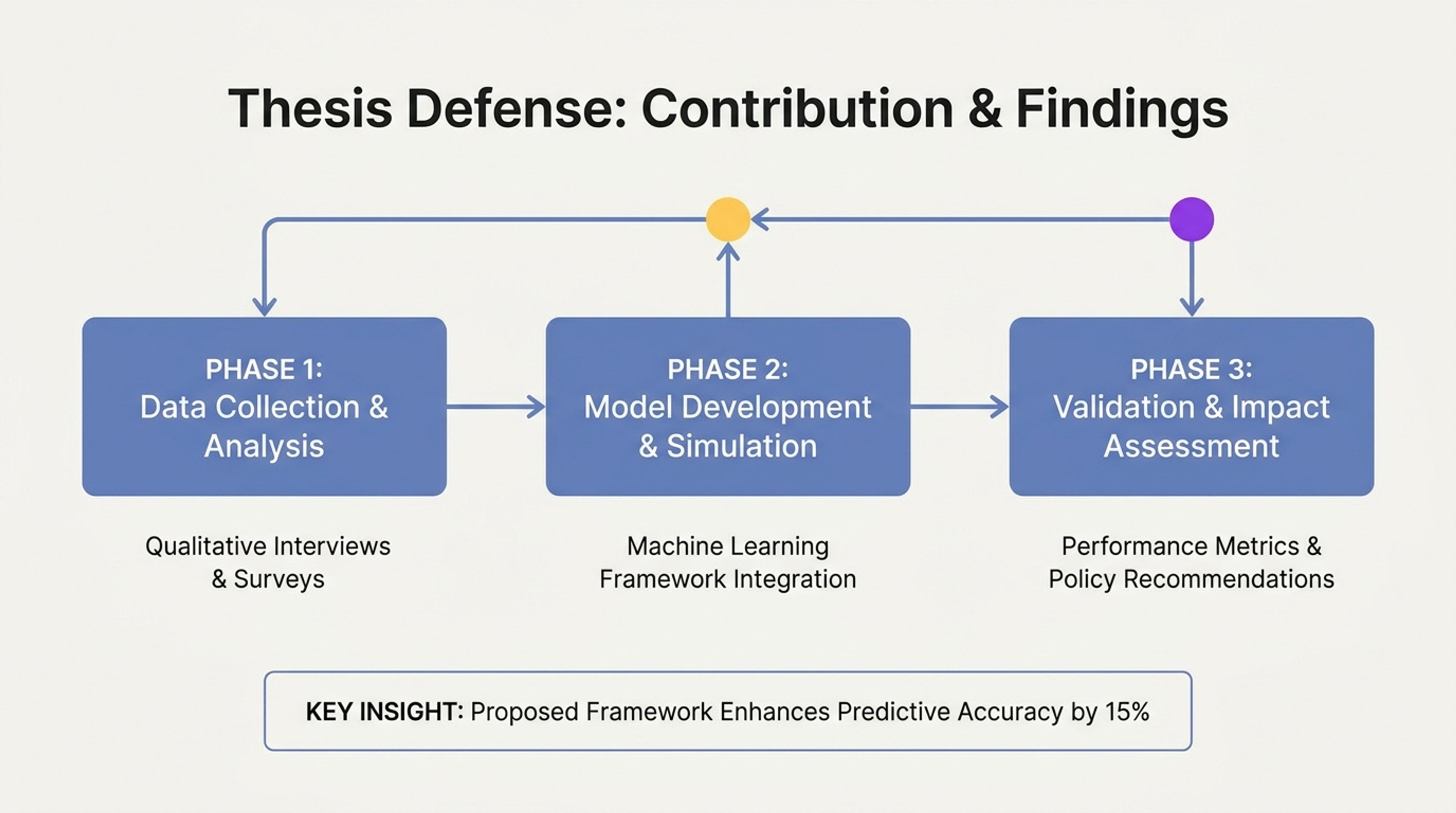
Turn rough presentation drafts into a more confident defense deck with cleaner structure and visual emphasis.
Improve lecture slides with clearer learning flow, stronger visuals, better examples, student prompts, recap moments, and more teachable slide hierarchy.
SlidesPilot reframes dense lecture content around what students need to understand, remember, and apply. The deck becomes easier to teach from and easier for students to follow.
Examples, questions, activities, checks for understanding, and recap moments can be placed where they support attention. This makes the lecture feel more active and purposeful.
The output can strengthen section flow, visual hierarchy, pacing, and slide clarity. Instructors can refine tone and examples for lectures, workshops, online courses, or training.
Upload the lecture slides, notes, lesson outline, examples, activities, or course material. Add the student level, session length, and learning objective so SlidesPilot can improve the deck for real teaching.

SlidesPilot identifies dense slides, unclear hierarchy, missing examples, weak transitions, and opportunities for student participation. It then reframes the deck around learning outcomes and attention flow.
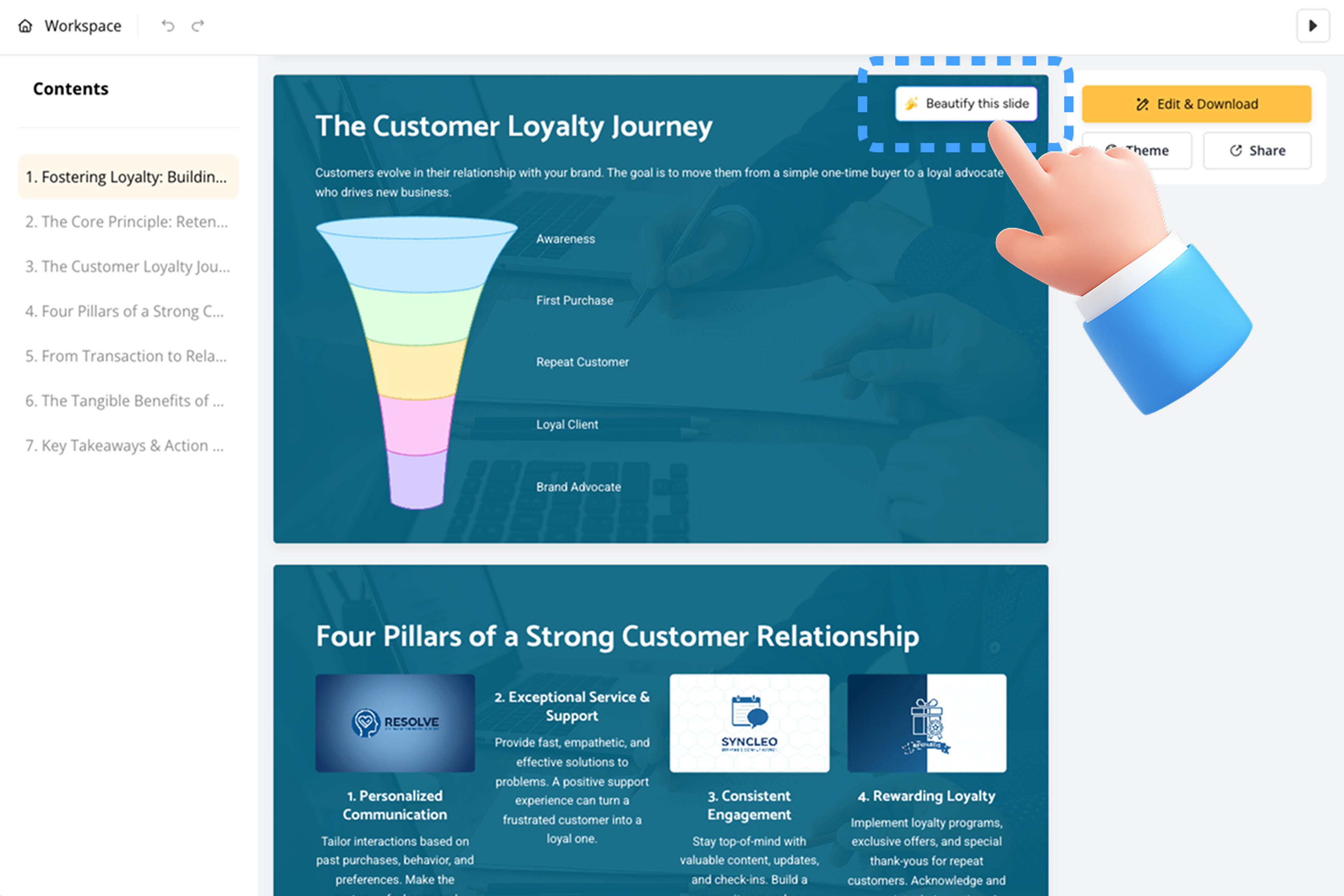
Choose the engagement style: more visuals, clearer explanations, discussion prompts, practice questions, recap slides, or stronger examples. A statistics lecture can gain concept visuals, mini checks, and clearer worked examples.
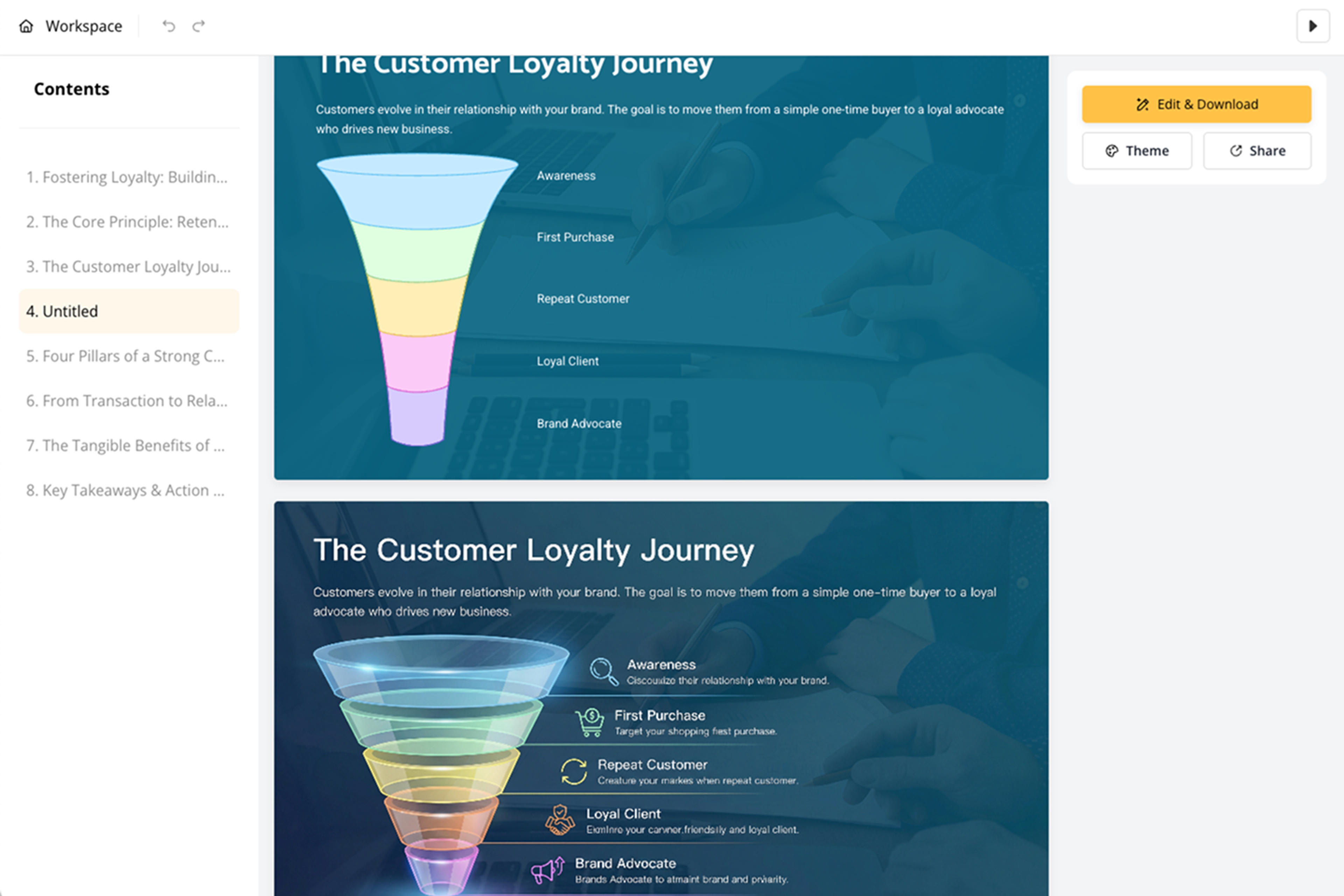
Generate a more engaging lecture deck with improved structure, slide hierarchy, examples, prompts, visuals, and takeaways. The presentation is designed to support teaching, not just display notes.
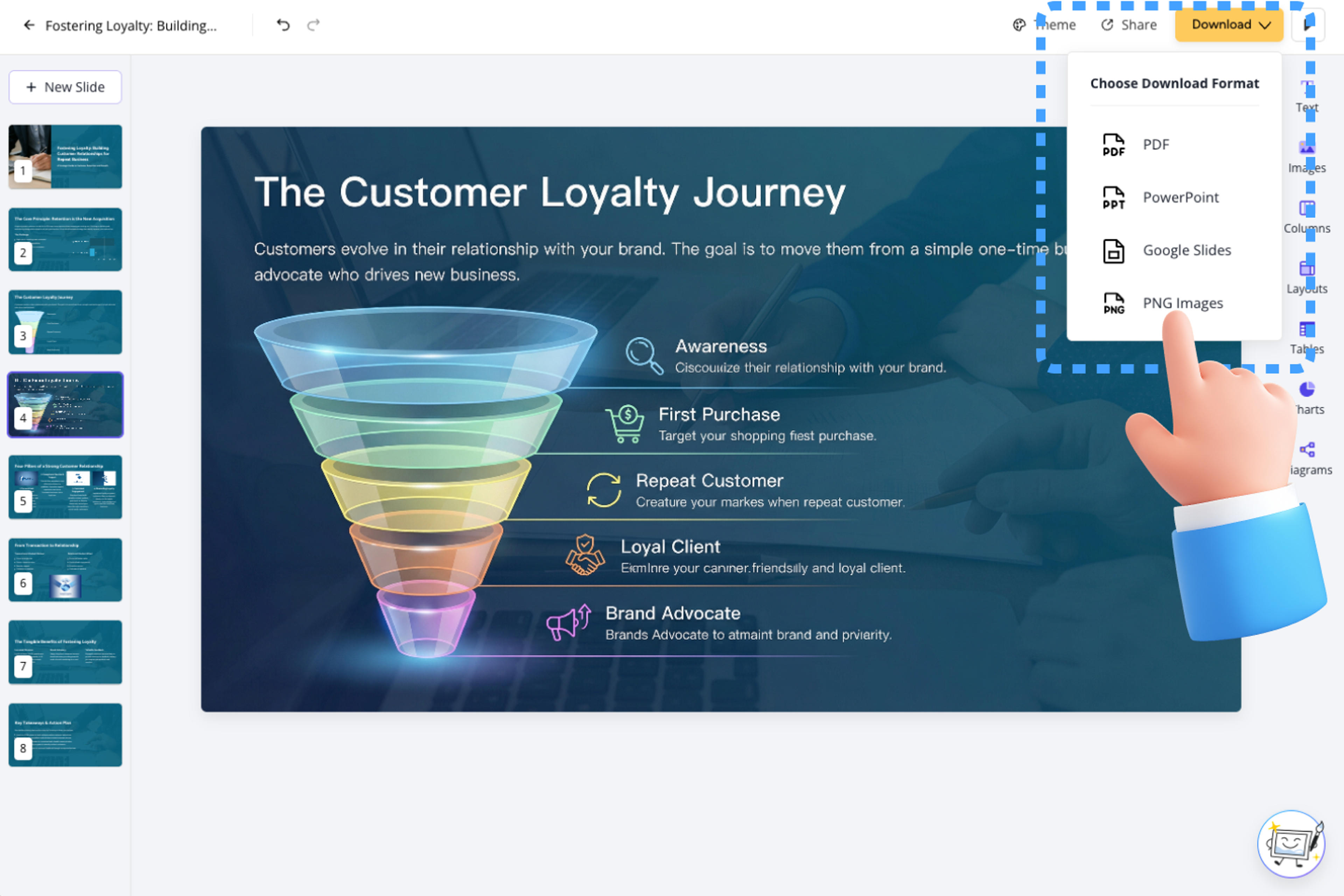
Refine pacing, activity prompts, explanation depth, visuals, and section order before export. The deck can be adapted for in-person lectures, online classes, workshops, or corporate training.
Making lecture slides engaging means improving learning flow. SlidesPilot focuses on clarity, examples, interaction, pacing, and visual hierarchy.

Learning objectives and key concepts become the backbone of the deck. Students can understand what each section is helping them learn.

Examples, visuals, and practice prompts can be added where they strengthen comprehension. This gives instructors more ways to keep attention.

Dense text can be reorganized into clearer slide hierarchy and section rhythm. The lecture becomes easier to deliver and easier to follow.

The editable output supports lectures, workshops, online courses, and training sessions. Instructors can adjust examples and activities for their class.
Yes. Upload the lecture deck or notes and SlidesPilot can improve structure, hierarchy, examples, visuals, prompts, recap slides, and student-friendly takeaways.
Engaging lecture slides usually have clear learning objectives, focused explanations, strong examples, visual cues, discussion prompts, practice moments, and concise recaps. SlidesPilot helps add those elements.
Yes. Discussion prompts, checks for understanding, practice questions, reflection moments, and recap activities can be added around the lecture content.
Yes. SlidesPilot improves the existing material by reorganizing, clarifying, and strengthening it. You can keep important concepts, examples, and instructor voice.
This workflow improves an existing lecture deck or notes. Lecture creation workflows build slides from a topic, syllabus, outline, or source material.
Yes. You can revise examples, prompts, visuals, pacing, slide order, and explanation detail before exporting the editable PowerPoint.
Use this page to improve an existing lecture deck. Choose syllabus, guide, tutorial, or document-to-PPT workflows when the source is a course plan, how-to material, or new slide-generation task.
Transform plain PowerPoint presentations into professional designs using AI
Transform written lesson plans into engaging PowerPoint presentations
Transform class notes into structured PowerPoint presentations
Turn lectures, webinars, training videos, and recordings into clear, editable PowerPoint presentations.
Transform textbooks into PowerPoint presentations
Use AI Presentation Generator when that workflow better matches your source or output.
Transform your work into a presentation, instantly. ⭐ #1 AI PowerPoint Generator | Trusted by 3 million users worldwide