
Save an embedded recording
Download audio stored inside your PowerPoint as a separate asset. Keep the recording accessible alongside your other project materials.
Bring the media inside your presentation back into your workflow. Extract embedded audio and videos for free, then download the files you want to reuse. Videos keep their original file formats.
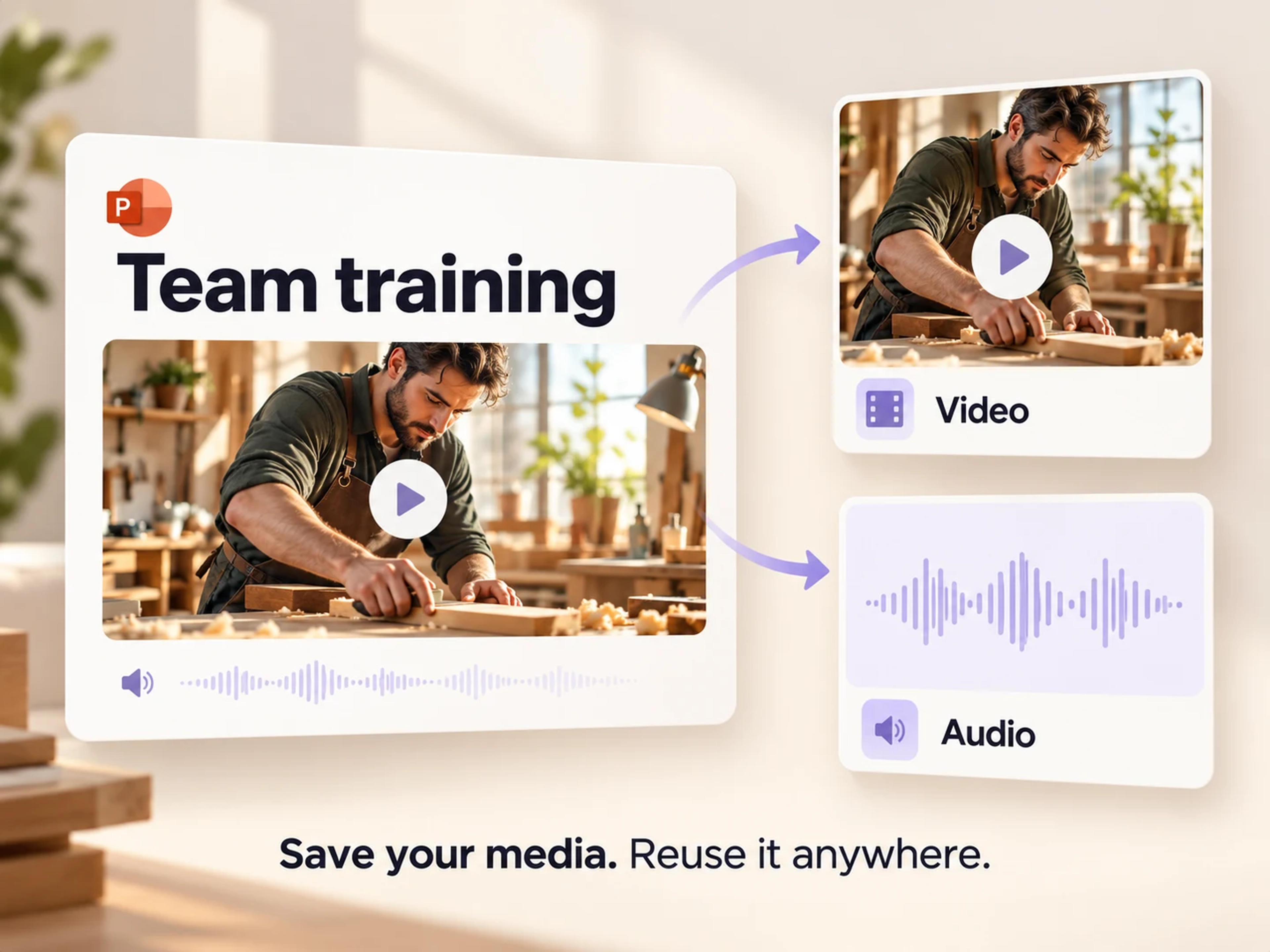
Open the free audio and video extractor, upload your PowerPoint, and download the media you need for your next project.
Extract Audio & Video FreeThe demonstration you need may already be in a training deck. The audio recording you want to reuse may be stored inside a presentation from last quarter. SlidesPilot helps you retrieve those embedded media files quickly, so you can save them separately and put them to work again.
Get the video file that is already part of your deck.
Save a product walkthrough, recorded demonstration, or training clip from the presentation that contains it. You receive the video as a separate file, ready to add to another deck or bring into your next editing project.
SlidesPilot extracts the existing video file in its original format. That gives you a straightforward download of the media you came for, with the file format already used by your source presentation.
Choose a single clip for a quick handoff, or select multiple videos from the deck when you are preparing a larger set of training or project materials. Keep the download focused on the clips you need.
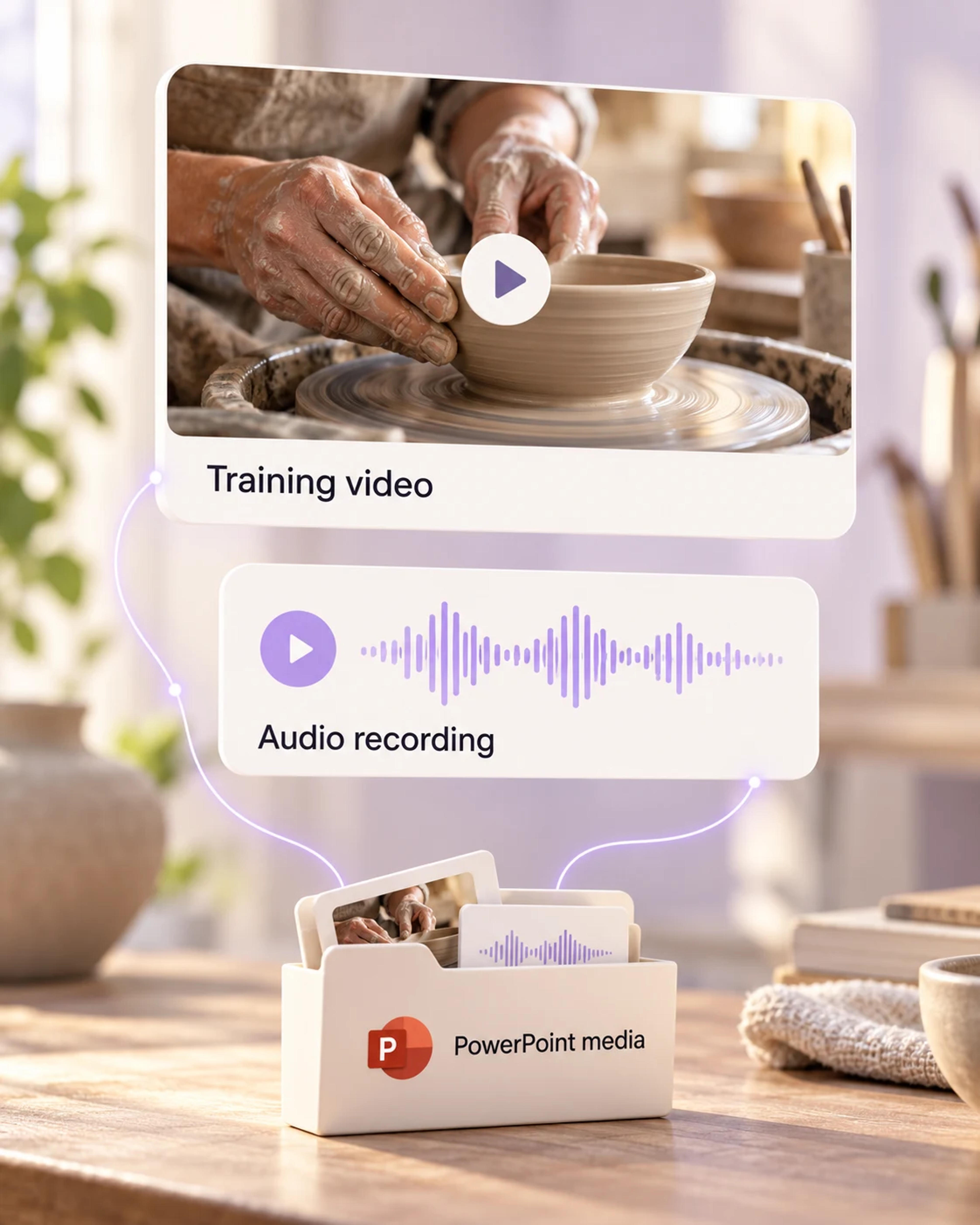
Recover the audio embedded in your presentation for the work that comes next.
Download audio stored inside your PowerPoint as a separate asset. Keep the recording accessible alongside your other project materials.
An audio explanation in a training presentation can become a useful starting asset for an updated lesson or a follow-up resource.
Give a teammate the recording they need for their next step. A separate audio file is easier to include in an editing or production handoff.
Retrieve embedded sound clips from an existing presentation and collect them with the assets for your next workshop or creative project.
Use the same PowerPoint media extractor for both kinds of embedded content. Start with the deck and download the assets relevant to your task.
SlidesPilot makes media extraction fast and convenient. Open the tool, upload your presentation, and move from the deck to downloadable media for free.
Start with the presentation that contains your media.
Open SlidesPilot's audio and video extractor and upload the PowerPoint containing the recordings or clips you want to save.
SlidesPilot extracts the embedded audio and video. Choose the media relevant to your task, whether that is a recording, one video, or several clips.
Save your extracted media. Video downloads keep the format stored in the presentation, ready for a new deck, a project handoff, or your next editing workflow.
Open SlidesPilot's free audio and video extractor and upload the presentation. Choose the embedded video you want to save, then download it as a separate file. You can select one video or multiple videos from the same deck.
Upload your presentation to the same SlidesPilot tool and download the audio embedded in the file. It is a convenient way to recover a recording or sound clip that you want to use separately from the slides.
Yes. SlidesPilot's PowerPoint audio and video extractor is free to use. Upload your presentation, extract its embedded media, and download the files you need.
Your video keeps the format stored in the PowerPoint. SlidesPilot extracts the existing video file and makes it available to download in that format.
Yes. The video extractor supports single and multiple video downloads. Choose one clip for a specific task or select several videos when you need a larger set of assets from the presentation.
Extracting a video gives you a video file already embedded in the presentation, such as a demonstration or recorded clip. Exporting a PowerPoint as a video creates a movie of the slideshow. Use SlidesPilot's extractor when the existing media file is the asset you want.
The tool retrieves audio embedded in the PowerPoint file. That can include recordings and sound clips saved as part of the presentation, giving you the existing audio as a downloadable asset.
You can upload a PowerPoint file up to 100 MB. Start with the presentation containing your media, then choose the extracted files you want to download.
Yes. Download the video in its stored file format, then bring it into the next presentation or project. This is useful for carrying a product demo, training clip, or recorded explanation into updated materials.
Prepare presentations and turn useful source material into your next deck.
Bring separate presentations together into one deck.
Prepare a lighter presentation for your next handoff.
Turn the content of a YouTube video into an editable presentation.
Save individual pictures or a selected ZIP package.
Export your speaking points as TXT, Markdown, or Word.
Recover embedded media from your PowerPoint, download what you need, and keep your next project moving. Free to use.