
TXT for a simple speaking script
Download your notes as plain text when you want the words in a lightweight, straightforward file. Open them in a text editor, keep them beside your rehearsal setup, or paste them into your preferred writing tool.
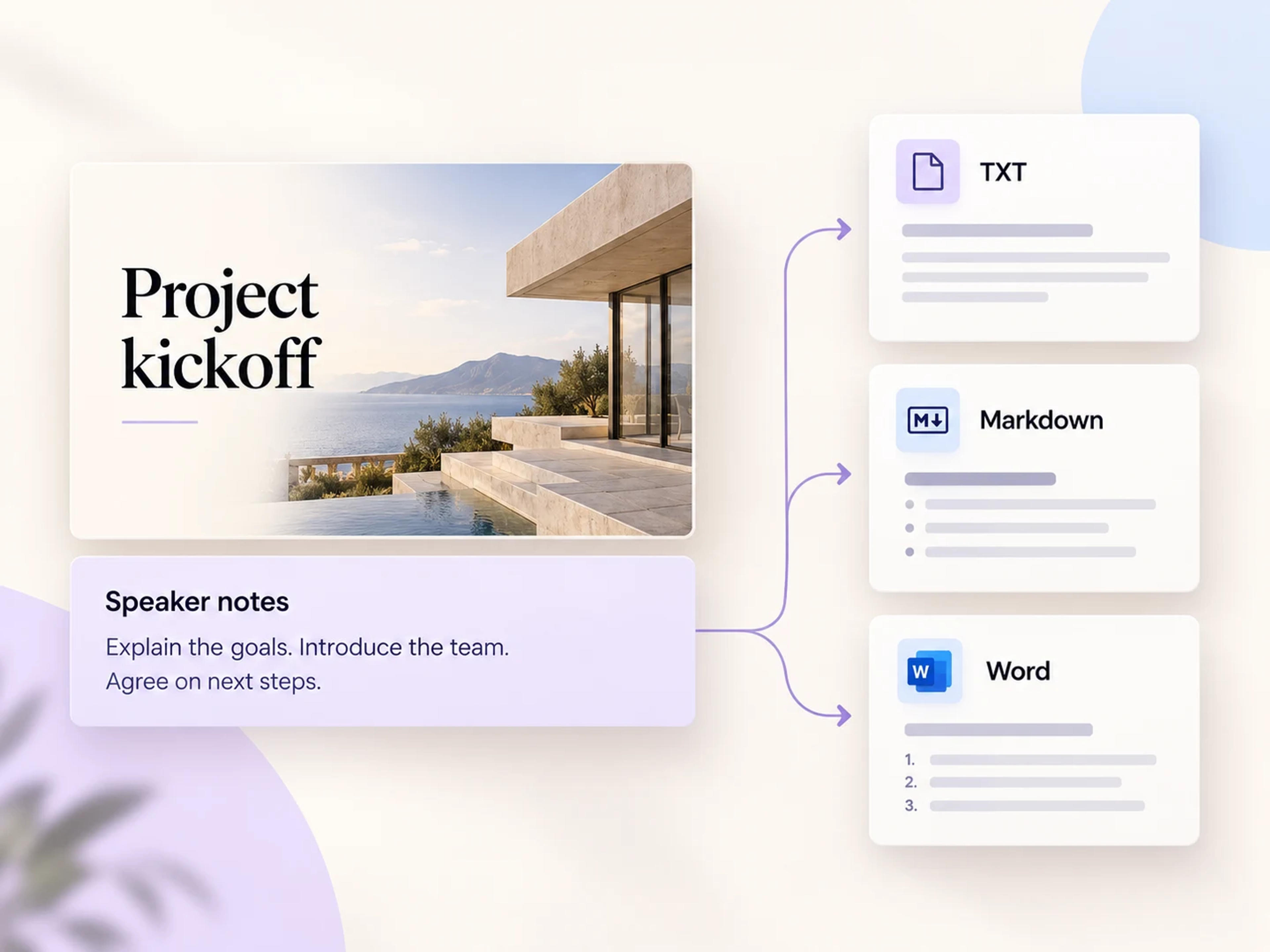
Take the words behind your slides into a document you can use. Export your existing speaker notes as TXT, Markdown, or Word for rehearsal, editing, and sharing. Free to use.
Open the free notes extractor, upload your PowerPoint, and choose the export format that fits your next step.
Extract Speaker Notes FreeThe slide might show a headline and a chart. Your speaker notes hold the explanation, the examples, and the transitions that make the presentation work. SlidesPilot extracts those existing notes into a separate document, giving you the words you prepared in a format you can edit, share, or rehearse from.
Three useful document formats, with a clear next step for each one.
Download your notes as plain text when you want the words in a lightweight, straightforward file. Open them in a text editor, keep them beside your rehearsal setup, or paste them into your preferred writing tool.
Export notes as Markdown to continue working in a Markdown editor or compatible workspace. It is a practical format for carrying presentation material into your research notes, project documentation, or next draft.
Export speaker notes to Word when the next step is a document. Refine the wording, add your own formatting, prepare a handout, or share the file with a colleague for a speaking-script handoff.
Keep your prepared talking points in an easy-to-read document while you practice. Work on the wording and transitions that connect the ideas across your presentation.
A deck can travel between teammates. A separate notes document helps the next presenter understand the examples, explanations, and intended message behind the slides.
Use the existing notes as source material for a facilitator guide, a lesson companion, or a written project update. Start from the explanation you have already prepared.
From the notes in your deck to a document you can work with.
Open the speaker notes extractor and upload the PowerPoint containing your notes. Start with the deck whose speaking points you want to save.
SlidesPilot quickly retrieves the notes saved in your presentation. Bring the explanation behind your slides into a separate, usable text workflow.
Download your notes in the format that suits your next step: plain text for a script, Markdown for your writing workspace, or Word for document editing and sharing.
Keep the ideas moving after extraction.
Continue with SlidesPilot AI
Your speaker notes already contain valuable explanations and ideas. After extracting them, use SlidesPilot's AI workflow in one click to turn that material into a new, beautifully designed PowerPoint. It is a natural next step when the content deserves a fresh presentation for a new audience.
Start with the explanation you already wrote: Carry the substance of your speaker notes into the new presentation workflow.
Give the material a fresh visual treatment: Use SlidesPilot AI to create a beautiful new PowerPoint around those ideas.
Continue from the notes extractor: Move into the AI presentation workflow in one click when you are ready for the next deck.

Open SlidesPilot's speaker notes extractor and upload your PowerPoint. The tool retrieves the existing notes saved in the presentation. Choose TXT, Markdown, or Word and download the document for your next task.
Yes. Extracting your existing speaker notes and exporting them as TXT, Markdown, or Word is free to use in SlidesPilot.
Yes. Choose Word as the export format to download your speaker notes as a document. You can then edit the wording, apply your preferred formatting, or share the file as a script or handout.
Yes. SlidesPilot supports TXT and Markdown exports as well as Word. TXT gives you a simple text file, while Markdown fits a Markdown-based writing or documentation workflow.
It saves the existing speaker notes stored with your slides: the talking points, explanations, and other text you prepared in PowerPoint's notes area. Those notes become the source for your exported document.
Export your speaker notes to Word, open the document, and use Word's print options. This gives you a document-based route to a printed script, with control over the text formatting and page layout before printing.
Yes. After extracting your notes, you can continue in one click with SlidesPilot's AI presentation workflow to turn the text into a new, beautifully designed PowerPoint. You can also download the notes for use in your own writing workflow.
Upload a PowerPoint file up to 100 MB. SlidesPilot extracts the notes saved in that presentation and lets you export them as TXT, Markdown, or Word.
Export the notes to Word or another supported document format and share that file alongside the presentation. The separate document makes it easy for a teammate to read the explanations and prepare their delivery.
Choose the next presentation workflow for your text or document.
Turn written ideas and talking points into a new presentation.
Build an editable deck from a document you have developed.
Bring your Markdown writing into a polished slide workflow.
Save individual pictures or a selected ZIP package.
Save the media embedded in your presentation.
Export the words behind your slides as TXT, Markdown, or Word. Ready to rehearse, edit, and share. Free to use.