

Explain the Assignment
SlidesPilot turns the homework prompt into a presentation that shows the task, topic, and expected answer path. This helps students present the work rather than simply show completed answers.
Transform homework assignments into PowerPoint presentations
Drag & drop your file here or
Move from assignment notes to a deck that explains the topic, solution path, and review points.
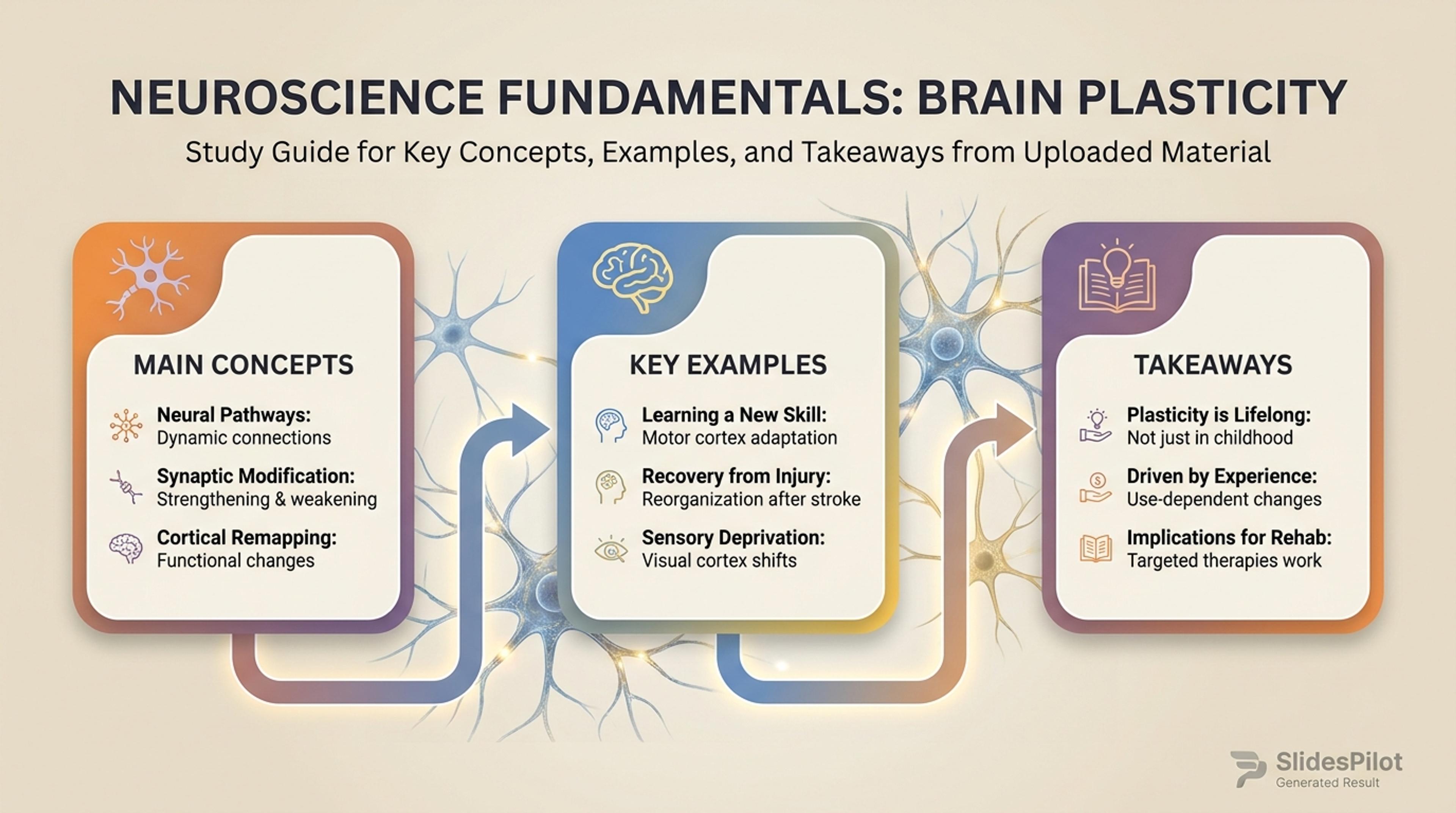
Summarize the main ideas from an assignment so students can review what matters before class or exams.
Turn homework material into a class-ready presentation with prompt overview, concept explanation, answer structure, evidence, examples, and final takeaway.
SlidesPilot turns the homework prompt into a presentation that shows the task, topic, and expected answer path. This helps students present the work rather than simply show completed answers.
Calculations, examples, reading notes, evidence, and answer drafts can become explanation slides. The deck makes the learning process visible to classmates, tutors, or teachers.
The generated presentation supports oral reports, tutoring, class review, and study groups. Users can edit examples, visuals, slide order, and conclusion before exporting.
Upload the homework prompt, worksheet, answer draft, reading notes, project instructions, examples, or teacher rubric. Add the subject, grade level, and presentation purpose.

SlidesPilot identifies the question requirements, key concepts, evidence, calculations, examples, and conclusion logic. This turns homework into a presentation structure that explains the work clearly.

Choose the explanation path. A science assignment can become slides for the question, concept, experiment notes, chart interpretation, answer reasoning, and final conclusion.

Generate a homework presentation with prompt overview, concept slides, worked explanation, evidence sections, examples, and takeaway. The deck is built for presenting understanding.

Refine language, examples, visuals, and answer detail before export. Students can adapt the deck for class presentation, tutoring session, study review, or teacher feedback.

Homework to PPT turns assignment work into an explainable presentation. SlidesPilot focuses on prompt, concept, reasoning, and classroom delivery.

The homework prompt becomes a clear opening slide that explains the task. This gives the audience context before answers or evidence appear.

Concepts, formulas, readings, and examples can become supporting slides. The presentation explains the learning behind the assignment.

Answer drafts and worked steps can be organized into reasoning sections. Students can show how they reached the conclusion.

The editable deck supports oral reports, tutoring, class recap, and study groups. Users can adjust detail level for the assignment and audience.
Yes. Upload the homework prompt, answer draft, worksheet, reading notes, or project instructions and SlidesPilot can create a presentation with concepts, reasoning, evidence, and conclusion slides.
Include the assignment prompt, subject, grade level, teacher instructions, examples, calculations, evidence, answer draft, and desired presentation length. This helps the deck fit the class task.
Yes. Worked examples, calculations, evidence, and reasoning can become slide sections that explain how the answer develops. This is useful for oral reports and tutoring.
Yes. The deck can include introduction, concept explanation, answer structure, examples, visuals, and final takeaway. You can edit the level of detail before presenting.
Homework to PPT creates a slide presentation from homework material. AI Homework Summarizer creates a written study brief that helps users understand the assignment.
Yes. You can revise wording, add examples, adjust visuals, change slide order, and export the editable deck for class, tutoring, or study review.
Use Homework to PPT when assignment material needs to become slides. Choose AI homework summarizer, tests, quizzes, or essay-outline workflows when the task is written study support or a more specific academic format.
Instantly transform long readings and assignments into concise summaries
Transform written lesson plans into engaging PowerPoint presentations
Transform textbooks into PowerPoint presentations
Turn quiz questions, answers, and explanations into engaging presentation slides
Transform your study notes into PowerPoint presentations
Turn notes, paragraphs, and ideas into a clear, editable PowerPoint presentation.
Transform your work into a presentation, instantly. ⭐ #1 AI PowerPoint Generator | Trusted by 3 million users worldwide