

Recognize Exam Patterns
SlidesPilot groups past-paper questions by topic, type, difficulty, and revision value. Students can see which patterns deserve attention before the next exam.
Transform exam papers into PowerPoint presentations instantly
Drag & drop your file here or
Use exam papers as source material for review slides, pattern spotting, and guided practice.
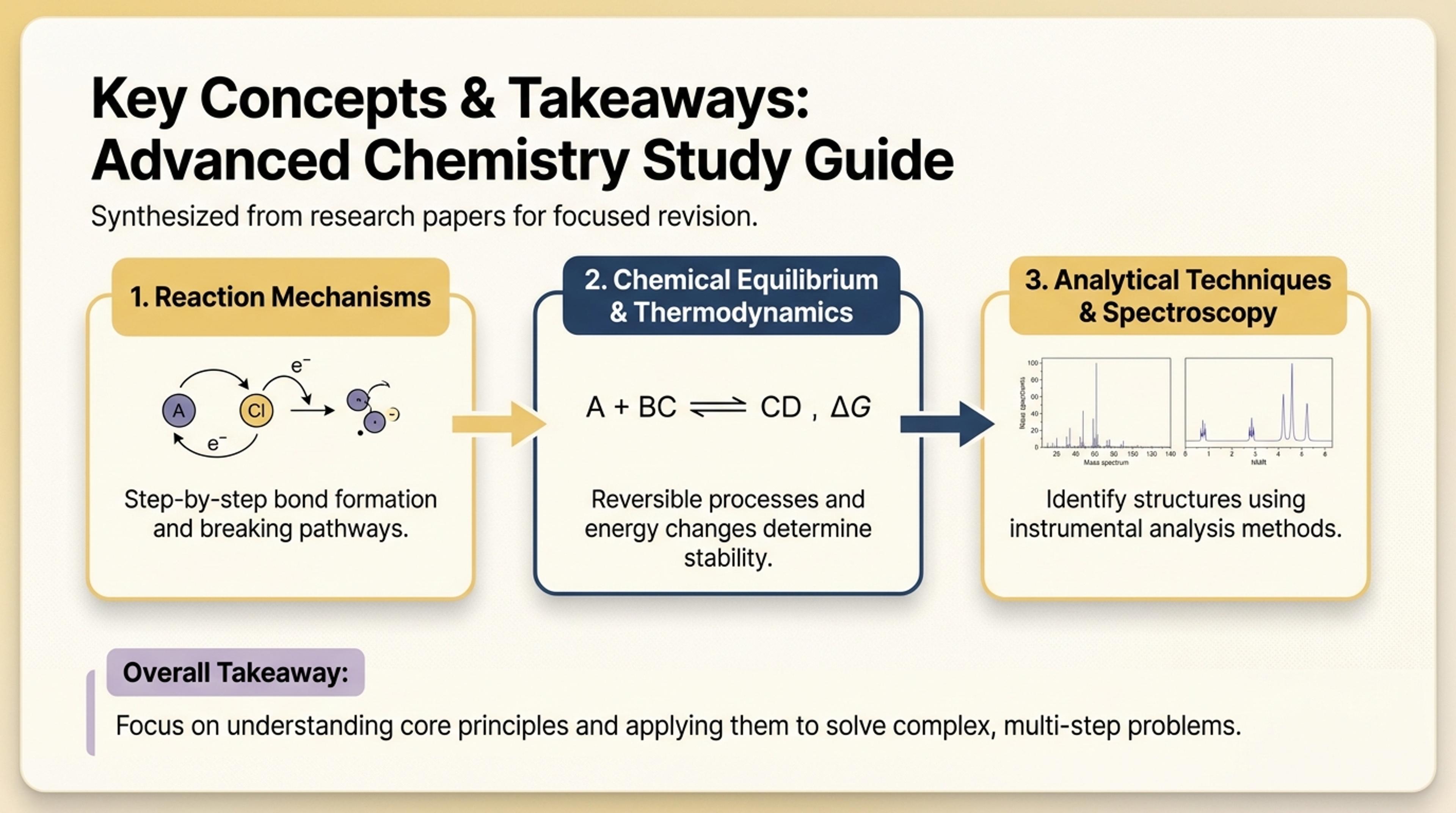
Summarize question types, expected skills, and common mistakes into slides for revision.
Turn past exam papers into revision presentations with question patterns, topic groups, answer explanations, marking logic, and exam-prep takeaways.
SlidesPilot groups past-paper questions by topic, type, difficulty, and revision value. Students can see which patterns deserve attention before the next exam.
Answer keys, marking schemes, model answers, and examiner notes can become walkthrough slides. Teachers can explain how marks are earned and how to approach similar questions.
The output supports class review, tutoring, self-study, and exam workshops. Users can edit question order, answer depth, and practice prompts.
Upload past papers, answer keys, marking schemes, question sets, model answers, or revision notes. Add the subject, exam board, grade level, and revision goal.

SlidesPilot identifies exam sections, topic patterns, recurring question types, answer logic, marking criteria, and revision priorities. This turns papers into a focused revision structure.

Group questions by topic and exam skill. A past economics paper can become slides for macro topics, data-response questions, essay prompts, marking expectations, model-answer structure, and revision tips.

Generate a past-paper revision deck with question groups, worked explanations, marking notes, topic summaries, and practice takeaways. The presentation helps students prepare strategically.

Refine answer detail, model examples, difficulty, question order, and recap slides before export. Use the deck for tutoring, class review, revision workshops, or self-study.

Past Papers to PPT turns exam material into revision slides. SlidesPilot focuses on question patterns, marking logic, and topic-based preparation.

Past-paper questions are grouped by topic, type, and skill. This helps students recognize patterns across exam materials.

Marking schemes, answer keys, and model responses can become explanation slides. The deck shows how to earn marks.

Revision priorities and common question formats can be highlighted. Students get a clearer plan for exam preparation.

The editable output supports class review, tutoring, workshops, and independent study. Teachers can adjust examples and difficulty.
Yes. Upload past exam papers, answer keys, marking schemes, or model answers and SlidesPilot can create a revision deck with topic groups, walkthroughs, and exam-prep takeaways.
Yes. Questions can be grouped by subject, chapter, skill, difficulty, question type, or exam section. Topic grouping makes revision sessions easier to follow.
Yes. Marking criteria, answer keys, model responses, and examiner-style notes can become explanation slides that show how answers earn marks.
Yes. The deck can include question patterns, answer strategies, common mistakes, worked examples, and final revision priorities for class or self-study.
Past Papers to PPT focuses on exam revision from previous papers. Tests to PPT is broader and works for any test, exam, quiz, or assessment material.
Yes. You can adjust question order, answer explanations, topic grouping, difficulty, and recap slides before exporting the editable PowerPoint.
Use Past Papers to PPT for exam revision from previous papers. Choose tests, quiz summarizer, homework, or lesson workflows when the assessment task is broader or needs a different output.
Transform exams and quizzes into PowerPoint presentations
Turn quiz questions, answers, and explanations into engaging presentation slides
Transform lengthy quizzes into concise study guides instantly
Transform textbooks into PowerPoint presentations
Transform written lesson plans into engaging PowerPoint presentations
Turn reports, papers, and documents into clear, structured, editable PowerPoint presentations with AI.
Transform your work into a presentation, instantly. ⭐ #1 AI PowerPoint Generator | Trusted by 3 million users worldwide