
Turn Branches into Sections
SlidesPilot reads the central idea, branches, sub-branches, and relationships in the map. It then converts the visual structure into a presentation sequence with clear sections and transitions.
Transform visual mind maps into structured PowerPoint presentations
Preview how SlidesPilot can turn your source material into a clearer deck before you export or share the result.
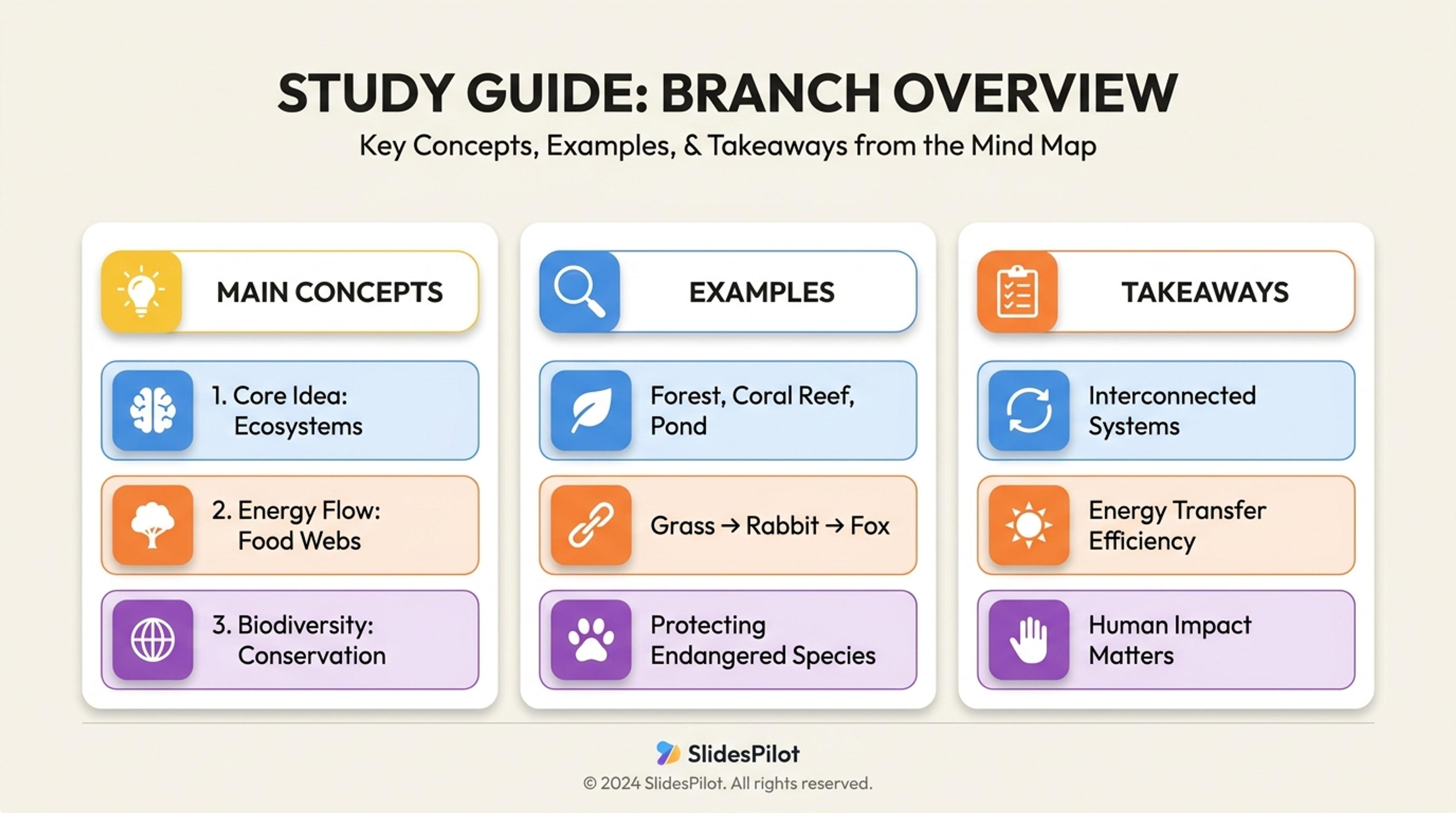
Turn mind-map branches and notes into a study guide deck with the main concepts, examples, and takeaways first.
Convert a mind map into a linear presentation story by turning branches, relationships, priorities, and examples into slides people can follow.
SlidesPilot reads the central idea, branches, sub-branches, and relationships in the map. It then converts the visual structure into a presentation sequence with clear sections and transitions.
Related branches can be grouped into themes, priorities, arguments, or workflow stages. This helps teams move from brainstorming to a deck that supports decisions, teaching, strategy, or planning.
The output turns scattered ideas into an opening thesis, section flow, supporting examples, and final takeaways. Users can refine order, emphasis, and visuals before exporting.
Upload or paste the mind map, concept map, hierarchy notes, brainstorm outline, or exported text from a mapping tool. Include the goal of the deck, such as class presentation, strategy discussion, workshop recap, or project planning.
SlidesPilot identifies the central idea, main branches, sub-branches, and relationship patterns. This helps the AI decide which ideas should become major sections and which should support them.
Group branches into a linear slide sequence. A product onboarding mind map, for example, can become slides for user goals, activation barriers, feature ideas, experiment themes, and roadmap decisions.
Generate a presentation with an introduction, theme sections, supporting examples, relationship explanations, and final takeaways. The deck translates the visual map into a story that works for an audience.
Refine slide order, branch names, examples, and visual emphasis before export. You can keep the mind-map logic visible or turn it into a more polished strategy, lesson, or proposal deck.
Mind Map to PPT has a distinct task: converting non-linear thinking into a clear slide sequence. SlidesPilot preserves relationships while making the ideas presentable.

The central idea and branch hierarchy become the foundation of the presentation. This gives the deck a clear starting point instead of a flat list of brainstorm notes.

Related branches are clustered into themes, stages, priorities, or arguments. This helps the audience understand the pattern behind the ideas.

Connections between branches can become transition logic and supporting explanations. The final deck shows why ideas belong together and how they lead to a conclusion.

The editable presentation supports workshops, student projects, product planning, strategy decks, and concept explanations. Users can tune the structure for the audience and speaking time.
Yes. Add a mind map, concept map, hierarchy, or brainstorm export and SlidesPilot can turn it into a slide deck with a clear opening, grouped sections, supporting ideas, and final takeaways.
SlidesPilot identifies the central idea, main branches, sub-branches, and relationships. It then creates a linear sequence so the audience can follow the ideas in presentation form.
Yes. You can keep branch relationships visible through section slides, comparison slides, or visual hierarchy. You can also turn the map into a more polished narrative deck.
Use concept maps, brainstorms, study maps, strategy maps, product planning maps, workshop maps, and project-planning diagrams. The best results come from maps with clear central ideas and meaningful branches.
Mind Map to PPT is for branching, visual, or non-linear idea structures. Outline to PPT is for already ordered notes where the slide sequence is mostly defined.
Yes. You can change the order, rename sections, adjust examples, add visuals, and export an editable PowerPoint. This makes it easy to move from brainstorm to polished presentation.
Use Mind Map to PPT when ideas start as branches and relationships. Choose outline, essay-outline, text, or project workflows when the source is already linear or tied to a more specific presentation task.
Turn a structured outline into a clear, editable PowerPoint presentation with sections and slide flow already organized.
Turn notes, paragraphs, and ideas into a clear, editable PowerPoint presentation.
Transform detailed project proposals into winning PowerPoint presentations
Use AI Presentation Generator when that workflow better matches your source or output.
Transform manuals and guides into PowerPoint presentations
Transform plain PowerPoint presentations into professional designs using AI
Transform your work into a presentation, instantly. ⭐ #1 AI PowerPoint Generator | Trusted by 3 million users worldwide